Description
- logo grid with text in middle, hover logo will slide up with same logo
- view demo – password: abc
- buy me a coffee

#1. Install Code
#1.1. First, add a Gallery – Grid: Simple section
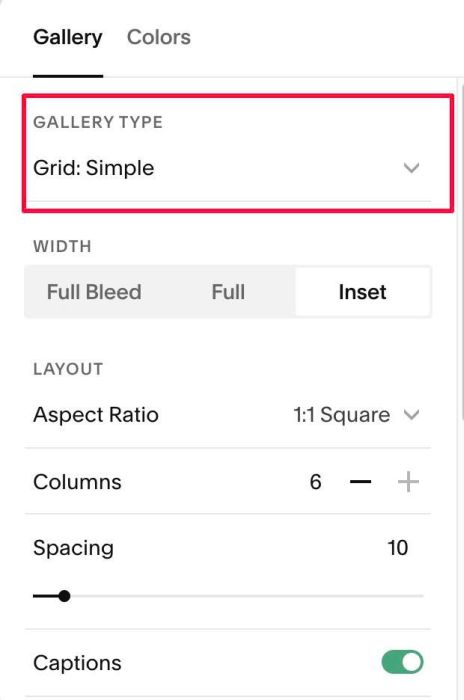
#1.2. Make sure you enabled Captions & enter text: rotate-logo-text in Anchor Link
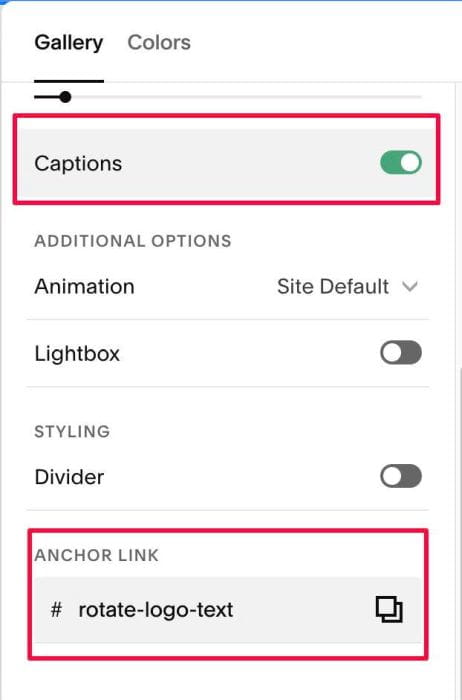
#1.3. Make sure you use 6 Columns

#1.4. Make sure you added your desired text to THIRD IMAGE

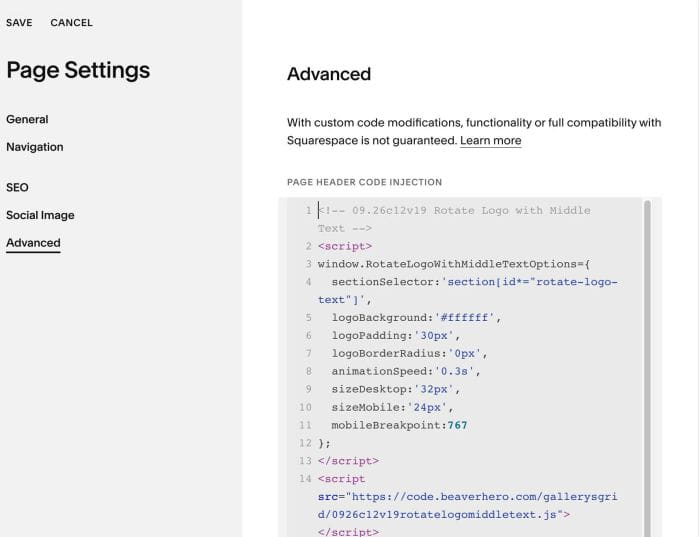
#1.5. Next, use code to Page Header Injection
<!-- 09.26c12v19 Rotate Logo with Middle Text -->
<script>
window.RotateLogoWithMiddleTextOptions={
  sectionSelector:'section[id*="rotate-logo-text"]',
  logoBackground:'#ffffff',
  logoPadding:'30px',
  logoBorderRadius:'0px',
  animationSpeed:'0.3s',
  sizeDesktop:'32px',
  sizeMobile:'24px',
  mobileBreakpoint:767
};
</script>
<script src="https://code.beaverhero.com/gallerysgrid/0926c12v19rotatelogomiddletext.js"></script>
#2. Customize
#2.1. To change logo white background/space around logo, change line 05, 06
logoBackground:'#ffffff',
logoPadding:'30px',
#2.2. To change text size, change line 09, 10
sizeDesktop:'32px',
sizeMobile:'24px',