Description
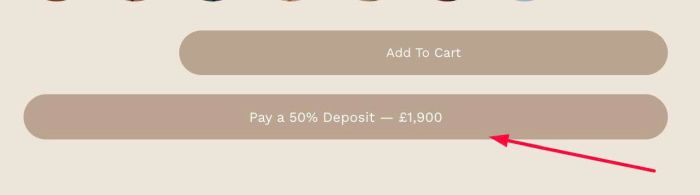
- change add on product to a custom button, click button will add add on product to cart
- buy me a coffee
#1. Install Code
#1.1. Use code to Code Injection > Footer
<!-- 10.26c16v1 Add on product to Button -->
<script>
window.DepositButtonConfig = {
  label: 'Pay a 50% Deposit',
  background: '#baa490',
  color: '#ffffff',
  borderRadius: '100px',
  spacing: '12px',
  height: '55px',
  fontSize: '17px'
};
</script>
<script src="https://code.beaverhero.com/productdetail/1026c16v1addonproductbutton.js"></script>
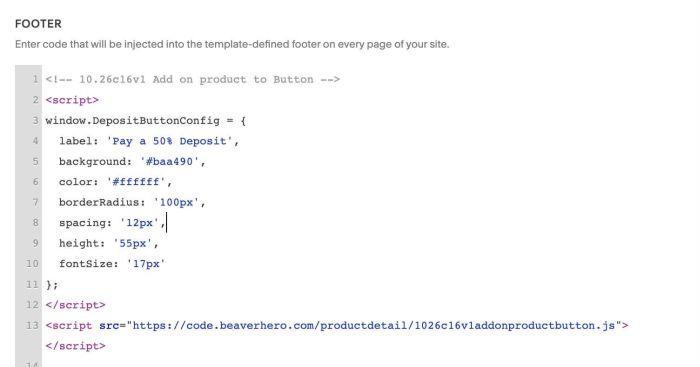
#1.2. You can adjust style here
- label = button text
- background = button background color
- color = button text color
- height = button height
- fontSize = button text size
label: 'Pay a 50% Deposit',
background: '#baa490',
color: '#ffffff',
borderRadius: '100px',
spacing: '12px',
height: '55px',
fontSize: '17px'