Description
- adding a subtle zoom to the image when hovering over a List Section item, a small touch that makes cards feel more interactive
- buy me a coffee

#1. Install Code
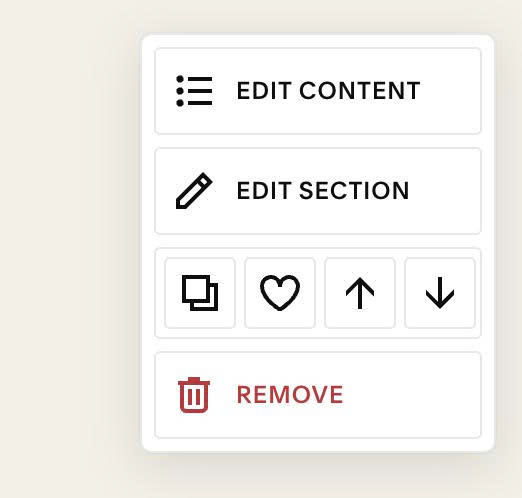
#1.1. First, hover on top right of section > Click EDIT SECTION
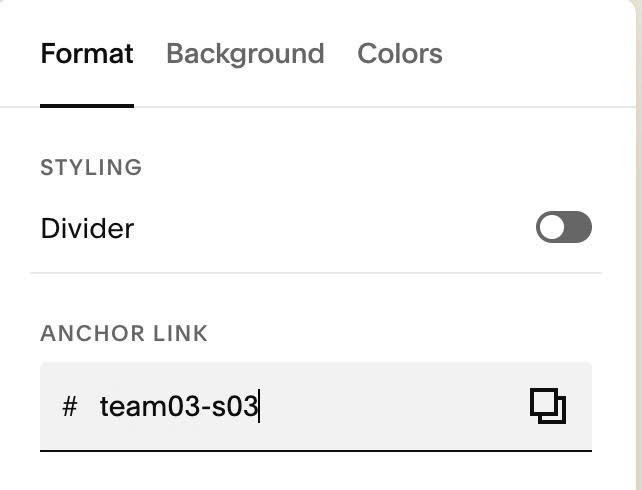
#1.2. at Format > Anchor Link > enter word: team03-s03
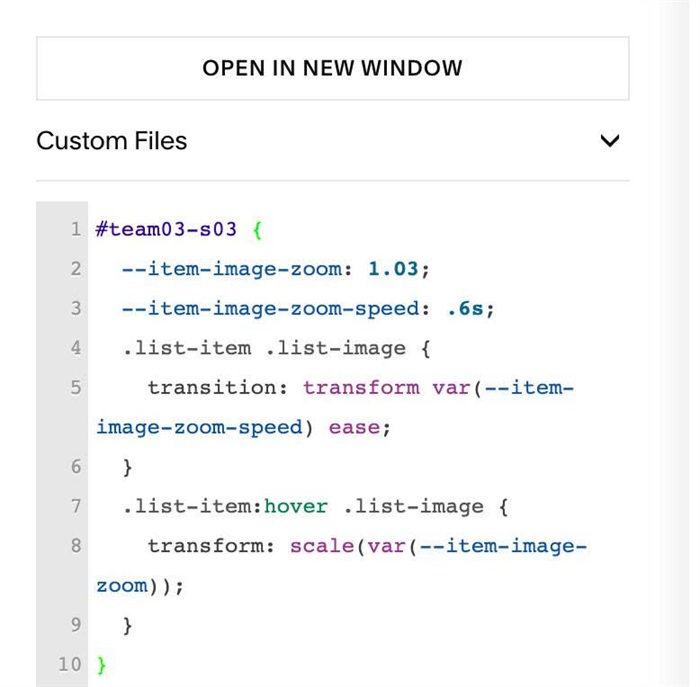
#1.3. Next, use this code to Custom CSS
#team03-s03 {
  --item-image-zoom: 1.03;
  --item-image-zoom-speed: .6s;
  .list-item .list-image {
    transition: transform var(--item-image-zoom-speed) ease;
  }
  .list-item:hover .list-image {
    transform: scale(var(--item-image-zoom));
  }
}
#1.4. To change zoom ratio, change this line
--item-image-zoom: 1.03;