To add List Carousel, you can follow these
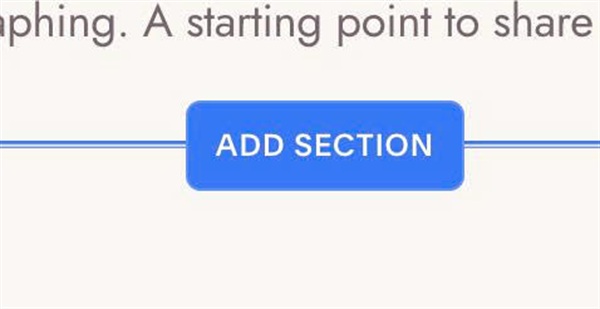
#1. First, click Add Section
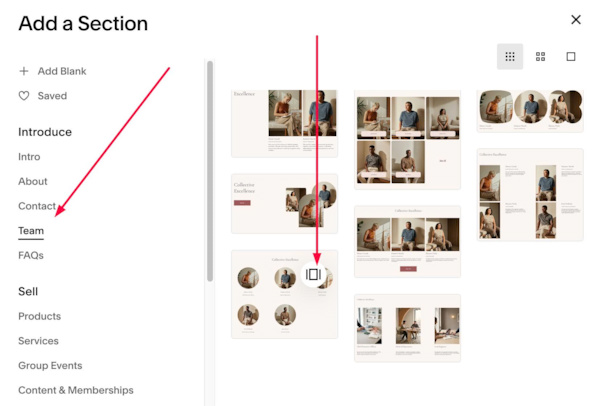
#2. Click Team > Choose Section with icon in top right
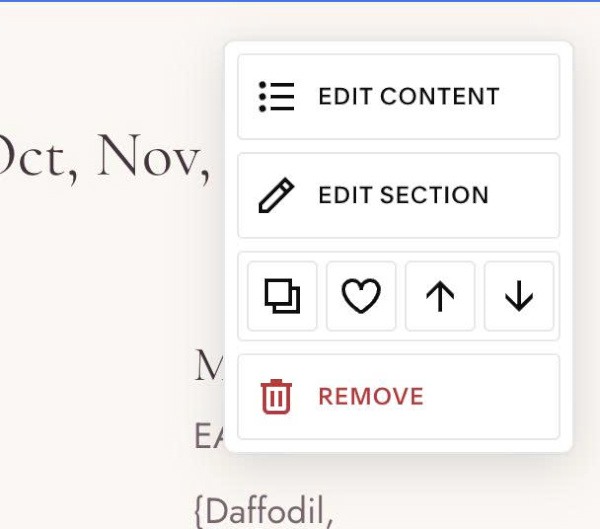
#3. Hover on top right of section > Click EDIT CONTENT
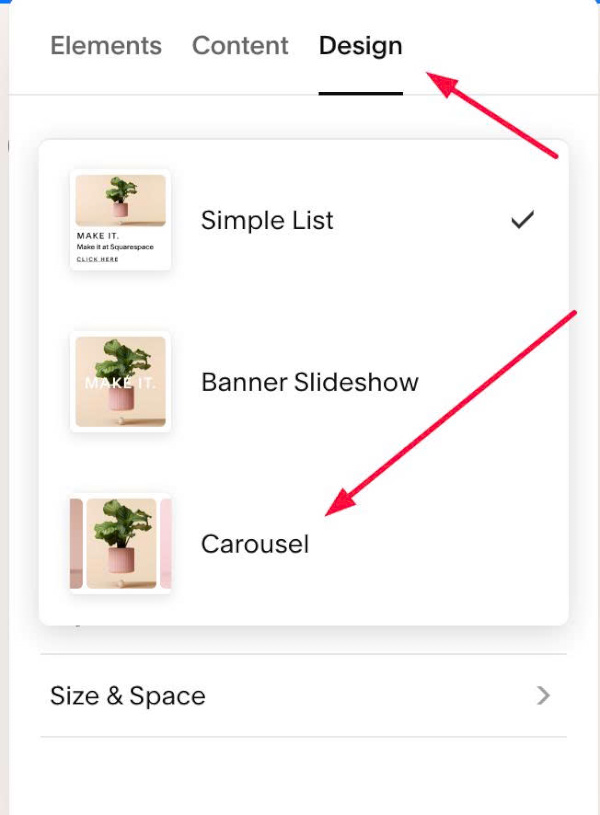
#4. Click Design > Choose Carousel
To add List Carousel, you can follow these
#1. First, click Add Section
#2. Click Team > Choose Section with icon in top right
#3. Hover on top right of section > Click EDIT CONTENT
#4. Click Design > Choose Carousel