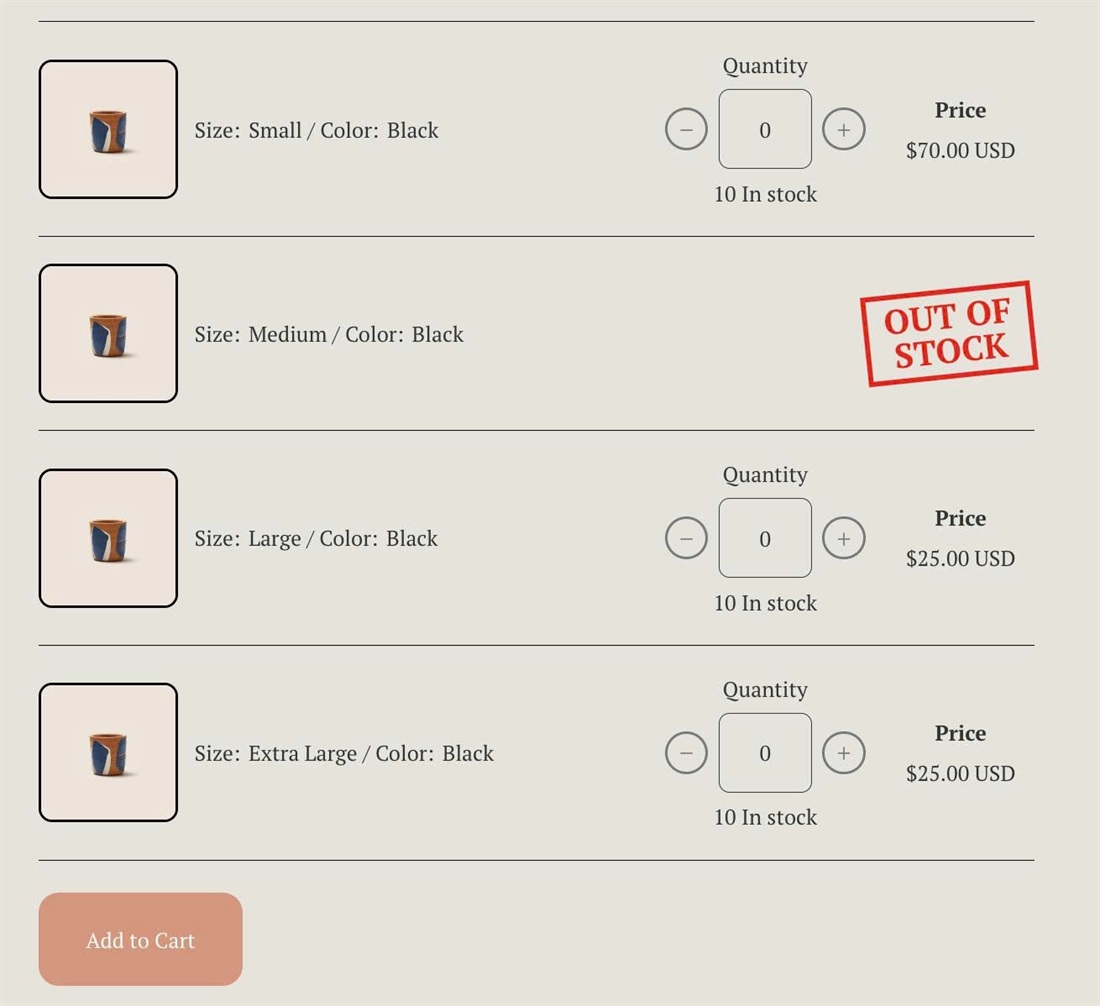
Selling the same product in many sizes or colors? This code turns the product page into an order form: each variant gets its own row with a quantity picker, sold-out variants get an “OUT OF STOCK” stamp, and one Add to Cart button adds everything at once.
#1. Install Code
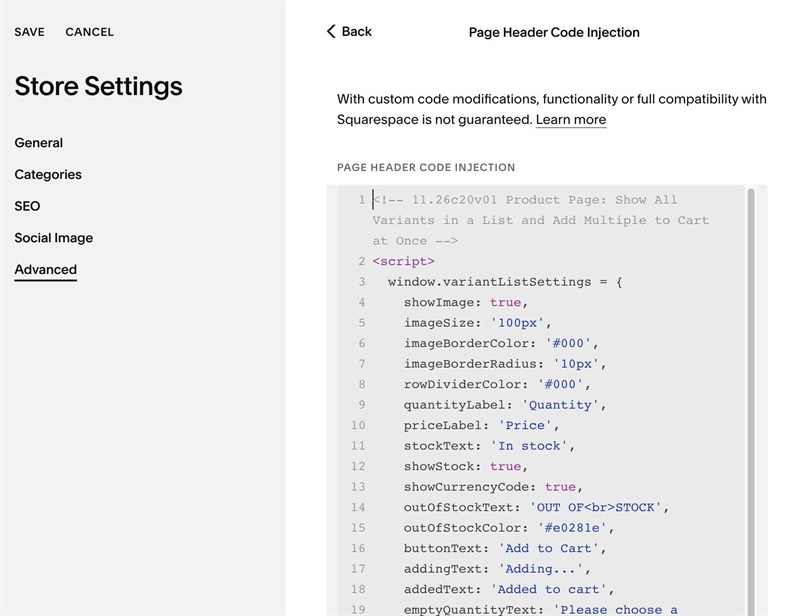
#1.1. First, use this code to Store Page Header Injection
<!-- 11.26c20v01 Product Page: Show All Variants in a List and Add Multiple to Cart at Once -->
<script>
  window.variantListSettings = {
    showImage: true,
    imageSize: '100px',
    imageBorderColor: '#000',
    imageBorderRadius: '10px',
    rowDividerColor: '#000',
    quantityLabel: 'Quantity',
    priceLabel: 'Price',
    stockText: 'In stock',
    showStock: true,
    showCurrencyCode: true,
    outOfStockText: 'OUT OF<br>STOCK',
    outOfStockColor: '#e0281e',
    buttonText: 'Add to Cart',
    addingText: 'Adding...',
    addedText: 'Added to cart',
    emptyQuantityText: 'Please choose a quantity',
    errorText: 'Something went wrong, please try again',
    goToCartAfterAdd: false,
  };
</script>
<script src="https://code.beaverhero.com/productdetail/1126c20v01wholesaleorderlist.js"></script>
#1.2. Customize
To change text in the list, you can change these lines
    quantityLabel: 'Quantity',
    priceLabel: 'Price',
    stockText: 'In stock',
 outOfStockText: 'OUT OF<br>STOCK',
buttonText: 'Add to Cart',
    addingText: 'Adding...',
    addedText: 'Added to cart',
    emptyQuantityText: 'Please choose a quantity',
    errorText: 'Something went wrong, please try again',
To change Line Color (line between items), edit this
rowDividerColor: '#000',
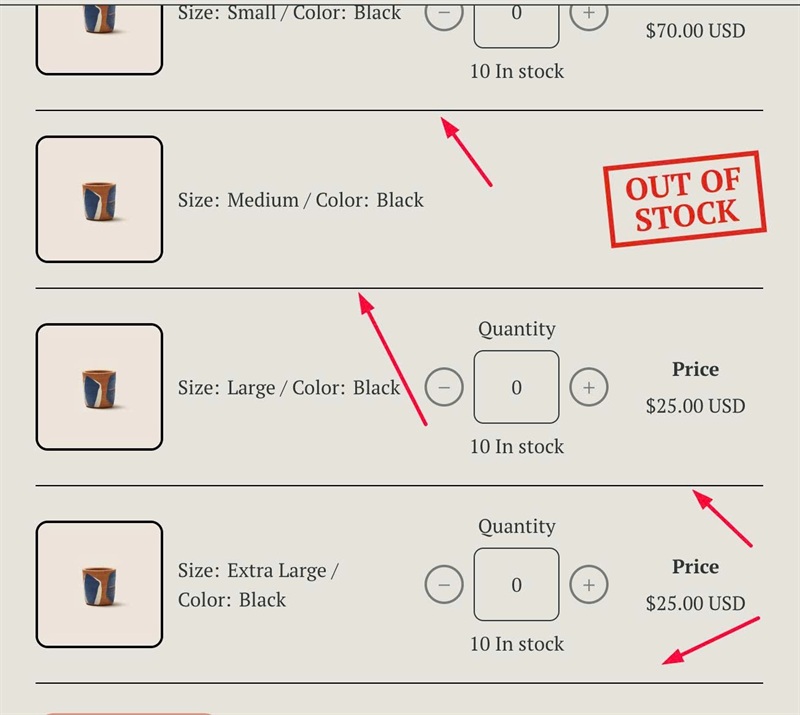
To change product image size, change this
imageSize: '100px',