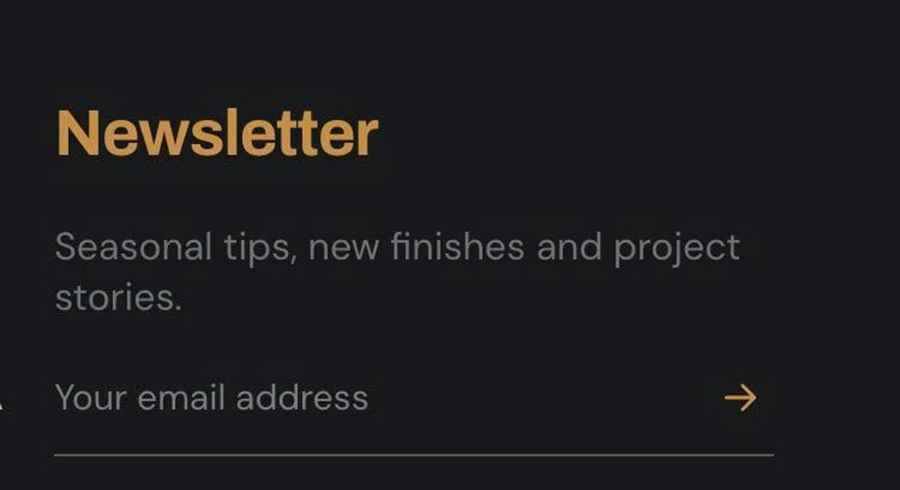
The Newsletter Block always shows a boxed field and a full Subscribe button, which can feel heavy in a footer. This code turns it into a single underlined email field with a small arrow button at the end of the line.
#1. Install Code
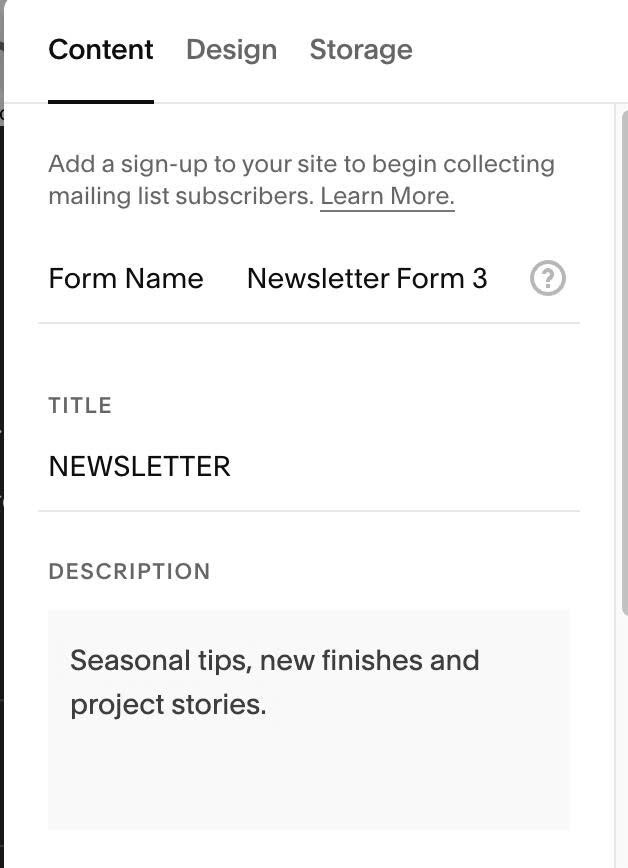
#1.1. First, use Newsletter with settings like this
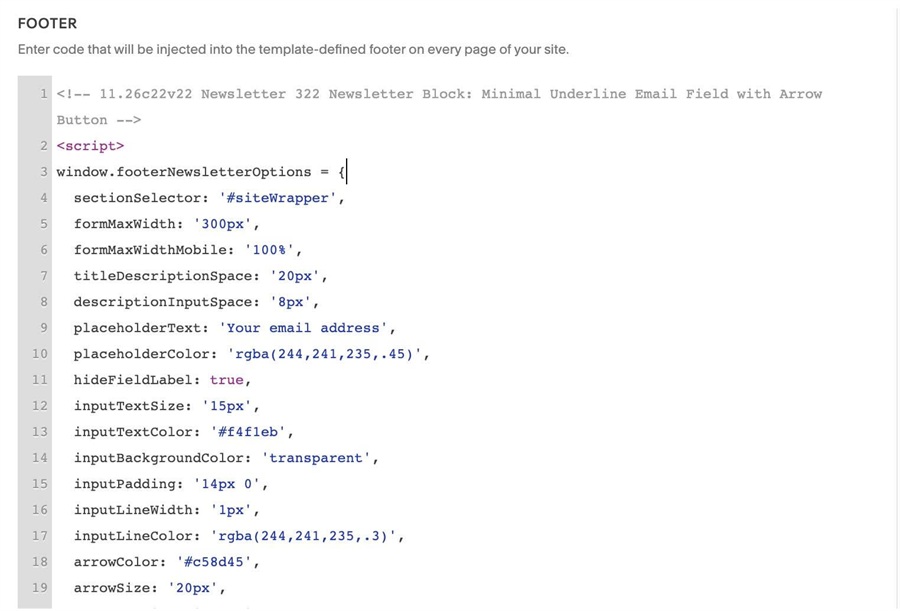
#1.2. Use code to Code Injection > Footer
<!-- 11.26c22v22 Newsletter 322 Newsletter Block: Minimal Underline Email Field with Arrow Button -->
<script>
window.footerNewsletterOptions = {
  sectionSelector: '#siteWrapper',
  formMaxWidth: '300px',
  formMaxWidthMobile: '100%',
  titleDescriptionSpace: '20px',
  descriptionInputSpace: '8px',
  placeholderText: 'Your email address',
  placeholderColor: 'rgba(244,241,235,.45)',
  hideFieldLabel: true,
  inputTextSize: '15px',
  inputTextColor: '#f4f1eb',
  inputBackgroundColor: 'transparent',
  inputPadding: '14px 0',
  inputLineWidth: '1px',
  inputLineColor: 'rgba(244,241,235,.3)',
  arrowColor: '#c58d45',
  arrowSize: '20px',
  arrowPadding: '0 4px'
};
</script>
<script src="https://code.beaverhero.com/newsletter/1126c22v22newsletter322.js"></script>
#1.3. Customize
To change space between Newsletter Title – Description – Input, edit this
titleDescriptionSpace: '20px',
 descriptionInputSpace: '8px',
To change Placeholder/placeholder color
placeholderText: 'Your email address',
  placeholderColor: 'rgba(244,241,235,.45)',
To change Email input style
inputTextSize: '15px',
  inputTextColor: '#f4f1eb',
  inputBackgroundColor: 'transparent',
  inputPadding: '14px 0',
  inputLineWidth: '1px',
  inputLineColor: 'rgba(244,241,235,.3)',
To change arrow icon style
arrowColor: '#c58d45',
arrowSize: '20px',
arrowPadding: '0 4px'