- If you need Support, message me on forum or email me: [email protected]
- Buy me a coffee
Description: change portfolio item in Portfolio Overview Page to custom page/url
#1. Install Code
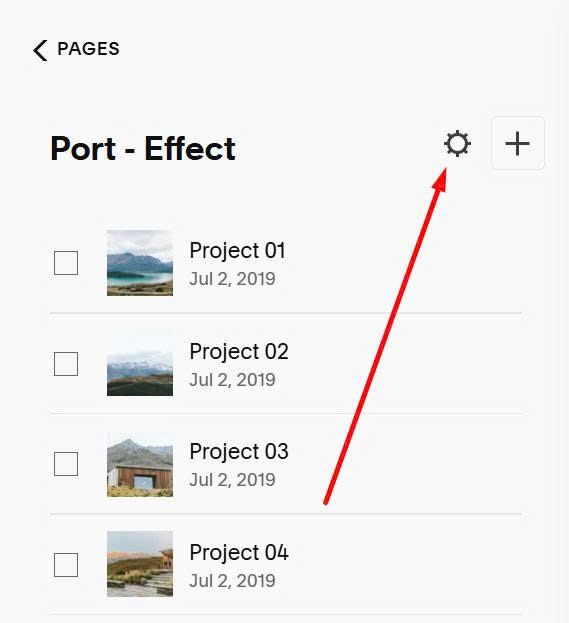
First, click Gear icon on Portfolio Page
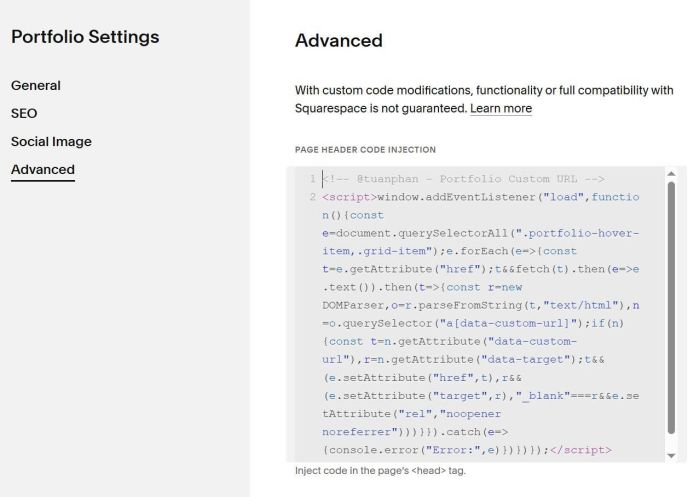
Click Advanced > Paste this code
<!-- @tuanphan - Portfolio Custom URL -->
<script>window.addEventListener("load",function(){const e=document.querySelectorAll(".portfolio-hover-item,.grid-item");e.forEach(e=>{const t=e.getAttribute("href");t&&fetch(t).then(e=>e.text()).then(t=>{const r=new DOMParser,o=r.parseFromString(t,"text/html"),n=o.querySelector("a[data-custom-url]");if(n){const t=n.getAttribute("data-custom-url"),r=n.getAttribute("data-target");t&&(e.setAttribute("href",t),r&&(e.setAttribute("target",r),"_blank"===r&&e.setAttribute("rel","noopener noreferrer")))}}).catch(e=>{console.error("Error:",e)})})});</script>
#2. Usage
Edit Portfolio item where you want to change it to custom page/url
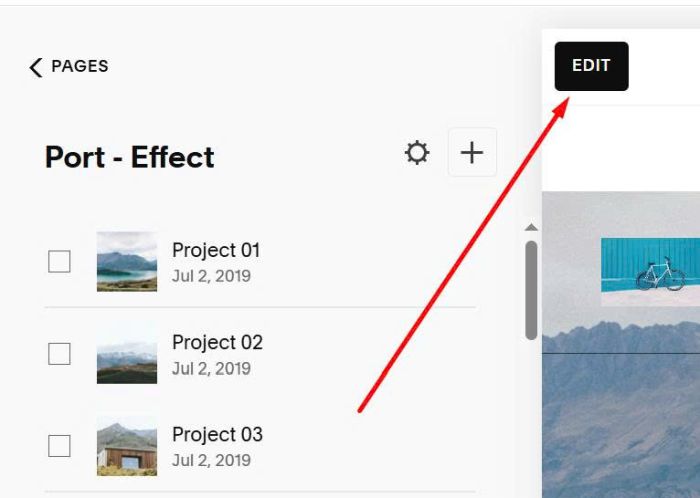
Add a Code Block
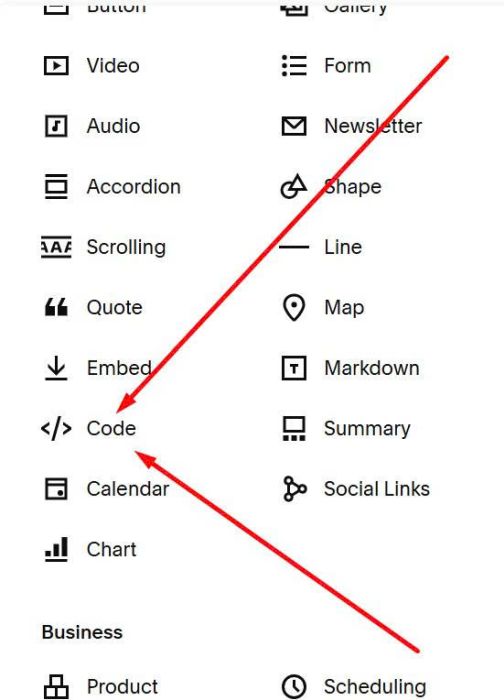
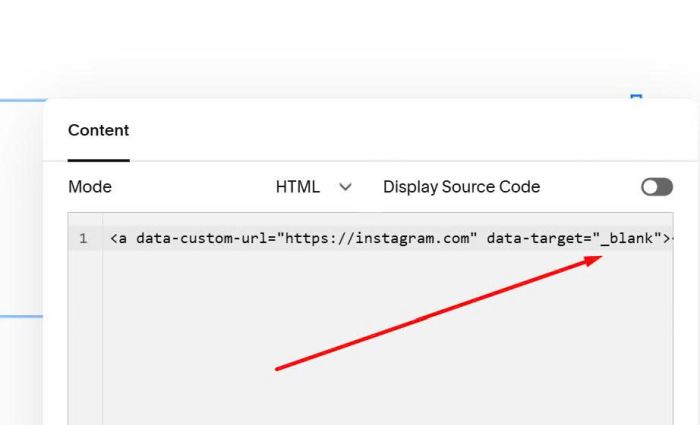
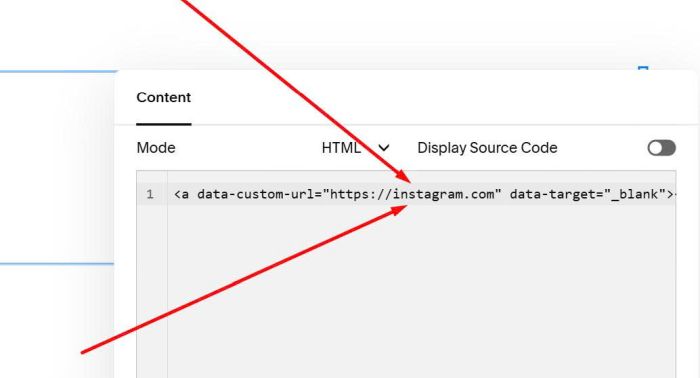
Paste this code into Code Block. Remember to change URL
<a data-custom-url="https://instagram.com" data-target="_blank"></a>
#3. Customize
To make URL/Page open Same Tab, you can change
_blank
to
_self