- Support: [email protected]
- Free install (1 site)
- View Demo – Password: abc
Description
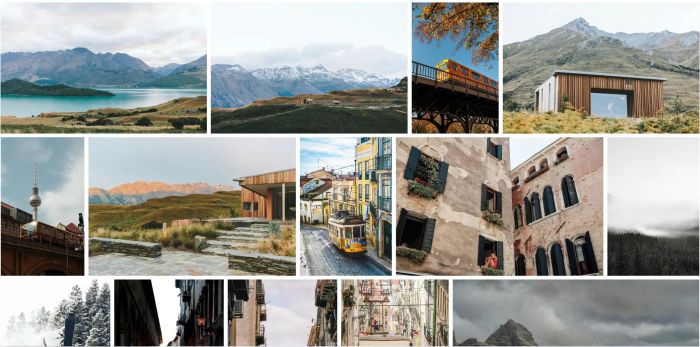
- make images in Gallery Masonry same height
#1. Install Code
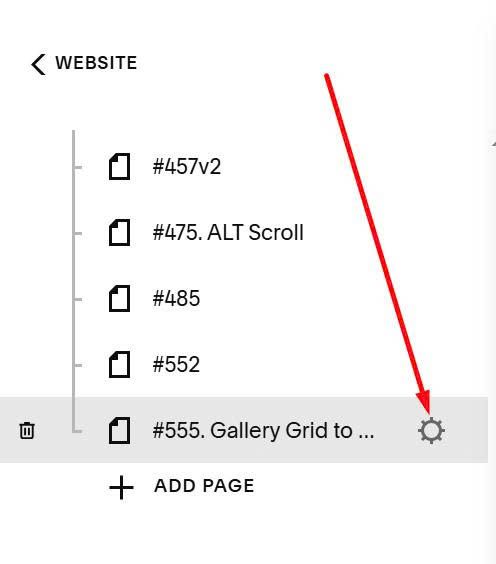
Hover on Page where you use Gallery Masonry > Click Gear icon
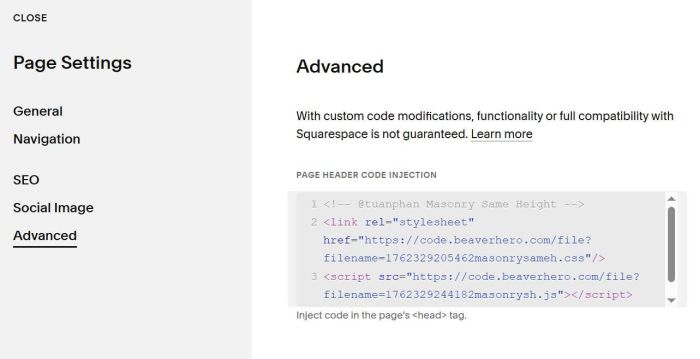
Click Advanced > Paste this code
<!-- @tuanphan Masonry Same Height -->
<link rel="stylesheet" href="https://code.beaverhero.com/file?filename=1762329205462masonrysameh.css"/>
<script src="https://code.beaverhero.com/file?filename=1762329244182masonrysh.js"></script>
#2. Usage
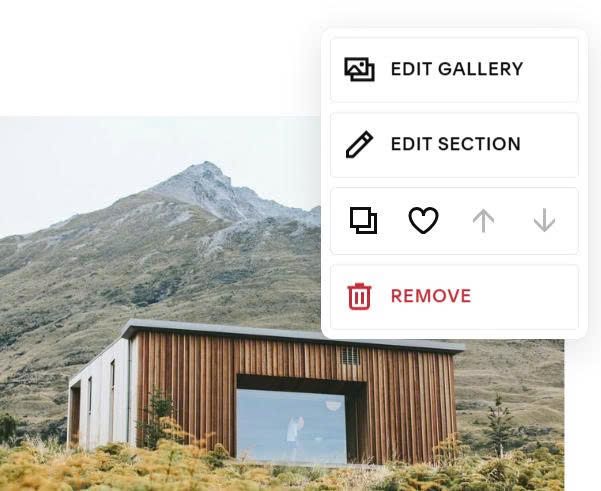
Hover on top right of Gallery Masonry > Click Edit Section
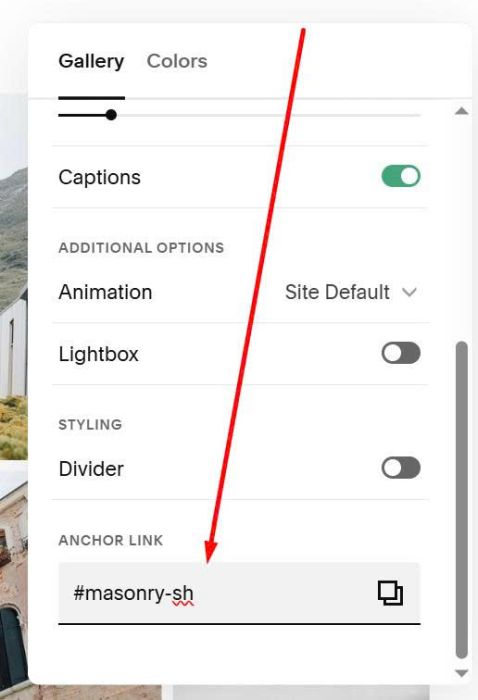
At Anchor Link > Enter text: masonry-sh
masonry-sh