- View Demo – Password: abc
- See full version here (by my friend).
Description
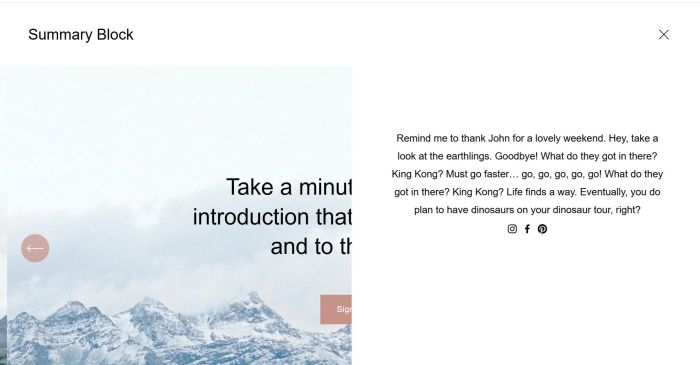
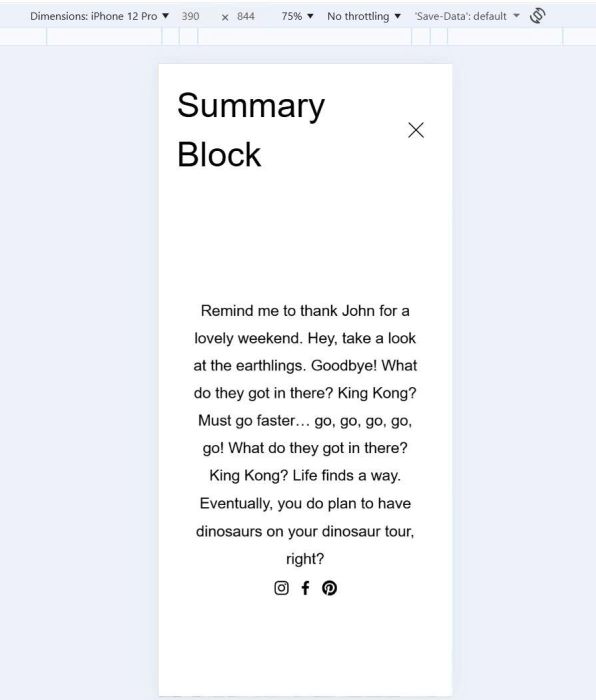
- click burger icon show custom content
- option to enable burger on Desktop
Note:
- You need to purchase Section Loader Supreme Plugin
- My code uses a component from the plugin.
#1. Install Code
Add this code to Code Injection > Footer
<!-- Burger Custom Content -->
<script src="https://code.beaverhero.com/burger/mbmenu01.js"></script>

#2. Usage
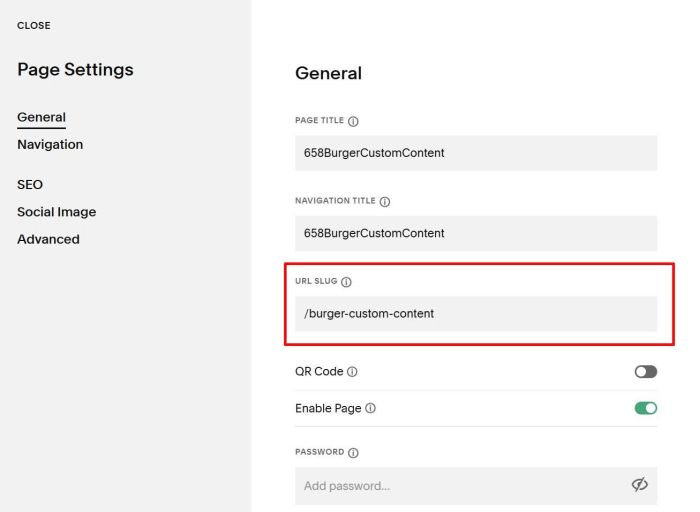
You need to create a Page in Not linked with URL
- /burger-custom-content
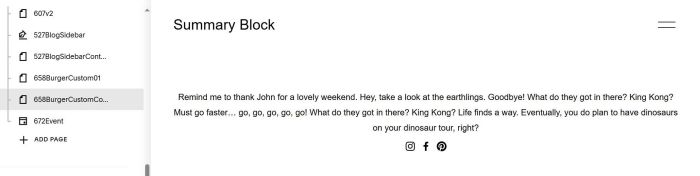
Then design your desired layout.
#3. Customize
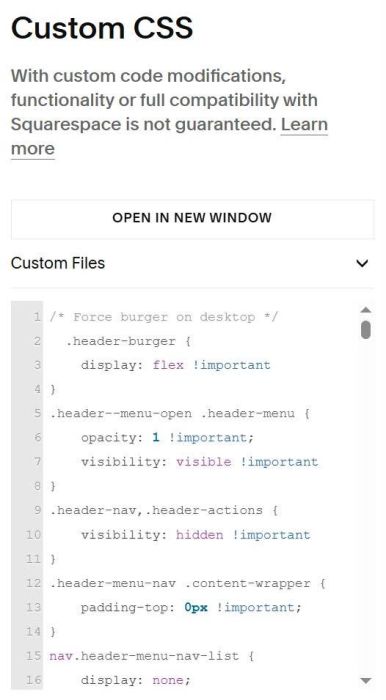
#3.1. To force burger appears on Desktop, use this code to Custom CSS.
/* Force burger on desktop */
  .header-burger {
    display: flex !important
}
.header--menu-open .header-menu {
    opacity: 1 !important;
    visibility: visible !important
}
.header-nav,.header-actions {
    visibility: hidden !important
}
.header-menu-nav .content-wrapper {
    padding-top: 0px !important;
}
nav.header-menu-nav-list {
    display: none;
}
  @media screen and (min-width:768px) {
  .header-menu {
    left: unset !important;
    width: 50% !important;
}
  }
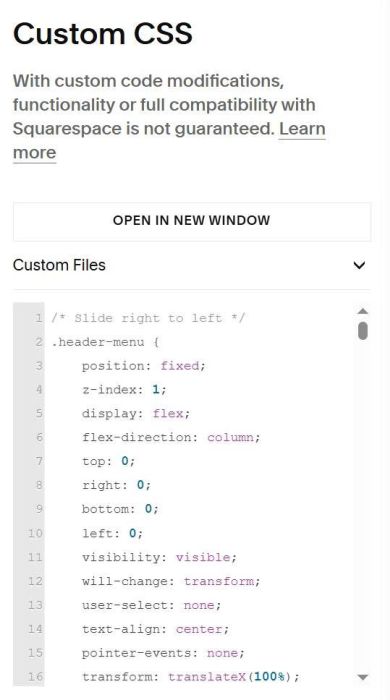
#3.2. To make burger menu slide from right to left, use this code to Custom CSS
/* Slide right to left */
.header-menu {
    position: fixed;
    z-index: 1;
    display: flex;
    flex-direction: column;
    top: 0;
    right: 0;
    bottom: 0;
    left: 0;
    visibility: visible;
    will-change: transform;
    user-select: none;
    text-align: center;
    pointer-events: none;
    transform: translateX(100%);
    /* Use the same timing for both directions */
    transition: all 600ms cubic-bezier(.4,0,.2,1);
}
.header--menu-open .header-menu {
    pointer-events: auto;
    transform: translateX(0);
    /* Use the same timing for both directions */
    transition: all 600ms cubic-bezier(.4,0,.2,1);
}
.header-menu-nav-list {
    position: relative;
    flex-grow: 1;
    width: 100%;
    transform: translateY(20px);
    transition: transform 600ms cubic-bezier(.4,0,.2,1);
}
.header--menu-open .header-menu-nav-list {
    transform: translateY(0);
}
  div.header-menu-nav section {
    padding-left: 20px;
    padding-right: 20px;
}
#3.3. To remove space on top of burger menu content, use this code to Custom CSS
div.header-menu-nav section {
    padding-top: 0px !important;
}