Description
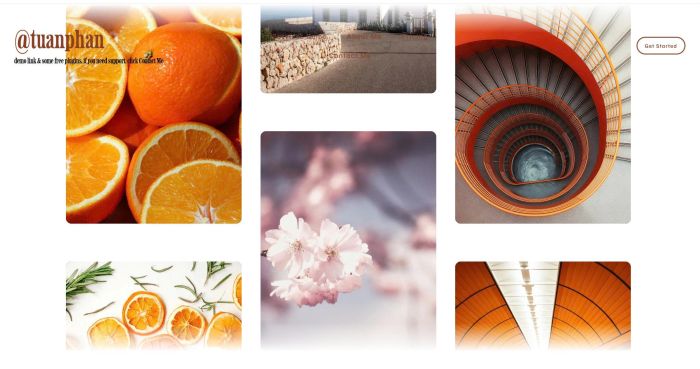
- alternating gallery move on scroll
- view demo – password: abc
- message me if you use Personal/Basic Plan, I will help you install it.
Note
- my friend code this, you can buy her a coffee if it is useful for you
- this effect has a full version with priority support, you can check it here
#1. Install
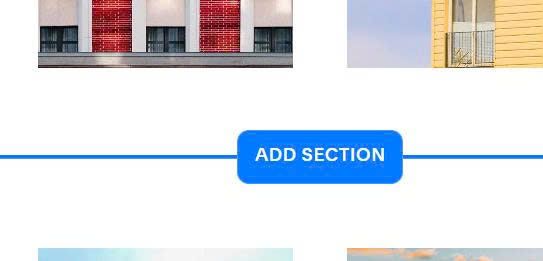
#1.1. First you need to add Section
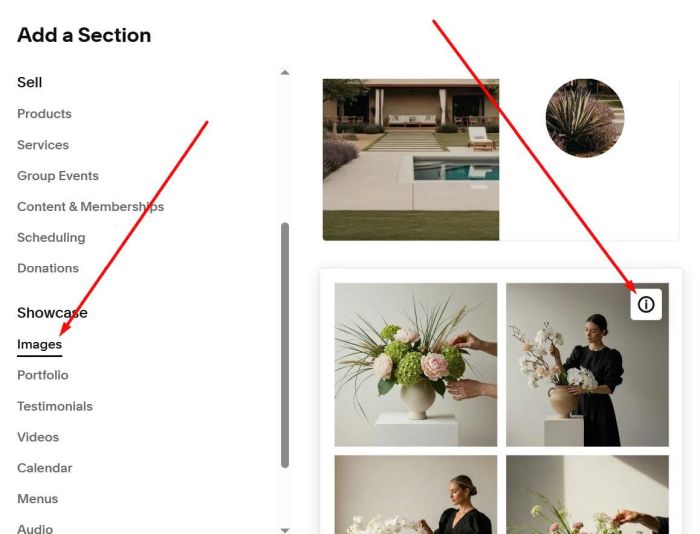
Choose Images > Choose section with (i) icon. Adding 3 sections.
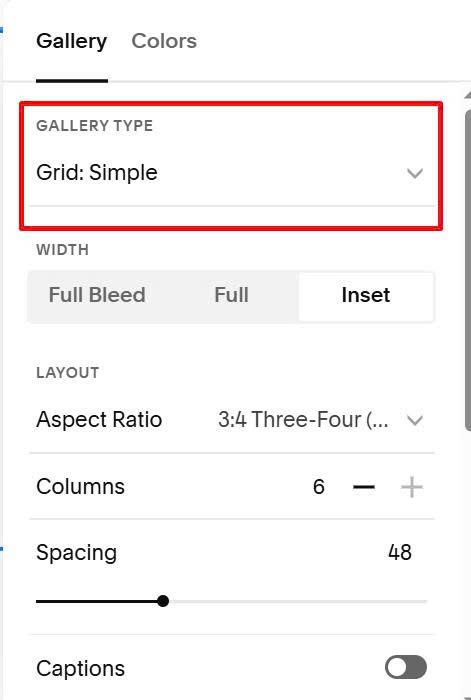
Make sure use Grid Simple
#1.2. Next, hover on top right of first gallery section > Click Edit Section
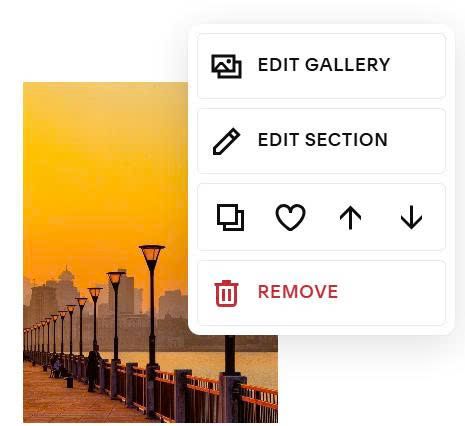
at Anchor Link, enter word: alt-scroll-01
alt-scroll-01
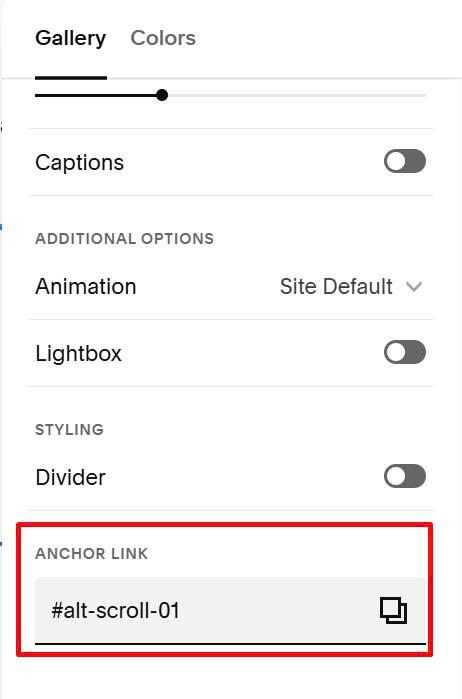
With second gallery section, enter word: alt-scroll-02
alt-scroll-02
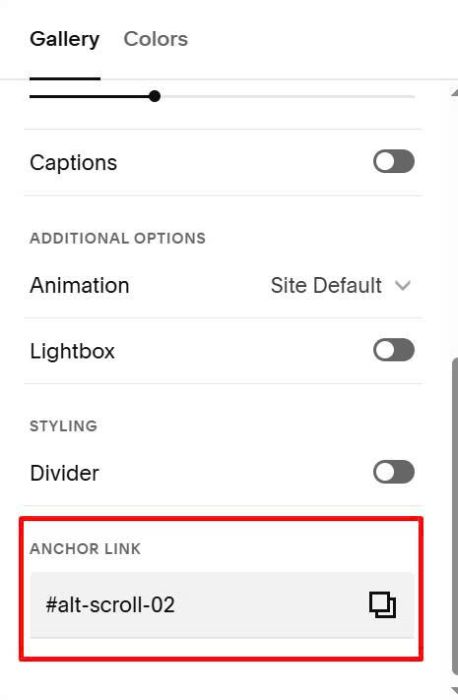
With third gallery section, enter word: alt-scroll-03
alt-scroll-03
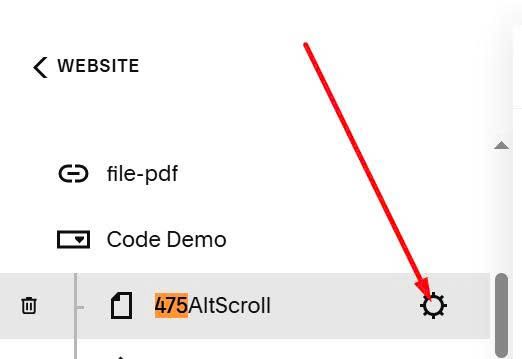
#1.3. Hover on page where you use Gallery > Click Gear icon
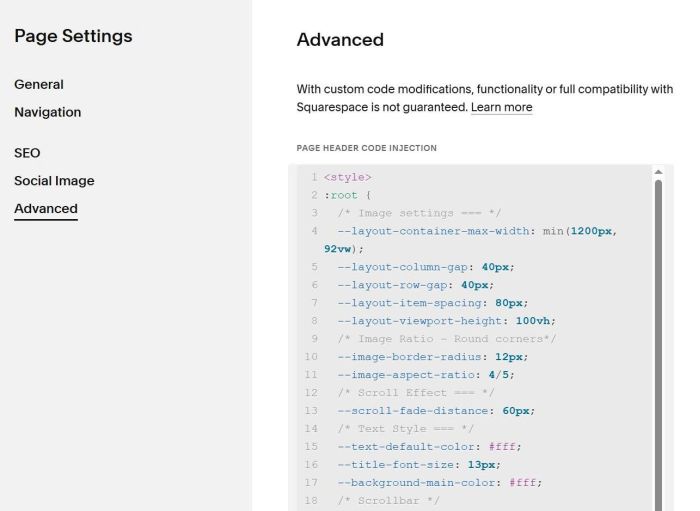
Click Advanced > Paste this code
<style>
:root {
  /* Image settings === */
  --layout-container-max-width: min(1200px, 92vw);
  --layout-column-gap: 40px;
  --layout-row-gap: 40px;
  --layout-item-spacing: 80px;
  --layout-viewport-height: 100vh;
  /* Image Ratio - Round corners*/
  --image-border-radius: 12px;
  --image-aspect-ratio: 4/5;
  /* Scroll Effect === */
  --scroll-fade-distance: 60px;
  /* Text Style === */
  --text-default-color: #fff;
  --title-font-size: 13px;
  --background-main-color: #fff;
  /* Scrollbar */
  --scrollbar-width: 10px;
  --scrollbar-track-color: #e9ecef;
  --scrollbar-thumb-color: #bbb;
  --scrollbar-thumb-hover-color: #999;
}
</style>
<link rel="stylesheet" href="https://code.beaverhero.com/gallerysgrid/475altscroll.css"/>
<script src="https://code.beaverhero.com/gallerysgrid/475altscroll.js"></script>
#2. Customize
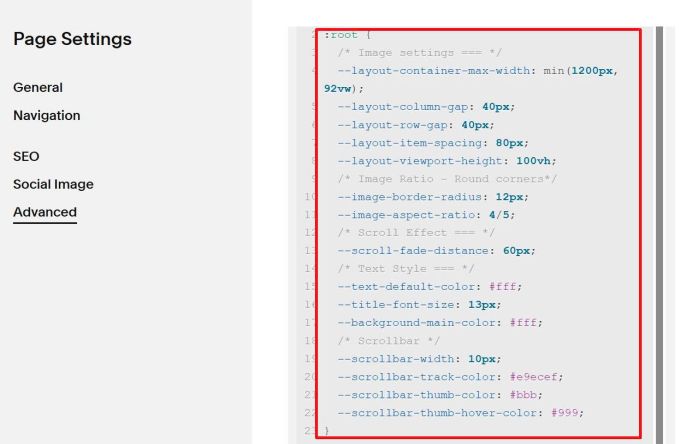
All style options here (Line 02 to Line 23)
:root {
  /* Image settings === */
  --layout-container-max-width: min(1200px, 92vw);
  --layout-column-gap: 40px;
  --layout-row-gap: 40px;
  --layout-item-spacing: 80px;
  --layout-viewport-height: 100vh;
  /* Image Ratio - Round corners*/
  --image-border-radius: 12px;
  --image-aspect-ratio: 4/5;
  /* Scroll Effect === */
  --scroll-fade-distance: 60px;
  /* Text Style === */
  --text-default-color: #fff;
  --title-font-size: 13px;
  --background-main-color: #fff;
  /* Scrollbar */
  --scrollbar-width: 10px;
  --scrollbar-track-color: #e9ecef;
  --scrollbar-thumb-color: #bbb;
  --scrollbar-thumb-hover-color: #999;
}
#2.1. To change gallery width, you can adjust this line
--layout-container-max-width: min(1200px, 92vw);
#2.2. To change vertical space between 3 columns, change this line
--layout-column-gap: 40px;
#2.3. To change horizontal space between images, change this line
--layout-item-spacing: 80px;
#2.4. To round corners of images, change this line
--image-border-radius: 12px;
#2.5. To change image size, change this line
--image-aspect-ratio: 4/5;
If you need more support, you can email me.