Description
- Section with Video Background, Autoplay
- Hover on anywhere on section > show “Play” text
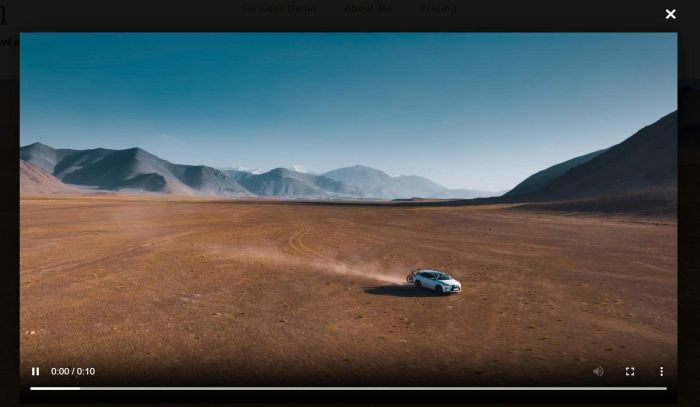
- Click section – open video in lightbox popup
- view demo – password: abc
- buy a coffee, my friend code this feature
#1. Install code
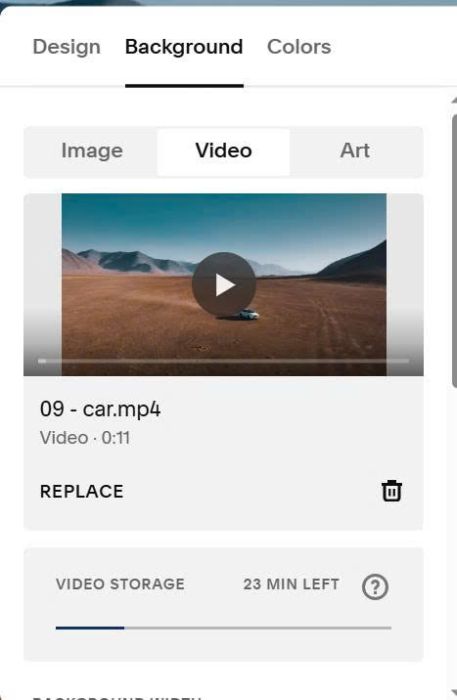
#1.1. First, add a Section with Video Background (use Uploaded video)
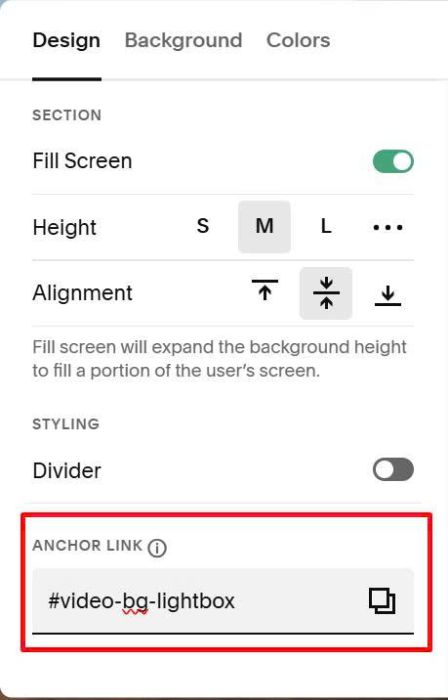
#1.2. at Design tab, enter word: video-bg-lightbox
video-bg-lightbox
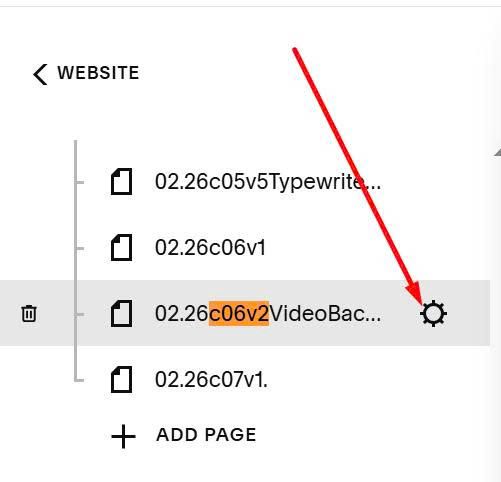
#1.3. Hover on page where you use video background > Click Gear icon
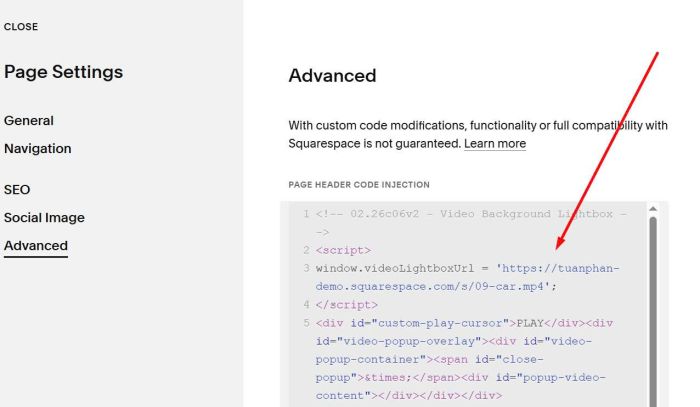
Click Advanced > Paste this code
<!-- 02.26c06v2 - Video Background Lightbox --> <script> window.videoLightboxUrl = 'https://tuanphan-demo.squarespace.com/s/09-car.mp4'; </script> <div id="custom-play-cursor">PLAY</div><div id="video-popup-overlay"><div id="video-popup-container"><span id="close-popup">×</span><div id="popup-video-content"></div></div></div> <link rel="stylesheet" href="https://code.beaverhero.com/video/0226c06v2videobglightbox.css"/> <script src="https://code.beaverhero.com/video/0226c06v2videobglightbox.js"></script>
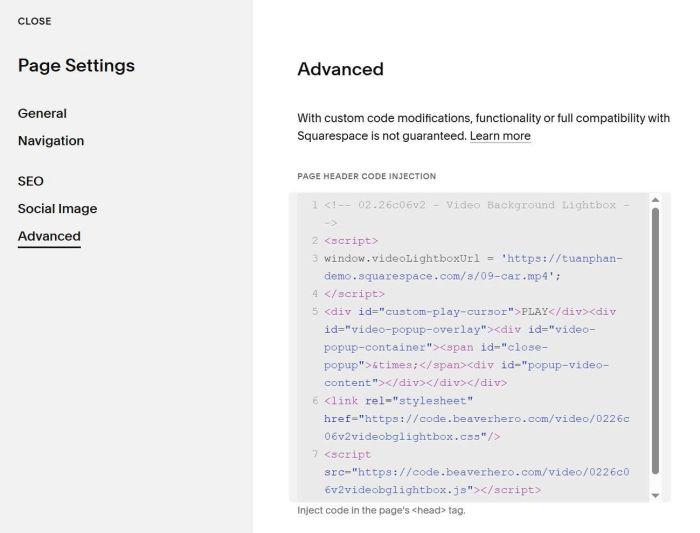
You can upload video and change video url here