Description
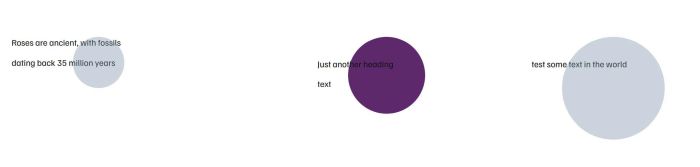
- Circle Shape
- able to change color, add links, set open new tab/same tab
- view demo – password: abc
- buy me a coffee
#1. Install Code
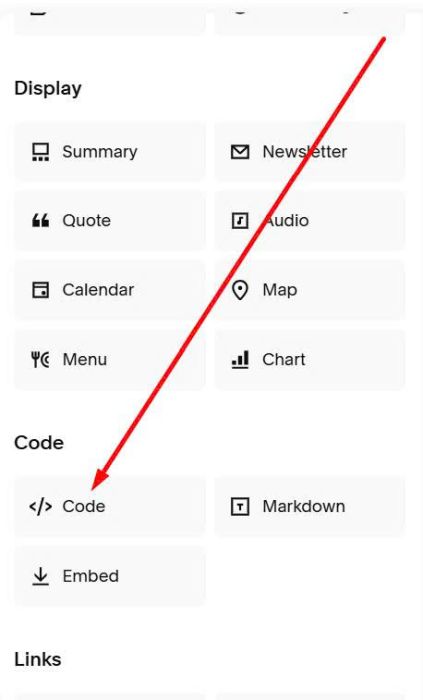
#1.1. First, you need to add a Code Block
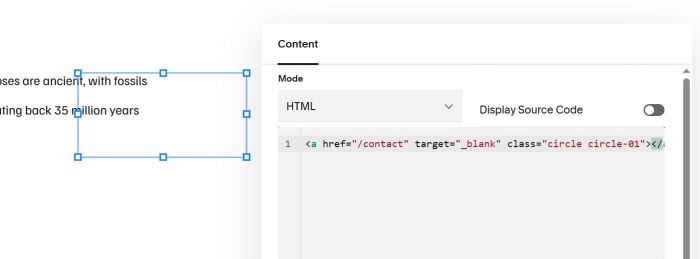
#1.2. Enter syntax like this into Code Block
<a href="/contact" target="_blank" class="circle circle-01"></a>
or this
<a href="/about" target="_blank" class="circle circle-02"></a>
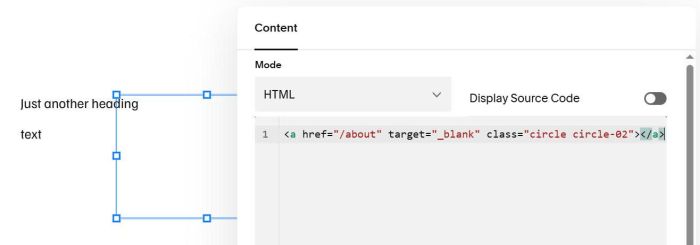
or this
<a href="https://google.com" target="_blank" class="circle circle-03"></a>
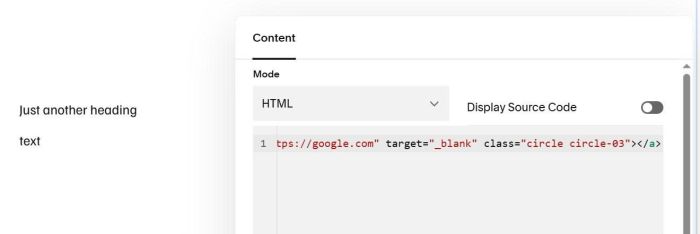
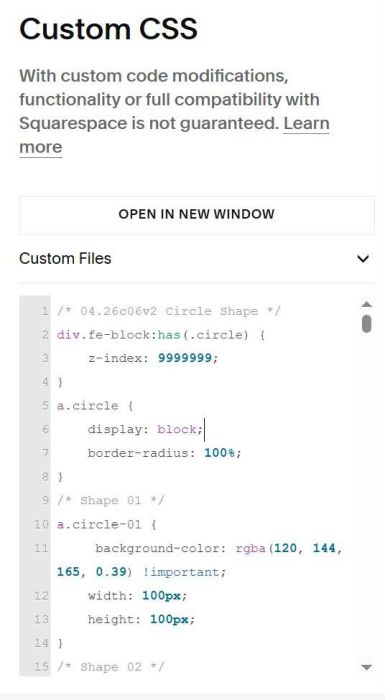
#1.3. Use this code to Custom CSS
/* 04.26c06v2 Circle Shape */
div.fe-block:has(.circle) {
    z-index: 9999999;
}
a.circle {
    display: block;
    border-radius: 100%;
}
/* Shape 01 */
a.circle-01 {
     background-color: rgba(120, 144, 165, 0.39) !important;
    width: 100px;
    height: 100px;
}
/* Shape 02 */
a.circle-02 {
     background-color: rgba(93, 40, 108, 1) !important;
    width: 150px;
    height: 150px;
}
/* Shape 03 */
a.circle-03 {
     background-color: rgba(120, 144, 165, 0.39) !important;
    width: 200px;
    height: 200px;
}
#2. Customize & Note
#2.1. Remember to update number in Code Block
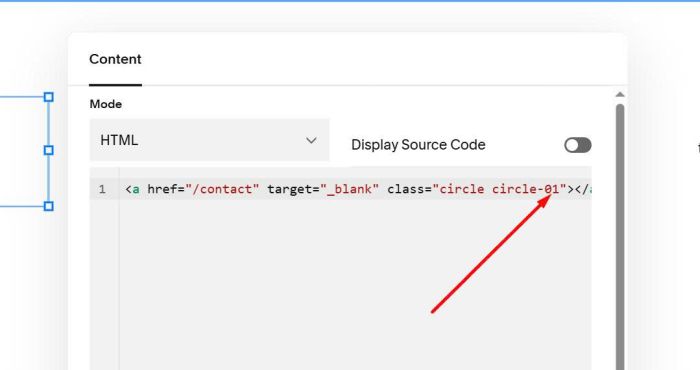
#2.2. To set open in same tab/new tab, you can adjust this
- _self = same tab
- _blank = new tab
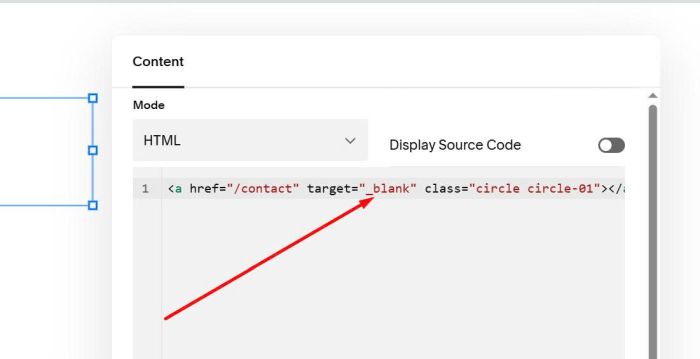
#2.3. To adjust Shape Width/Height/Color, you can adjust these.
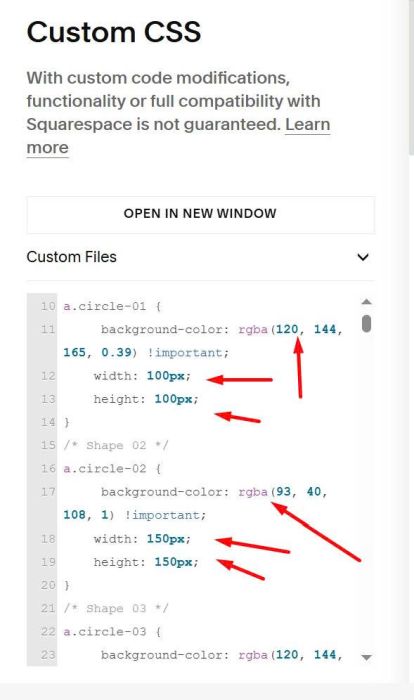
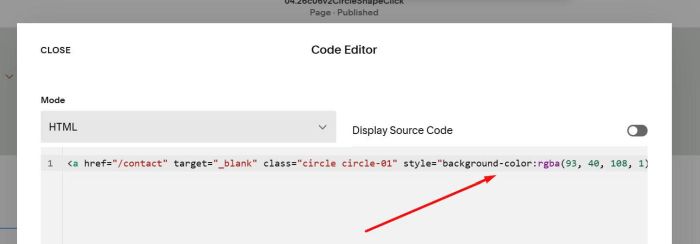
But you can also edit Code Block directly, use syntax like this.
<a href="/contact" target="_blank" class="circle circle-01" style="background-color:rgba(93, 40, 108, 1);width:150px;height:150px;"></a>
#2.4. Note
If you use Solid Color with opacity 0, you will see a problem, text appears behind Shape, like this
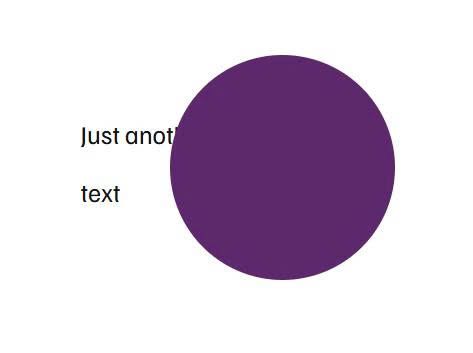
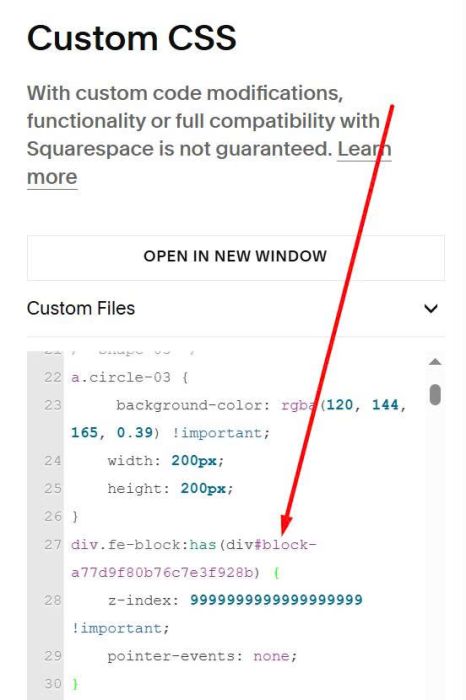
In this case, you need to find Text Block ID.
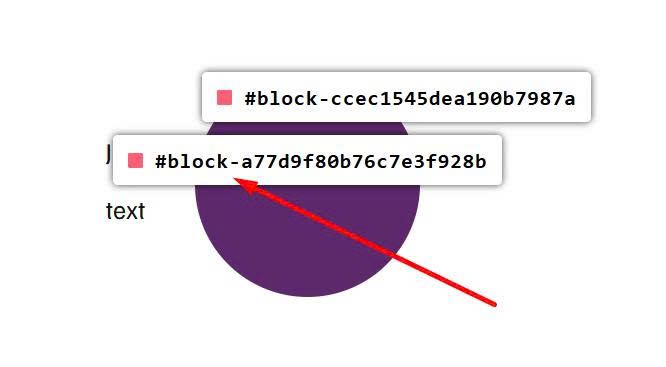
Then use extra CSS code like this.
div.fe-block:has(div#block-a77d9f80b76c7e3f928b) {
    z-index: 9999999999999999999 !important;
    pointer-events: none;
}