Description
- toggle button in header, each button will open new page on click
- buy me a coffee
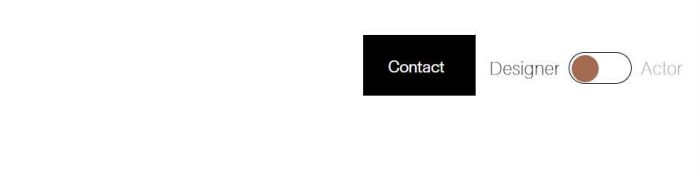
#1. Install Code
#1.1. Business Plan/Higher Plan
First, add this code to Code Injection > Footer
<!-- Toggle Button -->
<script>
window.TP_TOGGLE_CONFIG = {
  url1: "/",
  url2: "/contact",
  text1: "Designer",
  text2: "Actor",
  target_both: ".header-actions.header-actions--right",
  insert_method: "append",
  toggle_width: "56px",
  toggle_height: "28px",
  toggle_padding: "2px",
  toggle_background: "transparent",
  ball_color: "#A36A4F",
  gap: "8px",
  margin_left: "12px",
  text_color: "#000",
  text_size: "16px",
  text_font: "var(--heading-font-font-family)",
  active_text_opacity: "1",
  inactive_text_opacity: ".45",
  position_top: null,
  position_left: null
};
</script>
<script src="https://code.beaverhero.com/header/0426c07v1toggleheader.js"></script>
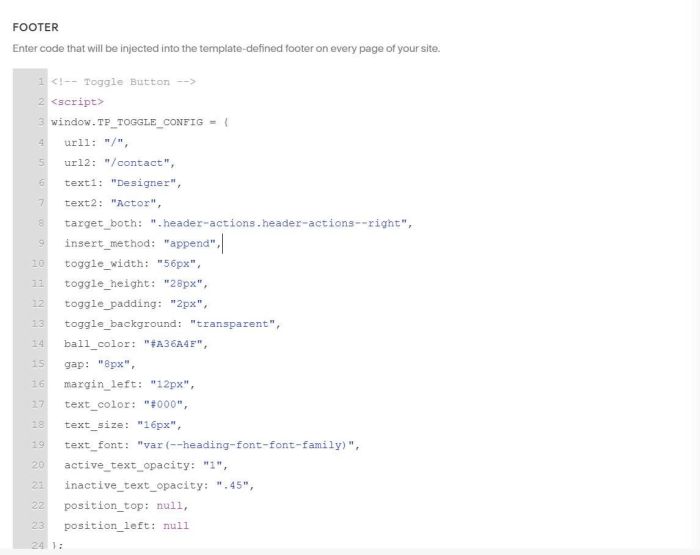
#1.2. Personal/Basic Plan
If your plan doesn’t support Injection, follow this.
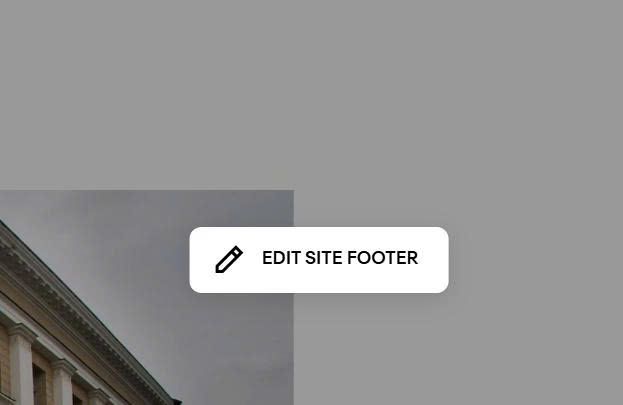
First, edit Site Footer
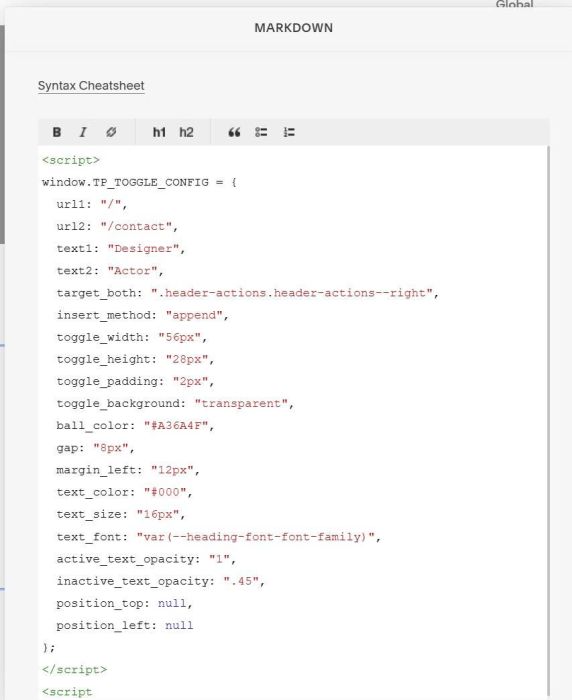
Add a Markdown Block
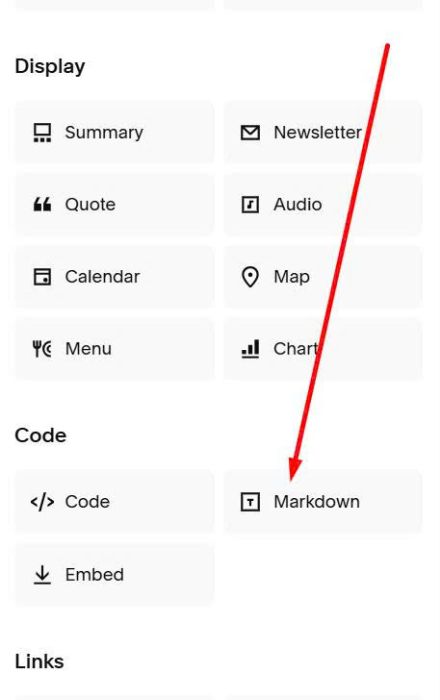
Paste this code into Markdown Block
<script>
window.TP_TOGGLE_CONFIG = {
  url1: "/",
  url2: "/contact",
  text1: "Designer",
  text2: "Actor",
  target_both: ".header-actions.header-actions--right",
  insert_method: "append",
  toggle_width: "56px",
  toggle_height: "28px",
  toggle_padding: "2px",
  toggle_background: "transparent",
  ball_color: "#A36A4F",
  gap: "8px",
  margin_left: "12px",
  text_color: "#000",
  text_size: "16px",
  text_font: "var(--heading-font-font-family)",
  active_text_opacity: "1",
  inactive_text_opacity: ".45",
  position_top: null,
  position_left: null
};
</script>
<script src="https://code.beaverhero.com/header/0426c07v1toggleheader.js"></script>
#2. Customize
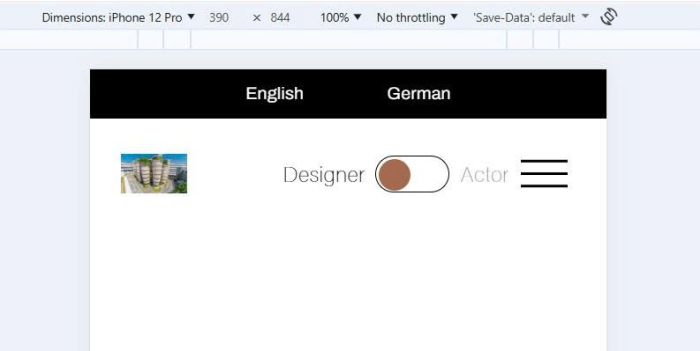
#2.1. To make Toggle Button appears next to Burger on Mobile, like this.
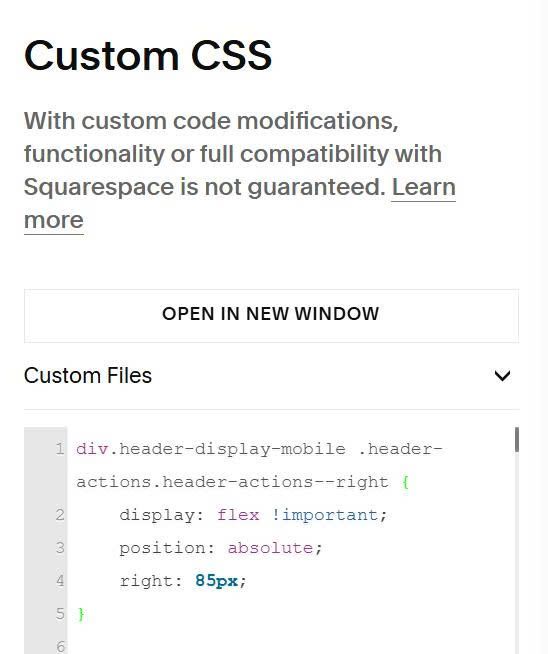
use this extra code to Custom CSS
div.header-display-mobile .header-actions.header-actions--right {
    display: flex !important;
    position: absolute;
    right: 85px;
}
#2.2. To change Toggle Text/URL, change these
url1: "/",
url2: "/contact",
text1: "Designer",
text2: "Actor",
#2.3. To change toggle style, change these
toggle_width: "56px",
toggle_height: "28px",
toggle_padding: "2px",
toggle_background: "transparent",
ball_color: "#A36A4F",
#2.4. To change toggle text (left text – right text) style, change these
text_color: "#000",
text_size: "16px",
text_font: "var(--heading-font-font-family)",
active_text_opacity: "1",
inactive_text_opacity: ".45",