Description
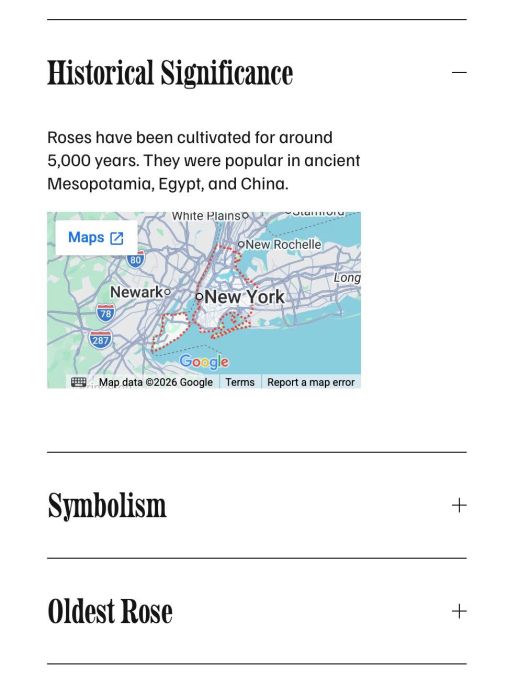
- adding Google Maps inside Accordion Block
- view demo – password: abc
- my friend did this, send her a coffee
#1. Install Code
if you use Personal/Basic Plan and your plan doesn’t support Injection, see step #2.1.
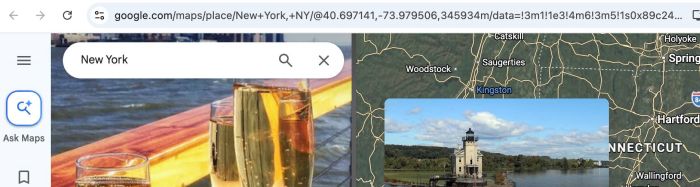
#1.1. First, copy Google Maps URL (in browser address bar)
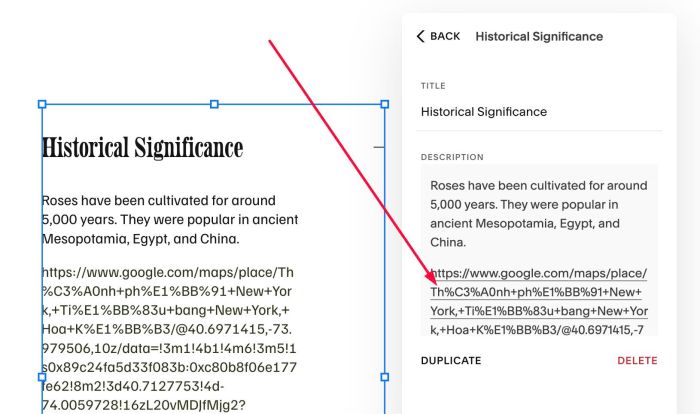
#1.2. Next, add Google Maps URL to Accordion Description
(make sure Link is clickable)
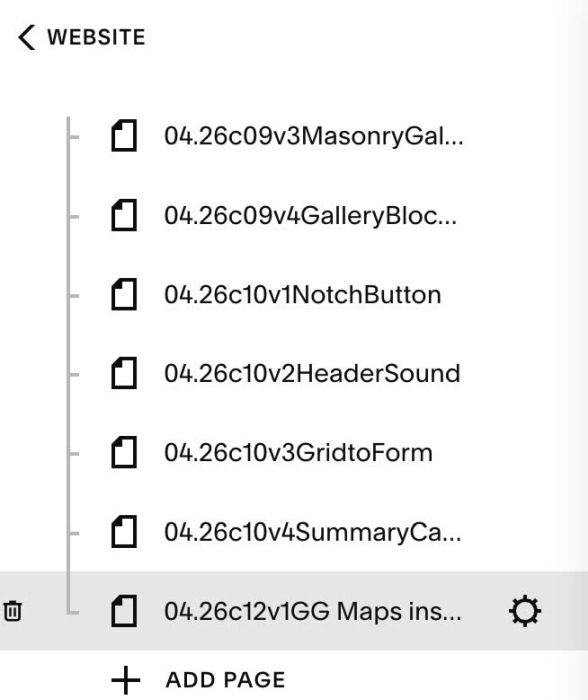
#1.3. Hover on Page where you use Accordion > Click Gear icon
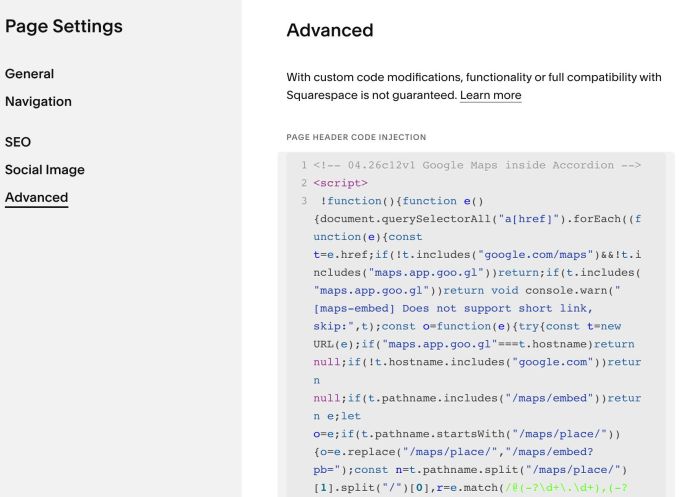
Click Advanced > Paste this code
<!-- 04.26c12v1 Google Maps inside Accordion -->
<script>
!function(){function e(){document.querySelectorAll("a[href]").forEach((function(e){const t=e.href;if(!t.includes("google.com/maps")&&!t.includes("maps.app.goo.gl"))return;if(t.includes("maps.app.goo.gl"))return void console.warn("[maps-embed] Does not support short link, skip:",t);const o=function(e){try{const t=new URL(e);if("maps.app.goo.gl"===t.hostname)return null;if(!t.hostname.includes("google.com"))return null;if(t.pathname.includes("/maps/embed"))return e;if(t.pathname.startsWith("/maps/place/")){const o=t.pathname.split("/maps/place/")[1].split("/")[0];const n=e.match(/@(-?\d+\.\d+),(-?\d+\.\d+)/);const r=e.match(/!1s(0x[0-9a-f]+:0x[0-9a-f]+)/i);if(n&&r){const a=n[1],i=n[2],s=r[1];return`https://www.google.com/maps/embed?pb=!1m18!1m12!1m3!1d500!2d${i}!3d${a}!2m3!1f0!2f0!3f0!3m2!1i1024!2i768!4f13.1!3m3!1m2!1s${encodeURIComponent(s)}!2s${encodeURIComponent(decodeURIComponent(o))}!5e0!3m2!1sen!2s!4v1`}if(n){return`https://www.google.com/maps/embed?pb=!1m18!1m12!1m3!1d500!2d${n[2]}!3d${n[1]}!2m3!1f0!2f0!3f0!3m2!1i1024!2i768!4f13.1!3m3!1m2!1s!2s${encodeURIComponent(decodeURIComponent(o))}!5e0!3m2!1sen!2s!4v1`}return`https://www.google.com/maps/embed/v1/place?q=${encodeURIComponent(decodeURIComponent(o))}`}return t.searchParams.get("q")?`https://www.google.com/maps/embed?q=${encodeURIComponent(t.searchParams.get("q"))}&output=embed`:(t.searchParams.set("output","embed"),t.toString())}catch(e){return null}}(t);if(!o)return;const n=document.createElement("div");n.style.cssText="position:relative;width:100%;padding-bottom:56.25%;height:0;overflow:hidden;margin:8px 0;";const r=document.createElement("iframe");r.src=o,r.style.cssText="position:absolute;top:0;left:0;width:100%;height:100%;border:0;",r.setAttribute("allowfullscreen",""),r.setAttribute("loading","lazy"),r.setAttribute("referrerpolicy","no-referrer-when-downgrade"),n.appendChild(r),e.parentNode.insertBefore(n,e),e.remove()}))}"loading"===document.readyState?document.addEventListener("DOMContentLoaded",e):e(),document.addEventListener("mercury:load",e)}();
</script>
#2. Customize
If you need to customize more complex things, you can message me or use this AI tool, it was designed for the Squarespace site.
#2.1. If you use Personal/Basic Plan and it doesn’t support Injection, you can.
First, add a Markdown Block under Accordion
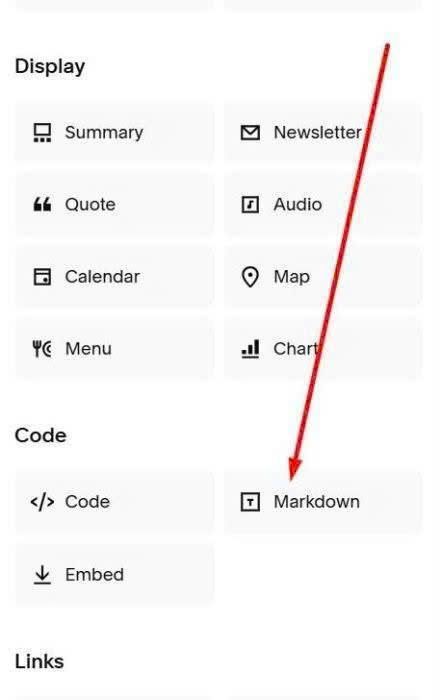
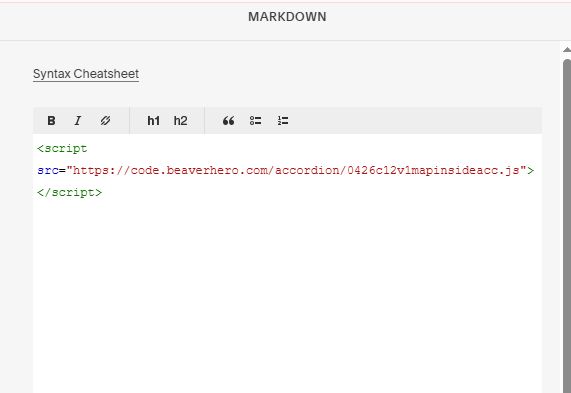
Next, paste this code into Markdown
<script src="https://code.beaverhero.com/accordion/0426c12v1mapinsideacc.js"></script>