Description
- custom pagination section with left/right arrows (navigation to other pages), top arrow (back to top)
- view demo – password: abc
- buy me a coffee

#1. Install Code
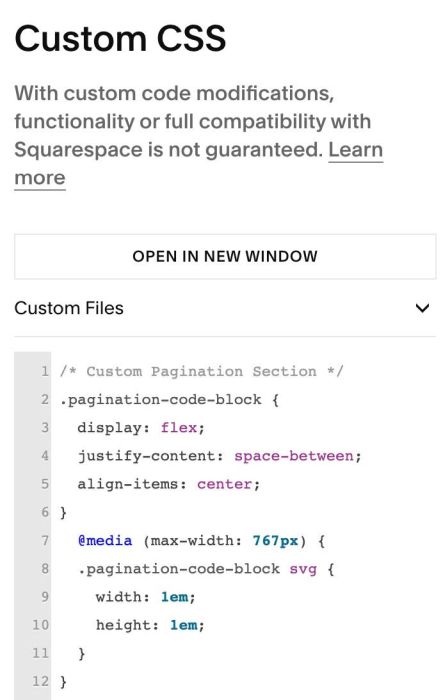
#1.1. First, use this code to Custom CSS box
/* Custom Pagination Section */
.pagination-code-block {
  display: flex;
  justify-content: space-between;
  align-items: center;
}
  @media (max-width: 767px) {
  .pagination-code-block svg {
    width: 1em;
    height: 1em;
  }
}
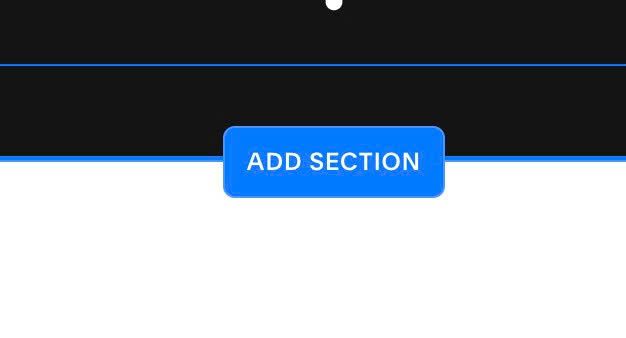
#1.2. Edit page where you want to add Pagination Section > Click Add Section
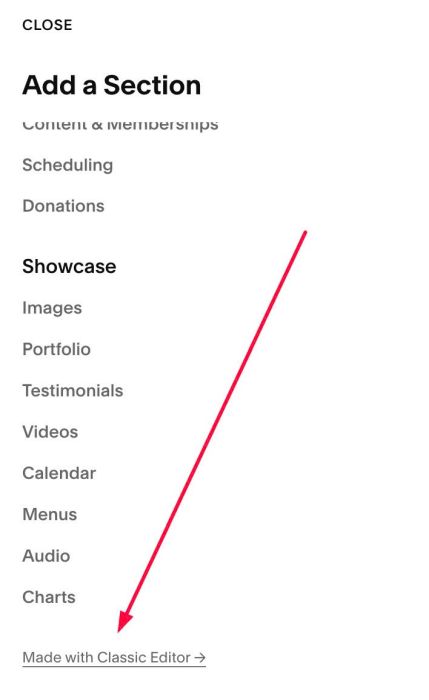
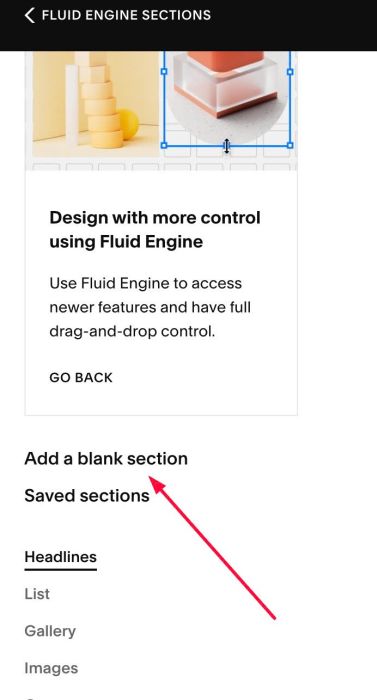
#1.3. Scroll down and click Made with Classic Editor
Then click Add a blank section
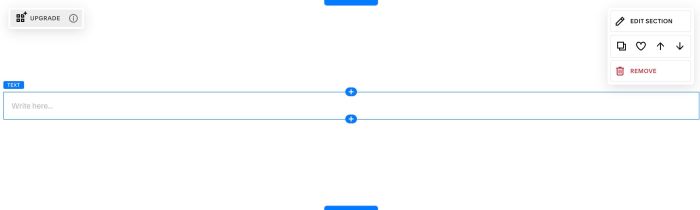
#1.4. Hover on middle of section > Click Plus icon to add Block
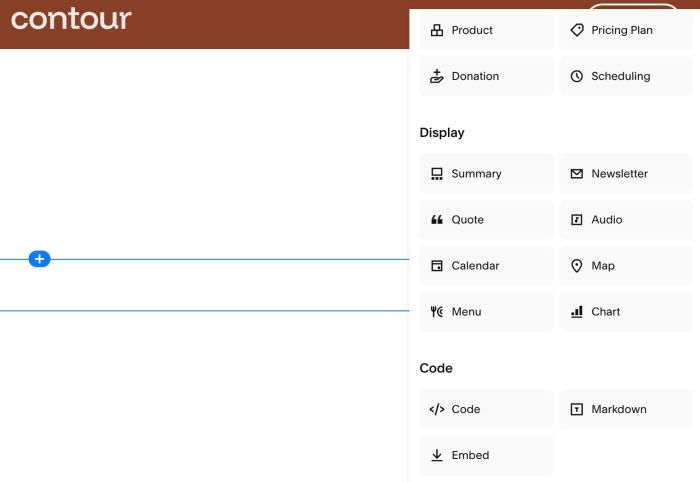
Choose Code
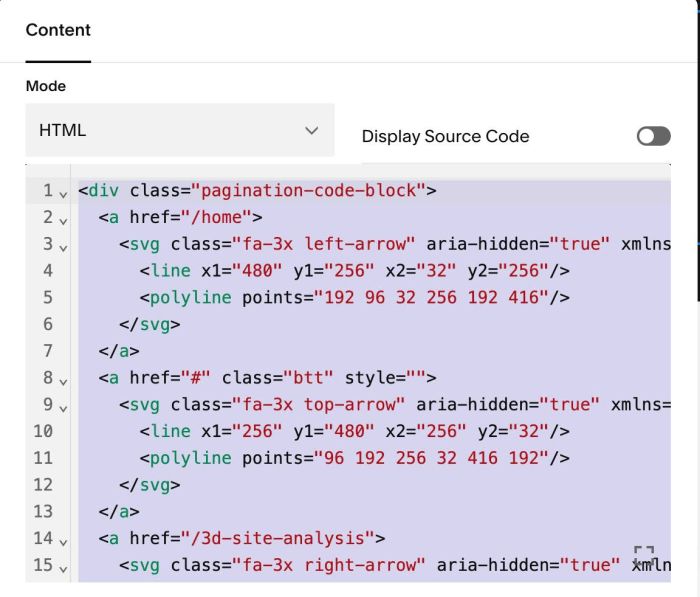
#1.5. Paste this code into Code Block
<div class="pagination-code-block">
  <a href="/home">
    <svg class="fa-3x left-arrow" aria-hidden="true" xmlns="http://www.w3.org/2000/svg" viewBox="0 0 512 512" fill="none" stroke="currentColor" stroke-width="28" stroke-linecap="round" stroke-linejoin="round" width="3em" height="3em">
      <line x1="480" y1="256" x2="32" y2="256"/>
      <polyline points="192 96 32 256 192 416"/>
    </svg>
  </a>
  <a href="#" class="btt" style="">
    <svg class="fa-3x top-arrow" aria-hidden="true" xmlns="http://www.w3.org/2000/svg" viewBox="0 0 512 512" fill="none" stroke="currentColor" stroke-width="28" stroke-linecap="round" stroke-linejoin="round" width="3em" height="3em">
      <line x1="256" y1="480" x2="256" y2="32"/>
      <polyline points="96 192 256 32 416 192"/>
    </svg>
  </a>
  <a href="/3d-site-analysis">
    <svg class="fa-3x right-arrow" aria-hidden="true" xmlns="http://www.w3.org/2000/svg" viewBox="0 0 512 512" fill="none" stroke="currentColor" stroke-width="28" stroke-linecap="round" stroke-linejoin="round" width="3em" height="3em">
      <line x1="32" y1="256" x2="480" y2="256"/>
      <polyline points="320 96 480 256 320 416"/>
    </svg>
  </a>
</div>
#2. Customize
#2.1. To change space on top/bottom of Code Block, you can hover on top right of section > Click Edit Section
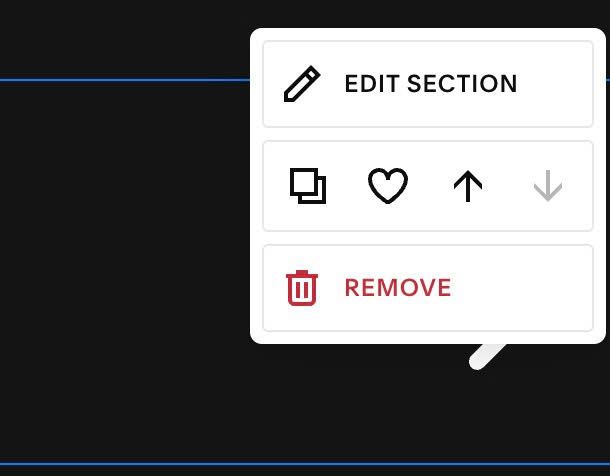
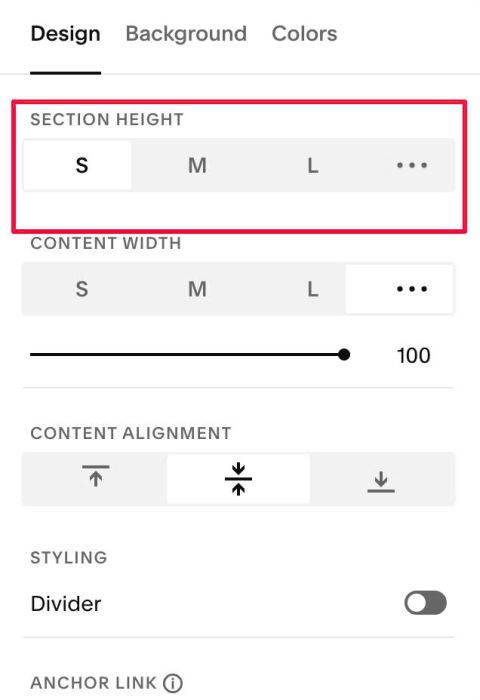
and adjust in Section Height
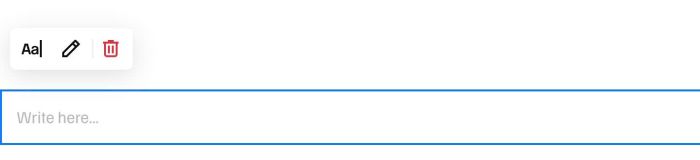
#2.2. If you see more space on top of Code Block, you can hover on Section > You will see a Text Block > Click on it and click Remove
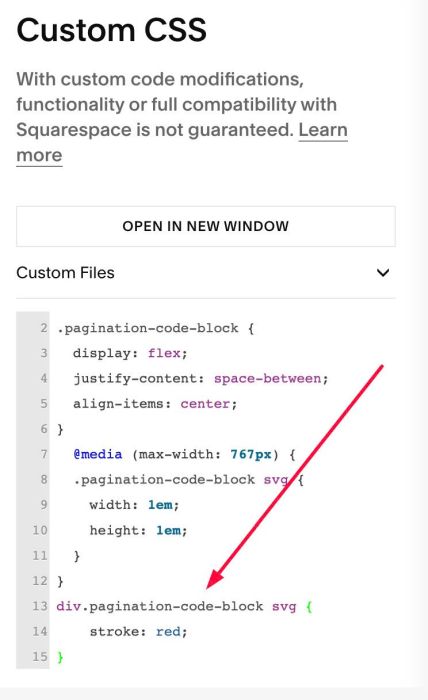
#2.3. To change Arrows Color, use this to Custom CSS
div.pagination-code-block svg {
    stroke: red;
}