Description
- classic Image block with icons
- view demo – password: abc
- buy me a coffee

#1. Install Code
#1.1. First you need to add Image Block > Choose Design: Collage + Image Right
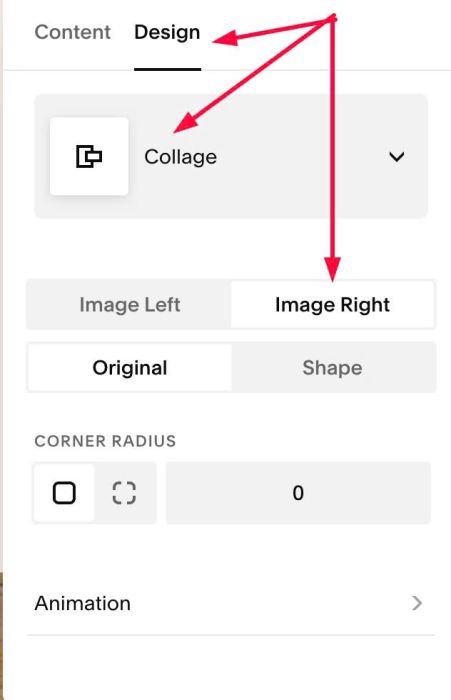
#1.2. Add your desired text in Title field
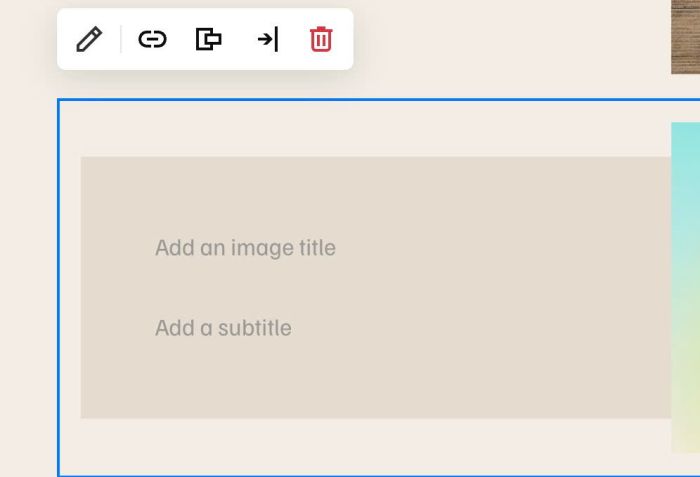
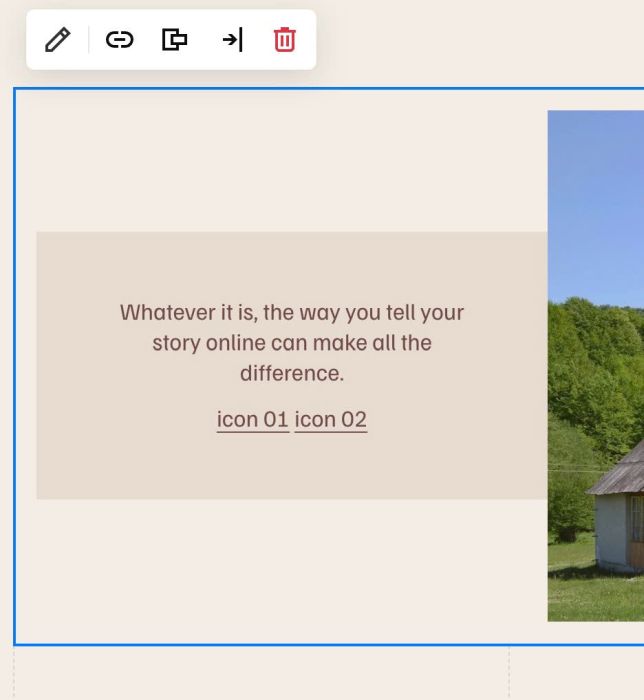
#1.2. Add text: icon 1 icon 2 icon 3 to Sub title field
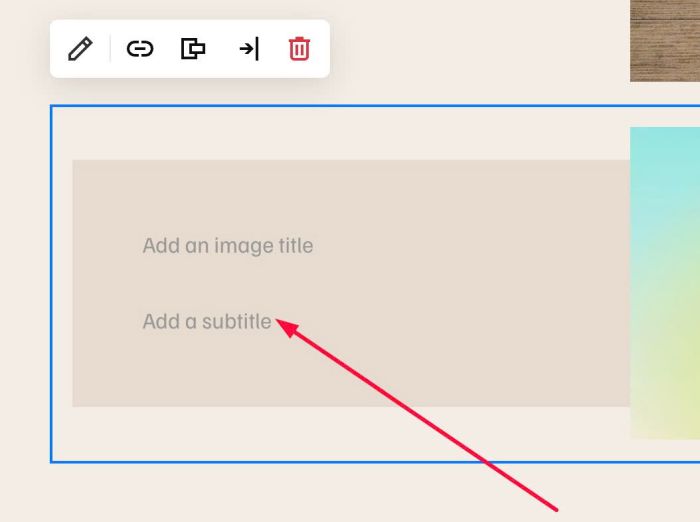
Something like this
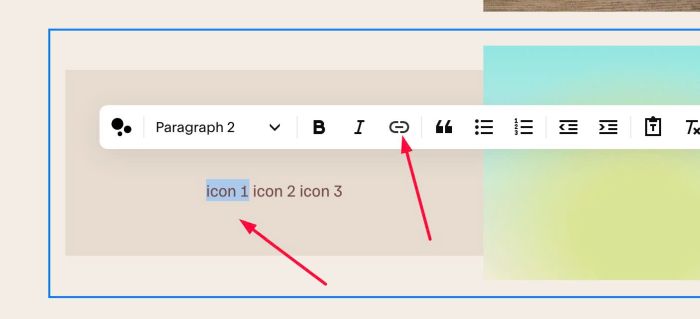
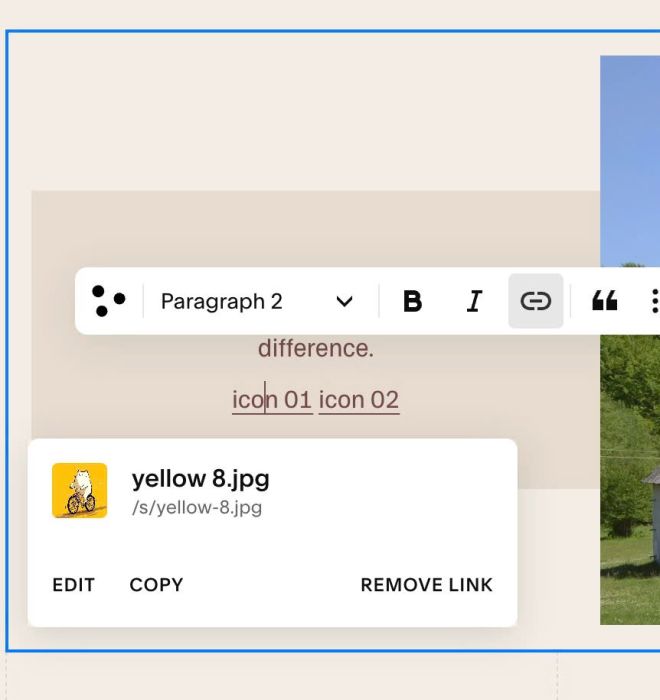
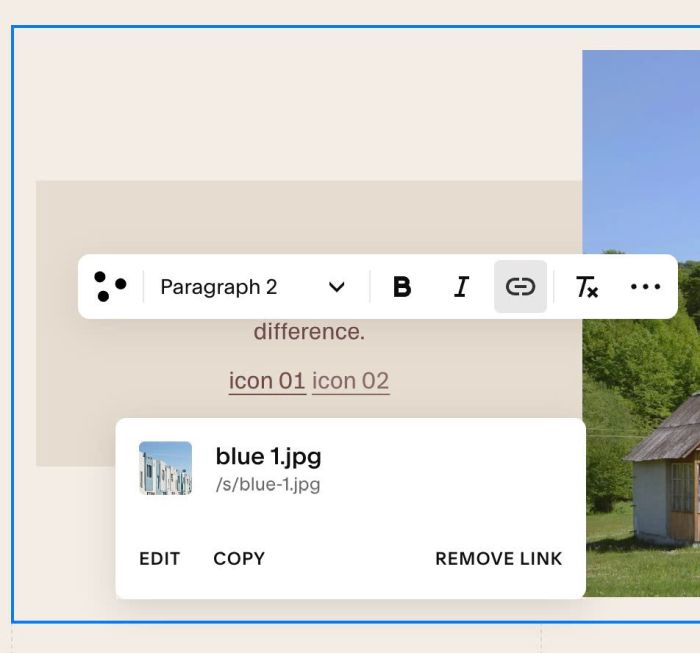
#1.3. Highlight text icon 1, icon 2, icon 3 > Click Link icon
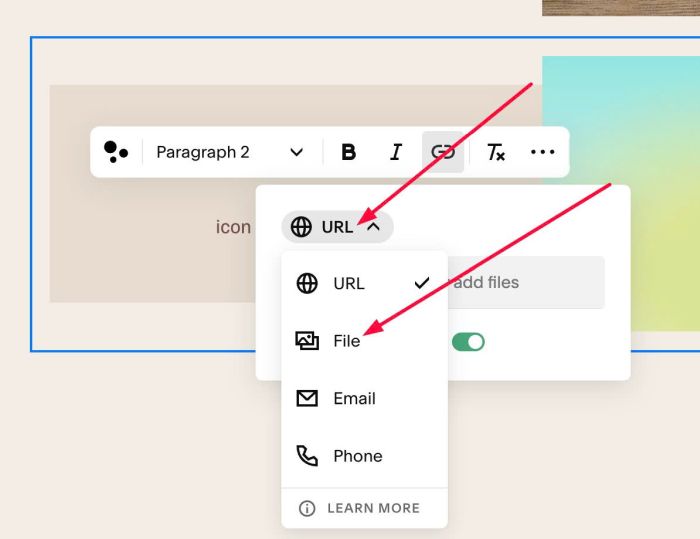
at URL > Choose File
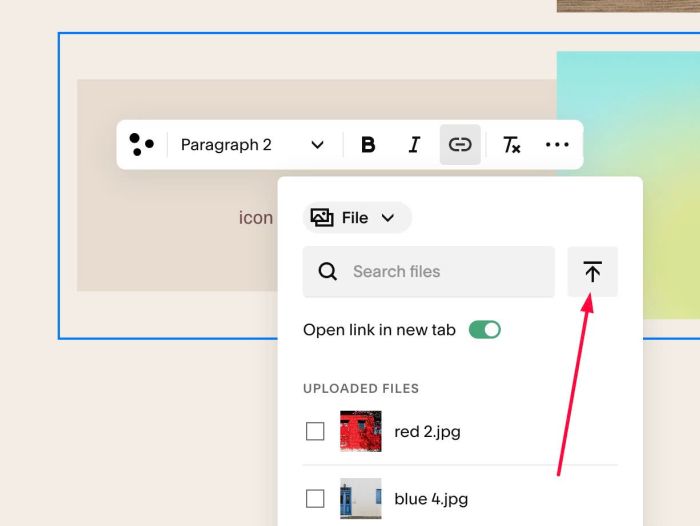
Upload your desired icon
we will have result like this
or this
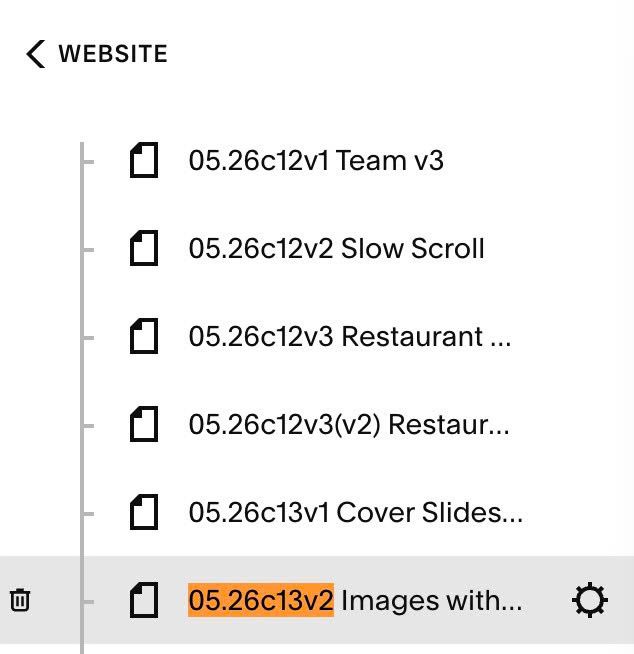
#1.4. Hover on page where you added Images > Click Gear icon
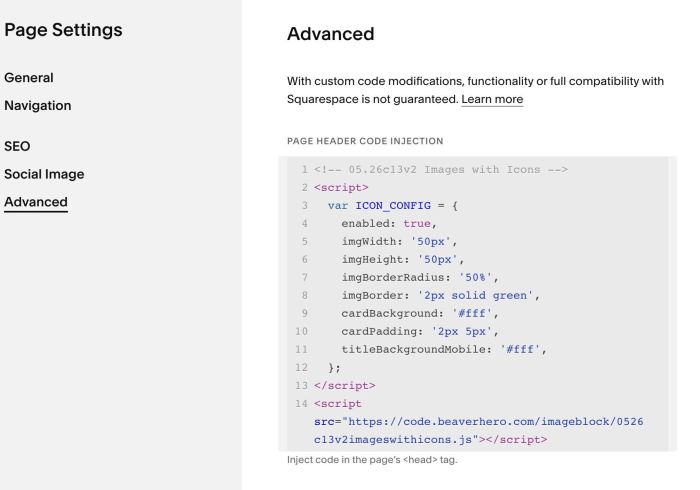
Click Advanced > Paste this code.
- If you use Personal/Basic Plan and your plan doesn’t support Injection, you can see step #3.1
<!-- 05.26c13v2 Images with Icons -->
<script>
  var ICON_CONFIG = {
    enabled: true,
    imgWidth: '50px',
    imgHeight: '50px',
    imgBorderRadius: '50%',
    imgBorder: '2px solid green',
    cardBackground: '#fff',
    cardPadding: '2px 5px',
    titleBackgroundMobile: '#fff',
  };
</script>
<script src="https://code.beaverhero.com/imageblock/0526c13v2imageswithicons.js"></script>
#2. Customize
#2.1. You can change all style here (Line 03 to Line 12)
var ICON_CONFIG = {
  enabled: true,
  imgWidth: '50px',
  imgHeight: '50px',
  imgBorderRadius: '50%',
  imgBorder: '2px solid green',
  cardBackground: '#fff',
  cardPadding: '2px 5px',
  titleBackgroundMobile: '#fff',
};
Explain
- imgWidth/imgHeight = change size of icons
- imgBorder – add green border around icons
- cardBackground – white background behind Title text
- titleBackgroundMobile – white background behind Title text (on mobile)
- cardPadding – space around title text
#2.2. To remove border around icons, you can change line 08
imgBorder: '2px solid green',
to this line
imgBorder: '0px solid transparent',
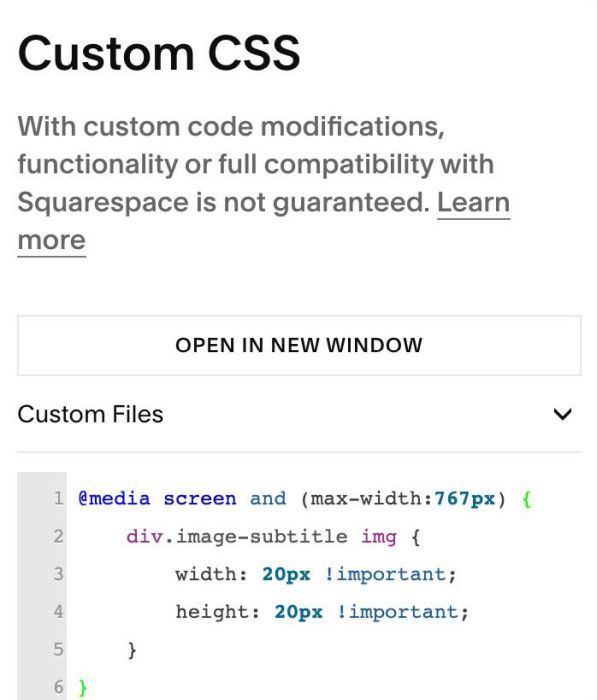
#2.3. To change icon size on mobile, you can use this code to Custom CSS
@media screen and (max-width:767px) {
    div.image-subtitle img {
        width: 20px !important;
        height: 20px !important;
    }
}
#3. Other
#3.1. If you use Personal/Basic Plan and your plan doesn’t support Injection, you can add Markdown Block under Image Block

Then paste this code into Markdown Block.
<script>
  var ICON_CONFIG = {
    enabled: true,
    imgWidth: '50px',
    imgHeight: '50px',
    imgBorderRadius: '50%',
    imgBorder: '2px solid green',
    cardBackground: '#fff',
    cardPadding: '2px 5px',
    titleBackgroundMobile: '#fff',
  };
</script>
<script src="https://code.beaverhero.com/imageblock/0526c13v2imageswithicons.js"></script>