Description
- enable link on List Carousel: image or title or description or whole item
- view demo – password: abc
- buy me a coffee
#1. Install Code
Note: Step #1.6 will have option to enable link on image or title or description or whole item
#1.1. Make sure you use Carousel
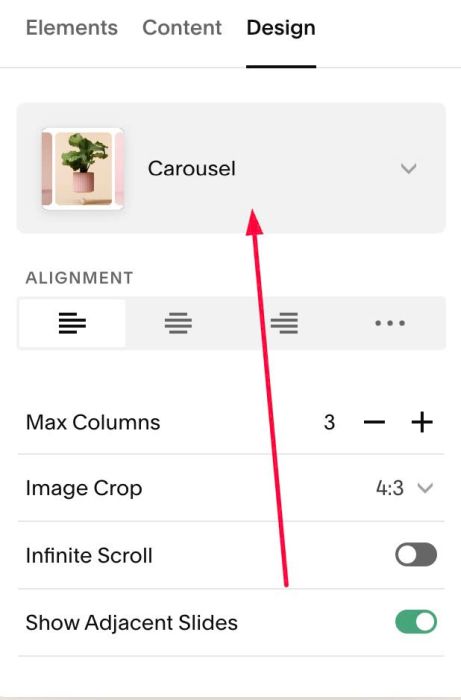
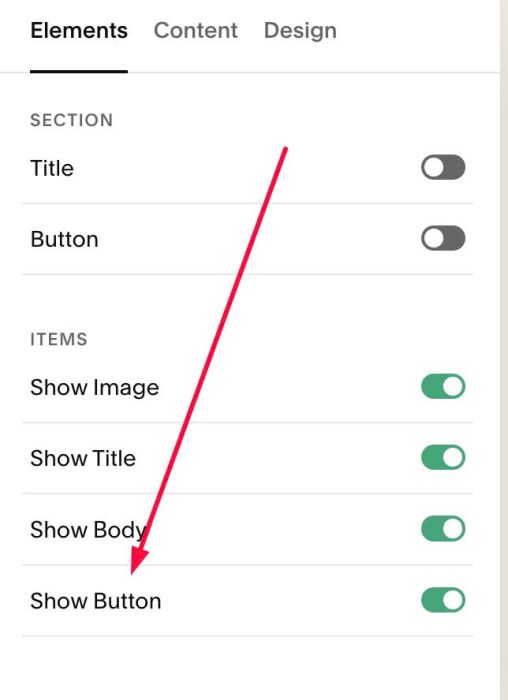
#1.2. Make sure you enabled button
(If you need to make Buttons invisible, see #1.6-5)
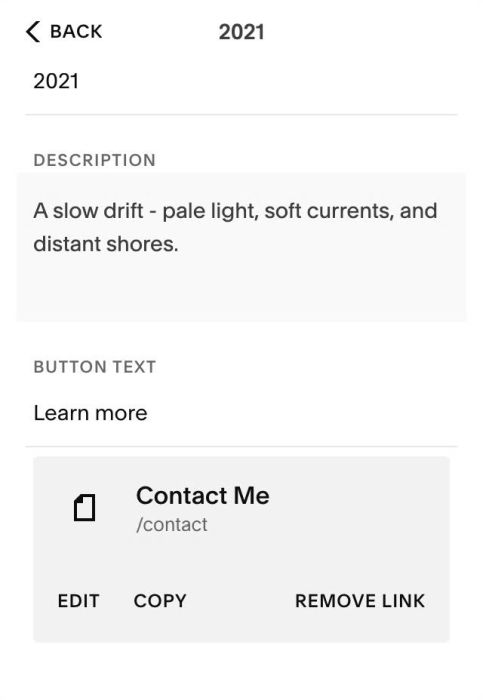
#1.3. Make sure you added URL to item button
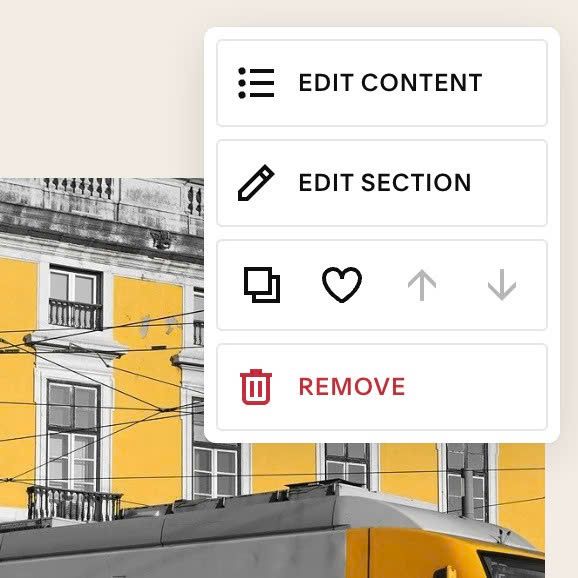
#1.4. Hover on top right of Carousel > click EDIT SECTION
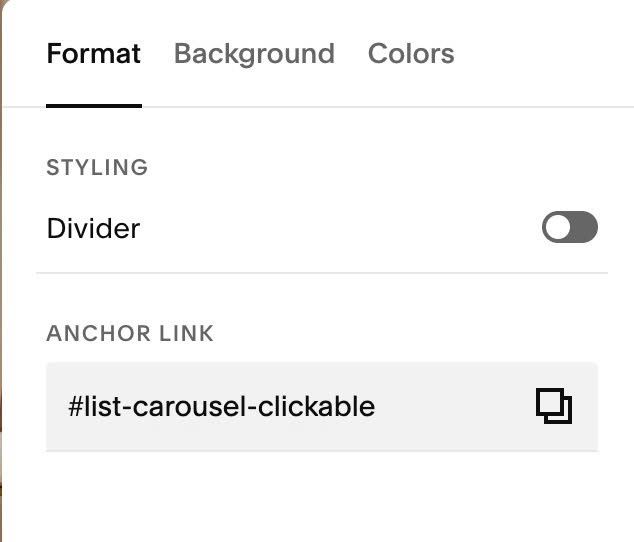
#1.5. at Format > Anchor Link, enter word: list-carousel-clickable
- If you want use another text in Anchor Link, see #2.1
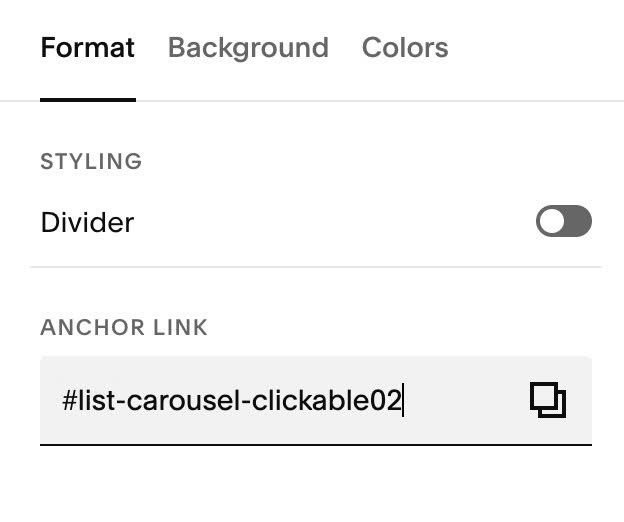
If you want to apply to multiple list carousel sections on same page, just use: list-carousel-clickable02, list-carousel-clickable03…
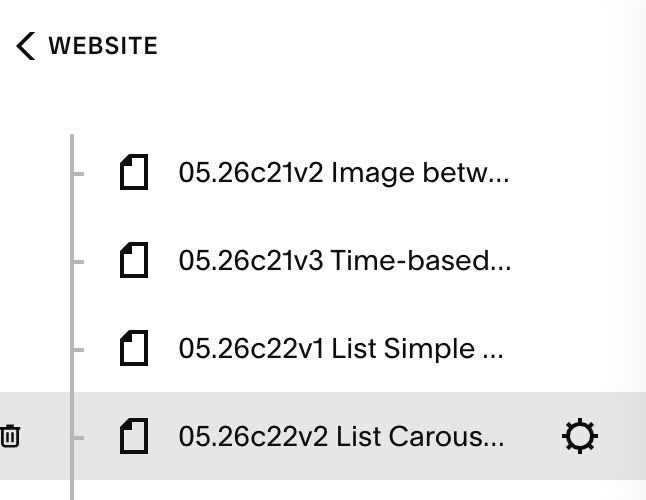
#1.6. Hover on Page where you use List Carousel > Click Gear icon
Click Advanced > Paste this code
- If you use Personal/Basic Plan and your plan doesn’t support Injection, you can see #3.1
<!-- 05.26c22v2 List Carousel Clickable -->
<script>
window.ListCarouselClickableConfig = {
  itemLink: false,
  imageLink: true,
  titleLink: true,
  descriptionLink: false,
  hideButton: true
};
</script>
<script src="https://code.beaverhero.com/list/0526c22v2carouselclickable.js"></script>
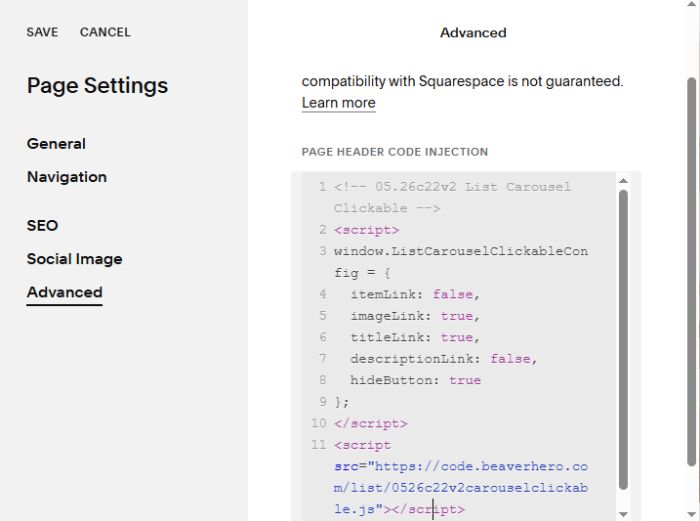
#1.7. To make Image Clickable, change line 05
imageLink: false,
from false to true, something like this
imageLink: true,
#1.7-2. To make Title clickable, change line 06
titleLink: false,
from false to true, like this
titleLink: true,
#1.7-3. To make Description text clickable, change line 07
descriptionLink: false,
from false to true, like this
descriptionLink: true,
#1.7-4. To make whole item clickable, change line 04
itemLink: false,
from false to true, like this
itemLink: true,
#1.7-5. To hide item buttons, change line 08
hideButton: false
from false to true, like this
hideButton: true,
#2. Customize
#2.1. If you already use another text in Anchor Link, for example: about-us
You can also keep it, then use new code like this
<!-- 05.26c22v2 List Carousel Clickable -->
<script>
window.ListCarouselClickableConfig = {
selector: '[id*="about-us"]',
  itemLink: false,
  imageLink: true,
  titleLink: true,
  descriptionLink: false,
  hideButton: true
};
</script>
<script src="https://code.beaverhero.com/list/0526c22v2carouselclickable.js"></script>
#3. Other
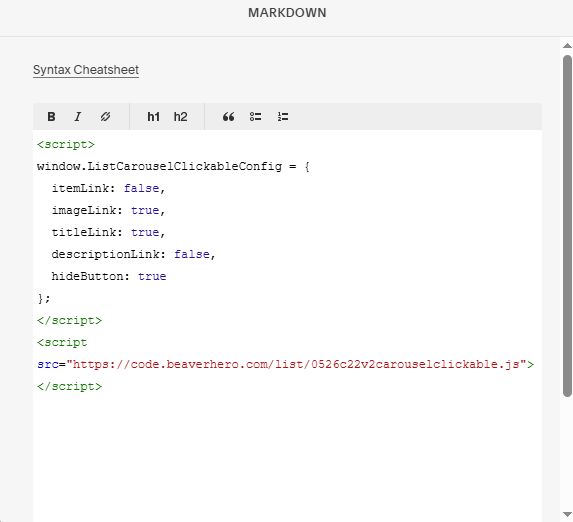
#3.1. If you use Personal/Basic Plan and your plan doesn’t support Injection, you can edit Current Page > Add a Block.

Choose Markdown (or Embed Block)

Paste this code
<script>
window.ListCarouselClickableConfig = {
  itemLink: false,
  imageLink: true,
  titleLink: true,
  descriptionLink: false,
  hideButton: true
};
</script>
<script src="https://code.beaverhero.com/list/0526c22v2carouselclickable.js"></script>