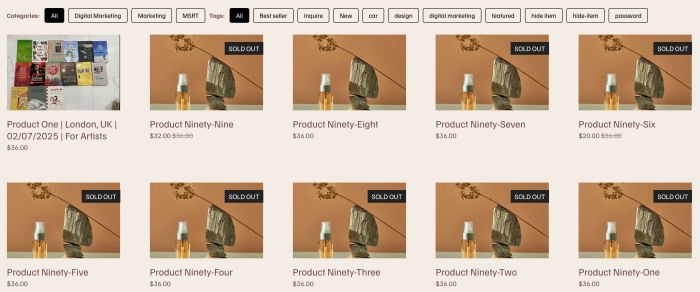
Description
- adding Filters to Summary Block Product. You can set filter by Categories or Tags.
- view demo – password: abc
- buy me a coffee
#1. Install Code
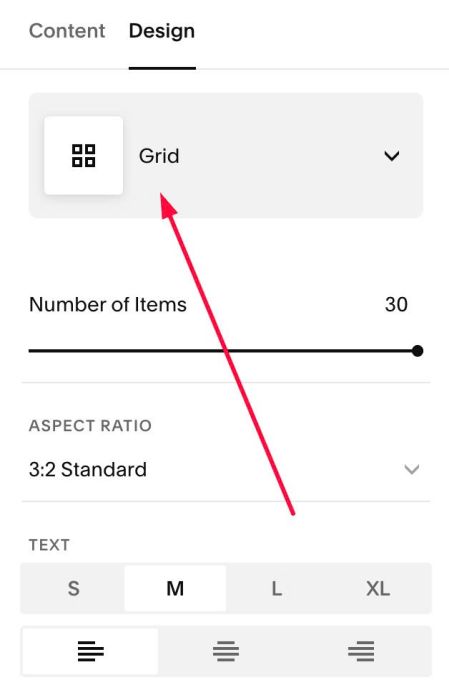
#1.1. Make sure you use Summary Block – Grid layout
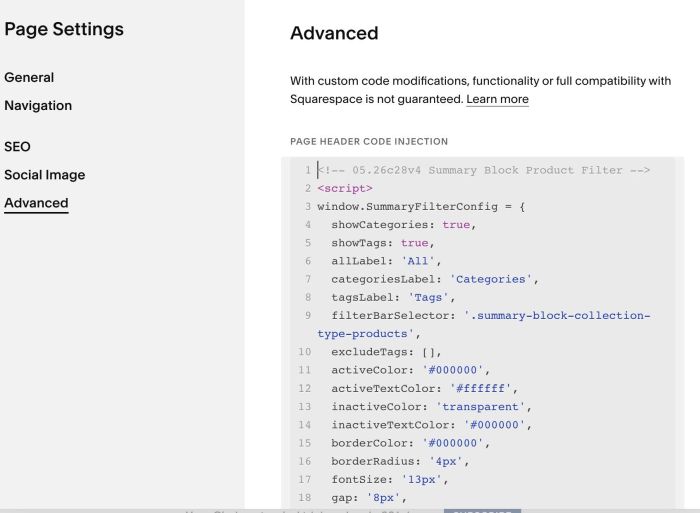
#1.2. Hover on Page where you use Summary Block > Click Gear icon
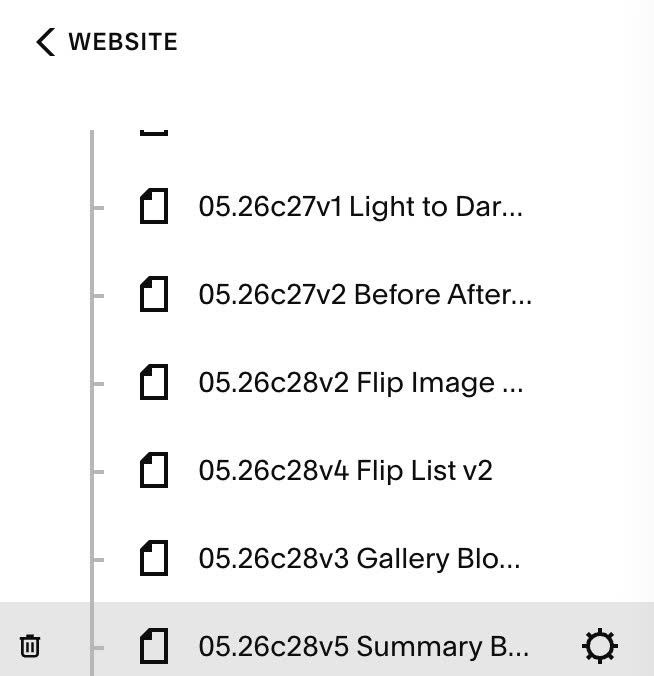
Click Advanced > Paste this code
- If you use Personal/Basic Plan and your plan doesn’t support Injection, you can see #3.1.
<!-- 05.26c28v4 Summary Block Product Filter -->
<script>
window.SummaryFilterConfig = {
  showCategories: true,
  showTags: true,
  allLabel: 'All',
  categoriesLabel: 'Categories',
  tagsLabel: 'Tags',
  filterBarSelector: '.summary-block-collection-type-products',
  excludeTags: [],
  activeColor: '#000000',
  activeTextColor: '#ffffff',
  inactiveColor: 'transparent',
  inactiveTextColor: '#000000',
  borderColor: '#000000',
  borderRadius: '4px',
  fontSize: '13px',
  gap: '8px',
  marginBottom: '24px',
  filterMode: 'AND',
};
</script>
<script src="https://code.beaverhero.com/summaryblock/0526c28v5summaryblockproductfilter.js"></script>
#2. Customize
#2.1. If you want to enable Categories or Tags only, adjust these lines: Line 04, Line 05
- true = enable
- false = disable
showCategories: true,
showTags: true,
#2.2. To change text “Categories”, “Tags”, change Line 07, Line 08
categoriesLabel: 'Categories',
tagsLabel: 'Tags',
#2.3. To change Filter links style, change Line 11 to Line 17
activeColor: '#000000',
  activeTextColor: '#ffffff',
  inactiveColor: 'transparent',
  inactiveTextColor: '#000000',
  borderColor: '#000000',
  borderRadius: '4px',
  fontSize: '13px',
#2.4. To change logic of filter, change Line 20
- AND = Filter products that belong to both the selected category AND tag.
- OR = Filter products belonging to the selected category OR tag.
filterMode: 'AND',
#3. Other
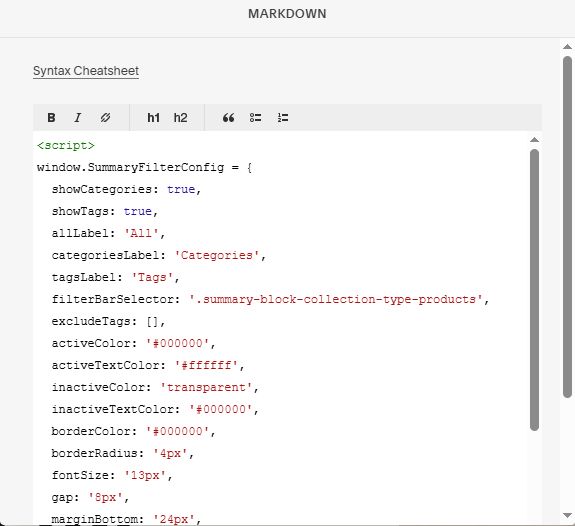
#3.1. If you use Personal/Basic Plan and your plan doesn’t support Injection, you can add a Block under Summary Block

Choose Markdown

Add this code into Markdown
<script>
window.SummaryFilterConfig = {
  showCategories: true,
  showTags: true,
  allLabel: 'All',
  categoriesLabel: 'Categories',
  tagsLabel: 'Tags',
  filterBarSelector: '.summary-block-collection-type-products',
  excludeTags: [],
  activeColor: '#000000',
  activeTextColor: '#ffffff',
  inactiveColor: 'transparent',
  inactiveTextColor: '#000000',
  borderColor: '#000000',
  borderRadius: '4px',
  fontSize: '13px',
  gap: '8px',
  marginBottom: '24px',
  filterMode: 'AND',
};
</script>
<script src="https://code.beaverhero.com/summaryblock/0526c28v5summaryblockproductfilter.js"></script>