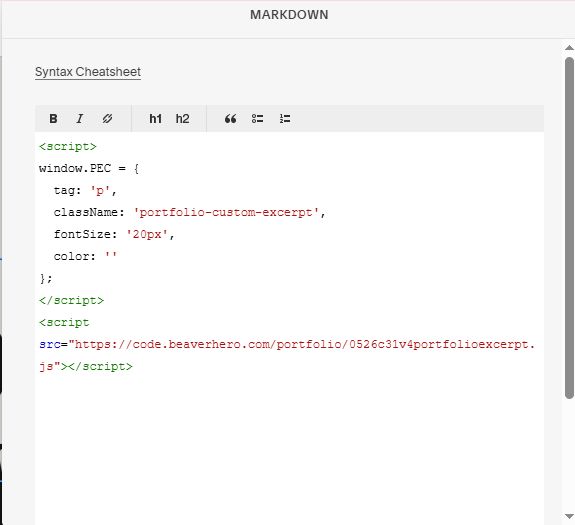
Description
- adding custom text/excerpt under Portfolio title
- view demo – password: abc
- buy me a coffee
#1. Install Code
Note: We will use SEO Description text as Excerpt.
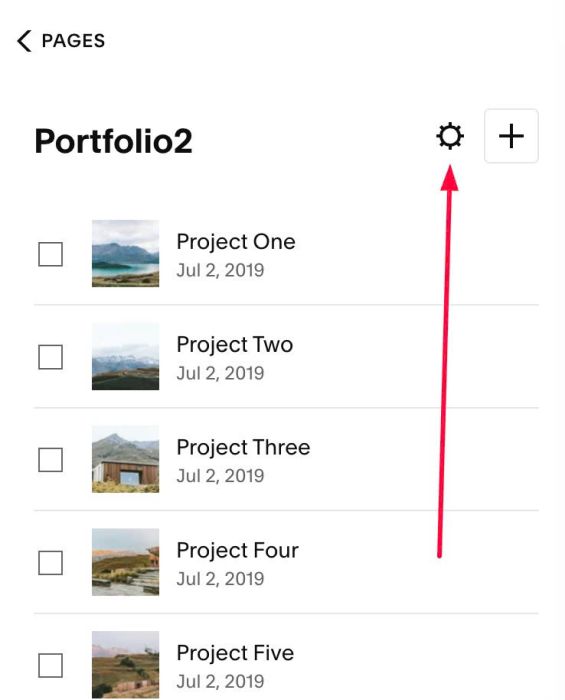
#1.1. Click Gear icon on Portfolio Page
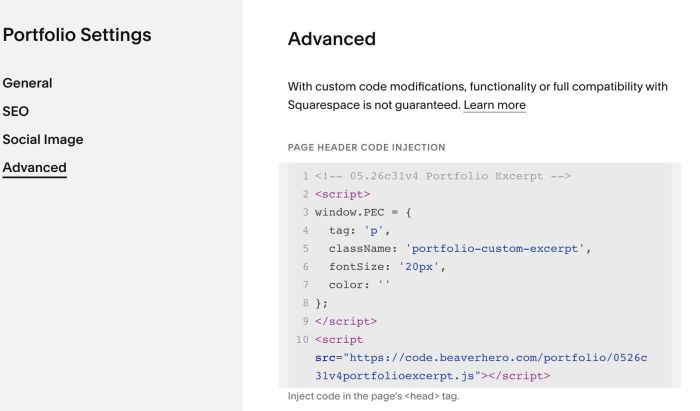
Click Advanced > Paste this code
- If you use Personal/Basic Plan and your plan doesn’t support Injection, you can follow #3.1
<!-- 05.26c31v4 Portfolio Excerpt -->
<script>
window.PEC = {
  tag: 'p',
  className: 'portfolio-custom-excerpt',
  fontSize: '20px',
  color: ''
};
</script>
<script src="https://code.beaverhero.com/portfolio/0526c31v4portfolioexcerpt.js"></script>
#2. Customize
#2.1. To change size of Excerpt, you can change Line 06
fontSize: '20px',
#2.2. To change color of Excerpt, you can change Line 07
color: ''
you can use color name, like this
color: 'black'
or hex color, like this
color: '#000'
#2.3. By default, Excerpt is <p> tag, if you want to change it to h3, h4, h5 or h6, change this line 04
tag: 'p',
to something like this
tag: 'h4',
#2.4. To change Excerpt to P1 style, you can change Line 05
className: 'portfolio-custom-excerpt',
to
className: 'sqsrte-large',
#2.5. To change Excerpt to P3 style, you can change Line 05
className: 'portfolio-custom-excerpt',
to
className: 'sqsrte-small',
#2.6. To add Multi-Lines in Excerpt, like this
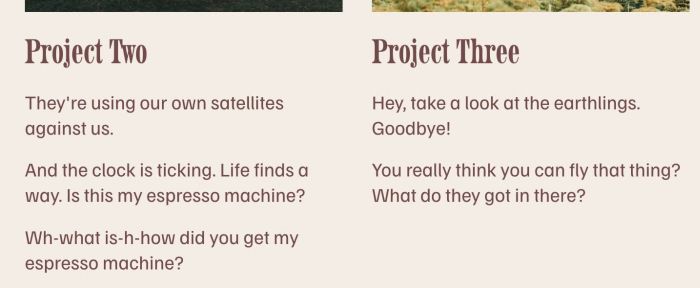
For example, with 2 lines, like this
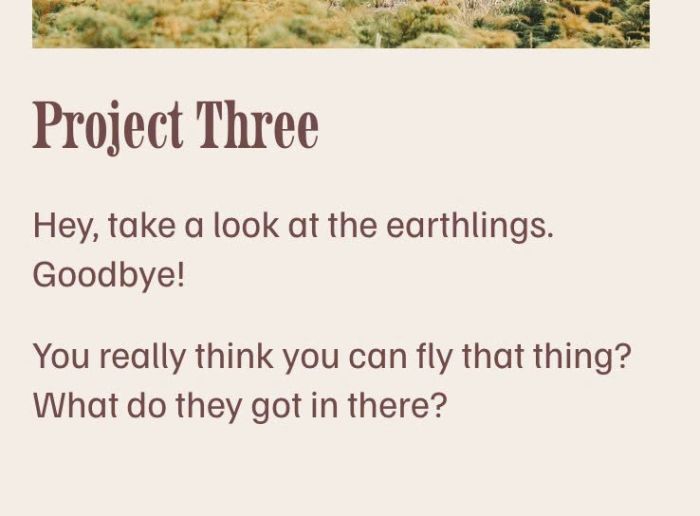
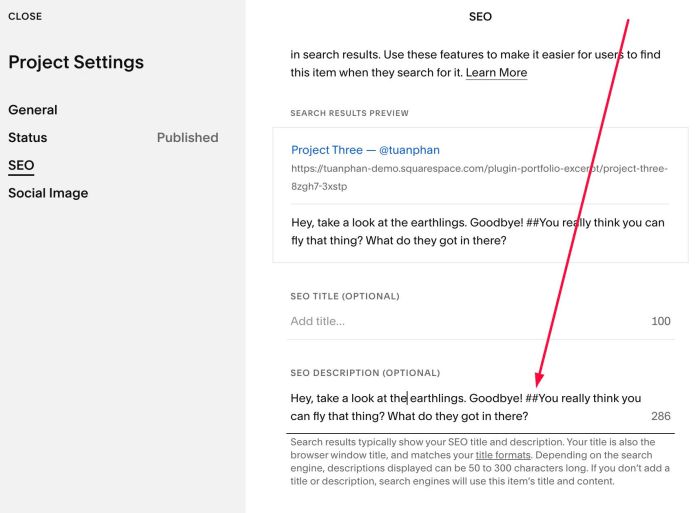
we will add ## like this
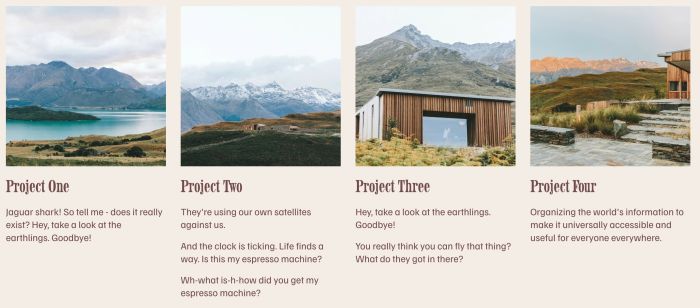
Hey, take a look at the earthlings. Goodbye! ##You really think you can fly that thing? What do they got in there?
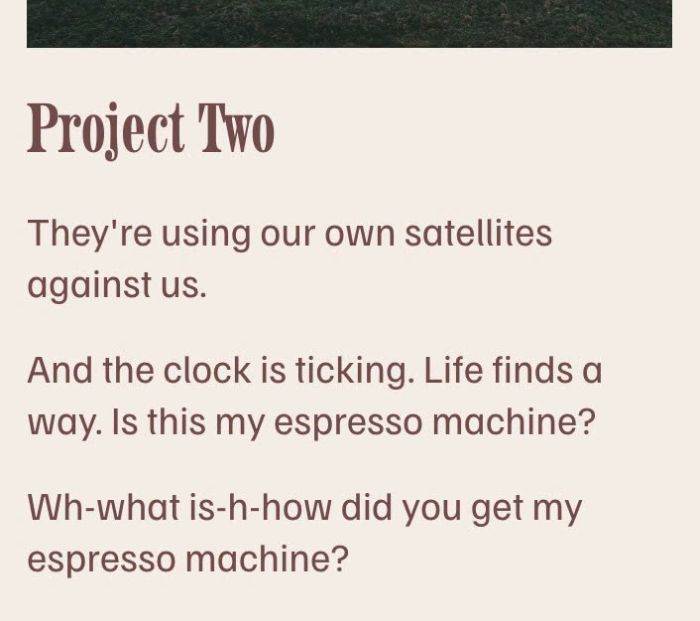
To add 3 lines, like this
We will add ## like this
They're using our own satellites against us. ## And the clock is ticking. Life finds a way. Is this my espresso machine? ##Wh-what is-h-how did you get my espresso machine?

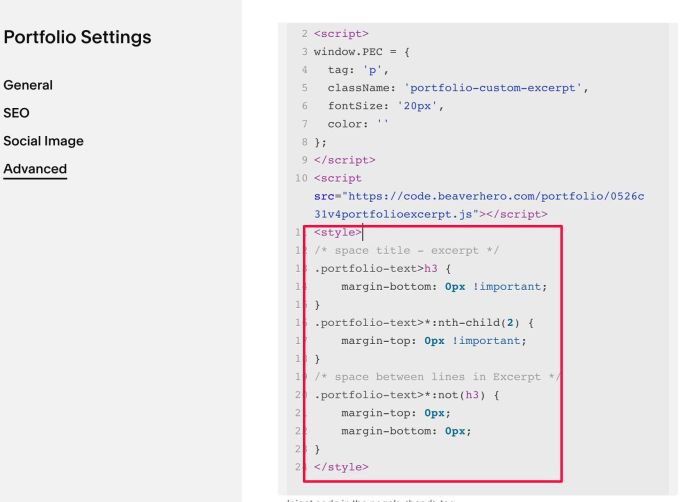
#2.7. To reduce space between Excerpt lines, and between Excerpt – Title, you can use this code under Main code
<style>
/* space title - excerpt */
.portfolio-text>h3 {
    margin-bottom: 0px !important;
}
.portfolio-text>*:nth-child(2) {
    margin-top: 0px !important;
}
/* space between lines in Excerpt */
.portfolio-text>*:not(h3) {
    margin-top: 0px;
    margin-bottom: 0px;
}
</style>
#3. Other
#3.1. If you use Personal/Basic Plan and your plan doesn’t support Injection, you can edit Portfolio Page > Add a Section > Add a Block
Choose Markdown

Paste this code
<script>
window.PEC = {
  tag: 'p',
  className: 'portfolio-custom-excerpt',
  fontSize: '20px',
  color: ''
};
</script>
<script src="https://code.beaverhero.com/portfolio/0526c31v4portfolioexcerpt.js"></script>