Description
- slide up content on click link
- view demo – password: abc
- buy me a coffee

#1. Install Code
Note: You need to install Section Loader Supreme Plugin
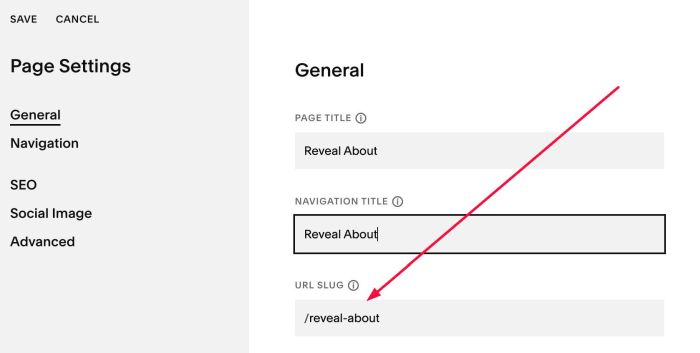
#1.1. First, create a Page in Not Linked with Name/URL
- Name: Reveal About
- URL: /reveal-about
#1.2. Add your desired content

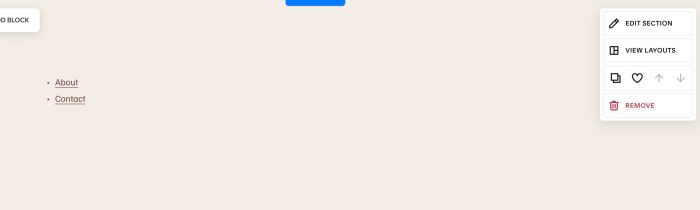
#1.3. Hover on top right of section (section where you want to apply code) > Click EDIT SECTION
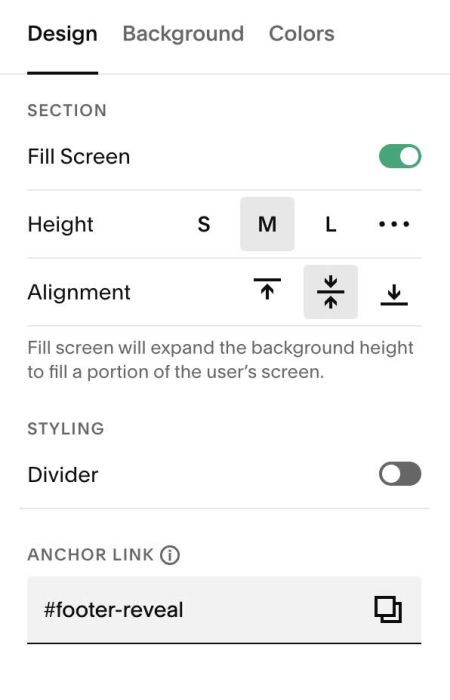
at Design > Anchor Link > enter word: footer-reveal
#1.4. Hover on page where want to apply code > Click Gear icon
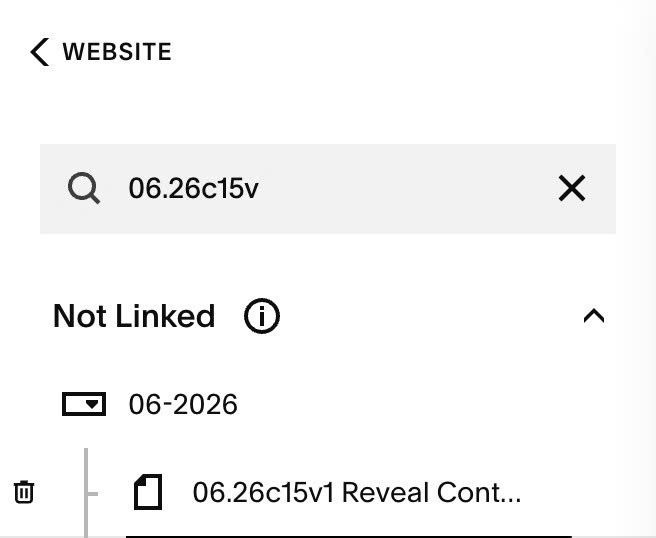
Click Advanced > Paste this code
- If you use Personal/Basic Plan and your plan doesn’t support Injection, see #3.1.
<!-- 06.26c15v1 Reveal Content on Click -->
<script>
window.RevealPanelConfig = {
  links: [
    {
      selector: 'a[href="/about"]',
      source: "/reveal-about" },
    {
      selector: 'a[href="/contact"]',
      source: "/reveal-contact" }
  ],
  animationDuration: 500
};
</script>
<script src="https://code.beaverhero.com/wm/0626c15v1revealcontentclick.js">
</script>

#1.5. Update URL in Line 06
- This line mean, if users click on link /about will slide up content from /reveal-about you created above
selector: 'a[href="/about"]',
You can ignore Line 09, Line 10. This is sample code in case you need to apply the effect to multiple different links.
#2. Customize
#2.1. To change height of Reveal Content, like this
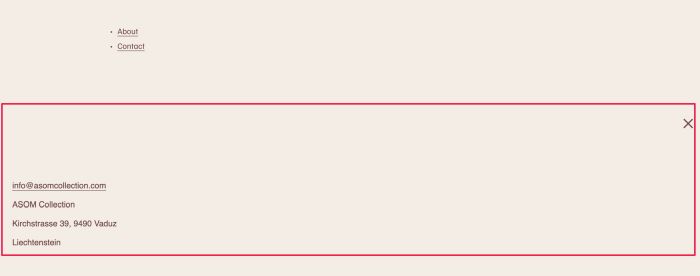
You can use this code to Custom CSS box
/* reveal height */
div#wm-reveal-overlay {
    height: 300px !important;
}
/* Close icon position, = reveal height + 5px */
button#wm-reveal-close {
    top: unset !important;
    bottom: 305px;
}
#3. Other
#3.1. If you use Personal/Basic Plan and your plan doesn’t support Injection, you can add a Block
Choose Markdown

Paste this code
<script>
window.RevealPanelConfig = {
  links: [
    {
      selector: 'a[href="/about"]',
      source: "/reveal-about" },
    {
      selector: 'a[href="/contact"]',
      source: "/reveal-contact" }
  ],
  animationDuration: 500
};
</script>
<script src="https://code.beaverhero.com/wm/0626c15v1revealcontentclick.js">
</script>
