Description
- adding caption to Image Block, you can set caption under image or overlay image, make caption/image clickable
- view demo – password: abc
- buy me a coffee

#1. Install Code
#1.1. Make sure you added Text to ALT (You can enter URL if you want)
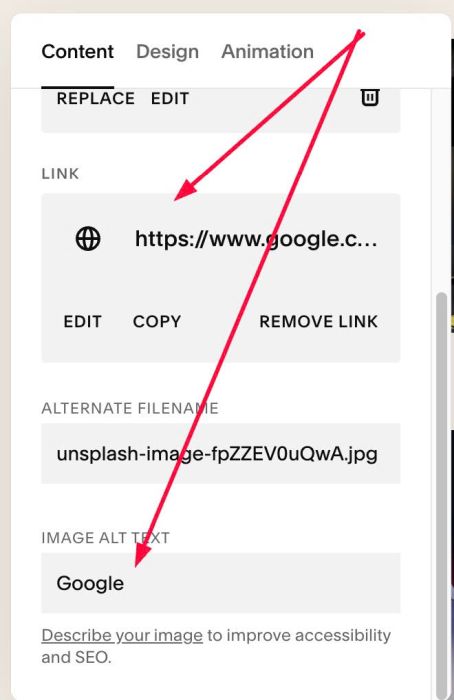
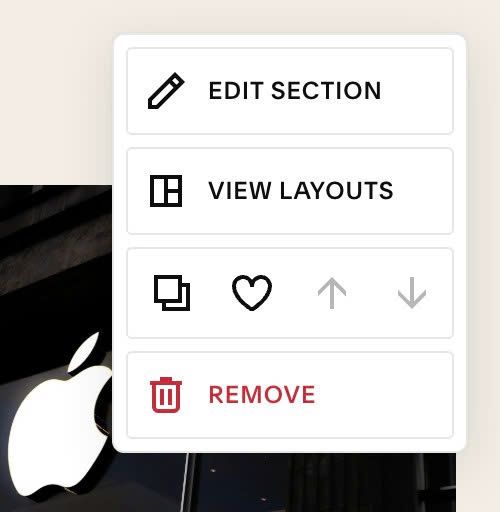
#1.2. Hover on top right of Section > Click EDIT SECTION
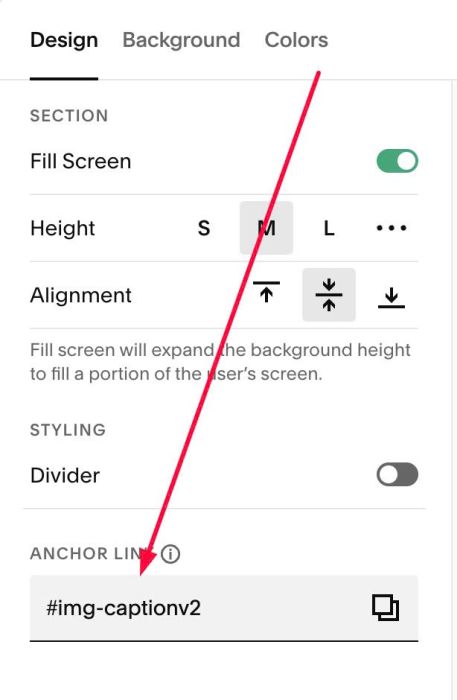
#1.3. At Design > Anchor Link, enter word: img-captionv2
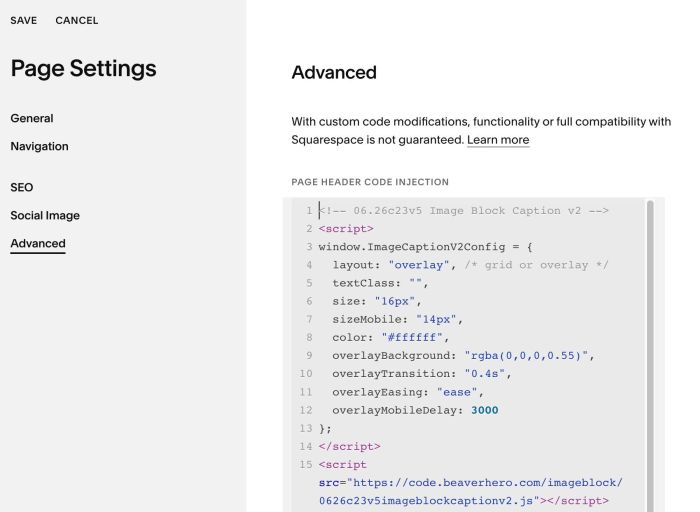
#1.4. Hover on Page where you use Image Blocks > Click Gear icon
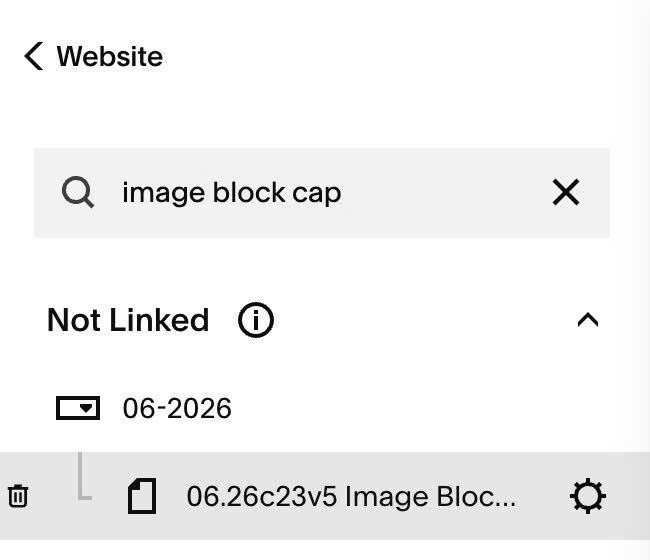
#1.5. Click Advanced > Paste this code to right box
- If you use Personal/Basic Plan and your plan doesn’t support Injection, see #3.1
<!-- 06.26c23v5 Image Block Caption v2 -->
<script>
window.ImageCaptionV2Config = {
  layout: "overlay", /* grid or overlay */
  textClass: "",
  size: "16px",
  sizeMobile: "14px",
  color: "#ffffff",
  overlayBackground: "rgba(0,0,0,0.55)",
  overlayTransition: "0.4s",
  overlayEasing: "ease",
  overlayMobileDelay: 3000
};
</script>
<script src="https://code.beaverhero.com/imageblock/0626c23v5imageblockcaptionv2.js"></script>
#2. Customize
#2.1. To make title appears under Image, like this

You can change Line 04
layout: "overlay", /* grid or overlay */
to this
layout: "grid", /* grid or overlay */
#2.2. To change caption text size/color, change Line 06, Line 07, Line 08
size: "16px",
sizeMobile: "14px",
color: "#ffffff",
#2.3. To change overlay color, change Line 09
overlayBackground: "rgba(0,0,0,0.55)",
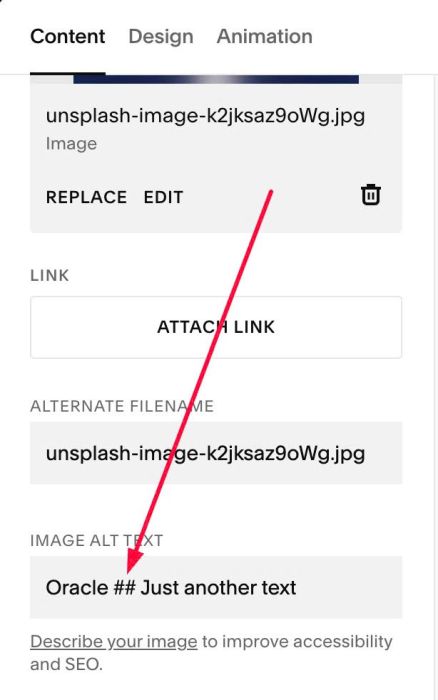
#2.4. To break text to 2 lines like this

You can add symbol ## between text tin ALT
Oracle ## Just another text
#3. Other
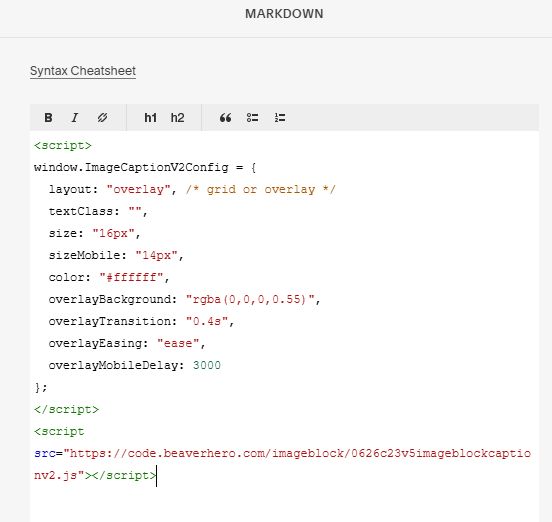
#3.1. If you use Personal/Basic Plan and your plan doesn’t support Injection, you can edit current section (section where you use Image Blocks) > Add a Block

Choose Markdown

Add this code into Markdown
<script>
window.ImageCaptionV2Config = {
  layout: "overlay", /* grid or overlay */
  textClass: "",
  size: "16px",
  sizeMobile: "14px",
  color: "#ffffff",
  overlayBackground: "rgba(0,0,0,0.55)",
  overlayTransition: "0.4s",
  overlayEasing: "ease",
  overlayMobileDelay: 3000
};
</script>
<script src="https://code.beaverhero.com/imageblock/0626c23v5imageblockcaptionv2.js"></script>
#3.2. If you want to use another anchor link text, you can use this new code
<!-- 06.26c23v5 Image Block Caption v2.2 -->
<script>
window.ImageCaptionV2Config = {
  sectionId: "cover-intro",
  layout: "grid",
  textClass: "",
  size: "11px",
  sizeMobile: "11px",
  color: "#f2ede3",
  overlayBackground: "transparent",
  overlayTransition: "0.4s",
  overlayEasing: "ease",
  overlayMobileDelay: 3000
};
</script>
<script src="https://code.beaverhero.com/imageblock/0626c23v5imageblockcaptionv22.js"></script>
then change anchor link text with this line
sectionId: "cover-intro",