Description
- hover link change right image v3
- view demo – password: abc
- buy me a coffee

#1. Install Code
#1.1. First you can add a Text Block (left side) and some Image Blocks on right side
#1.2. Next, add symbol like these to Text Block

#1.3. and symbol like these to ALT Image Blocks
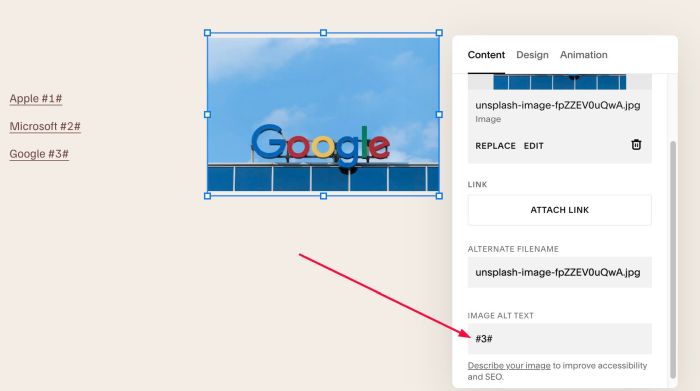
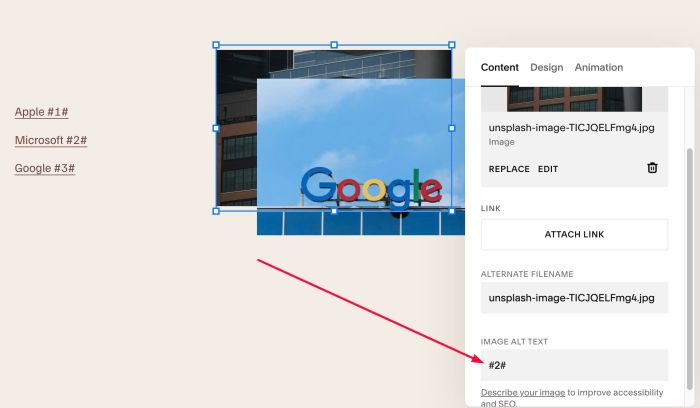
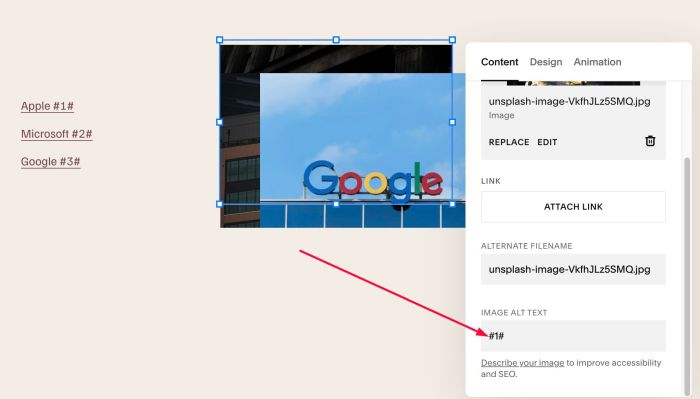
#1.4. Note: symbols in each Text-Image pair need to match for the hover effect to work properly.
- Text 1: #1# – Image 1 #1#
- Text 2: #2# – Image 2: #2#
- Text 3: #3# – Image 3: #3#
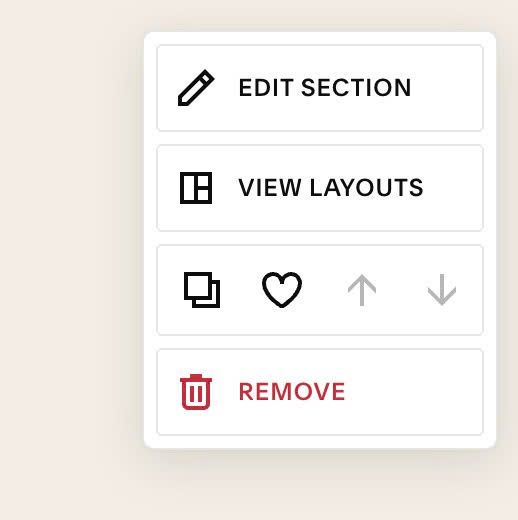
#1.5. Hover on top right of section > Click EDIT SECTION
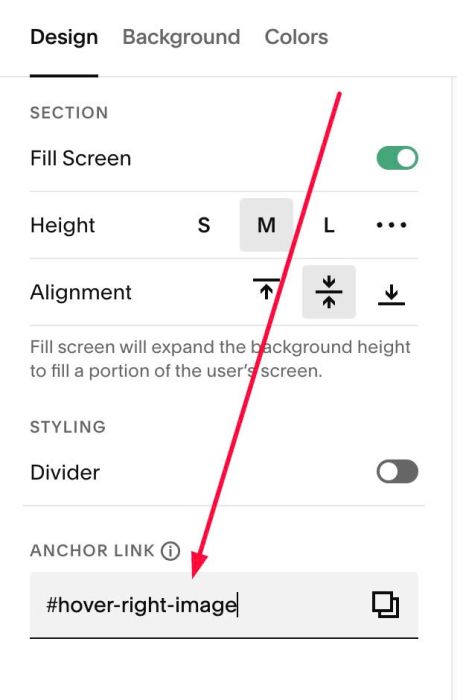
#1.6. at Design > Anchor Link > Enter word: hover-right-image
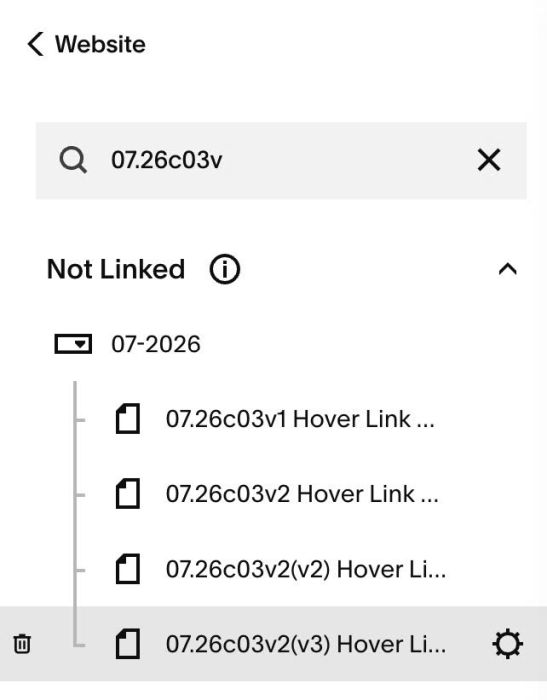
#1.7. Hover on Page where you use Text, Image Blocks > Click Gear icon
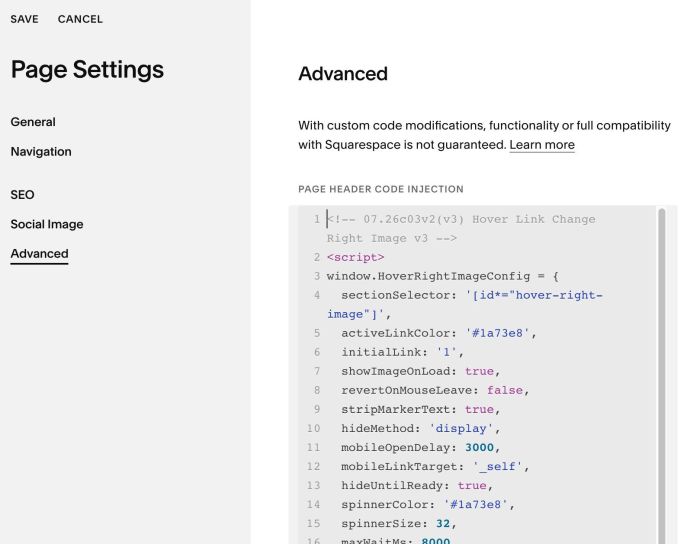
#1.8. Click Advanced > Paste this code
- If you use Personal/Basic Plan and your plan doesn’t support Injection, see #3.1
<!-- 07.26c03v2(v3) Hover Link Change Right Image v3 -->
<script>
window.HoverRightImageConfig = {
  sectionSelector: '[id*="hover-right-image"]',
  activeLinkColor: '#1a73e8',
  initialLink: '1',
  showImageOnLoad: true,
  revertOnMouseLeave: false,
  stripMarkerText: true,
  hideMethod: 'display',
  mobileOpenDelay: 3000,
  mobileLinkTarget: '_self',
  hideUntilReady: true,
  spinnerColor: '#1a73e8',
  spinnerSize: 32,
  maxWaitMs: 8000
};
</script>
<script src="https://code.beaverhero.com/textblock/0726c03v2v3hoverlinkchangerightimgv3.js"></script>
#2. Customize
#2.1. To change active link color, change Line 05
activeLinkColor: '#1a73e8',
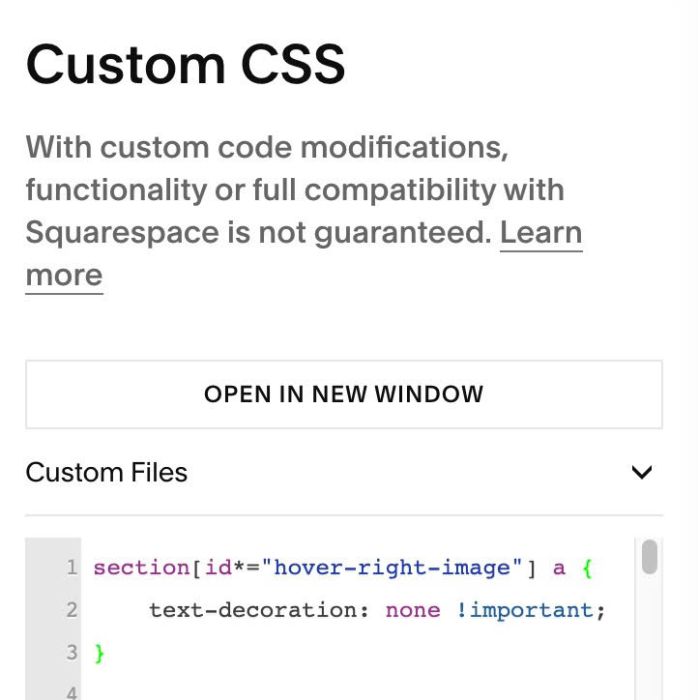
#2.2. To remove underline under Links, use this code to Custom CSS box
section[id*="hover-right-image"] a {
    text-decoration: none !important;
}
#3. Other
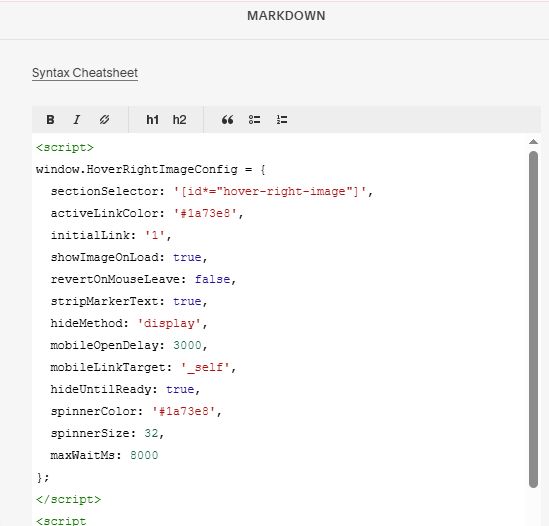
#3.1. If you use Personal/Basic Plan and your plan doesn’t support Injection, you can edit current page (page where you use Text, Image Blocks) > Add a Markdown Block

Add this code into Markdown Block
<script>
window.HoverRightImageConfig = {
  sectionSelector: '[id*="hover-right-image"]',
  activeLinkColor: '#1a73e8',
  initialLink: '1',
  showImageOnLoad: true,
  revertOnMouseLeave: false,
  stripMarkerText: true,
  hideMethod: 'display',
  mobileOpenDelay: 3000,
  mobileLinkTarget: '_self',
  hideUntilReady: true,
  spinnerColor: '#1a73e8',
  spinnerSize: 32,
  maxWaitMs: 8000
};
</script>
<script src="https://code.beaverhero.com/textblock/0726c03v2v3hoverlinkchangerightimgv3.js"></script>