Description
- custom list section with two panels, left is text, right is image, bottom is dots/arrow pagination
- view demo – password: abc
- buy me a coffee

1. Install Code
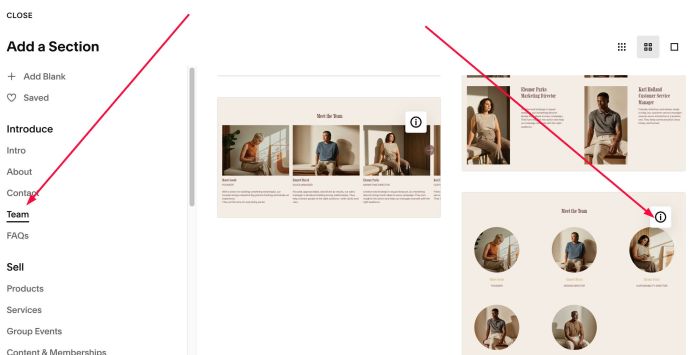
#1.1. First add Section > Choose Team > Choose Section with (i) icon
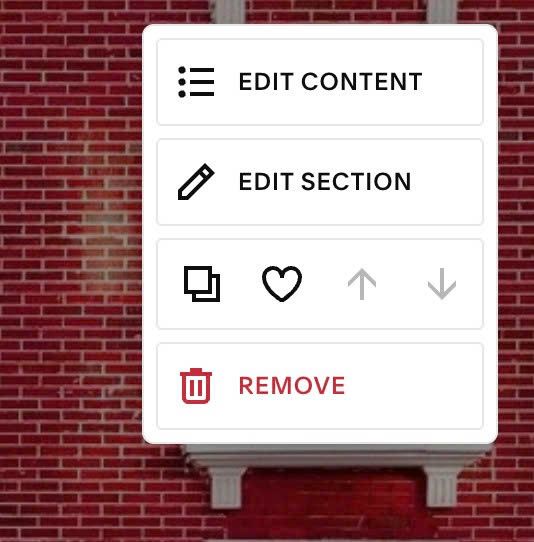
#1.2. Hover on top right of section > Click EDIT CONTENT
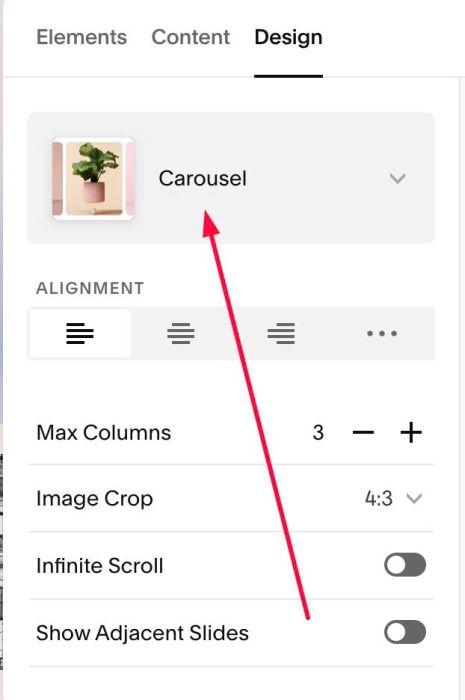
#1.3. at Design > Choose Carousel
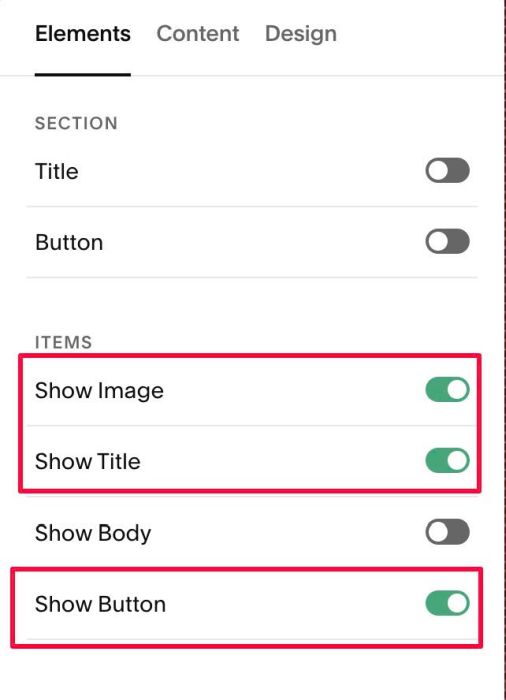
#1.4. at Elements > You can Enable Image or Image, Title, Button, anything what you want.
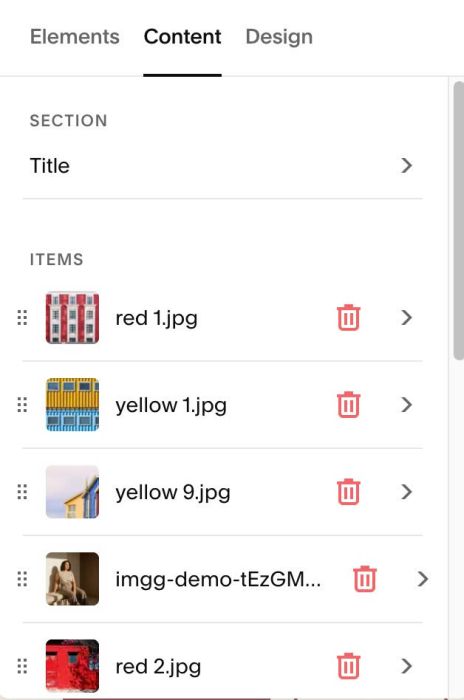
#1.5. at Content > Add your desired title, image, button url
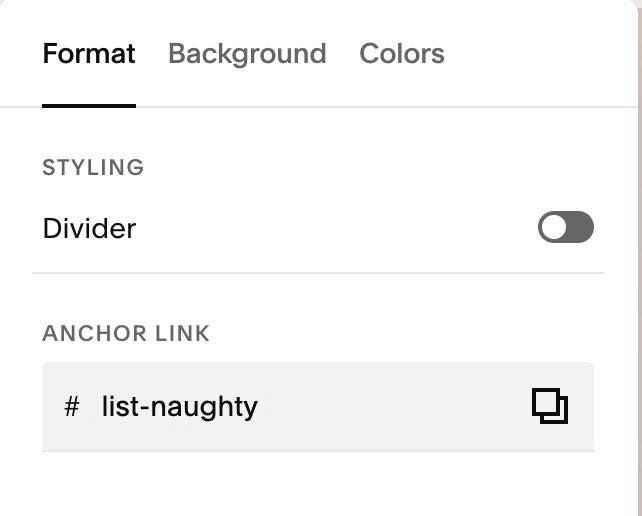
#1.6. Hover on top right of Carousel Section > Click EDIT SECTION > at Format > Anchor Link, enter word: list-naughty
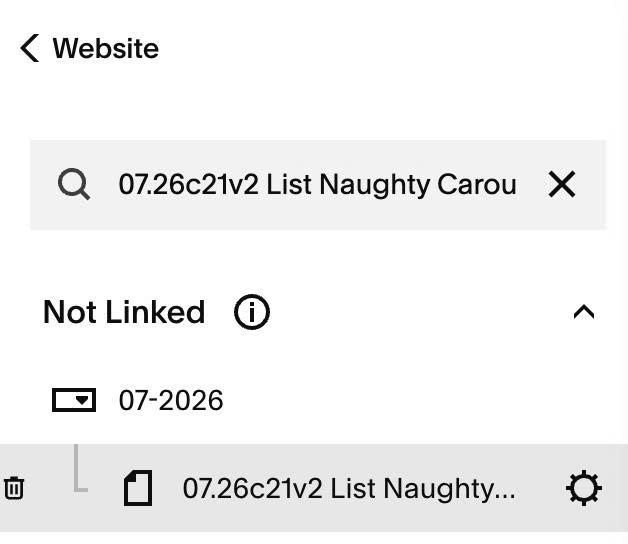
#1.7. Hover on Page where you use Carousel > Click Gear icon
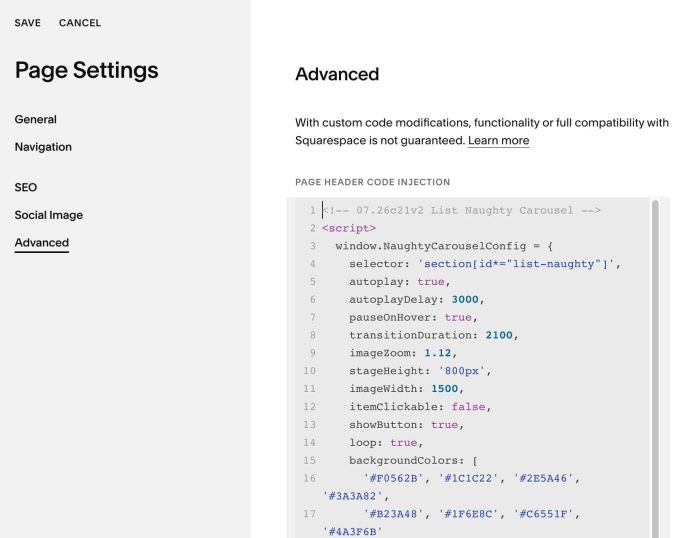
#1.8. Click Advanced > Paste this code
- If you use Personal/Basic Plan and your plan doesn’t support Injection, see #3.1
<!-- 07.26c21v2 List Naughty Carousel -->
<script>
  window.NaughtyCarouselConfig = {
    selector: 'section[id*="list-naughty"]',
    autoplay: true,
    autoplayDelay: 3000,
    pauseOnHover: true,
    transitionDuration: 2100,
    imageZoom: 1.12,
    stageHeight: '800px',
    imageWidth: 1500,
    itemClickable: false,
    showButton: true,
    loop: true,
    backgroundColors: [
      '#F0562B', '#1C1C22', '#2E5A46', '#3A3A82',
      '#B23A48', '#1F6E8C', '#C6551F', '#4A3F6B'
    ],
    overlayColor: '',
    textColor: '#FFFFFF',
    stripFirstDescLine: false
  };
</script>
<script src="https://code.beaverhero.com/listcarousel/0726c21v2listnaughtycarousel.js"></script>
#2. Customize
#2.1. To change Overlay color behind text/overlay color over image, change line 15 to line 18
backgroundColors: [
  '#F0562B', '#1C1C22', '#2E5A46', '#3A3A82',
  '#B23A48', '#1F6E8C', '#C6551F', '#4A3F6B'
],
#2.2. To change height of Carousel, change line 10
stageHeight: '800px',
#2.2. To disable autoscroll, change line 05, 06
autoplay: true,
    autoplayDelay: 3000,
to
autoplay: false,
    autoplayDelay: 3000,
#3. Other
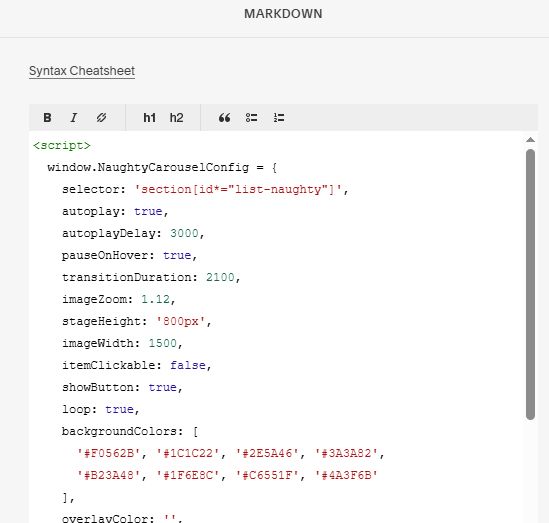
#3.1. If you use Personal/Basic Plan and your plan doesn’t support Injection, you can edit current page (page where you use Carousel) > Add a Block > Choose Markdown

Add this code into Markdown
<script>
  window.NaughtyCarouselConfig = {
    selector: 'section[id*="list-naughty"]',
    autoplay: true,
    autoplayDelay: 3000,
    pauseOnHover: true,
    transitionDuration: 2100,
    imageZoom: 1.12,
    stageHeight: '800px',
    imageWidth: 1500,
    itemClickable: false,
    showButton: true,
    loop: true,
    backgroundColors: [
      '#F0562B', '#1C1C22', '#2E5A46', '#3A3A82',
      '#B23A48', '#1F6E8C', '#C6551F', '#4A3F6B'
    ],
    overlayColor: '',
    textColor: '#FFFFFF',
    stripFirstDescLine: false
  };
</script>
<script src="https://code.beaverhero.com/listcarousel/0726c21v2listnaughtycarousel.js"></script>