Description
- adding progress bar, using Text Block
- view demo – password: abc
- buy me a coffee
#1. Install Code
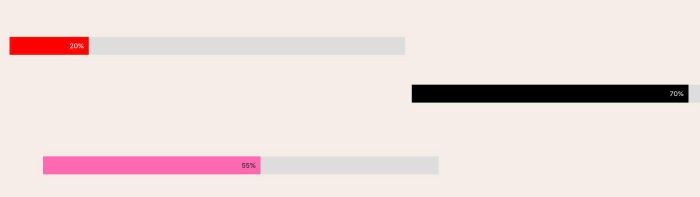
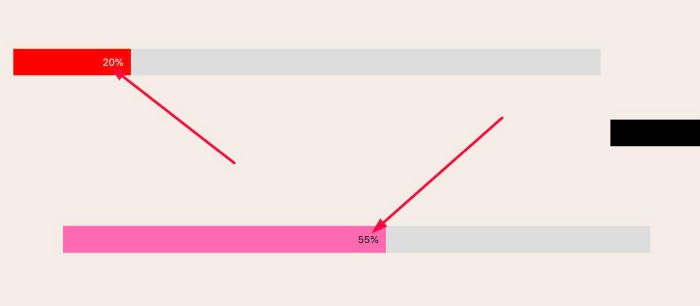
#1.1. You can add text with format like this to Text Block (use Paragraph 1, 2 or 3)
#progress-bar-{percent}-{color}
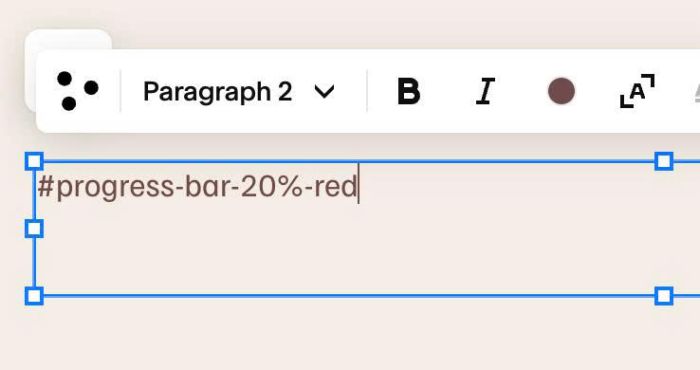
ex:
#progress-bar-20%-red
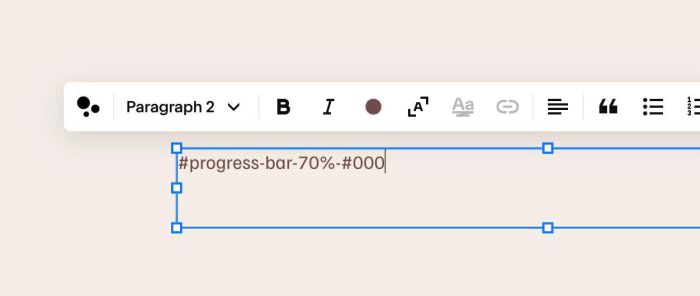
or
#progress-bar-70%-#000
or
#progress-bar-55%-#ff69b0
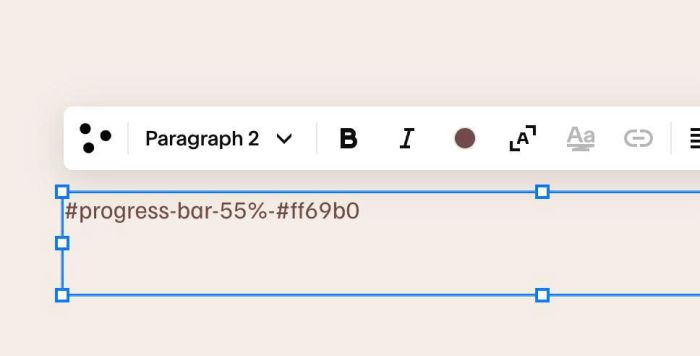
#1.2. Hover on Page where you use Text > Click Gear icon
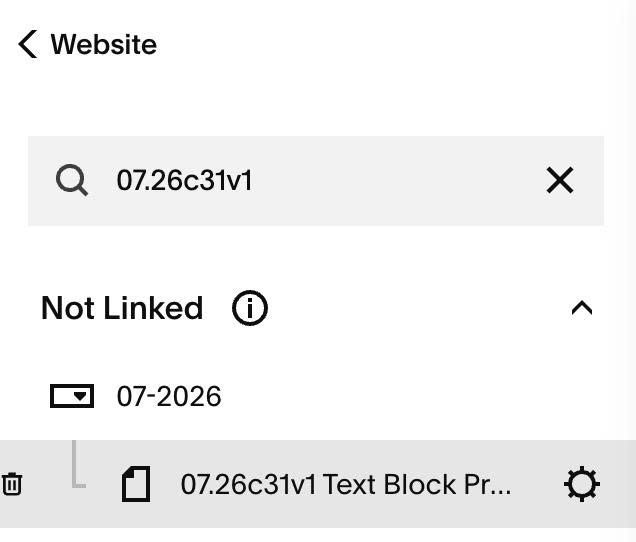
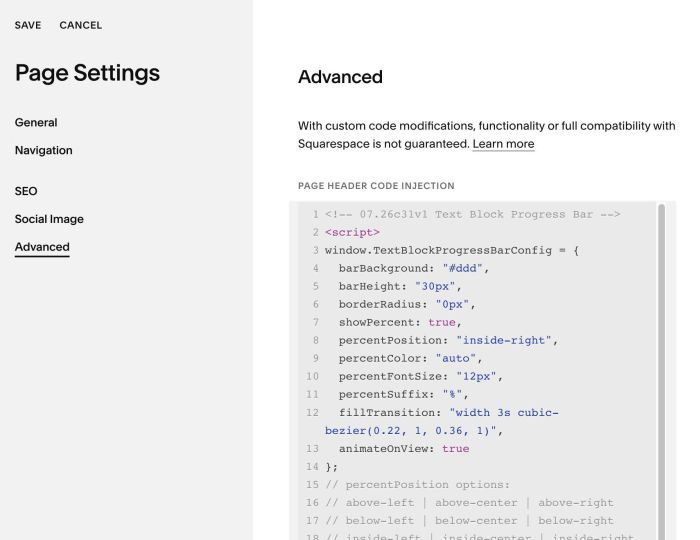
#1.3. Click Advanced > Paste this code
- If you use Personal/Basic Plan and your plan doesn’t support Injection, see #3.1
<!-- 07.26c31v1 Text Block Progress Bar -->
<script>
window.TextBlockProgressBarConfig = {
  barBackground: "#ddd",
  barHeight: "30px",
  borderRadius: "0px",
  showPercent: true,
  percentPosition: "inside-right",
  percentColor: "auto",
  percentFontSize: "12px",
  percentSuffix: "%",
  fillTransition: "width 3s cubic-bezier(0.22, 1, 0.36, 1)",
  animateOnView: true
};
// percentPosition options:
// above-left | above-center | above-right
// below-left | below-center | below-right
// inside-left | inside-center | inside-right
// outside-left | outside-right
</script>
<script src="https://code.beaverhero.com/textblock/0726c31v1textblockprogressbar.js"></script>
#2. Customize
#2.1. To change progress bar height, change line 05
barHeight: "30px",
#2.2. To change progress bar background color
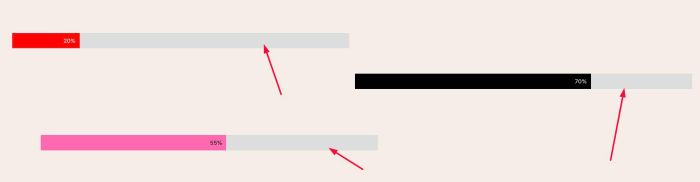
change line 04
barBackground: "#ddd",
#2.3. To hide percent
change line 07
showPercent: true,
to
showPercent: false,
#3. Other
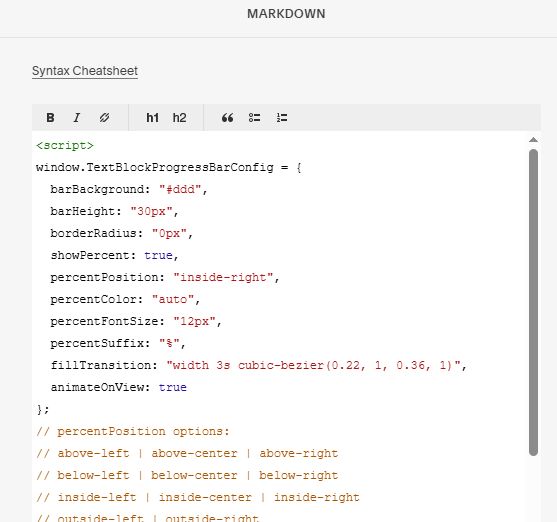
#3.1. If you use Personal/Basic Plan and your plan doesn’t support Injection, you can add a Markdown Block under Text Block

Then add this code into Markdown Block
<script>
window.TextBlockProgressBarConfig = {
  barBackground: "#ddd",
  barHeight: "30px",
  borderRadius: "0px",
  showPercent: true,
  percentPosition: "inside-right",
  percentColor: "auto",
  percentFontSize: "12px",
  percentSuffix: "%",
  fillTransition: "width 3s cubic-bezier(0.22, 1, 0.36, 1)",
  animateOnView: true
};
// percentPosition options:
// above-left | above-center | above-right
// below-left | below-center | below-right
// inside-left | inside-center | inside-right
// outside-left | outside-right
</script>
<script src="https://code.beaverhero.com/textblock/0726c31v1textblockprogressbar.js"></script>