Description
- adding tags on Blog Overview Page
- view demo – password: abc
- buy me a coffee

#1. Install Code
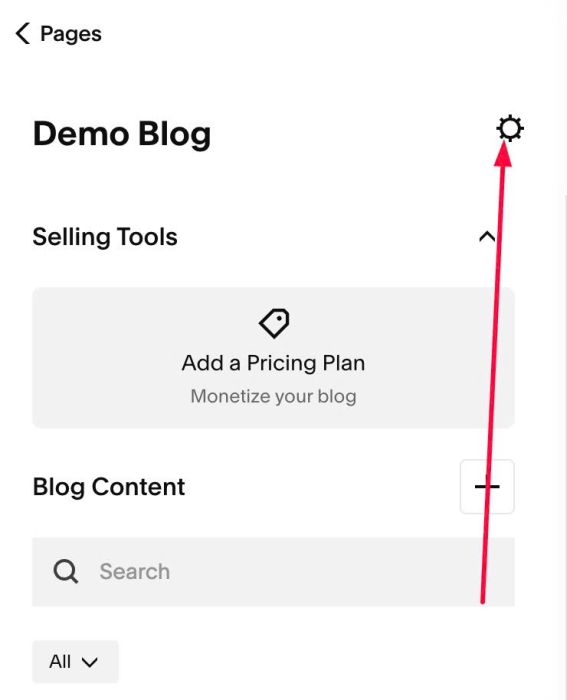
#1.1. Click Gear icon on Blog Page
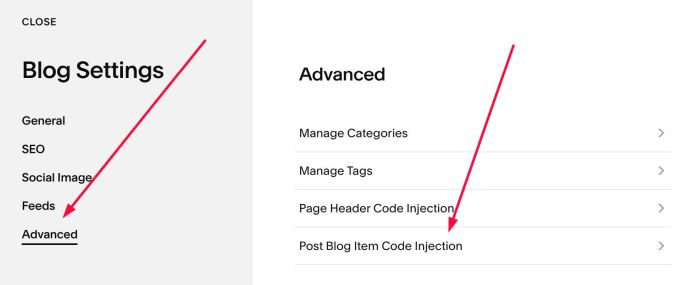
#1.2. Click Advanced > Post Blog Item Code Injection
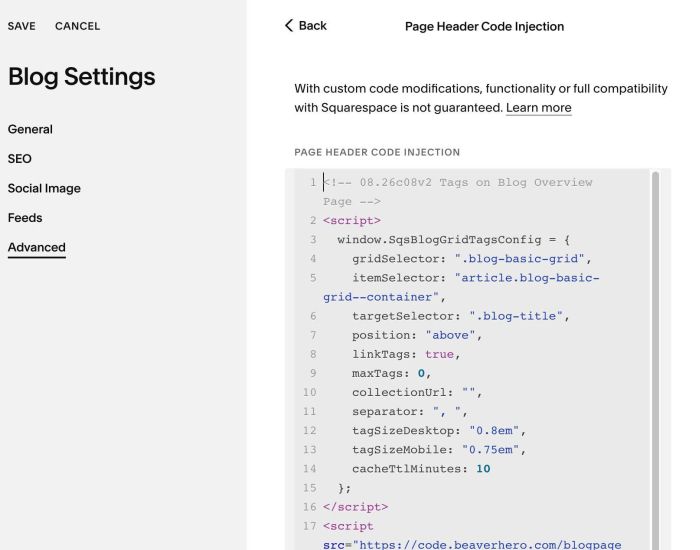
#1.3. Paste this code
- If your site is Personal/Basic Plan and it doesn’t support Injection, see #3.1
<!-- 08.26c08v2 Tags on Blog Overview Page -->
<script>
  window.SqsBlogGridTagsConfig = {
    gridSelector: ".blog-basic-grid",
    itemSelector: "article.blog-basic-grid--container",
    targetSelector: ".blog-title",
    position: "above",
    linkTags: true,
    maxTags: 0,
    collectionUrl: "",
    separator: ", ",
    tagSizeDesktop: "0.8em",
    tagSizeMobile: "0.75em",
    cacheTtlMinutes: 10
  };
</script>
<script src="https://code.beaverhero.com/blogpage/0826c08v2tagsonblogoverview.js"></script>
#2. Customize
#2.1. To change Tag size, change lines 12, 13
tagSizeDesktop: "0.8em",
    tagSizeMobile: "0.75em",
#2.2. If you need to tweak more you can use this AI Assistant (designed for Squarespace sites)
#3. Other
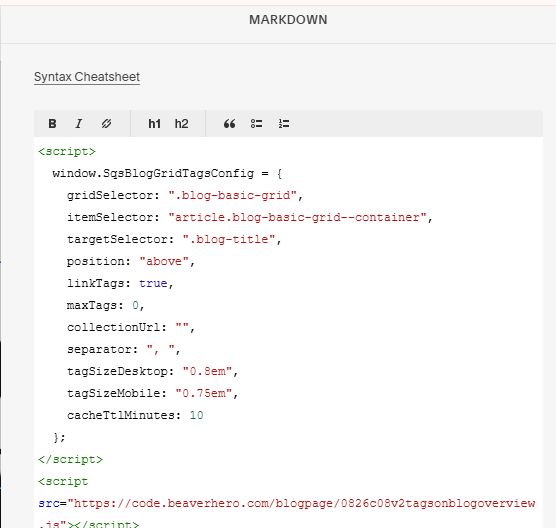
#3.1. If you use Personal/Basic Plan and your plan doesn’t support Injection, you can edit Site Footer
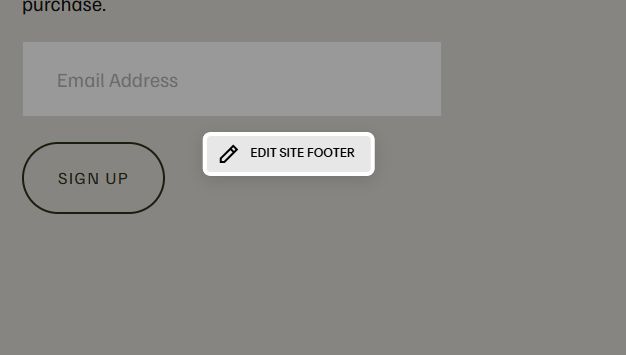
Add a Markdown Block

Add this code into Markdown
<script>
  window.SqsBlogGridTagsConfig = {
    gridSelector: ".blog-basic-grid",
    itemSelector: "article.blog-basic-grid--container",
    targetSelector: ".blog-title",
    position: "above",
    linkTags: true,
    maxTags: 0,
    collectionUrl: "",
    separator: ", ",
    tagSizeDesktop: "0.8em",
    tagSizeMobile: "0.75em",
    cacheTtlMinutes: 10
  };
</script>
<script src="https://code.beaverhero.com/blogpage/0826c08v2tagsonblogoverview.js"></script>