Description
- List Section only gives you a title, description and button, but sometimes you need one more line, like a year, a tag or a label. This code uses each item’s image ALT text to add that extra text.
- buy me a coffee
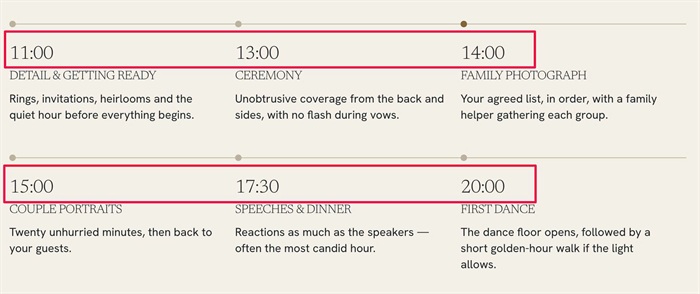
#1. Install Code
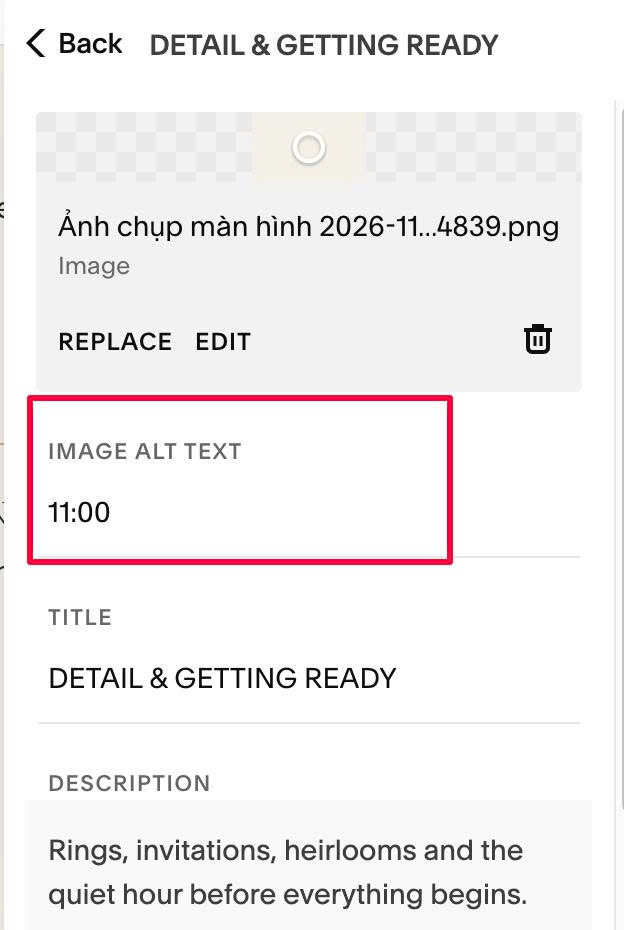
#1.1. First, you can add text in IMAGE ALT, something like this
#1.2. If you need 2 texts in 2 different positions, you can enter text like this
2019 ## Key moment
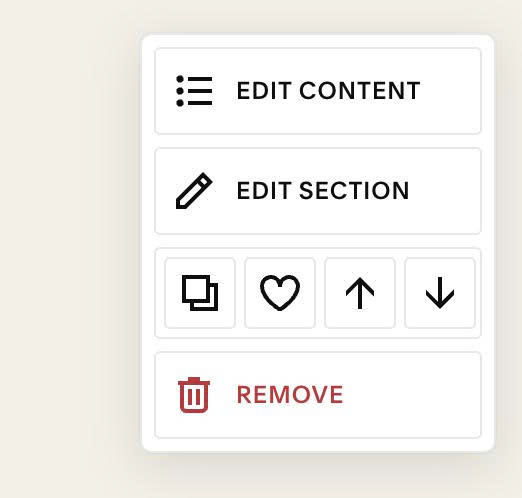
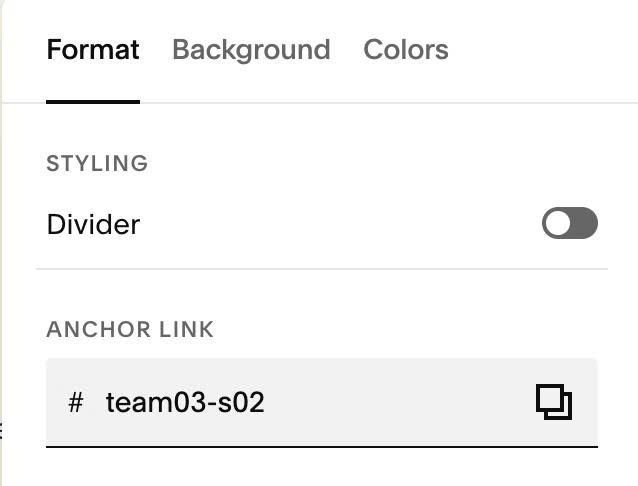
#1.3. Next, hover on top right of section > Click EDIT SECTION
#1.4. at Format > Anchor Link > enter word: team03-s02
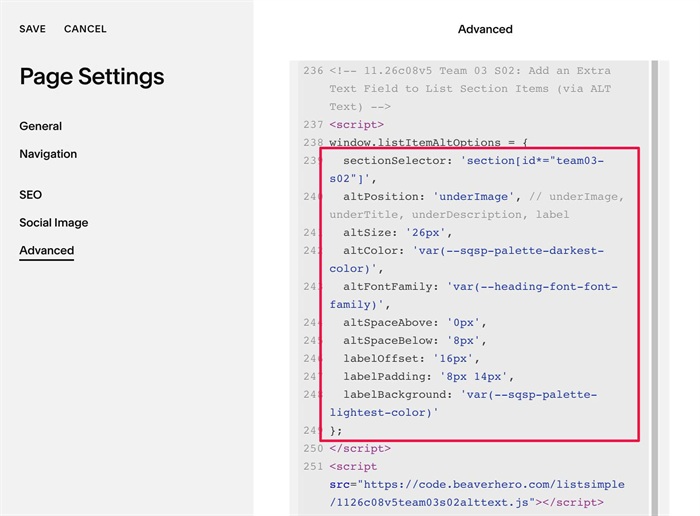
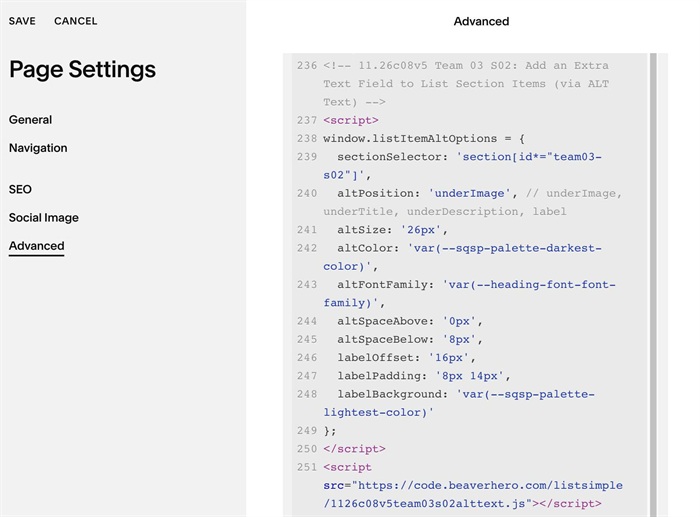
#1.5. Use this code to Page Header Injection
<!-- 11.26c08v5 Team 03 S02: Add an Extra Text Field to List Section Items (via ALT Text) -->
<script>
window.listItemAltOptions = {
  sectionSelector: 'section[id*="team03-s02"]',
  altPosition: 'underImage', // underImage, underTitle, underDescription, label
  altSize: '26px',
  altColor: 'var(--sqsp-palette-darkest-color)',
  altFontFamily: 'var(--heading-font-font-family)',
  altSpaceAbove: '0px',
  altSpaceBelow: '8px',
  labelOffset: '16px',
  labelPadding: '8px 14px',
  labelBackground: 'var(--sqsp-palette-lightest-color)'
};
</script>
<script src="https://code.beaverhero.com/listsimple/1126c08v5team03s02alttext.js"></script>
#1.6. Customize
To change ALT text position, you can change this line. Note: label = text over image
altPosition: 'underImage', // underImage, underTitle, underDescription, label
To change ALT text style, change these
altSize: '26px',
  altColor: 'var(--sqsp-palette-darkest-color)',
  altFontFamily: 'var(--heading-font-font-family)',
  altSpaceAbove: '0px',
  altSpaceBelow: '8px',
To change ALT text style when altPosition = label, change these
labelOffset: '16px',
  labelPadding: '8px 14px',
  labelBackground: 'var(--sqsp-palette-lightest-color)'