Description
- Want your List Section Carousel to look like a modern blog or case study slider? Add tags like {Design, Branding} as the first line of each description, and this code turns them into pills, moves the arrows next to the title, and makes cards swipeable on mobile.
- buy me a coffee

#1. Install Code
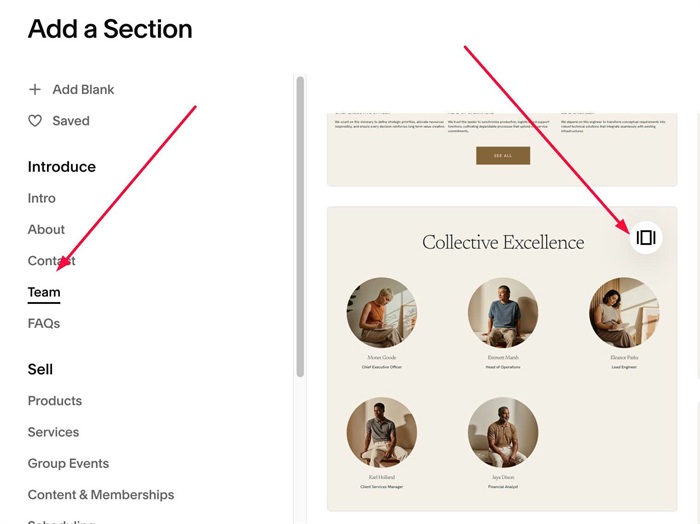
#1.1. First, add a Team Section (Add Section > Team > Section with icon in top right)
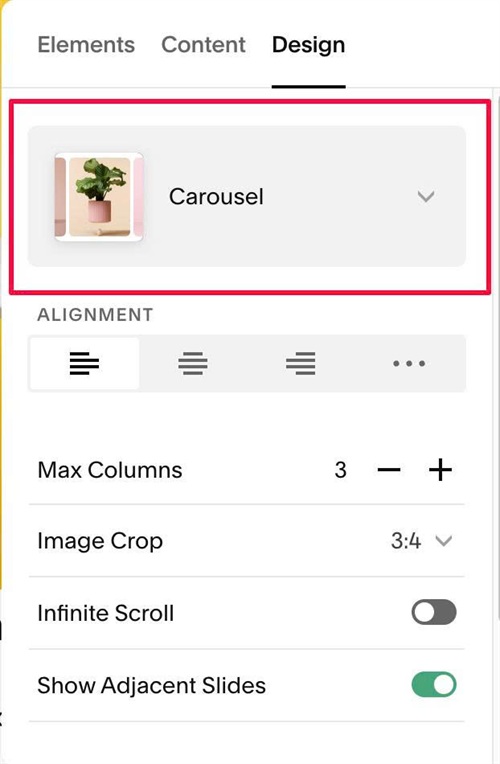
#1.2. Make sure you use Carousel
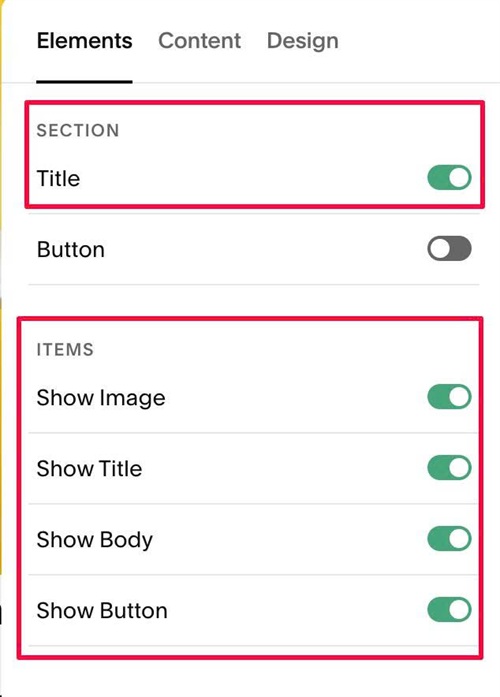
#1.3. Enable these options
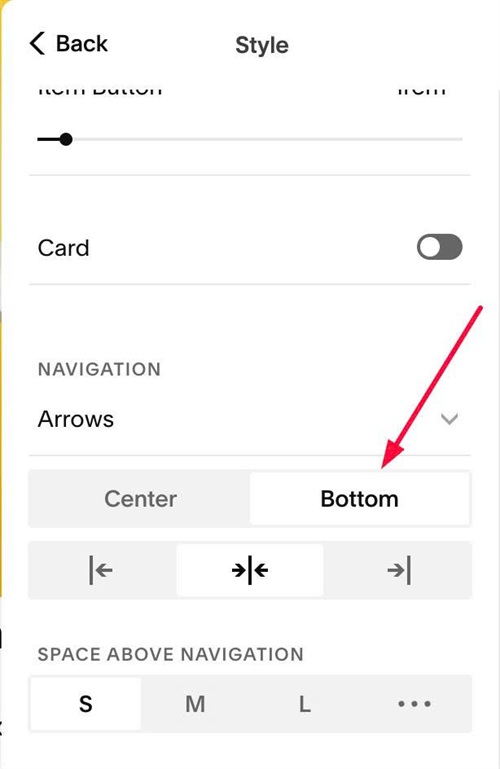
#1.4. at Design > Style > Set Arrows to Bottom
#1.5. Edit each item > Enter content with format like this
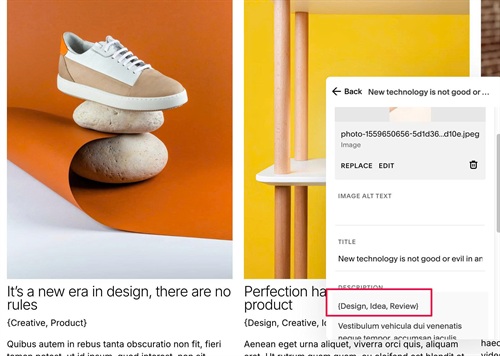
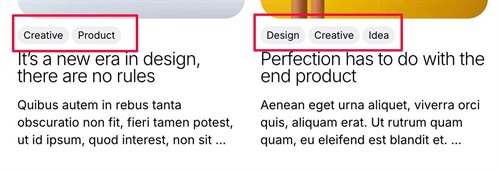
Note: with label tag under image, we will place it in {}, like this
{Design, Idea, Review}
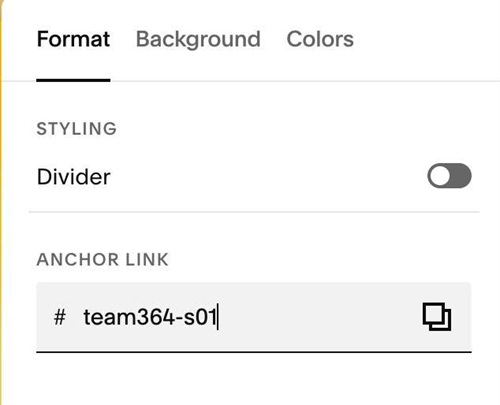
#1.6. Hover on top right of Carousel > Click EDIT SECTION > at Format > Anchor Link > enter word: team364-s01
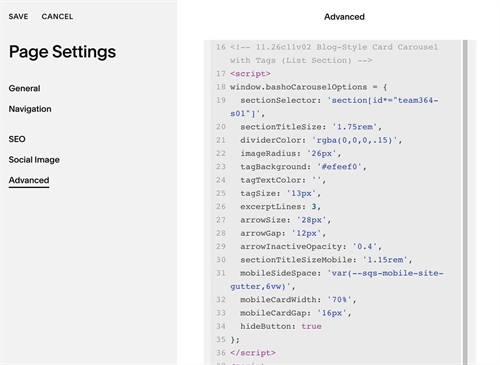
#1.7. Next, use this code to Page Header Injection
<!-- 11.26c11v02 Blog-Style Card Carousel with Tags (List Section) -->
<script>
window.bashoCarouselOptions = {
  sectionSelector: 'section[id*="team364-s01"]',
  sectionTitleSize: '1.75rem',
  dividerColor: 'rgba(0,0,0,.15)',
  imageRadius: '26px',
  tagBackground: '#efeef0',
  tagTextColor: '',
  tagSize: '13px',
  excerptLines: 3,
  arrowSize: '28px',
  arrowGap: '12px',
  arrowInactiveOpacity: '0.4',
  sectionTitleSizeMobile: '1.15rem',
  mobileSideSpace: 'var(--sqs-mobile-site-gutter,6vw)',
  mobileCardWidth: '70%',
  mobileCardGap: '16px',
  hideButton: true
};
</script>
<script src="https://code.beaverhero.com/listcarousel/1126c11v02team364s01blogstylecard.js"></script>
#2. Customize
#2.1. You can change Section Title size in Site Styles or change it here
sectionTitleSize: '1.75rem',
#2.2. To change top line color, edit this
dividerColor: 'rgba(0,0,0,.15)',
#2.3. To remove image rounded corners, edit this to 0px
imageRadius: '26px',
#2.4. To change tag label style, change this
tagBackground: '#efeef0',
  tagTextColor: '',
  tagSize: '13px',
#2.5. To change arrow style, change this
arrowSize: '28px',
arrowGap: '12px',
arrowInactiveOpacity: '0.4',