Description
- Squarespace’s carousel shows several cards at once and puts the title above the text, which isn’t ideal for testimonials. This code shows one testimonial at a time, moves the name below the quote, adds dots between the arrows, and keeps working with your section’s design settings.
- buy me a coffee

#1. Install Code
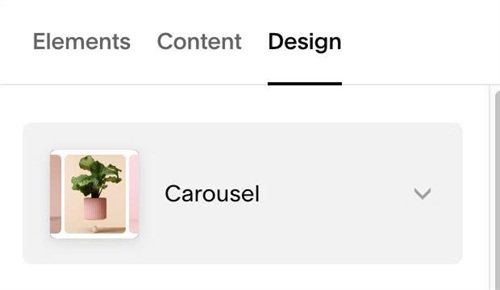
#1.1. Make sure you added List Section (Carousel) (Add Section > Team > Section with icon in top right > Hover on top right of section > EDIT CONTENT > Design > Choose Carousel)
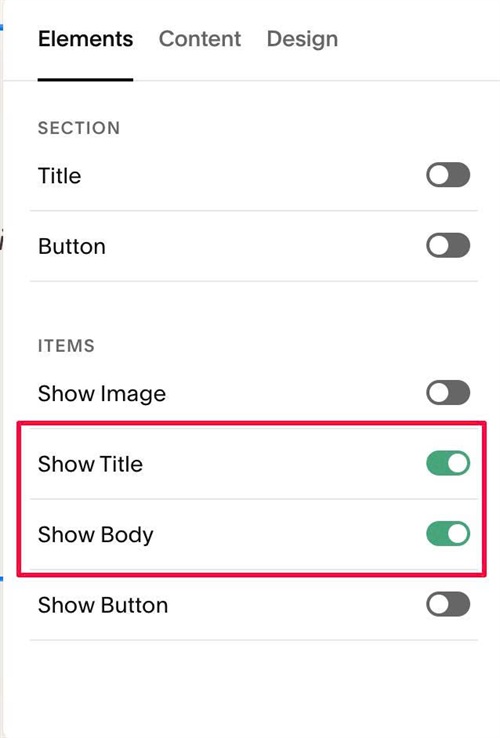
#1.2. Enable these
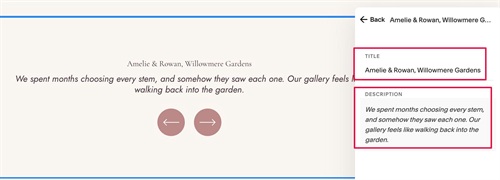
#1.3. Next, edit each item > Add your desired text
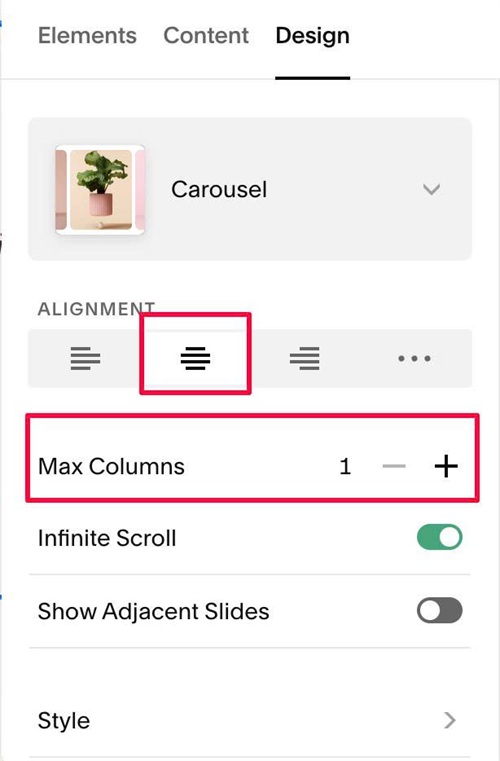
#1.4. at Design > Choose 1 Column
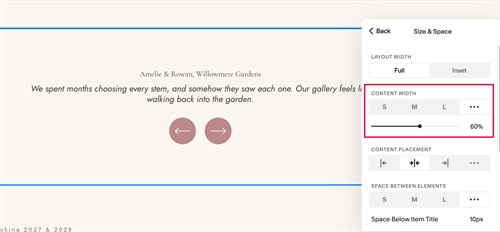
#1.5. at Size & Space > Change Content Width to 60% or change to your desired width
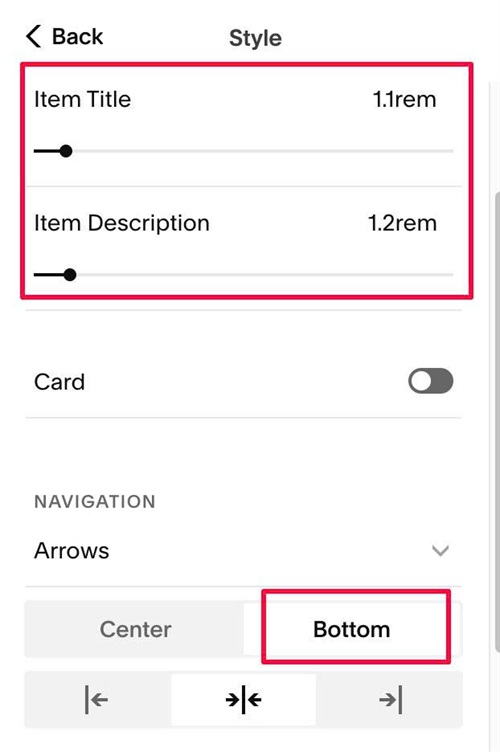
#1.6. at Style > Change Navigation to Bottom. You can also change Item Title, Item Description size here
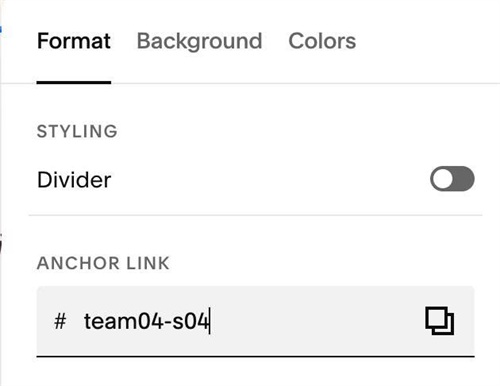
#1.7. Hover on top right of Carousel > Click EDIT SECTION > at Format > Anchor Link > enter word: team04-s04
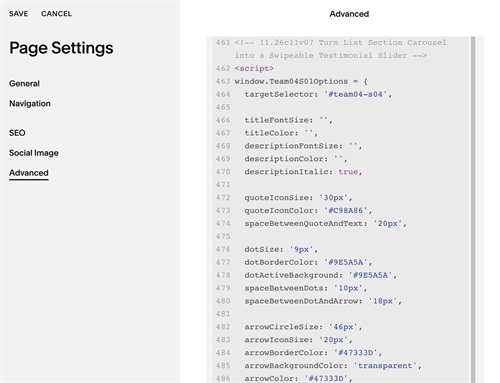
#1.8. Next, use this code to Page Header Injection
<!-- 11.26c11v07 Turn List Section Carousel into a Swipeable Testimonial Slider -->
<script>
window.Team04S01Options = {
  targetSelector: '#team04-s04',

  titleFontSize: '',
  titleColor: '',
  descriptionFontSize: '',
  descriptionColor: '',
  descriptionItalic: true,

  quoteIconSize: '30px',
  quoteIconColor: '#C98A86',
  spaceBetweenQuoteAndText: '20px',

  dotSize: '9px',
  dotBorderColor: '#9E5A5A',
  dotActiveBackground: '#9E5A5A',
  spaceBetweenDots: '10px',
  spaceBetweenDotAndArrow: '18px',

  arrowCircleSize: '46px',
  arrowIconSize: '20px',
  arrowBorderColor: '#47333D',
  arrowBackgroundColor: 'transparent',
  arrowColor: '#47333D',
  arrowHoverBorderColor: '#47333D',
  arrowHoverBackgroundColor: '#47333D',
  arrowHoverColor: '#FFFDFA',

  autoplay: false,
  autoplayDelay: '5s'
};
</script>
<script src="https://code.beaverhero.com/listcarousel/1126c11v07team04s04testimonial.js"></script>
#2. Customize
#2.1. You can change Item Title, Item Description size in Design > Style and change item Title/item Description Color in Site Styles or change this line
titleFontSize: '',
titleColor: '',
descriptionFontSize: '',
descriptionColor: '',
descriptionItalic: true,
#2.2. To change Quote icon style, change this
quoteIconSize: '30px',
  quoteIconColor: '#C98A86',
  spaceBetweenQuoteAndText: '20px',
#2.3. To change Arrows/Dots style, edit this
dotSize: '9px',
  dotBorderColor: '#9E5A5A',
  dotActiveBackground: '#9E5A5A',
  spaceBetweenDots: '10px',
  spaceBetweenDotAndArrow: '18px',

  arrowCircleSize: '46px',
  arrowIconSize: '20px',
  arrowBorderColor: '#47333D',
  arrowBackgroundColor: 'transparent',
  arrowColor: '#47333D',
  arrowHoverBorderColor: '#47333D',
  arrowHoverBackgroundColor: '#47333D',
  arrowHoverColor: '#FFFDFA',
#2.4. To enable/disable autoscroll, change this
- false = disable
- true = enable
autoplay: false,
autoplayDelay: '5s'