Description
- adding scrolling text style 01 (typewriter text)
- view demo – password: abc
- buy me a coffee
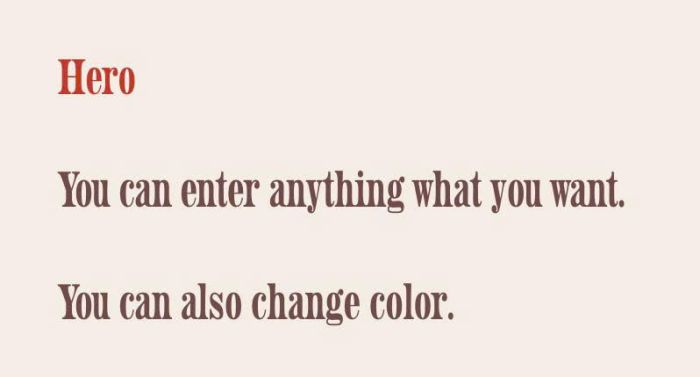
#1. Install Code
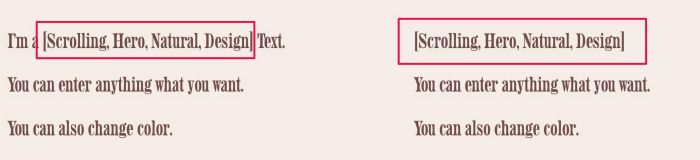
#1.1. First, add a Text Block and wrap scrolling text inside [] like this
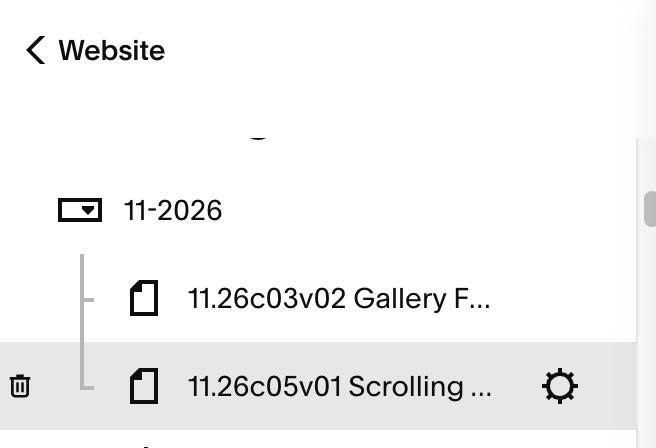
#1.2. Hover on Page where you use Text Block > Click Gear icon
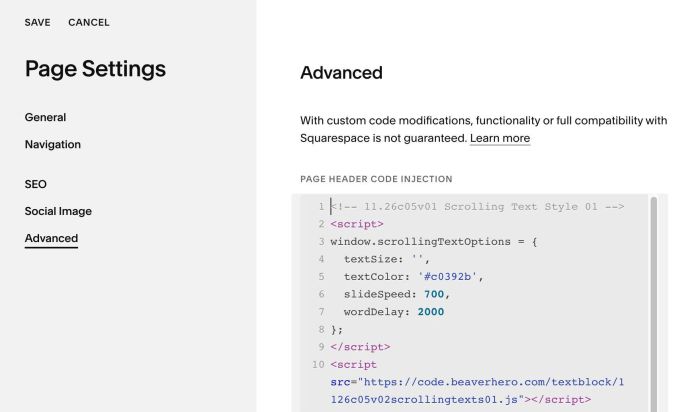
#1.3. Click Advanced > Paste this code
<!-- 11.26c05v01 Scrolling Text Style 01 -->
<script>
window.scrollingTextOptions = {
  textSize: '',
  textColor: '#c0392b',
  slideSpeed: 700,
  wordDelay: 2000
};
</script>
<script src="https://code.beaverhero.com/textblock/1126c05v02scrollingtexts01.js"></script>
#2. Customize
#2.1. To change scrolling text color, change this line
textColor: '#c0392b',