Description
- creating a stats counter row, using Text Block + Strikethrough
- buy me a coffee

#1. Install Code
#1.1. First, add a Text Block, using Paragraph 3, like this
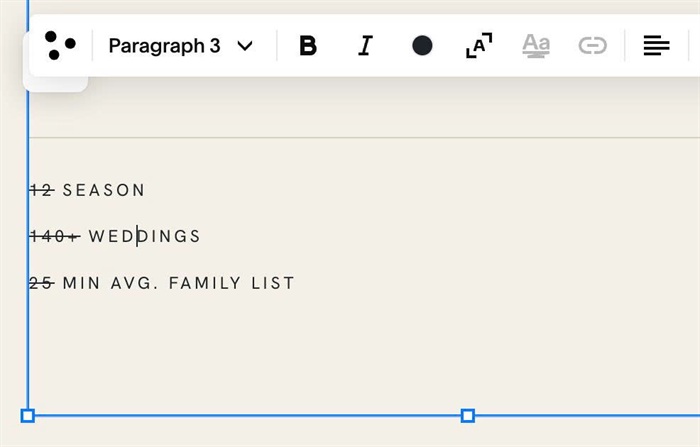
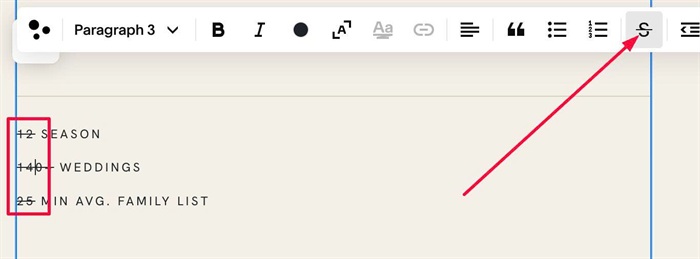
#1.2. Highlight Number > Add strikethrough
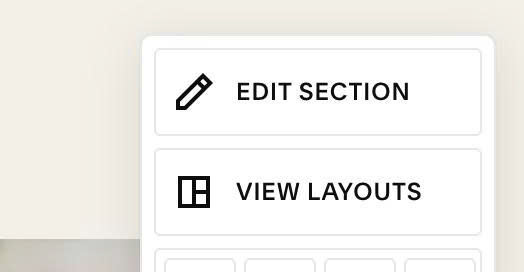
#1.3. Hover on top right of section > click EDIT SECTION
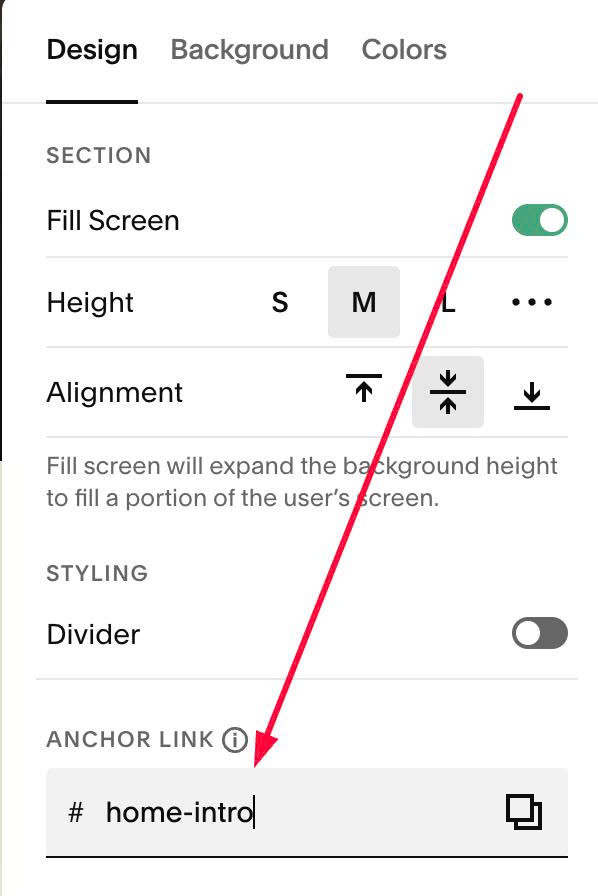
#1.4. at Design > Anchor Link > enter word: home-intro
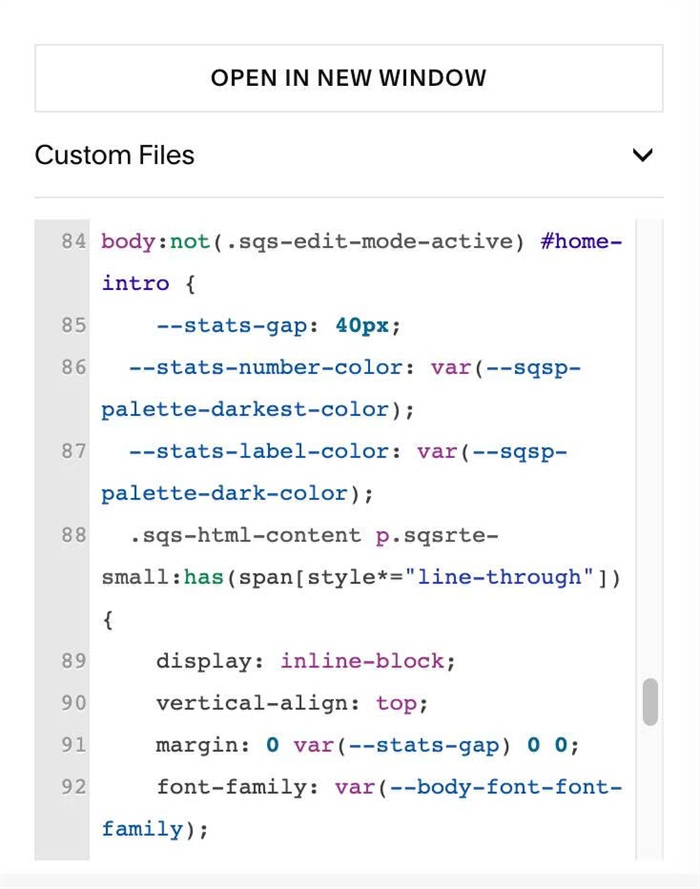
#1.5. Next, use this code to Custom CSS
body:not(.sqs-edit-mode-active) #home-intro {
    --stats-gap: 40px;
  --stats-number-color: var(--sqsp-palette-darkest-color);
  --stats-label-color: var(--sqsp-palette-dark-color);
  .sqs-html-content p.sqsrte-small:has(span[style*="line-through"]) {
    display: inline-block;
    vertical-align: top;
    margin: 0 var(--stats-gap) 0 0;
    font-family: var(--body-font-font-family);
    font-size: 12px;
    line-height: 1.4;
    letter-spacing: .14em;
    text-transform: uppercase;
  }
  .sqs-html-content p.sqsrte-small:has(span[style*="line-through"]) > span {
    color: var(--stats-label-color);
  }
  .sqs-html-content p.sqsrte-small span[style*="line-through"] {
    display: block;
    margin-bottom: 6px;
    color: var(--stats-number-color);
    font-family: var(--heading-font-font-family);
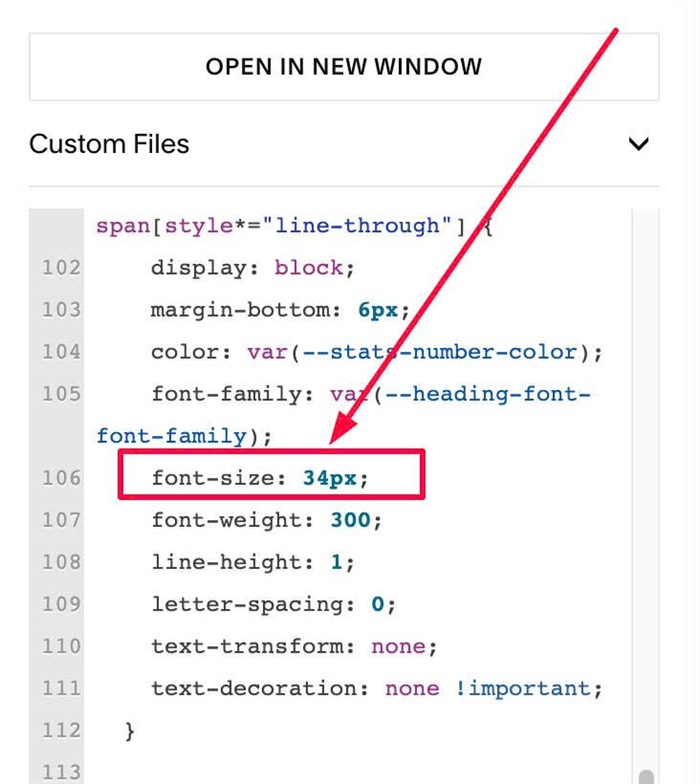
    font-size: 34px;
    font-weight: 300;
    line-height: 1;
    letter-spacing: 0;
    text-transform: none;
    text-decoration: none !important;
  }

  @media (max-width: 767px) {
    .sqs-html-content p.sqsrte-small:has(span[style*="line-through"]) {
      --stats-gap: 28px;
    }
  }
}
#1.6. Customize
You can adjust style here
- –stats-gap: gap between columns
- –starts-number-color, –stats-label-color: color of number/text
--stats-gap: 40px;
  --stats-number-color: var(--sqsp-palette-darkest-color);
  --stats-label-color: var(--sqsp-palette-dark-color);
you can use hex color, color name, rgb color, something like this
--stats-gap: 20px;
  --stats-number-color: #f1f;
  --stats-label-color: rgb(233,233,17);
To change size of Number, you can change this line
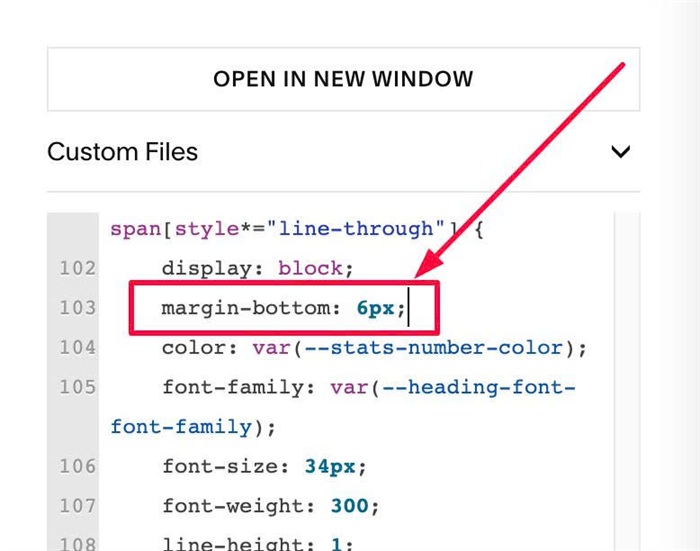
To change space between number – label text, change this line
margin-bottom: 6px;