Description
- Want your List Section title to look more editorial? Write 3 lines in the title (label, heading, description) and this CSS places the heading on the left and the description on the right.
- buy me a coffee
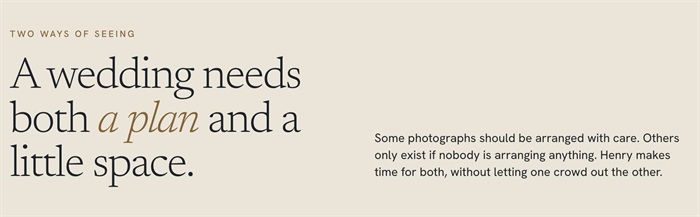
#1. Install Code
#1.1. First, you add 3 Paragraphs to Section Title
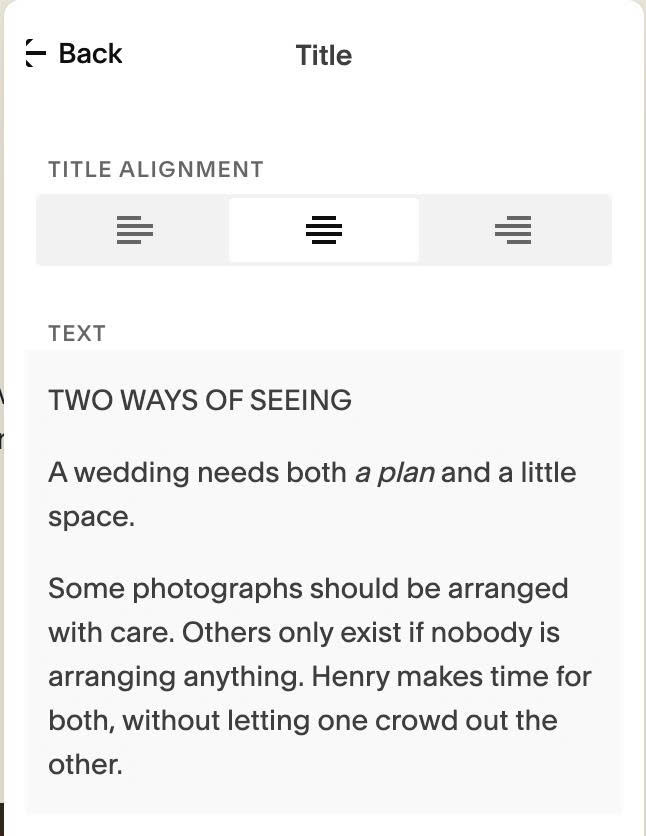
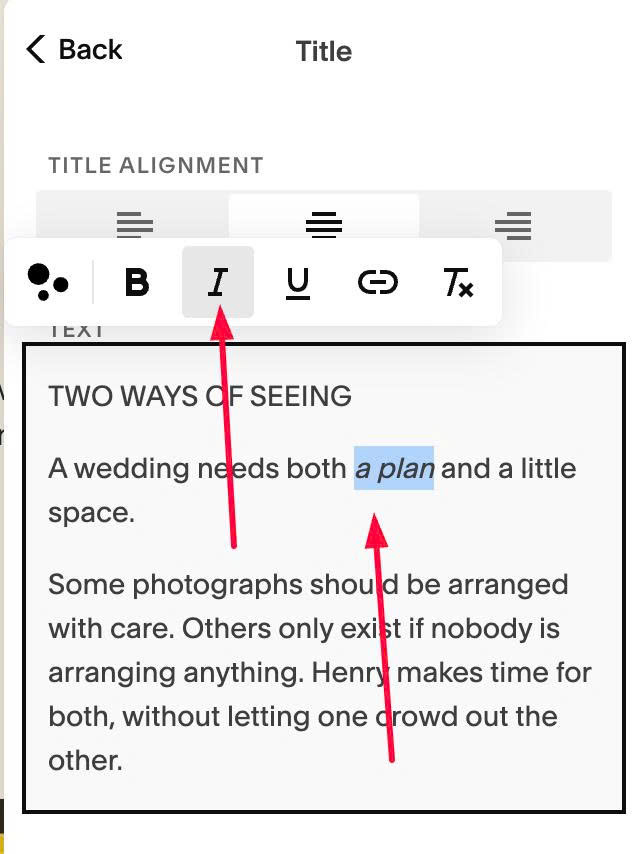
If you want to add italic text + different color, you can highlight text > make it Italic
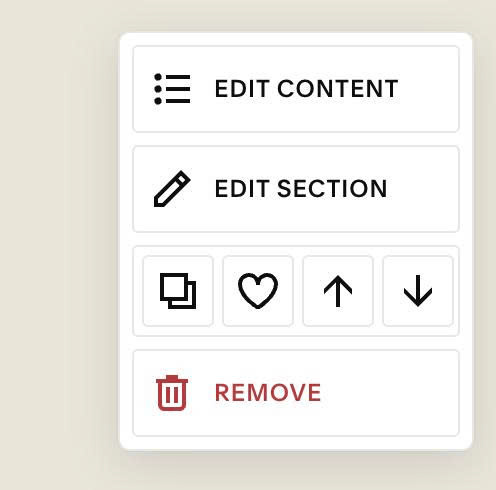
#1.2. Hover on top right of section > click EDIT SECTION
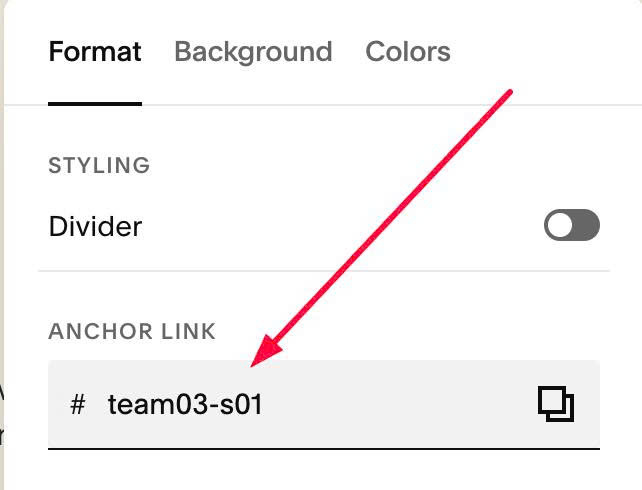
#1.3. at Format > Anchor Link > enter word: team03-s01
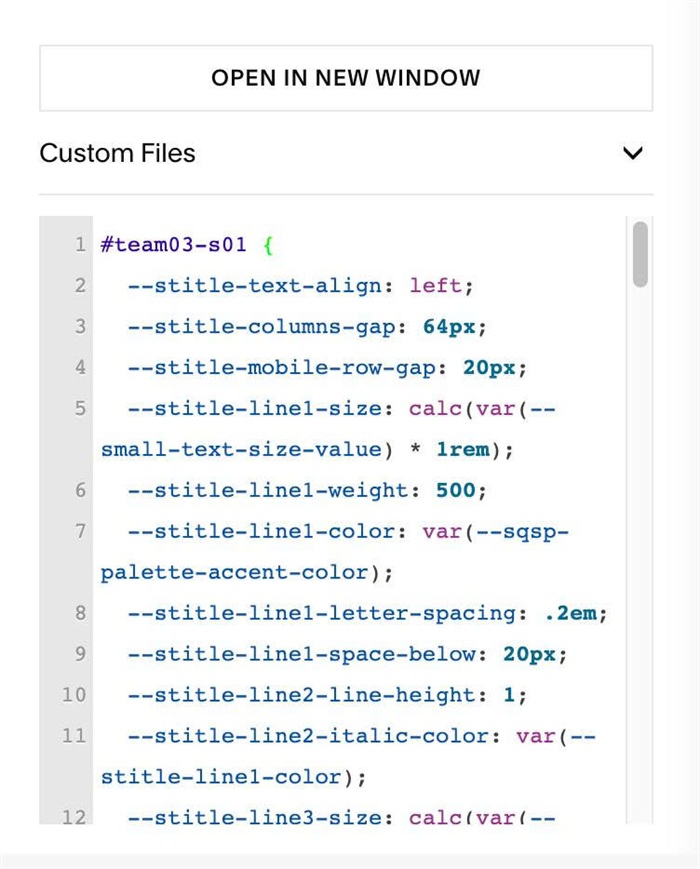
#1.4. Next, use this code to Custom CSS
#team03-s01 {
  --stitle-text-align: left;
  --stitle-columns-gap: 64px;
  --stitle-mobile-row-gap: 20px;
  --stitle-line1-size: calc(var(--small-text-size-value) * 1rem);
  --stitle-line1-weight: 500;
  --stitle-line1-color: var(--sqsp-palette-accent-color);
  --stitle-line1-letter-spacing: .2em;
  --stitle-line1-space-below: 20px;
  --stitle-line2-line-height: 1;
  --stitle-line2-italic-color: var(--stitle-line1-color);
  --stitle-line3-size: calc(var(--normal-text-size-value) * 1rem);
  --stitle-line3-color: var(--paragraphMediumColor);
  .list-section-title {
    display: grid;
    grid-template-columns: 1fr 1fr;
    column-gap: var(--stitle-columns-gap);
    align-items: end;
    text-align: var(--stitle-text-align);
  }
  .list-section-title > p:nth-of-type(1) {
    grid-column: 1;
    grid-row: 1;
    margin-bottom: var(--stitle-line1-space-below);
    font-family: var(--body-font-font-family);
    font-size: var(--stitle-line1-size);
    font-weight: var(--stitle-line1-weight);
    font-style: var(--body-font-font-style);
    line-height: var(--body-font-line-height);
    letter-spacing: var(--stitle-line1-letter-spacing);
    text-transform: var(--body-font-text-transform);
    color: var(--stitle-line1-color);
  }
  .list-section-title > p:nth-of-type(2) {
    grid-column: 1;
    grid-row: 2;
    align-self: last baseline;
    line-height: var(--stitle-line2-line-height);
  }
  .list-section-title > p:nth-of-type(2) em {
    color: var(--stitle-line2-italic-color);
  }
  .list-section-title > p:nth-of-type(3) {
    grid-column: 2;
    grid-row: 1 / span 2;
    align-self: last baseline;
    font-family: var(--body-font-font-family);
    font-size: var(--stitle-line3-size);
    font-weight: var(--body-font-font-weight);
    font-style: var(--body-font-font-style);
    line-height: var(--body-font-line-height);
    letter-spacing: var(--body-font-letter-spacing);
    text-transform: var(--body-font-text-transform);
    color: var(--stitle-line3-color);
  }

  @media (max-width: 767px) {
    .list-section-title {
      grid-template-columns: 1fr;
      row-gap: var(--stitle-mobile-row-gap);
    }
    .list-section-title > p:nth-of-type(3) {
      grid-column: 1;
      grid-row: 3;
    }
  }
}
#1.5. Customize
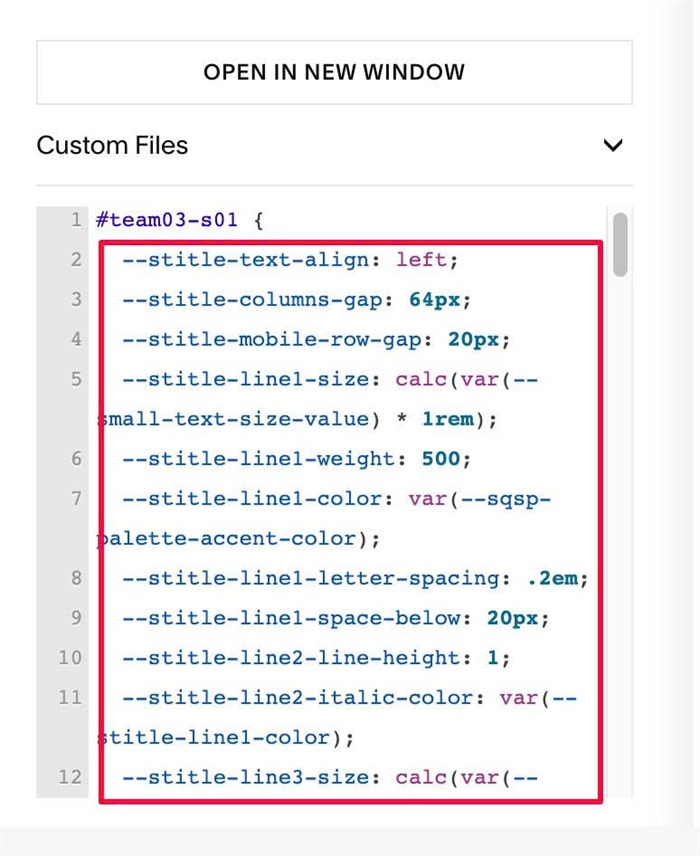
To change gap between 2 columns (Desktop), change this line
--stitle-columns-gap: 64px;
To change gap between 3 texts (Mobile), change this line
--stitle-mobile-row-gap: 20px;
To change First Line style, change these lines
--stitle-line1-size: calc(var(--small-text-size-value) * 1rem);
--stitle-line1-weight: 500;
--stitle-line1-color: var(--sqsp-palette-accent-color);
--stitle-line1-letter-spacing: .2em;
--stitle-line1-space-below: 20px;
You can use options like this
--stitle-line1-size: 10px;
--stitle-line1-weight: 500;
--stitle-line1-color: #f1f;
--stitle-line1-letter-spacing: .2em;
--stitle-line1-space-below: 20px;
To change Second, Third Lines style, change these lines
--stitle-line2-italic-color: var(--stitle-line1-color);
--stitle-line3-size: calc(var(--normal-text-size-value) * 1rem);
--stitle-line3-color: var(--paragraphMediumColor);
To change alignment of Third Line (text in right side), change this line
--stitle-text-align: left;