Description
- hover text (text has no link, you can also add link to text) change image on right, you can set show initial image or show no image initial
- view demo – password: abc
- buy me a coffee

#1. Install Code
#1.1. First you need to add a Text Block + some Image Blocks, something like this

#1.2. Next, make sure you used Heading 3, Heading 4 or Heading 2, Heading 1 for Texts
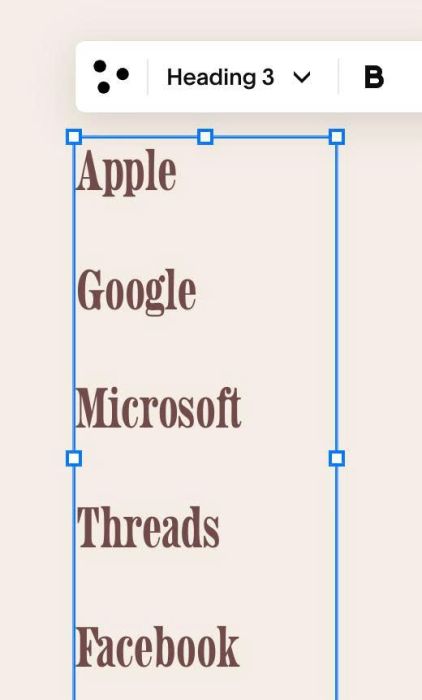
#1.3. Next, at bottom of Text Block, enter word: #s#

#1.4. Edit Image Blocks > at ALT, enter word: #01, #02…
Like this

or like this
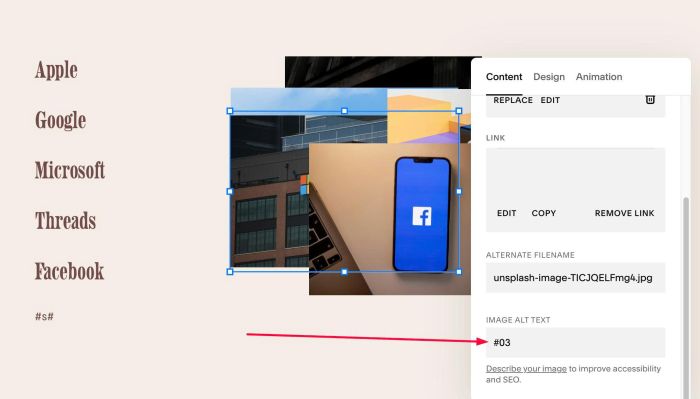
Note: The code will match each heading in the Text Block with the corresponding number in the image to achieve the desired effect.
#1.5. Drag all Image Blocks overlap together. You can ignore this step if you don’t want.
Desktop

Mobile

#1.6. Hover on Page where you added Text/Images > Click Gear icon
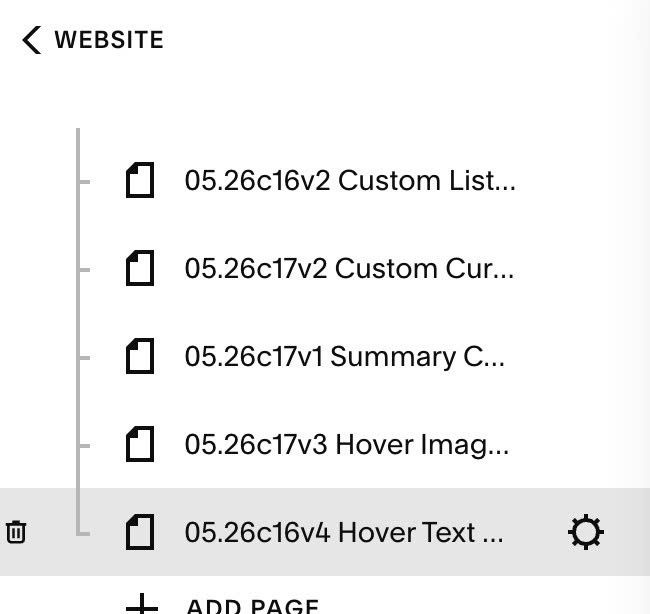
#1.7. Click Advanced > Paste this code
- If you use Personal/Basic Plan and your plan doesn’t support Injection, you can see #3.1.
<!-- 05.26c16v4(v2) Hover Text Show Image v2 (Non-Link) -->
<script>
window.HOVER_TEXT_IMAGE_CONFIG = {
  activeTextColor: '#e63946',
  transitionDuration: '0.35s',
  showInitialImage: true,
  initialIndex: 1
};
</script>
<script src="https://code.beaverhero.com/textblock/0526c16v4v2hovertextshowimgv2.js"></script>

#2. Customize
#2.1. To hide all images initial, you can change line 06
showInitialImage: true,
to
showInitialImage: false,
#2.2. To change active color text on hover, change line 04
activeTextColor: '#e63946',
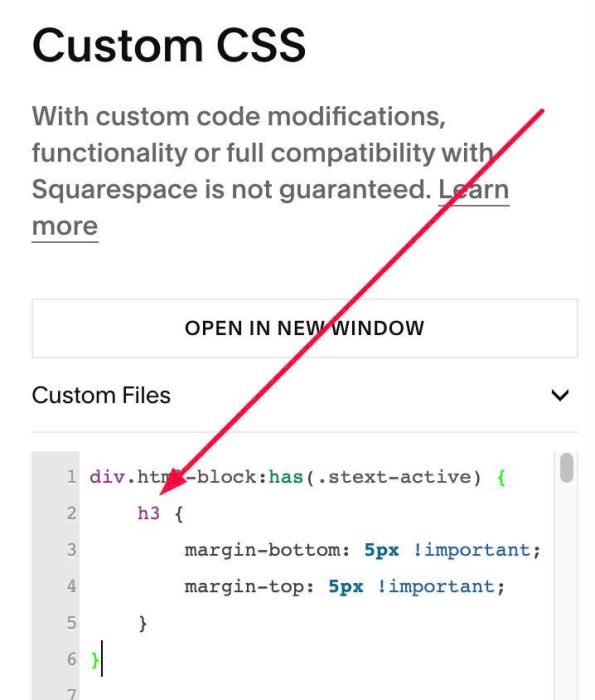
#2.3. To reduce space between Headings, you can use this to Custom CSS

div.html-block:has(.stext-active) {
    h3 {
        margin-bottom: 5px !important;
        margin-top: 5px !important;
    }
}

If you use Heading 1, 2, 4, 5…remember to change h3 to h1, h2, h4, h5
#2.4. To make all text One Line, use this to Custom CSS
div.html-block:has(.stext-active) {
    .sqs-html-content {
        display: flex;
        flex-wrap: wrap;
        gap: 10px;
        align-items: center;
    }
    * {
        margin: 0px;
    }
}

#3. Other
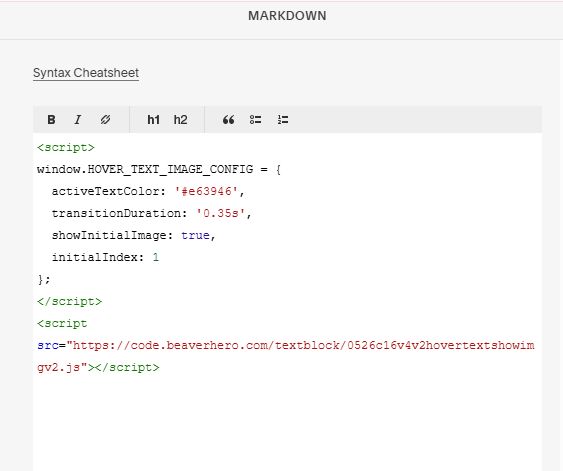
#3.1. If you use Personal/Basic Plan and your plan doesn’t support Injection, you can add a Markdown Block under Text Block.

Then add this code into Markdown.
<script>
window.HOVER_TEXT_IMAGE_CONFIG = {
  activeTextColor: '#e63946',
  transitionDuration: '0.35s',
  showInitialImage: true,
  initialIndex: 1
};
</script>
<script src="https://code.beaverhero.com/textblock/0526c16v4v2hovertextshowimgv2.js"></script>