Description
- turn specific link inside Text Block to Button Style
- buy me a coffee
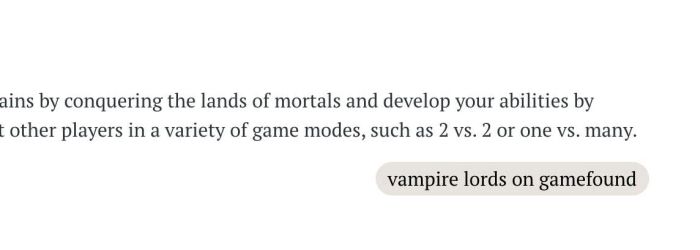
#1. Install Code
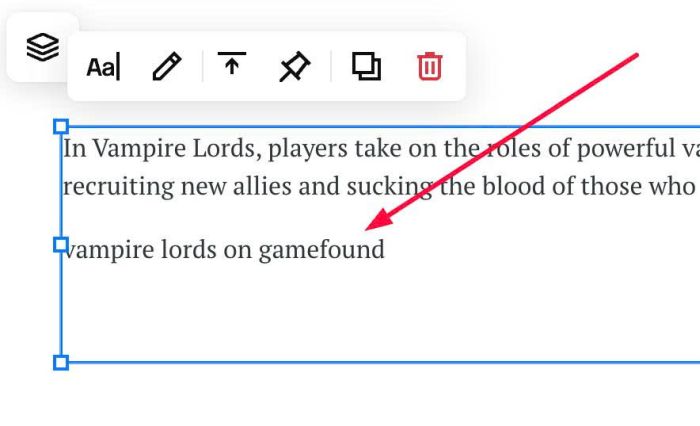
#1.1. First, you can add a Text Block with text like this
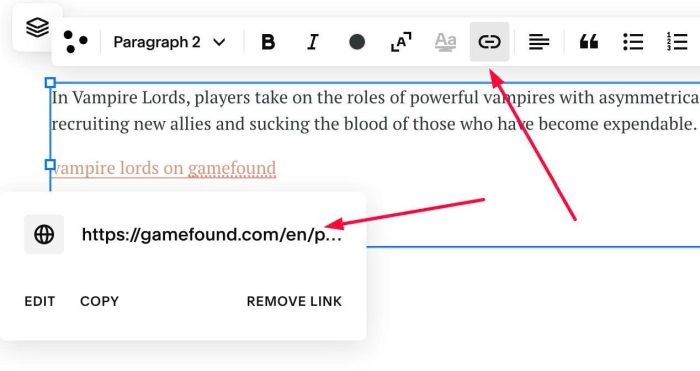
#1.2. Next, highlight text > Click Link icon > Add your desired url
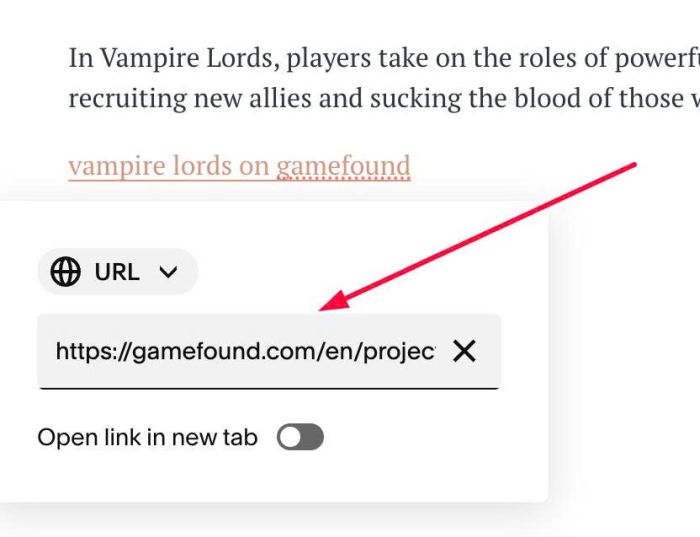
In my example, we will use url
https://gamefound.com/en/projects/couple-of-games/vampire-lords
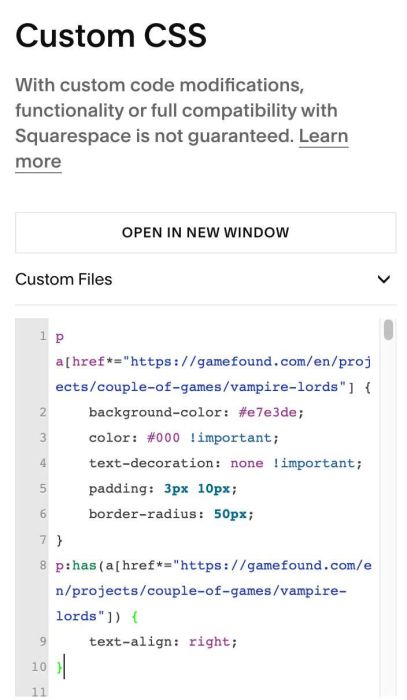
#1.3. Final, use this code to Custom CSS box
p a[href*="https://gamefound.com/en/projects/couple-of-games/vampire-lords"] {
    background-color: #e7e3de;
    color: #000 !important;
    text-decoration: none !important;
    padding: 3px 10px;
    border-radius: 50px;
}
p:has(a[href*="https://gamefound.com/en/projects/couple-of-games/vampire-lords"]) {
    text-align: right;
}
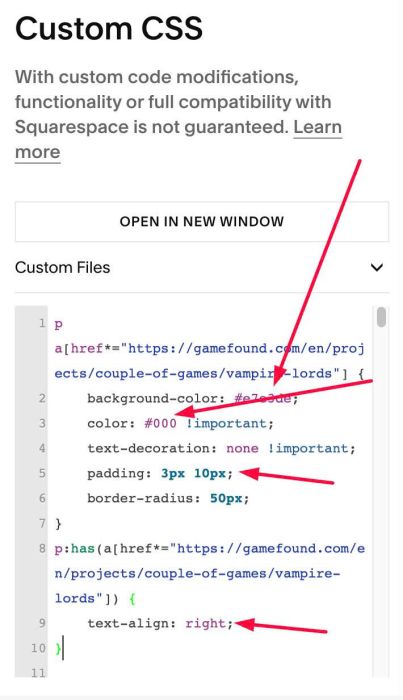
#1.4. You can change color, background, padding, align…here
#1.5. If you need to tweak more you can use this AI Assistant (designed for Squarespace sites)