Description
- adding extra text (category, address, year) under portfolio title, and red number next to title
- view demo – password: abc
- buy me a coffee

#1. Install Code
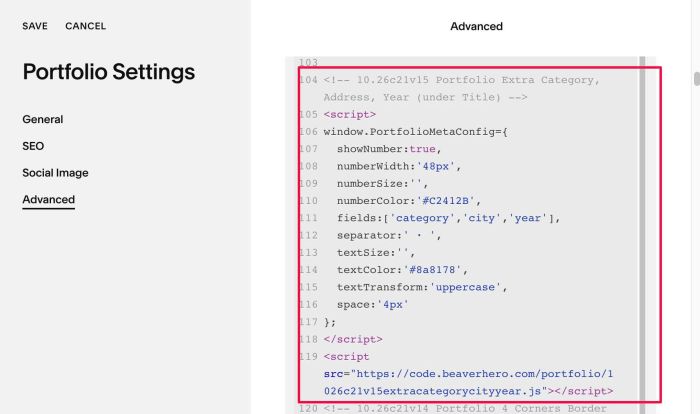
#1.1. First, use this code to Portfolio Page Header Injection
<!-- 10.26c21v15 Portfolio Extra Category, Address, Year (under Title) -->
<script>
window.PortfolioMetaConfig={
  showNumber:true,
  numberWidth:'48px',
  numberSize:'',
  numberColor:'#C2412B',
  fields:['category','city','year'],
  separator:' · ',
  textSize:'',
  textColor:'#8a8178',
  textTransform:'uppercase',
  space:'4px'
};
</script>
<script src="https://code.beaverhero.com/portfolio/1026c21v15extracategorycityyear.js"></script>
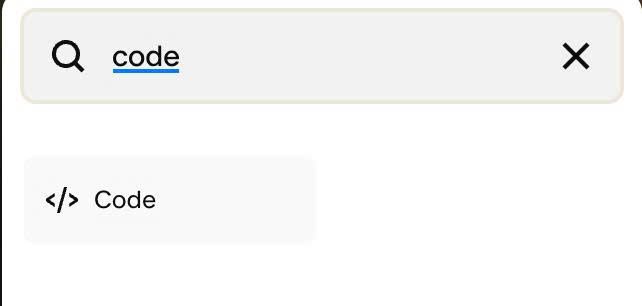
#1.2. Next, edit each Portfolio Item > Add a Code Block
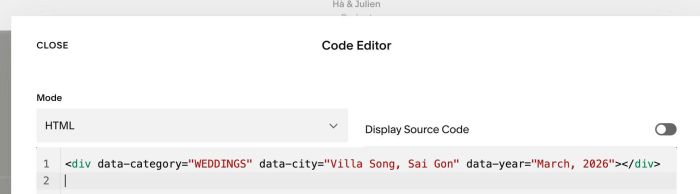
#1.3. Add code with format like this into Code Block
<div data-category="WEDDINGS" data-city="Villa Song, Sai Gon" data-year="March, 2026"></div>
#2. Customize
#2.1. You can change number style here
numberWidth:'48px',
  numberSize:'',
  numberColor:'#C2412B',
#2.2. You can change text style here
textSize:'',
  textColor:'#8a8178',
  textTransform:'uppercase',
#2.3. You can change space between title – text here
space:'4px'