Description
- Want a “View all” link sitting next to your List Section title, like on editorial sites? Write it as the third line of the title and this CSS moves it to the right.
- buy me a coffee

#1. Install Code
#1.1. First, you can add text to Section Title, like this
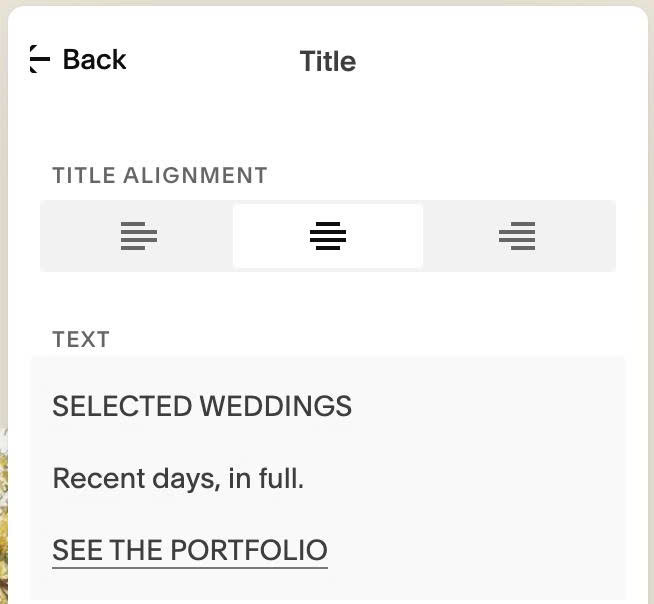
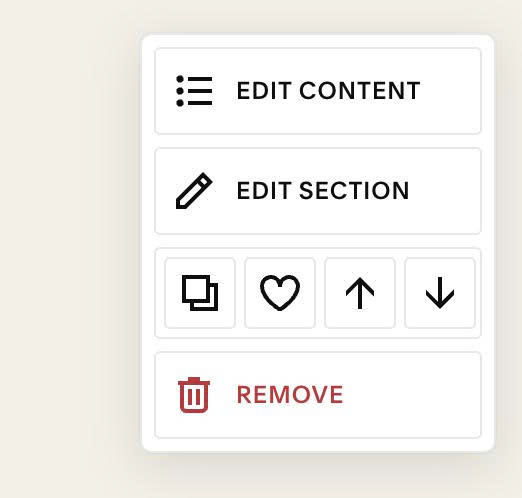
#1.2. Next, hover on top right of section > Click EDIT SECTION
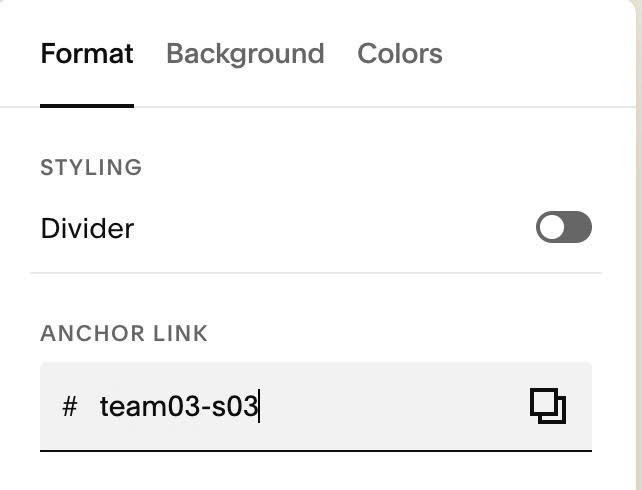
#1.3. at Format > Anchor Link > enter word: team03-s03
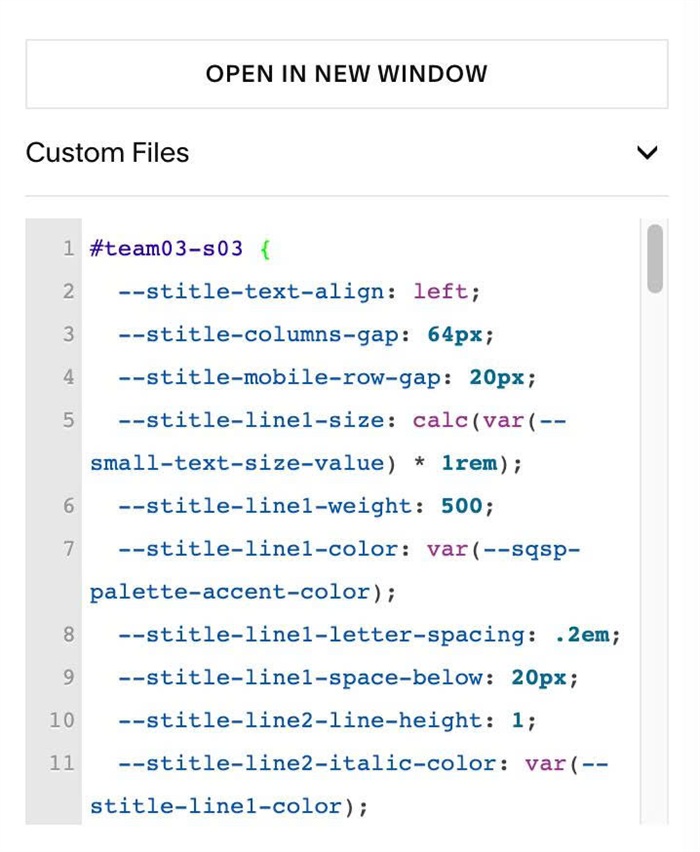
#1.4. Next, use this code to Custom CSS
#team03-s03 {
  --stitle-text-align: left;
  --stitle-columns-gap: 64px;
  --stitle-mobile-row-gap: 20px;
  --stitle-line1-size: calc(var(--small-text-size-value) * 1rem);
  --stitle-line1-weight: 500;
  --stitle-line1-color: var(--sqsp-palette-accent-color);
  --stitle-line1-letter-spacing: .2em;
  --stitle-line1-space-below: 20px;
  --stitle-line2-line-height: 1;
  --stitle-line2-italic-color: var(--stitle-line1-color);
  --stitle-line3-size: calc(var(--normal-text-size-value) * 1rem);
  --stitle-line3-color: var(--sqsp-palette-accent-color);
  --stitle-line3-align: right;
  .list-section-title {
    display: grid;
    grid-template-columns: 1fr 1fr;
    column-gap: var(--stitle-columns-gap);
    align-items: end;
    text-align: var(--stitle-text-align);
  }
  .list-section-title > p:nth-of-type(1) {
    grid-column: 1;
    grid-row: 1;
    margin-bottom: var(--stitle-line1-space-below);
    font-family: var(--body-font-font-family);
    font-size: var(--stitle-line1-size);
    font-weight: var(--stitle-line1-weight);
    font-style: var(--body-font-font-style);
    line-height: var(--body-font-line-height);
    letter-spacing: var(--stitle-line1-letter-spacing);
    text-transform: var(--body-font-text-transform);
    color: var(--stitle-line1-color);
  }
  .list-section-title > p:nth-of-type(2) {
    grid-column: 1;
    grid-row: 2;
    align-self: last baseline;
    line-height: var(--stitle-line2-line-height);
  }
  .list-section-title > p:nth-of-type(2) em {
    color: var(--stitle-line2-italic-color);
  }
  .list-section-title > p:nth-of-type(3) {
    grid-column: 2;
    grid-row: 1 / span 2;
    align-self: last baseline;
    font-family: var(--body-font-font-family);
    font-size: var(--stitle-line3-size);
    font-weight: var(--body-font-font-weight);
    font-style: var(--body-font-font-style);
    line-height: var(--body-font-line-height);
    letter-spacing: var(--body-font-letter-spacing);
    text-transform: var(--body-font-text-transform);
    text-align: var(--stitle-line3-align);
    color: var(--stitle-line3-color);
  }
  .list-section-title > p:nth-of-type(1) a,
  .list-section-title > p:nth-of-type(3) a {
    color: inherit;
  }

  @media (max-width: 767px) {
    .list-section-title {
      grid-template-columns: 1fr;
      row-gap: var(--stitle-mobile-row-gap);
    }
    .list-section-title > p:nth-of-type(3) {
      grid-column: 1;
      grid-row: 3;
    }
  }
}
#1.5. Customize
All style options here
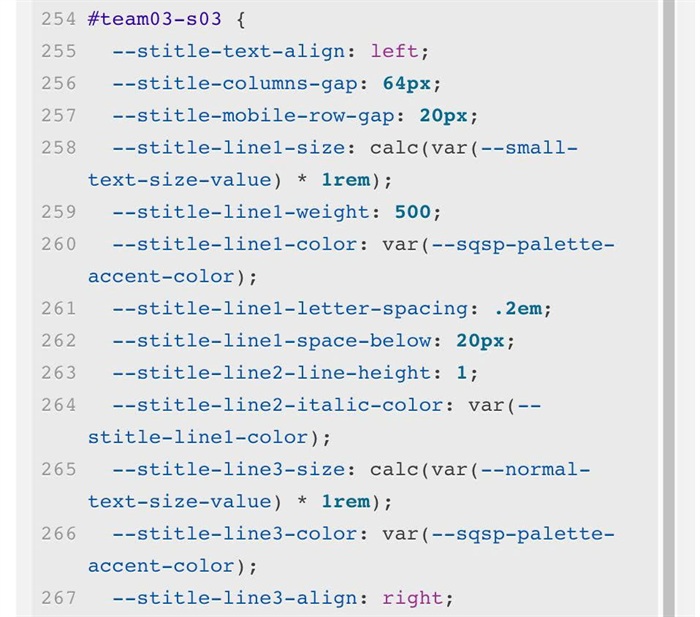
To change alignment of First, Second Lines, change this
--stitle-text-align: left;
and alignment of third line
--stitle-line3-align: right;
To change space between 2 columns (desktop), space between lines (mobile), change these
--stitle-columns-gap: 64px;
  --stitle-mobile-row-gap: 20px;
To change First Line style, change these
--stitle-line1-size: calc(var(--small-text-size-value) * 1rem);
  --stitle-line1-weight: 500;
  --stitle-line1-color: var(--sqsp-palette-accent-color);
  --stitle-line1-letter-spacing: .2em;
  --stitle-line1-space-below: 20px;
To change Second Line style, change these
--stitle-line2-line-height: 1;
  --stitle-line2-italic-color: var(--stitle-line1-color);
To change Third Line style, change these
--stitle-line3-size: calc(var(--normal-text-size-value) * 1rem);
  --stitle-line3-color: var(--sqsp-palette-accent-color);
  --stitle-line3-align: right;