Many portfolio sites show the number of projects next to the “Work” link, like Work¹². This code adds that count to your Squarespace menu and updates it automatically whenever you add or remove a project.

#1. Install Code
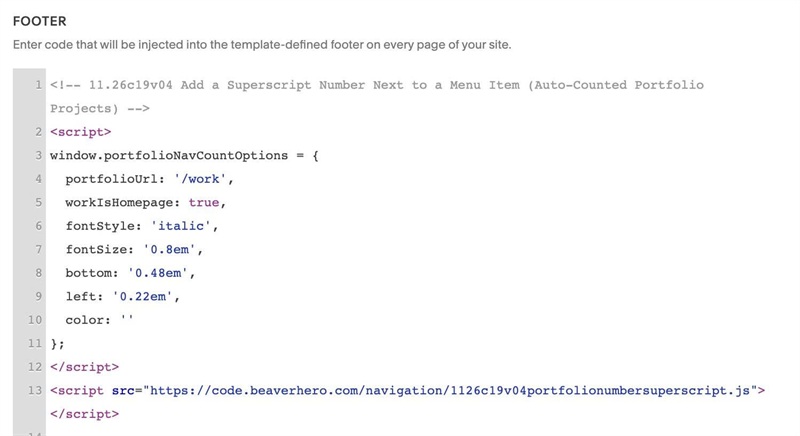
#1.1. First, use this code to Code Injection > Footer
<!-- 11.26c19v04 Add a Superscript Number Next to a Menu Item (Auto-Counted Portfolio Projects) -->
<script>
window.portfolioNavCountOptions = {
  portfolioUrl: '/work',
  workIsHomepage: true,
  fontStyle: 'italic',
  fontSize: '0.8em',
  bottom: '0.48em',
  left: '0.22em',
  color: ''
};
</script>
<script src="https://code.beaverhero.com/navigation/1126c19v04portfolionumbersuperscript.js"></script>
#1.2. Next, edit Portfolio Page URL
portfolioUrl: '/work',
#1.3. Customize
If your Portfolio Page is not Homepage, turn this option to false
workIsHomepage: true,
To change style of superscript number, edit this
fontStyle: 'italic',
fontSize: '0.8em',
bottom: '0.48em',
left: '0.22em',
color: ''