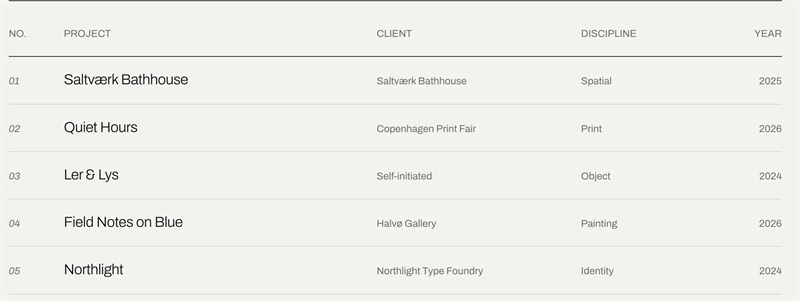
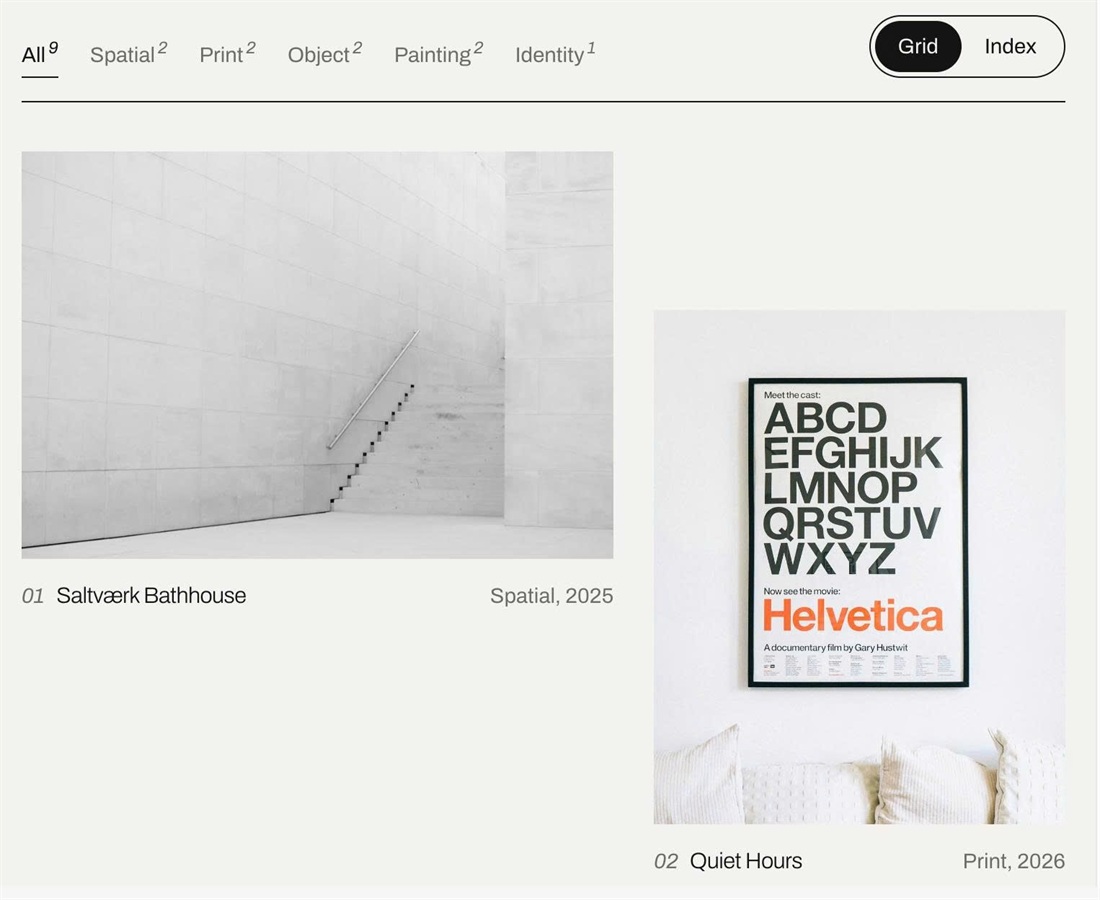
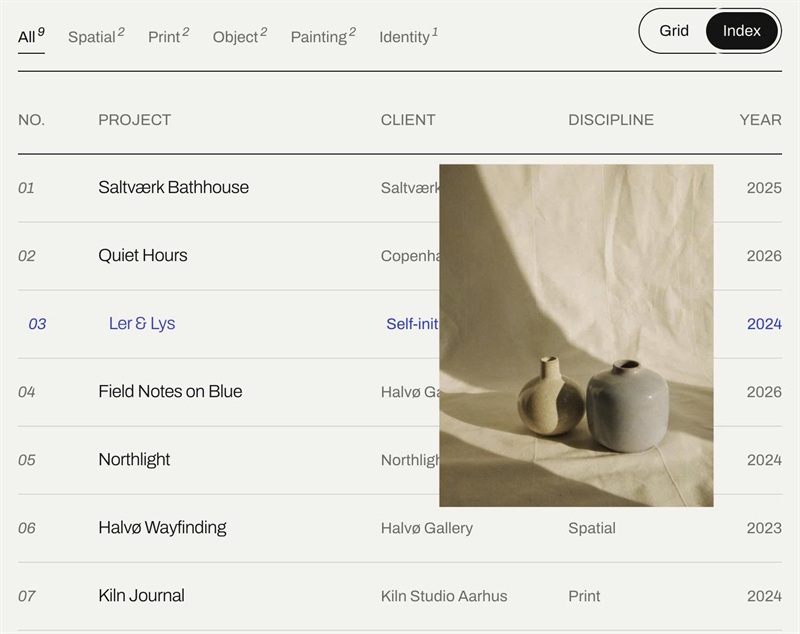
Squarespace 7.1 Portfolio pages have no categories, no filters and no list view. This code adds filter buttons (with project counts), a Grid / Index toggle and an editorial asymmetric grid, pulling Client, Year and Discipline from a List Section on each project page.
#1. Install Code
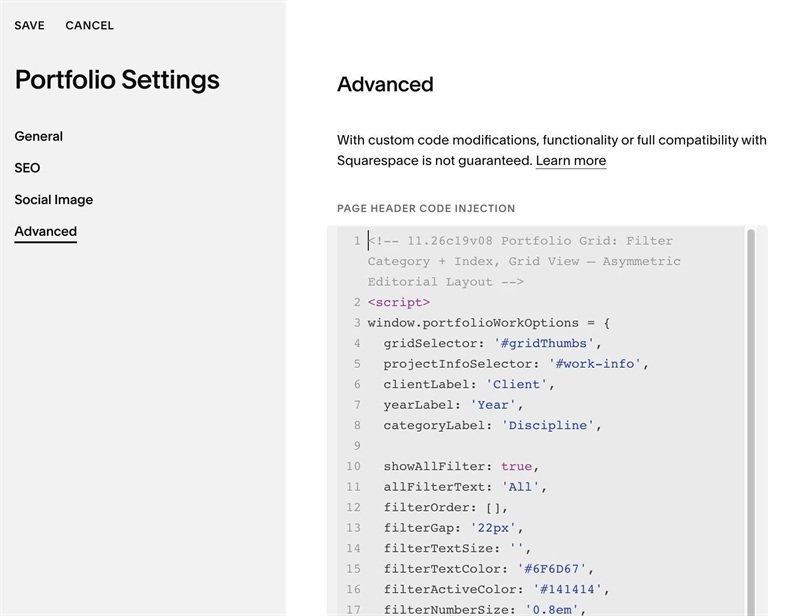
#1.1. First, use this code to Portfolio Page Header Injection
<!-- 11.26c19v08 Portfolio Grid: Filter Category + Index, Grid View – Asymmetric Editorial Layout -->
<script>
window.portfolioWorkOptions = {
  gridSelector: '#gridThumbs',
  projectInfoSelector: '#work-info',
  clientLabel: 'Client',
  yearLabel: 'Year',
  categoryLabel: 'Discipline',

  showAllFilter: true,
  allFilterText: 'All',
  filterOrder: [],
  filterGap: '22px',
  filterTextSize: '',
  filterTextColor: '#6F6D67',
  filterActiveColor: '#141414',
  filterNumberSize: '0.8em',
  filterNumberColor: '',
  filterNumberSpaceBottom: '0.5em',
  filterNumberSpaceLeft: '2px',

  gridText: 'Grid',
  indexText: 'Index',
  viewTextSize: '',
  viewTextColor: '',
  viewBorderColor: '#141414',
  viewBorderRadius: '30px',
  viewSpace: '3px',
  viewLabelPadding: '6px 16px',
  viewActiveBackground: '#141414',
  viewActiveTextColor: '#F3F2EE',

  toolbarSpaceTop: '0px',
  toolbarSpaceBottom: '34px',
  toolbarLineColor: '#141414',
  toolbarLineSpace: '16px',

  gridSpaceTop: '',
  gridSpaceBottom: '',
  gridColumnGap: '28px',
  gridRowGap: '72px',
  gridLayout: ['s7', 's5', 's4', 's4 lo', 's4', 's6', 's6 lo', 's5', 's7'],
  imageBackground: '#D8D5CC',

  imageLabelBackground: '#F3F2EE',
  imageLabelColor: '',
  imageLabelRadius: '20px',

  captionSpaceTop: '14px',
  numberSize: '',
  numberColor: '#6F6D67',
  numberTitleGap: '8px',
  numberItalic: true,
  metaSize: '',
  metaColor: '#6F6D67',
  metaTitleGap: '16px',

  indexNumberText: 'No.',
  indexProjectText: 'Project',
  indexTextSize: '',
  indexTextColor: '#6F6D67',
  indexTitleSize: 'clamp(16px, 1.6vw, 20px)',
  indexLineColor: '#D8D5CC',
  indexHeadLineColor: '#141414',
  indexRowSpace: '20px',
  indexHoverColor: '#2C3FE0',
  indexImageWidth: '260px',
  indexImageRatio: '4/5',

  spinnerColor: '',
  tabletBreakpoint: 820,
  mobileBreakpoint: 520
};
</script>
<script src="https://code.beaverhero.com/portfolio/1126c19v08filterindexgrid.js"></script>
#1.2. Next, edit each Portfolio Item > Add a List Simple
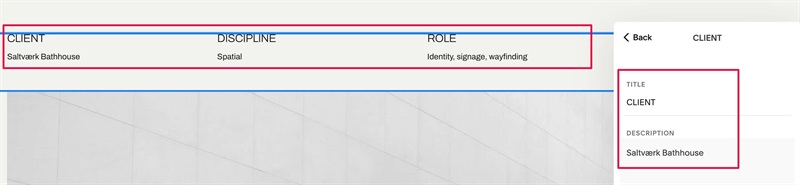
#1.3. Enter text like this into each item
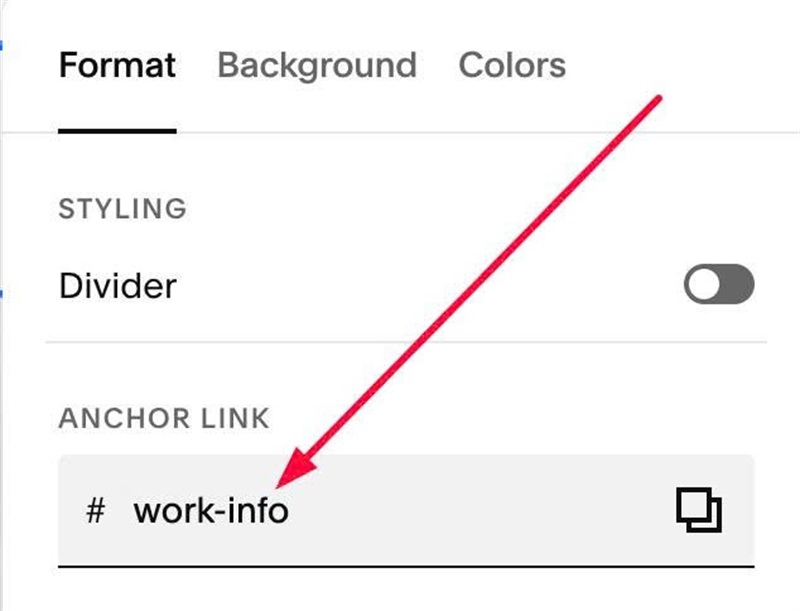
#1.4. Hover on top right of List Simple > Click EDIT SECTION > at Anchor Link > enter word: work-info
#2. Customize
To change text “All” and edit Filter Category Style, Category Number, edit this
showAllFilter: true,
allFilterText: 'All',
filterOrder: [],
filterGap: '22px',
filterTextSize: '',
filterTextColor: '#6F6D67',
filterActiveColor: '#141414',
filterNumberSize: '0.8em',
filterNumberColor: '',
filterNumberSpaceBottom: '0.5em',
filterNumberSpaceLeft: '2px',

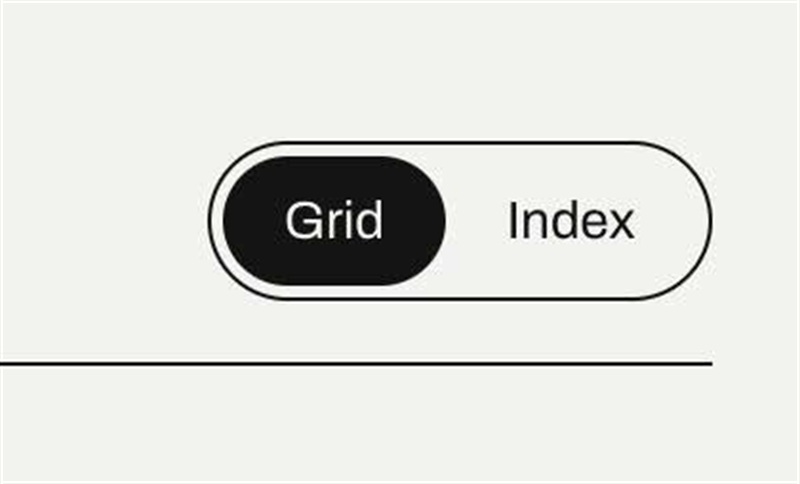
To change Grid/Index text/style, edit this
gridText: 'Grid',
  indexText: 'Index',
  viewTextSize: '',
  viewTextColor: '',
  viewBorderColor: '#141414',
  viewBorderRadius: '30px',
  viewSpace: '3px',
  viewLabelPadding: '6px 16px',
  viewActiveBackground: '#141414',
  viewActiveTextColor: '#F3F2EE',
To change Label text style (over image), edit this
imageLabelBackground: '#F3F2EE',
imageLabelColor: '',
imageLabelRadius: '20px',

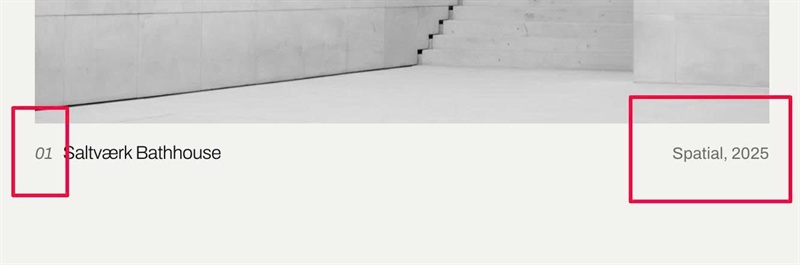
To change style of number + category/year (on right of title), edit this
captionSpaceTop: '14px',
numberSize: '',
numberColor: '#6F6D67',
numberTitleGap: '8px',
numberItalic: true,
metaSize: '',
metaColor: '#6F6D67',
metaTitleGap: '16px',
To change text/image style in Index view, edit this
indexNumberText: 'No.',
  indexProjectText: 'Project',
  indexTextSize: '',
  indexTextColor: '#6F6D67',
  indexTitleSize: 'clamp(16px, 1.6vw, 20px)',
  indexLineColor: '#D8D5CC',
  indexHeadLineColor: '#141414',
  indexRowSpace: '20px',
  indexHoverColor: '#2C3FE0',
  indexImageWidth: '260px',
  indexImageRatio: '4/5',