Adding a top border to each List Section item leaves gaps between the columns. This CSS draws one continuous thin line across the whole list, with a little space before the content of each column.

#1. Install Code
#1.1. First, use List Simple
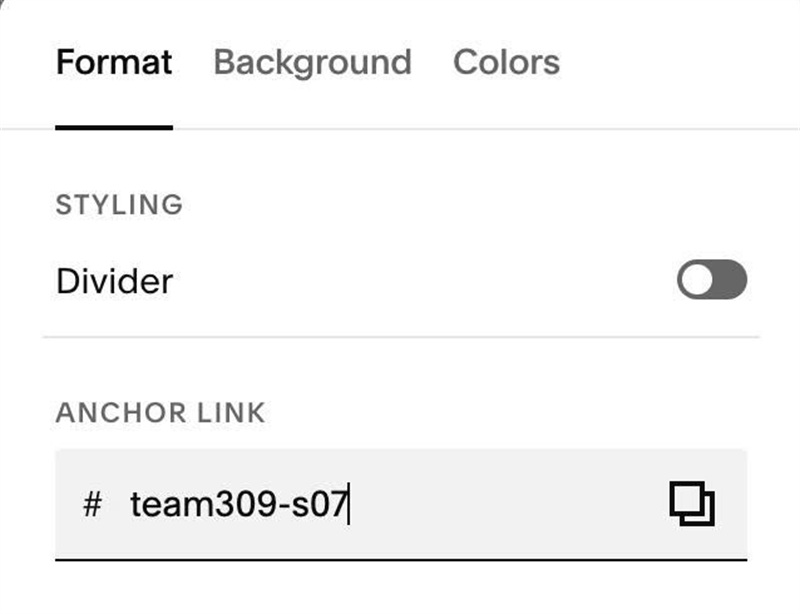
#1.2. Next, hover on top right of section > Click EDIT SECTION > at Format > Anchor Link > Enter word: team309-s07
#1.3. Next, use this code to Custom CSS
#team309-s07 {
  --info-line-color: #d8d5cc;
  --info-line-gap: 18px;

  .user-items-list-item-container {
    background-image: linear-gradient(var(--info-line-color), var(--info-line-color));
    background-size: 100% 1px;
    background-repeat: no-repeat;
    background-position: top;
    background-origin: content-box;
    background-clip: content-box;
  }
  .list-item {
    padding-top: var(--info-line-gap);
  }
}
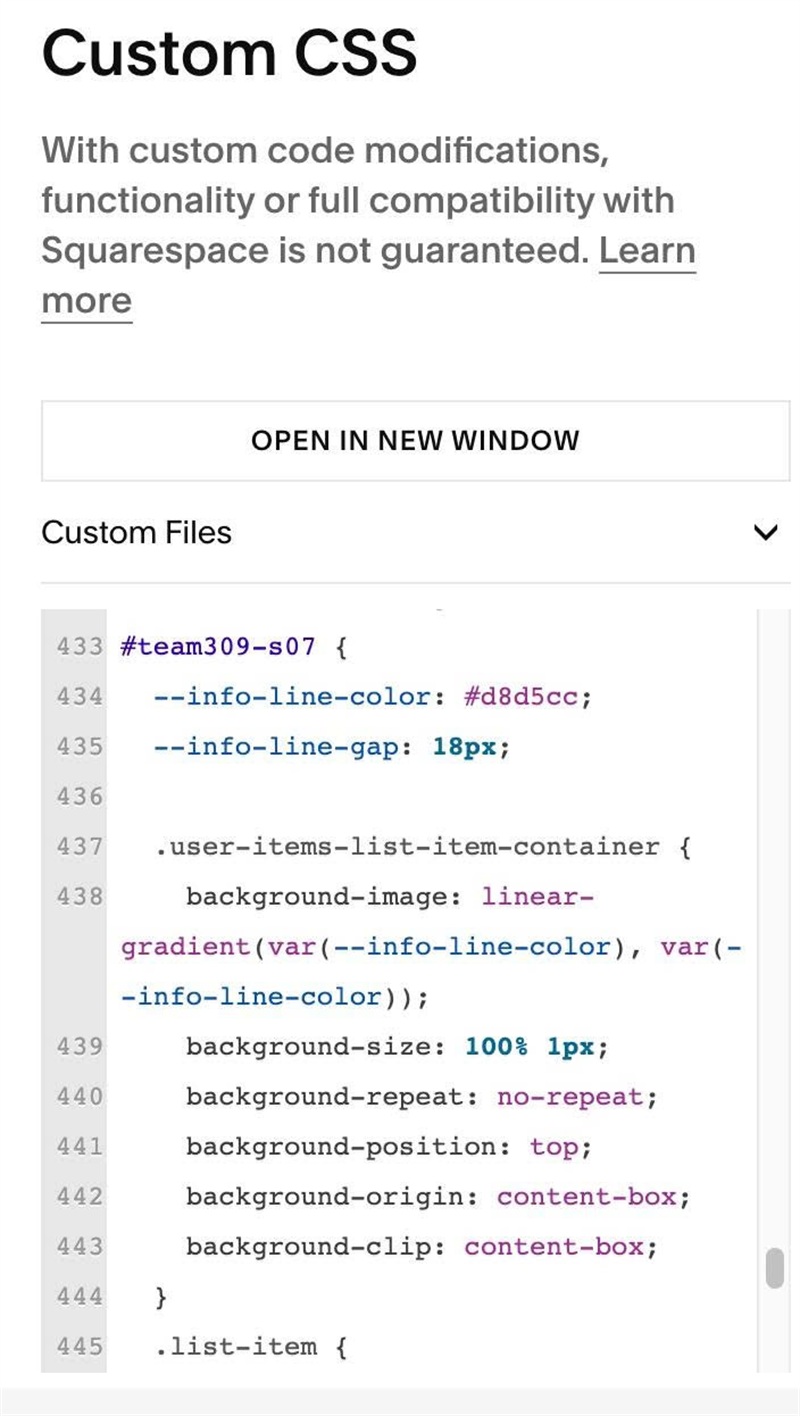
#1.4. You can change Line Color here
--info-line-color: #d8d5cc;