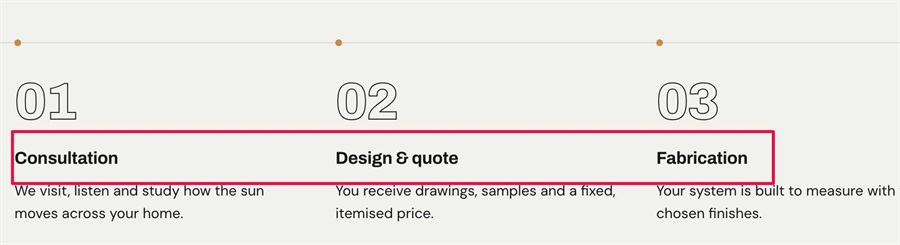
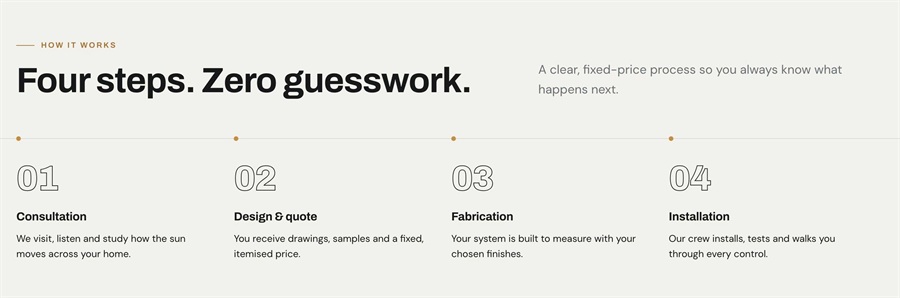
List Section has no built-in way to show numbered steps on a timeline. This code adds a line across the top of the list with a dot for each step, and turns each item title (01, 02, 03…) into a large outlined number.
#1. Install Code
#1.1. Adding a List Simple
#1.2. Enable these items
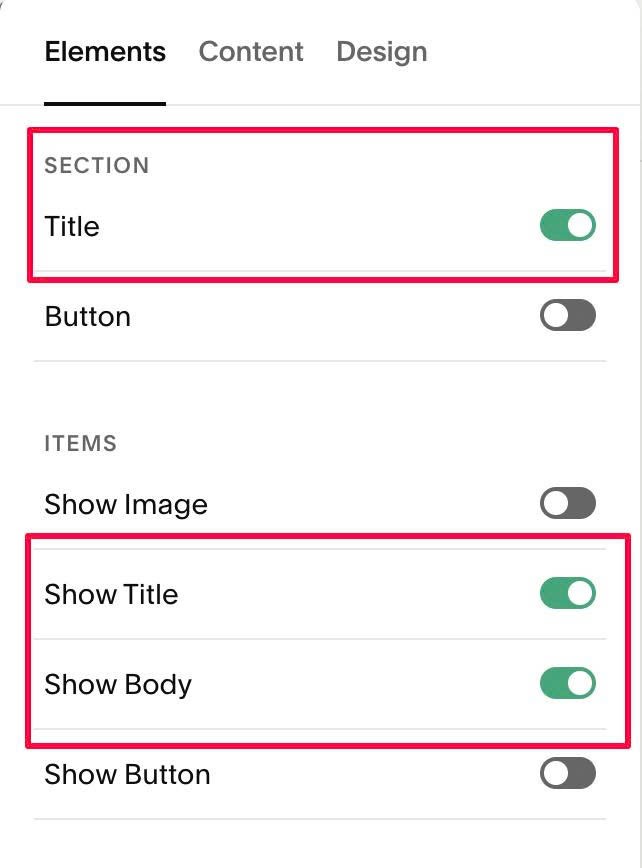
#1.3. Edit Section Title > Adding 3 Paragraphs
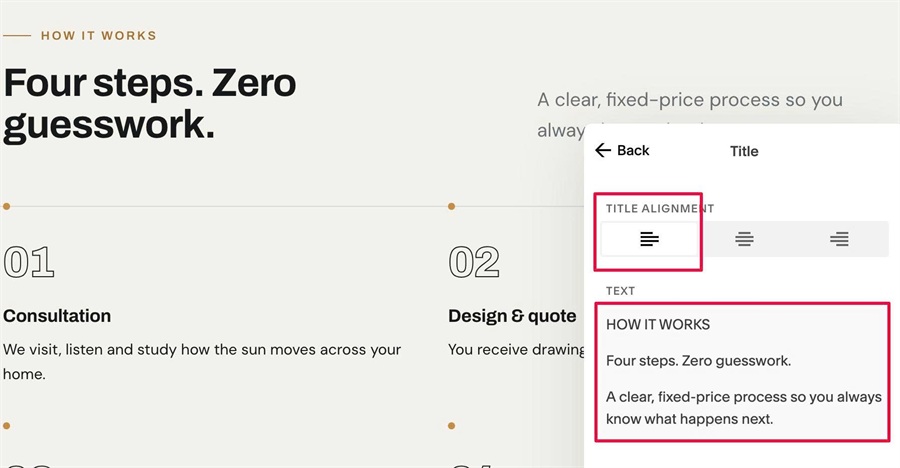
#1.4. Enter desired text in Title, Description
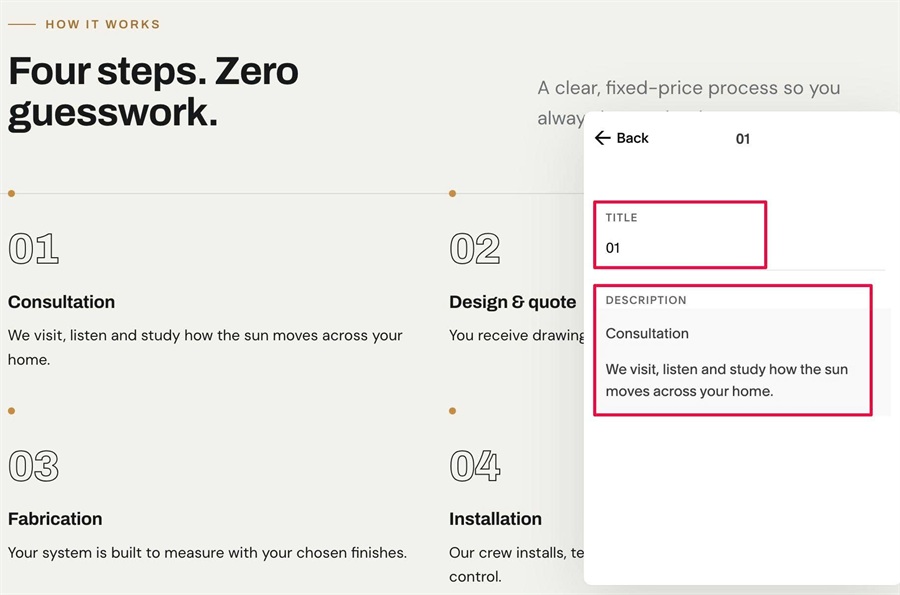
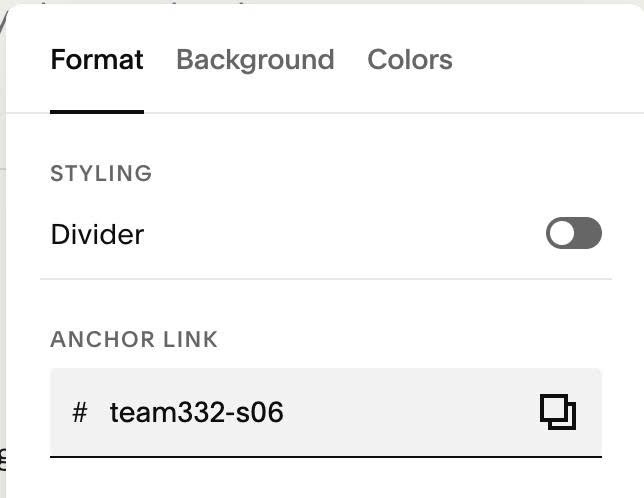
#1.5. Hover on top right of section > Click EDIT SECTION > at Format > Anchor Link > enter word: team332-s06
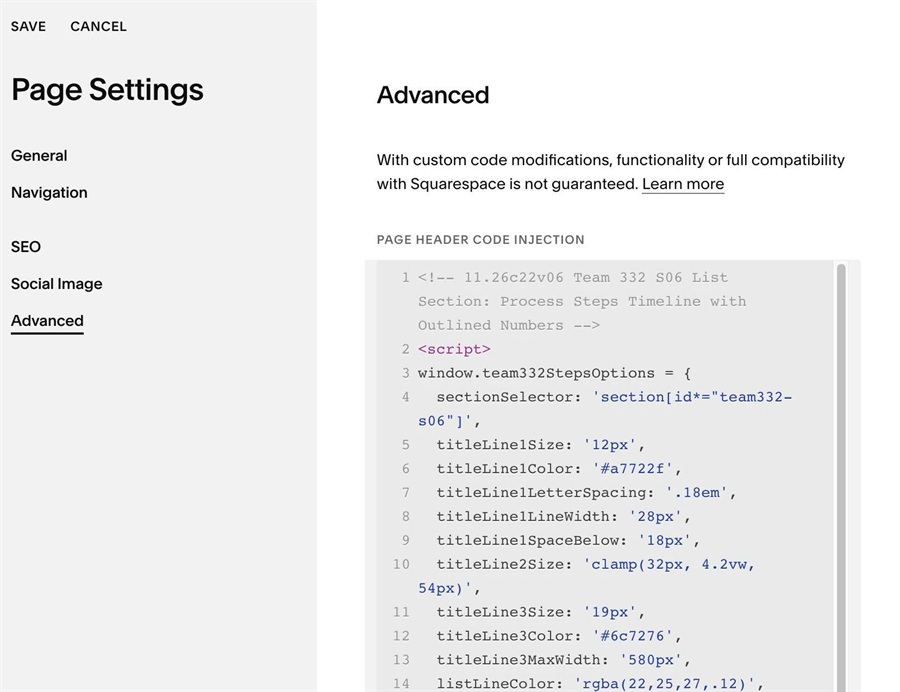
#1.6. Use this code to Page Header Injection
<!-- 11.26c22v06 Team 332 S06 List Section: Process Steps Timeline with Outlined Numbers -->
<script>
window.team332StepsOptions = {
  sectionSelector: 'section[id*="team332-s06"]',
  titleLine1Size: '12px',
  titleLine1Color: '#a7722f',
  titleLine1LetterSpacing: '.18em',
  titleLine1LineWidth: '28px',
  titleLine1SpaceBelow: '18px',
  titleLine2Size: 'clamp(32px, 4.2vw, 54px)',
  titleLine3Size: '19px',
  titleLine3Color: '#6c7276',
  titleLine3MaxWidth: '580px',
  listLineColor: 'rgba(22,25,27,.12)',
  dotSize: '7px',
  dotColor: '#c58d45',
  stepSpaceAbove: '34px',
  stepSpaceRight: '28px',
  numberStrokeWidth: '1px',
  itemLine1Size: '18px',
  itemLine1Color: '#16191b',
  itemLine2SpaceAbove: '10px',
  columnsTablet: 2,
  tabletWidth: '1100px'
};
</script>
<script src="https://code.beaverhero.com/listsimple/1126c22v06team332s06.js"></script>
#1.7. Customize
Any styles not mentioned here can be adjusted under Design > Style, Size & Space, or Site Styles.
To change style of 3 Paragraphs in Section Title, edit this
titleLine1Size: '12px',
titleLine1Color: '#a7722f',
titleLine1LetterSpacing: '.18em',
titleLine1LineWidth: '28px',
titleLine1SpaceBelow: '18px',
titleLine2Size: 'clamp(32px, 4.2vw, 54px)',
titleLine3Size: '19px',
titleLine3Color: '#6c7276',
titleLine3MaxWidth: '580px',
To change Line Color, Dot Style, edit this
listLineColor: 'rgba(22,25,27,.12)',
  dotSize: '7px',
  dotColor: '#c58d45',

To change Line 01 in Item Description, edit this
itemLine1Size: '18px',
  itemLine1Color: '#16191b',