Description: click portfolio item > scroll down and show portfolio sub page content on current page
#1. First, find Portfolio item url
In my example, we will have:
- /portlio-show-section-same-page/project-one-h346n-bjhsd
- /portlio-show-section-same-page/project-two-whgpe-2xp7a
- /portlio-show-section-same-page/project-three-ph2n3-xyy94
- /portlio-show-section-same-page/project-four-c9f4z-jwgae
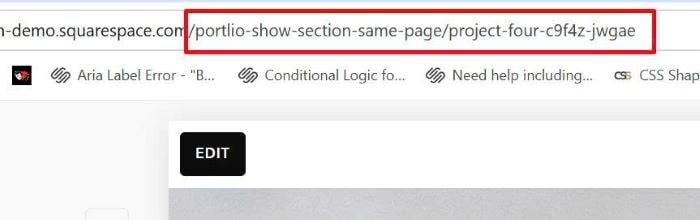
#2. Edit Portfolio Page > Add 4 Sections under current Portfolio.
Note: If Portfolio has 10 subpages, you will need to add 10 sections

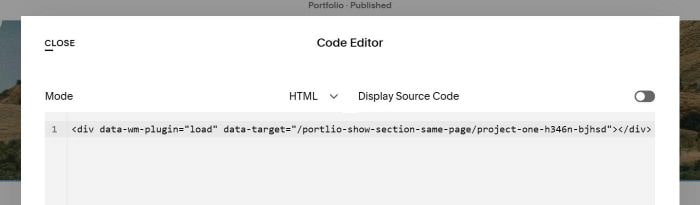
#3. In each Section > Add a Code Block > Use syntax like this.
Section 1 (remember to update portfolio item 1 url)
<div data-wm-plugin="load" data-target="/portlio-show-section-same-page/project-one-h346n-bjhsd"></div>
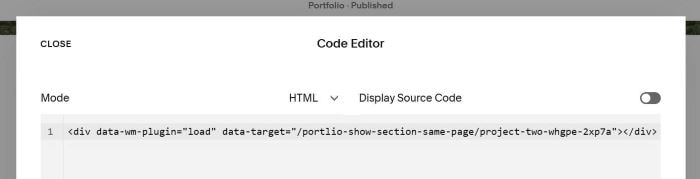
Section 2 (remember to update portfolio item 2 url)
<div data-wm-plugin="load" data-target="/portlio-show-section-same-page/project-two-whgpe-2xp7a"></div>
Section 3 (remember to update portfolio item 3 url)
<div data-wm-plugin="load" data-target="/portlio-show-section-same-page/project-three-ph2n3-xyy94"></div>
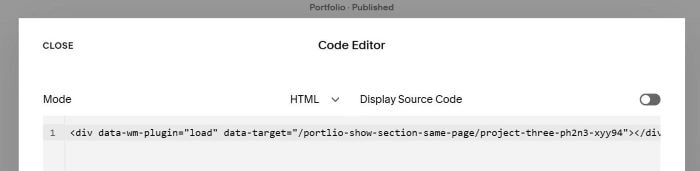
Section 4 (remember to update portfolio item 4 url)
<div data-wm-plugin="load" data-target="/portlio-show-section-same-page/project-four-c9f4z-jwgae"></div>
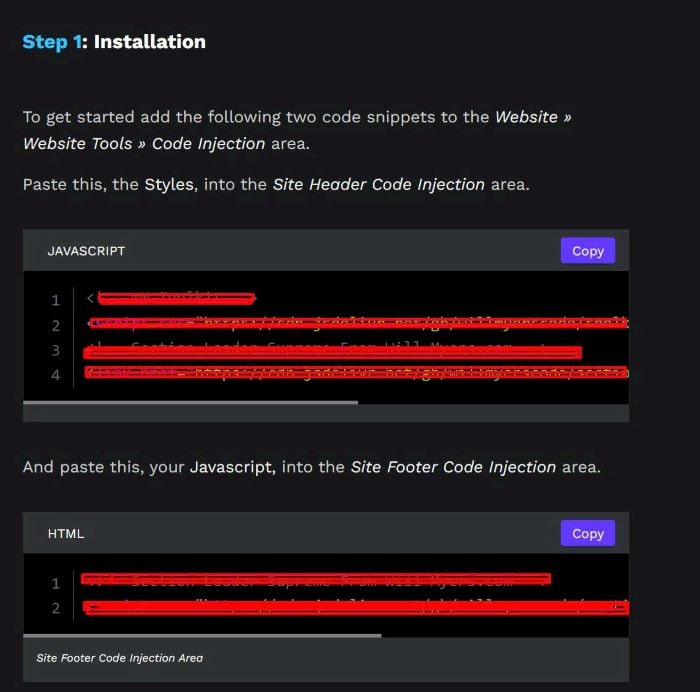
#4. Install Section Loader Supreme Plugin
Note: Do Step 1 in Plugin instruction only
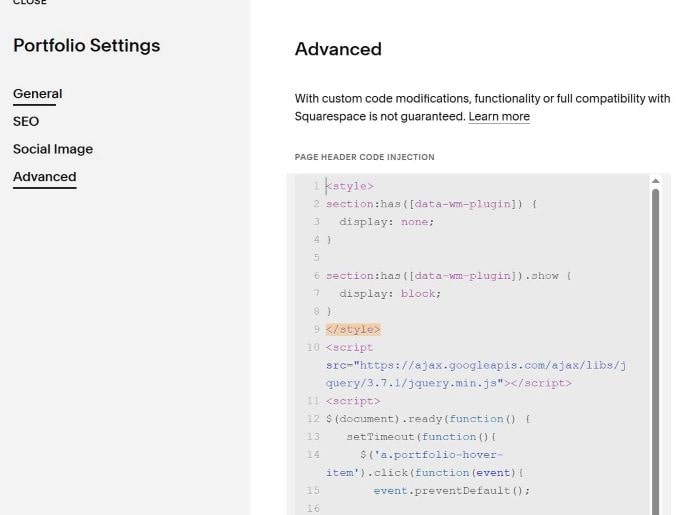
#5. Use this code to Portfolio Page Header Injection
<style>
section:has([data-wm-plugin]) {
  display: none;
}

section:has([data-wm-plugin]).show {
  display: block;
}
</style>
<script src="https://ajax.googleapis.com/ajax/libs/jquery/3.7.1/jquery.min.js"></script>
<script>
$(document).ready(function() {
   setTimeout(function(){
     $('a.portfolio-hover-item').click(function(event){
       event.preventDefault();

       const href = $(this).attr('href');
       const targetSection = $('section:has([data-target="' + href + '"])');

       if (targetSection.length > 0) {
         $('section').removeClass('show');
         targetSection.addClass('show');

         $('html, body').animate({
           scrollTop: targetSection.offset().top
         }, 800);
       }
     });
   }, 3000);
});
</script>