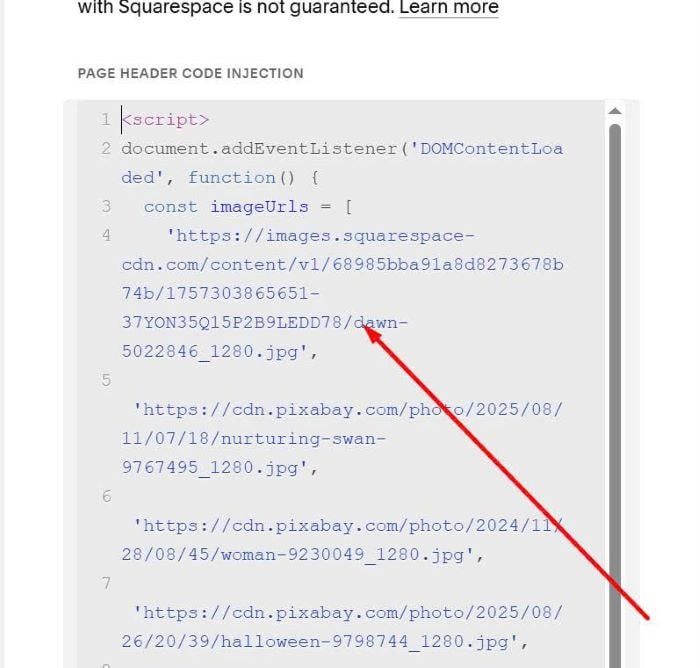
#1. First, you need to add a Gallery Block > Choose Grid layout (I haven’t tested it with Slideshow, Carousel, Stacked)
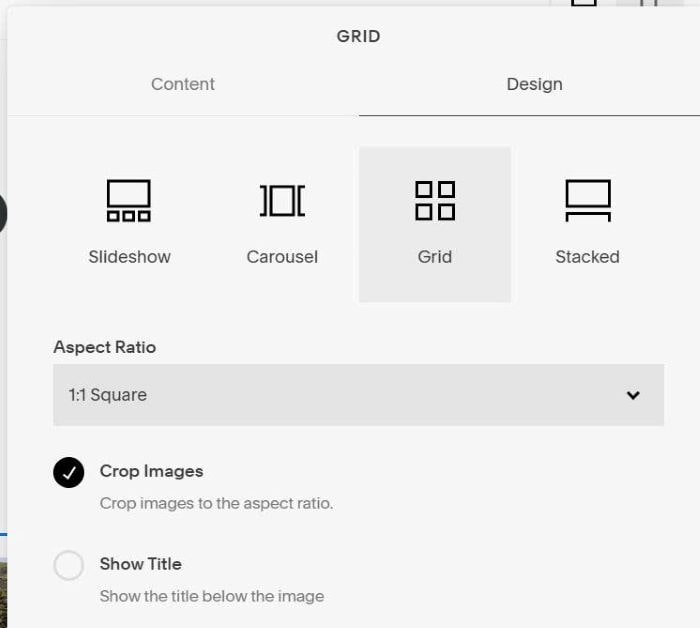
#2. Use this code to Page Header Injection
<script>
document.addEventListener('DOMContentLoaded', function() {
  const imageUrls = [
    'https://images.squarespace-cdn.com/content/v1/68985bba91a8d8273678b74b/1757303865651-37YON35Q15P2B9LEDD78/dawn-5022846_1280.jpg',
    'https://cdn.pixabay.com/photo/2025/08/11/07/18/nurturing-swan-9767495_1280.jpg',
    'https://cdn.pixabay.com/photo/2024/11/28/08/45/woman-9230049_1280.jpg',
    'https://cdn.pixabay.com/photo/2025/08/26/20/39/halloween-9798744_1280.jpg',
    'https://cdn.pixabay.com/photo/2025/08/02/15/43/collared-macaw-9750855_1280.jpg'
  ];

  let currentImageIndex = 0;

  function changeSecondSlideImage() {
    const secondSlide = document.querySelector('.gallery-block .slide:nth-child(2) .thumb-image');

    if (!secondSlide) return;

    currentImageIndex = (currentImageIndex + 1) % imageUrls.length;

    secondSlide.style.opacity = '0';

    setTimeout(() => {
      secondSlide.src = imageUrls[currentImageIndex];
      secondSlide.setAttribute('data-src', imageUrls[currentImageIndex]);
      secondSlide.setAttribute('data-image', imageUrls[currentImageIndex]);

      secondSlide.style.opacity = '1';
    }, 300);
  }

  const secondSlide = document.querySelector('.gallery-block .slide:nth-child(2) .thumb-image');
  if (secondSlide) {
    secondSlide.style.transition = 'opacity 0.3s ease-in-out';
  }

  setInterval(changeSecondSlideImage, 3000);
});
</script>
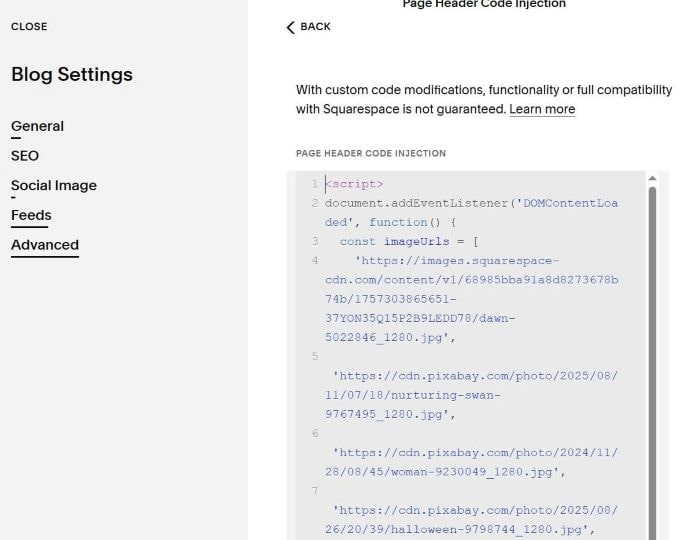
#3. Remember to update number 2.
It means the code will change Second Image in Gallery Block
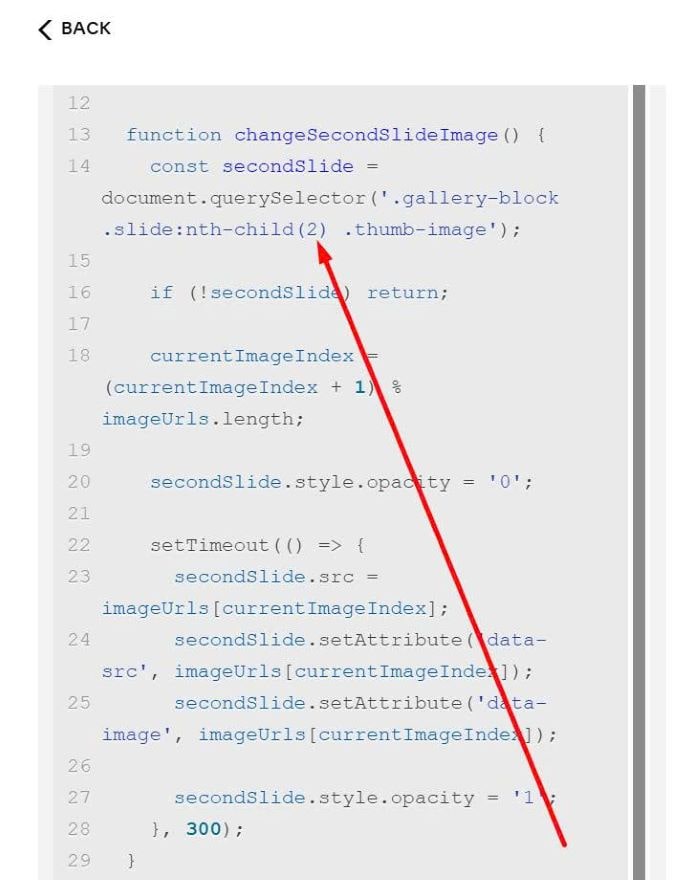
and Update Image URLs
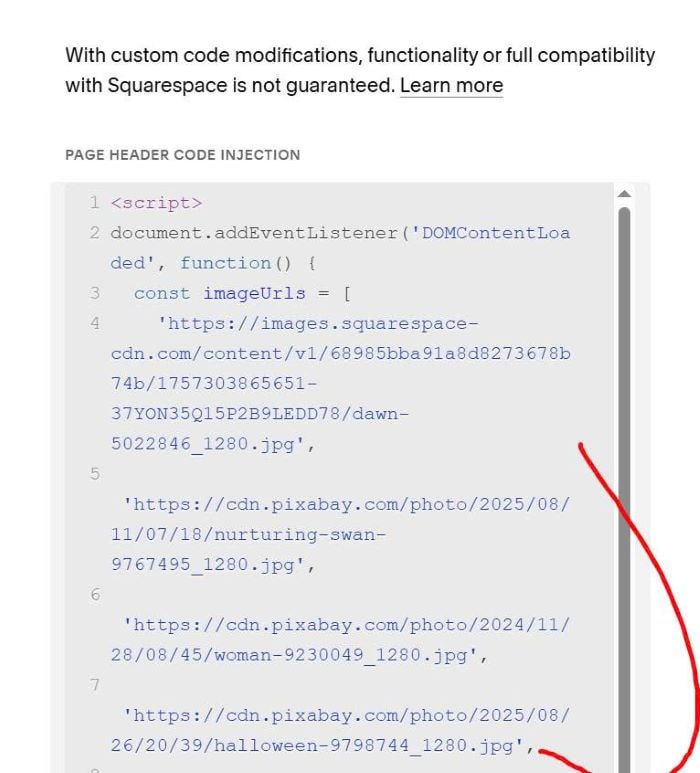
and enter current image url