Description
- vertical text scrolling (auto scroll)
- view demo – password: abc
- buy me a coffee
Note: If you use Personal/Basic Plan, you can message me, I will give you new code
#1. Install Code
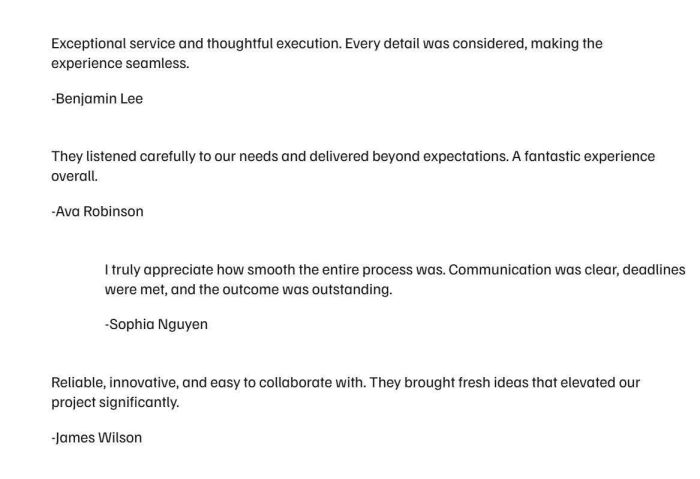
#1.1. First you need to add some Text Blocks
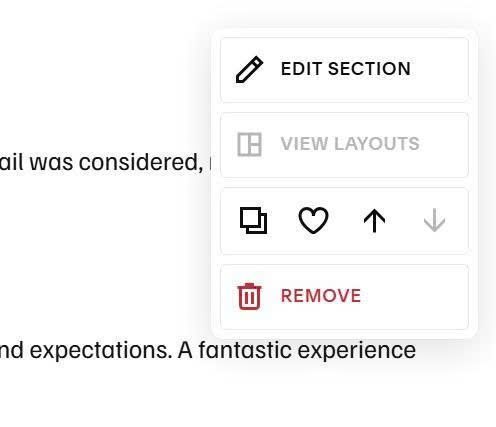
#1.2. Next, hover on top right of section > Click Edit Section
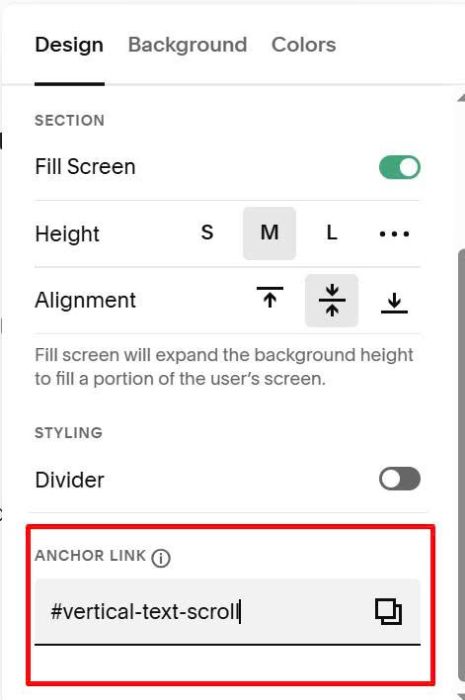
at Anchor Link, enter word: vertical-text-scroll
vertical-text-scroll
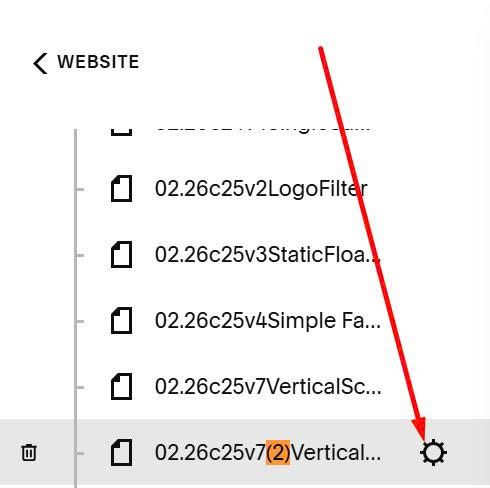
#1.3. Hover on page where you added Text Blocks > Click Gear icon
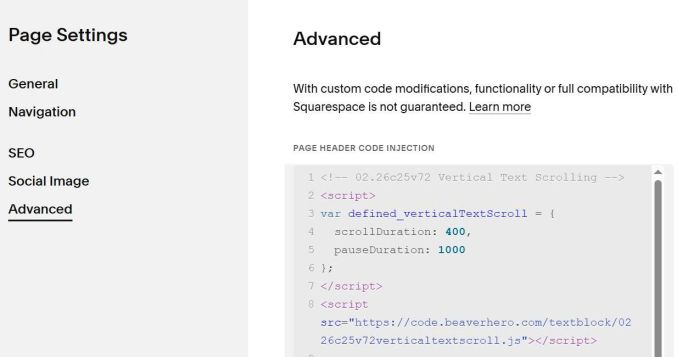
Click Advanced > Paste this code
<!-- 02.26c25v72 Vertical Text Scrolling -->
<script>
var defined_verticalTextScroll = {
  scrollDuration: 400,
  pauseDuration: 1000
};
</script>
<script src="https://code.beaverhero.com/textblock/0226c25v72verticaltextscroll.js"></script>
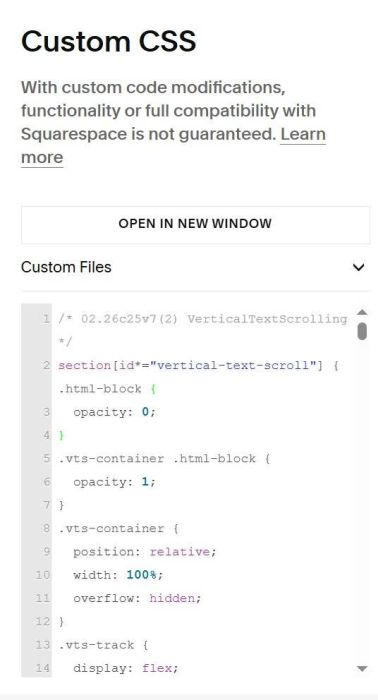
#1.4. Next, use this code to Custom CSS box
/* 02.26c25v7(2) VerticalTextScrolling */
section[id*="vertical-text-scroll"] { .html-block {
  opacity: 0;
}
.vts-container .html-block {
  opacity: 1;
}
.vts-container {
  position: relative;
  width: 100%;
  overflow: hidden;
}
.vts-track {
  display: flex;
  flex-direction: column;
  transform: translateY(0px);
}
.vts-item {
  flex-shrink: 0;
  overflow: hidden;
}
.vts-item .html-block {
  width: 100%;
  }}
#2. Customize
#2.1. To change auto scroll speed, you can adjust these lines
var defined_verticalTextScroll = {
  scrollDuration: 400,
  pauseDuration: 1000
};