Description
- show Blog Content under Excerpt in Summary Block Blog
- view demo – password: abc
- buy me a coffee

#1. Install Code
If you use Personal/Basic Plan and your plan doesn’t support Injection, you can see step #2.2
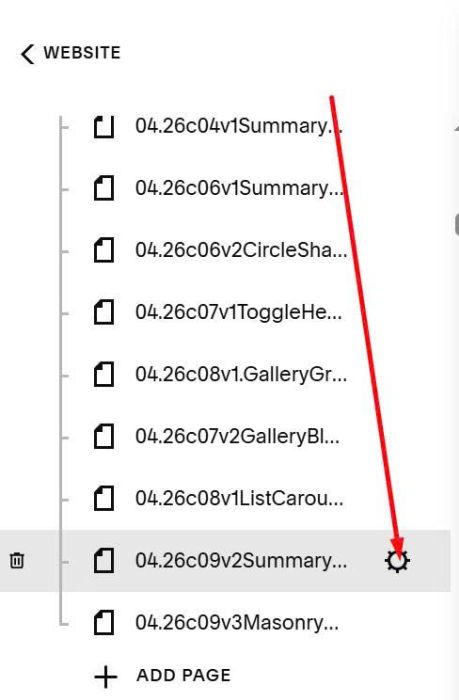
#1.1. First, hover on Page where you use Summary Block > Click Gear icon
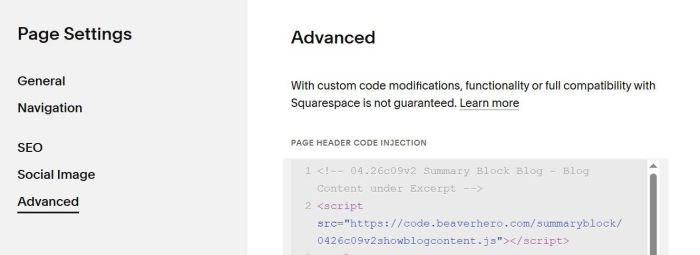
Click Advanced > Paste this code
<!-- 04.26c09v2 Summary Block Blog - Blog Content under Excerpt -->
<script src="https://code.beaverhero.com/summaryblock/0426c09v2showblogcontent.js"></script>
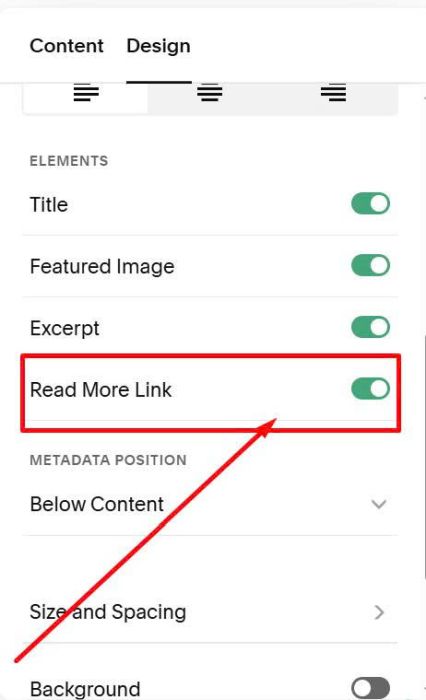
#1.2. Edit Summary Block > Enable Read More
#2. Customize
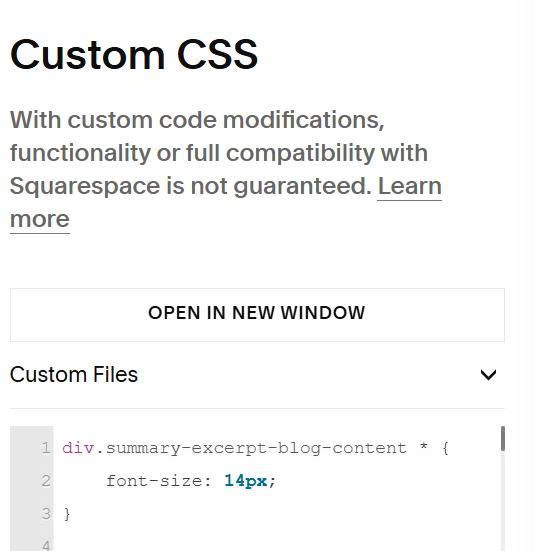
#2.1. To change Blog Content style, you can use this to Custom CSS box
div.summary-excerpt-blog-content * {
    font-size: 14px;
}
#2.2. If your plan doesn’t support Injection, you can do these.
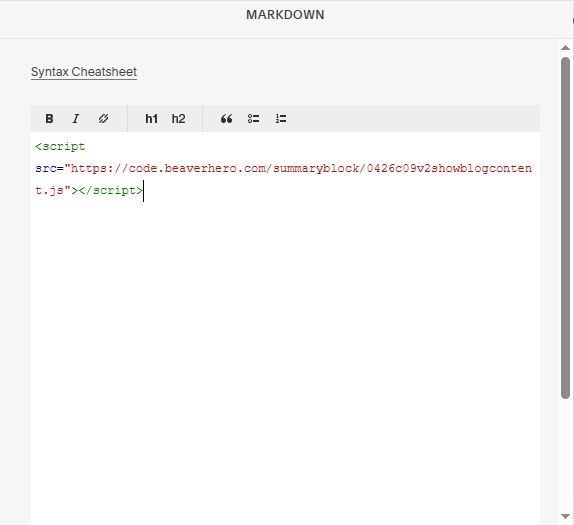
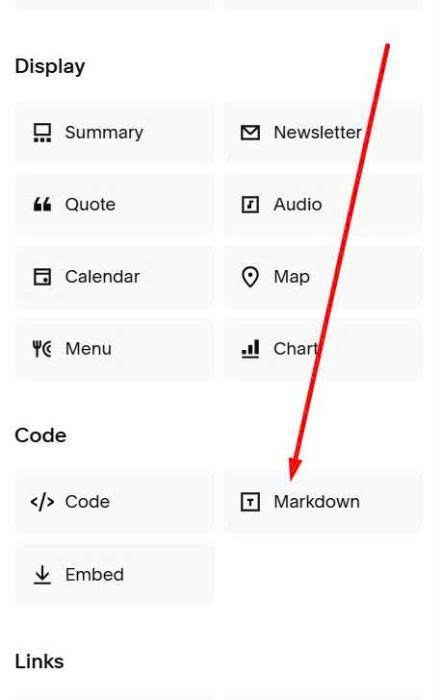
First, add a Markdown Block under Summary Block
Paste this code into Markdown Block
<script src="https://code.beaverhero.com/summaryblock/0426c09v2showblogcontent.js"></script>