Description
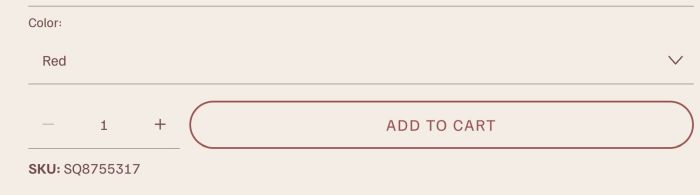
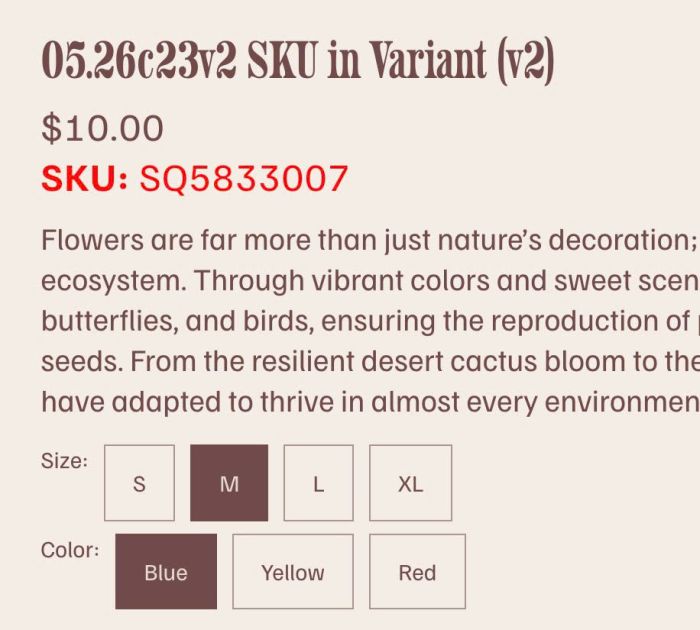
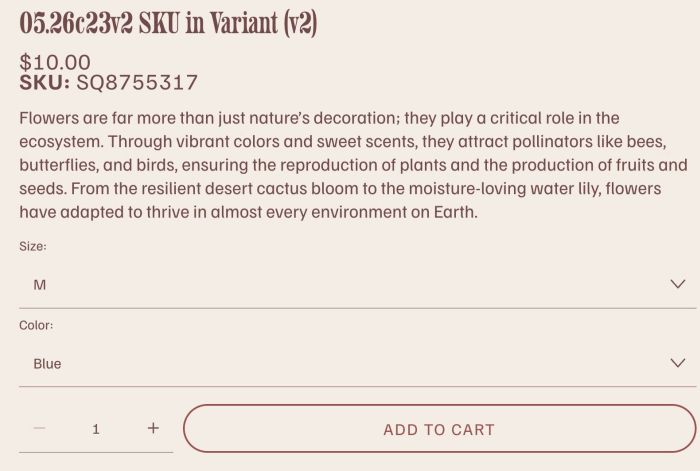
- adding SKU in Variant Products
- buy me a coffee

#1. Install Code
#1.1. Click Gear icon on Store Page
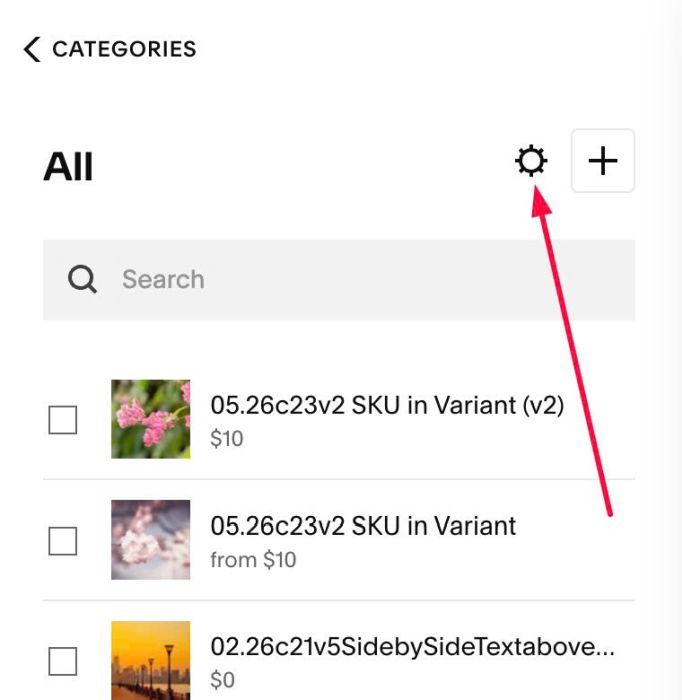
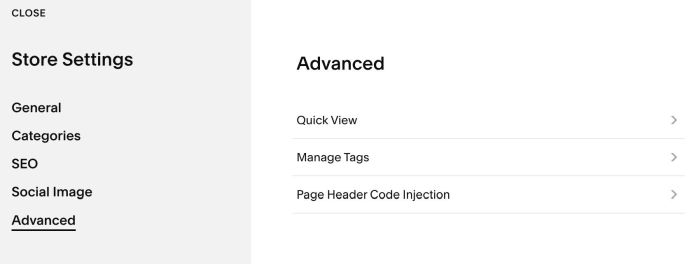
Next, click Advanced > Page Header Code Injection
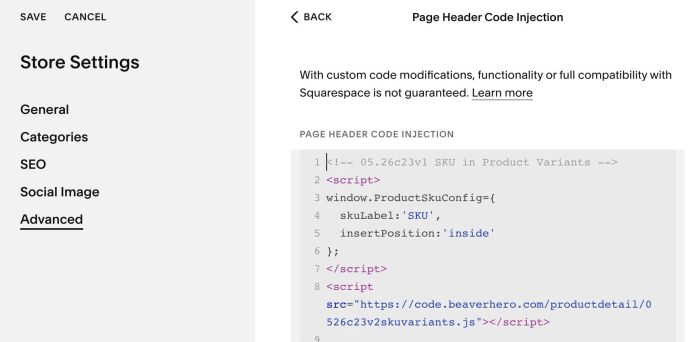
#1.2. Add this code
<!-- 05.26c23v1 SKU in Product Variants -->
<script>
window.ProductSkuConfig={
  skuLabel:'SKU',
  insertPosition:'inside'
};
</script>
<script src="https://code.beaverhero.com/productdetail/0526c23v2skuvariants.js"></script>
#2. Customize
#2.1. To change font size, space of SKU text, use this under main code
<style>
div.product-sku {
    font-size: 18px;
    margin-top: 10px;
}
</style>
#2.2. To move SKU under Add to Cart, you can change this line (Line 05)
insertPosition:'inside'
to this
insertPosition:'after'
then use this code under main code
<style>
div.product-sku {
    order: 5 !important;
}
</style>