Description
- adding custom text under product on store page, each product will have a different text, based on category
- view demo – password: abc
- buy me a coffee

#1. Install Code
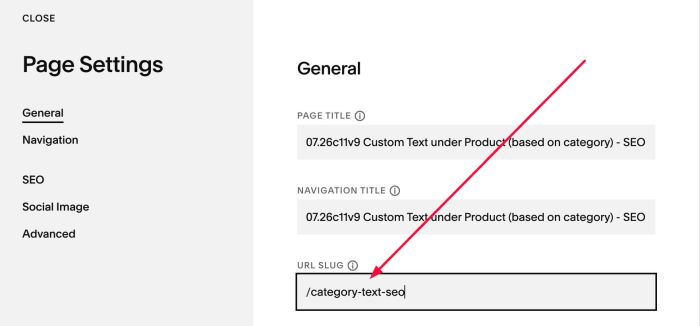
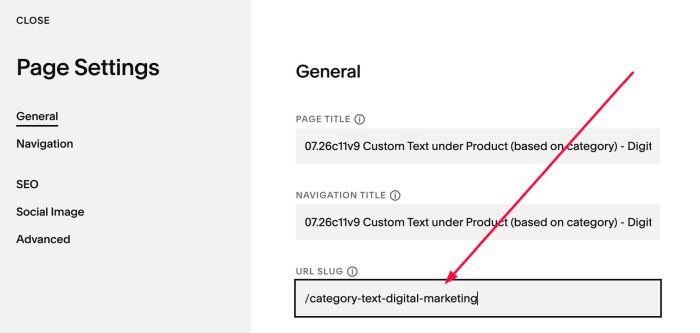
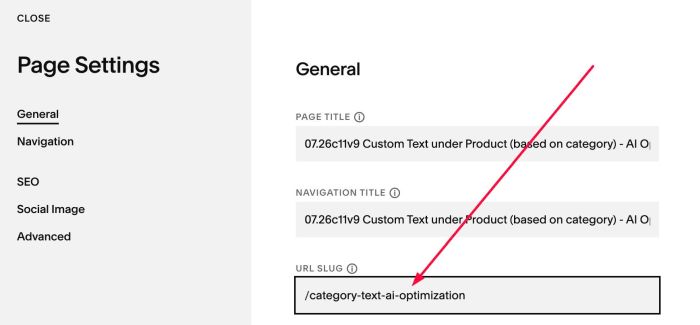
#1.1. First, we need to create some pages (to host custom text) with Name/URL like this.
URL: /category-text-seo
URL: /category-text-digital-marketing
URL: /category-text-ai-optimization
#1.2. Add your desired text to these pages

or like this

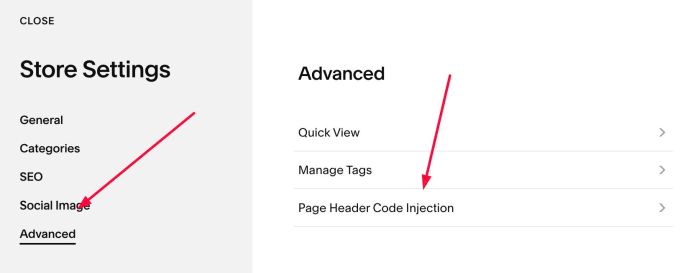
#1.3. Next, click Gear icon on Store Page
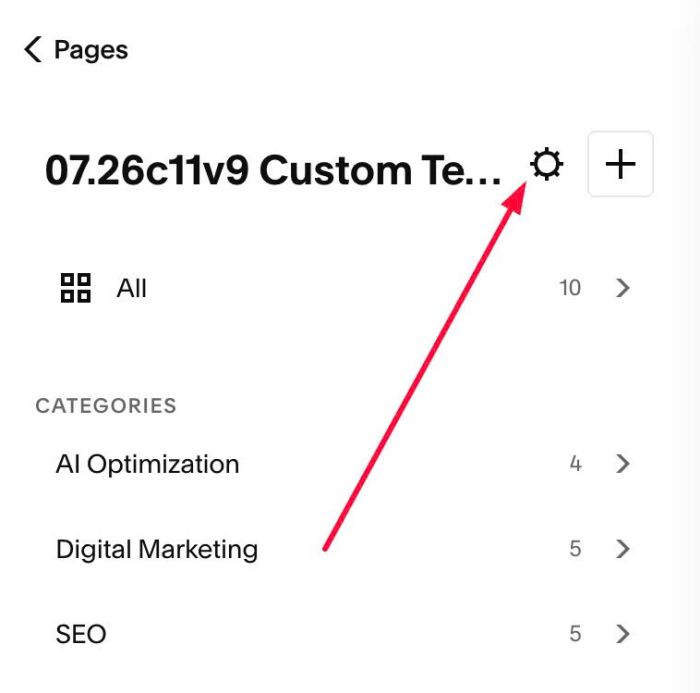
Next, click Advanced > Page Header Code Injection
#1.4. Add this code to right box
<!-- 07.26c11v9 Custom Text under Product (based on category) -->
<script>
window.ProductCategoryTextConfig = {
  categoryPages: {
    "SEO": "/category-text-seo",
    "Digital Marketing": "/category-text-digital-marketing",
    "AI Optimization": "/category-text-ai-optimization"
  },
  targetSelector: ".product-list-item-price",
  position: "after",
  textClass: "sqsrte-small",
  textSize: "",
  marginTop: "5px",
  matchTitleColor: true,
  skipInEditMode: true,
  maxWait: 10000,
  pollInterval: 200
};
</script>
<script src="https://code.beaverhero.com/store/0726c11v9storecustomtext.js"></script>
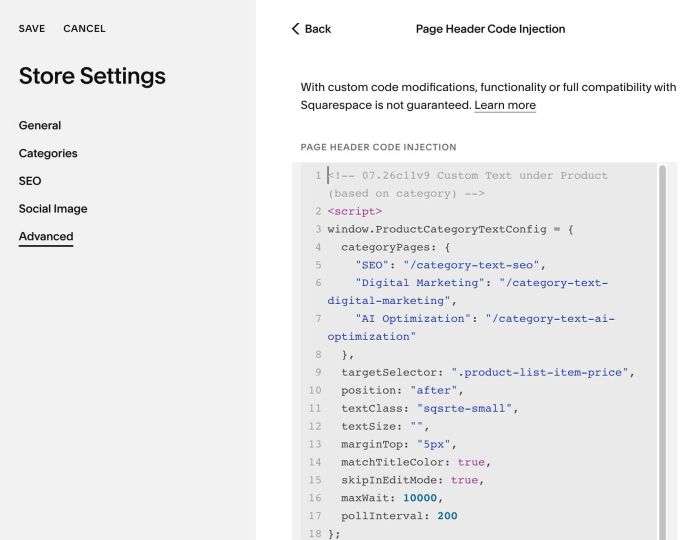
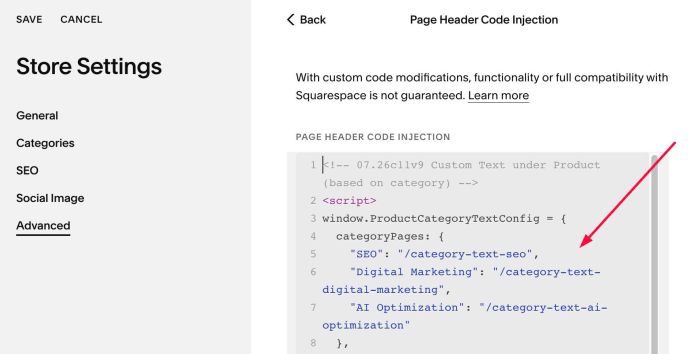
#1.5. Remember to update Category Name – Page URL you created in #1.1.
categoryPages: {
  "SEO": "/category-text-seo",
  "Digital Marketing": "/category-text-digital-marketing",
  "AI Optimization": "/category-text-ai-optimization"
},
#2. Customize
nothing now