Description
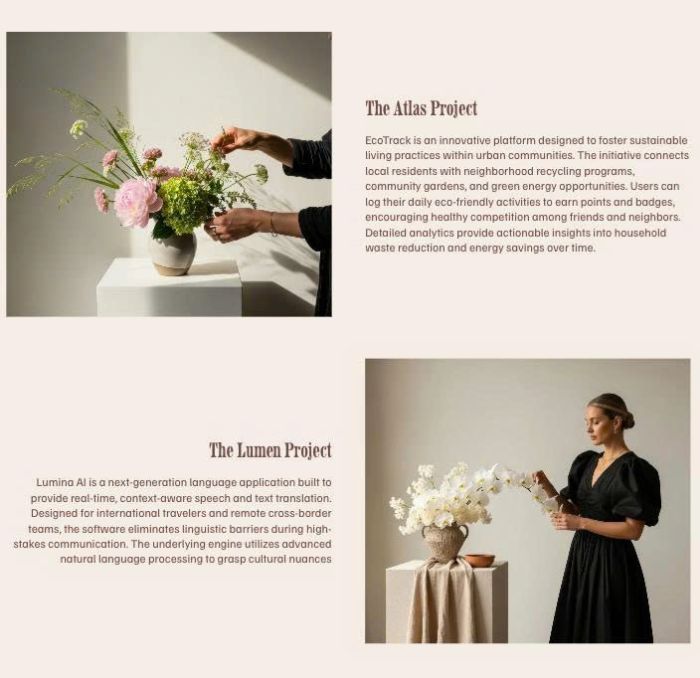
- turn Portfolio page to alternate layout with image – title/more text
- view demo – password: abc
- buy me a coffee
#1. Install Code
Note: More text under Title, it will get Text Block from First Section in Portfolio item page
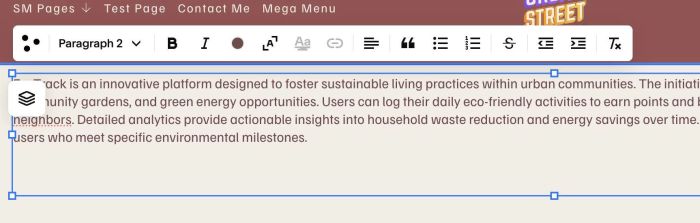
#1.1. First, edit each portfolio item page > Add a Text Block with your desired text in First Section
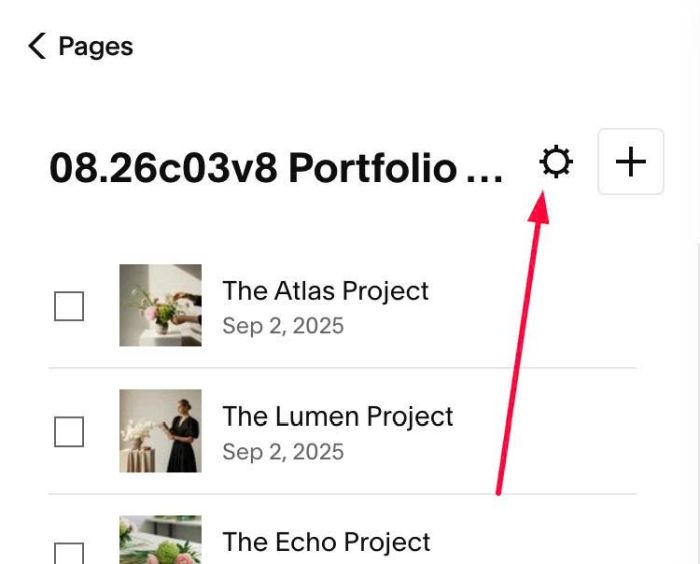
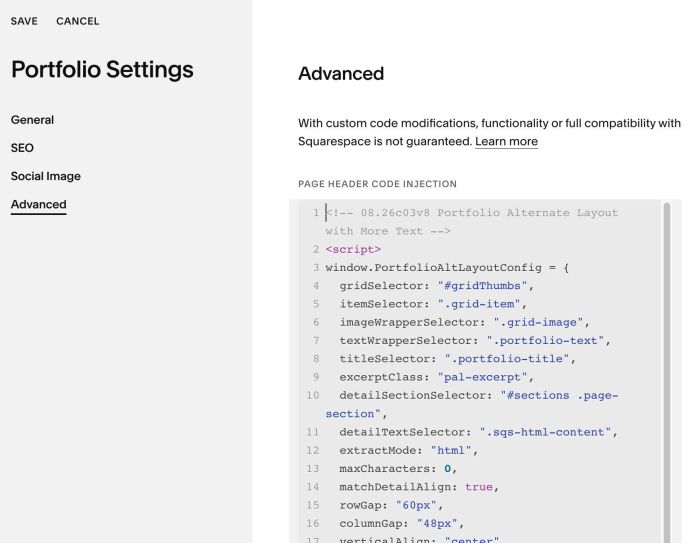
#1.2. Click Gear icon on Portfolio Page
#1.3. Click Advanced > Paste this code
- If you use Personal/Basic Plan and your plan doesn’t support Injection, you can see #3.1
<!-- 08.26c03v8 Portfolio Alternate Layout with More Text -->
<script>
window.PortfolioAltLayoutConfig = {
  gridSelector: "#gridThumbs",
  itemSelector: ".grid-item",
  imageWrapperSelector: ".grid-image",
  textWrapperSelector: ".portfolio-text",
  titleSelector: ".portfolio-title",
  excerptClass: "pal-excerpt",
  detailSectionSelector: "#sections .page-section",
  detailTextSelector: ".sqs-html-content",
  extractMode: "html",
  maxCharacters: 0,
  matchDetailAlign: true,
  rowGap: "60px",
  columnGap: "48px",
  verticalAlign: "center",
  mobileBreakpoint: 767,
  hideExcerptOnMobile: true,
  mobileTextAlign: "left",
  fetchConcurrency: 5,
  fetchTimeout: 10000,
  cacheTTL: 600000
};
</script>
<script src="https://code.beaverhero.com/portfolio/0826c03v8portfolioalternatelayout.js"></script>
#2. Customize
#2.1. To show more text on mobile, change this line
hideExcerptOnMobile: true,
to
hideExcerptOnMobile: false,
#2.2. To change gap between rows/image/text, change these
rowGap: "60px",
  columnGap: "48px",
#2.3. To align text on mobile, change this line
mobileTextAlign: "left",
#3. Other
#3.1. If you use Personal/Basic Plan and your plan doesn’t support Injection, you can edit Site Footer
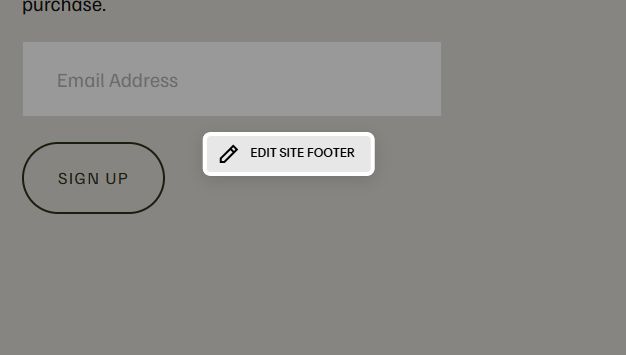
Add a Markdown Block

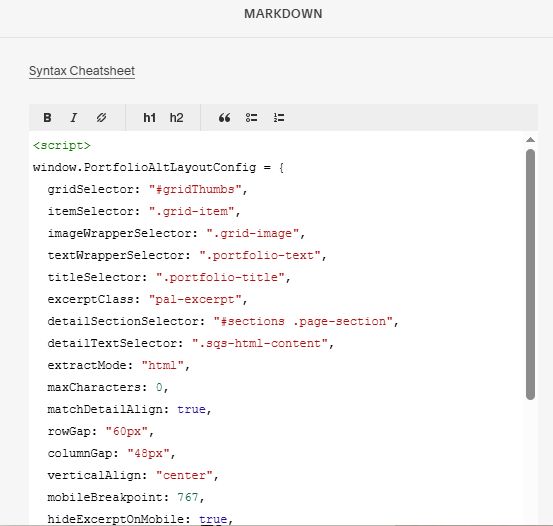
Add this code into Markdown Block
<script>
window.PortfolioAltLayoutConfig = {
  gridSelector: "#gridThumbs",
  itemSelector: ".grid-item",
  imageWrapperSelector: ".grid-image",
  textWrapperSelector: ".portfolio-text",
  titleSelector: ".portfolio-title",
  excerptClass: "pal-excerpt",
  detailSectionSelector: "#sections .page-section",
  detailTextSelector: ".sqs-html-content",
  extractMode: "html",
  maxCharacters: 0,
  matchDetailAlign: true,
  rowGap: "60px",
  columnGap: "48px",
  verticalAlign: "center",
  mobileBreakpoint: 767,
  hideExcerptOnMobile: true,
  mobileTextAlign: "left",
  fetchConcurrency: 5,
  fetchTimeout: 10000,
  cacheTTL: 600000
};
</script>
<script src="https://code.beaverhero.com/portfolio/0826c03v8portfolioalternatelayout.js"></script>