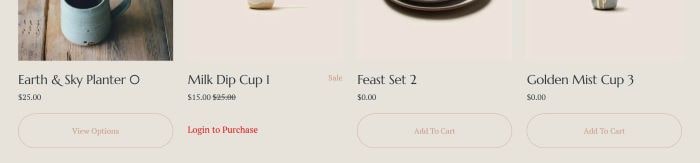
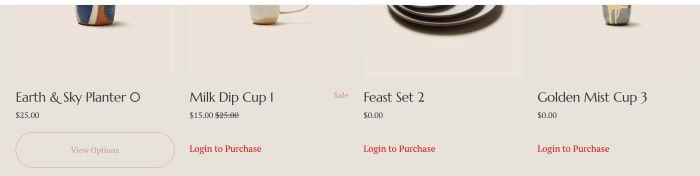
To hide Add to Cart, and show “Login” for Logged out users, like this.
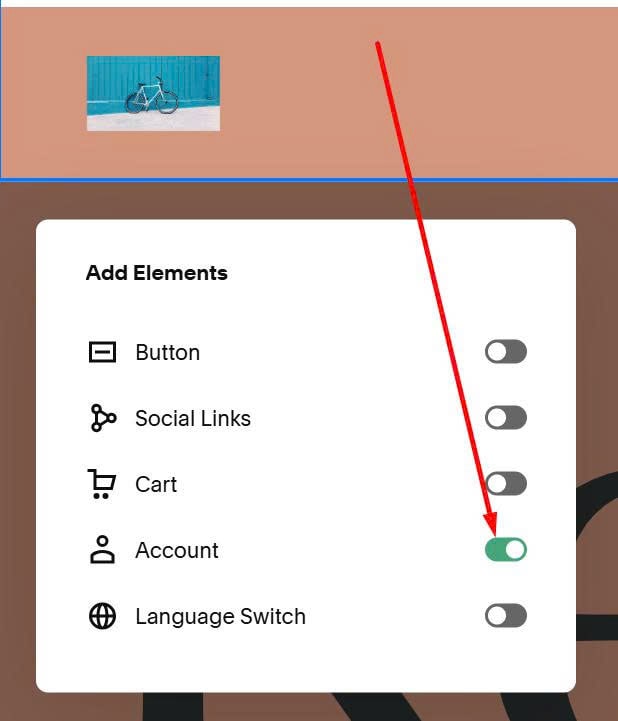
#1. First, enable Login button in Header
#2. Next, use this code to Custom CSS.
body:has(.unauth) div.sqs-add-to-cart-button-wrapper {
    button {
    display: none;
}
    &:before {
        content: "Login to Purchase";
        display: block;
        text-align: left;
        color: #f00;
        font-size: 18px;
        height: 50px;
    }
}
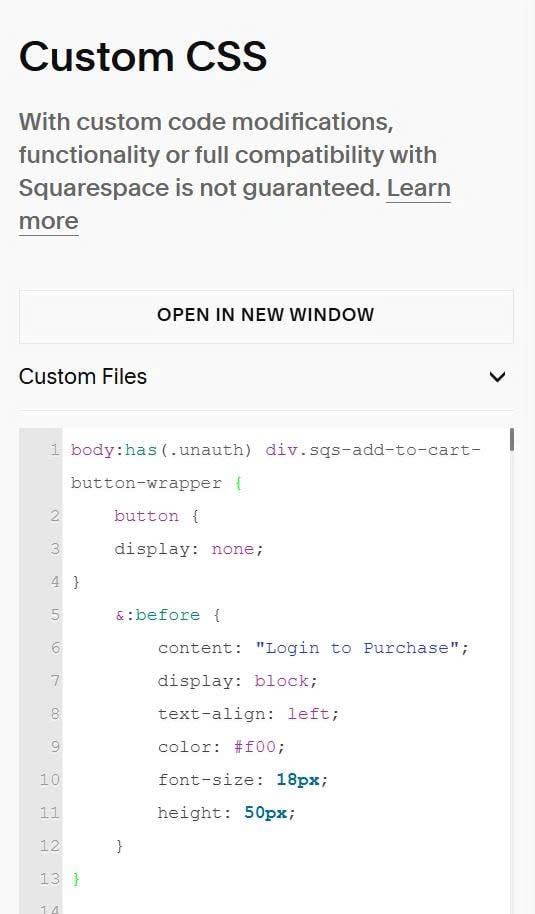
#3. You can change text/text style here.
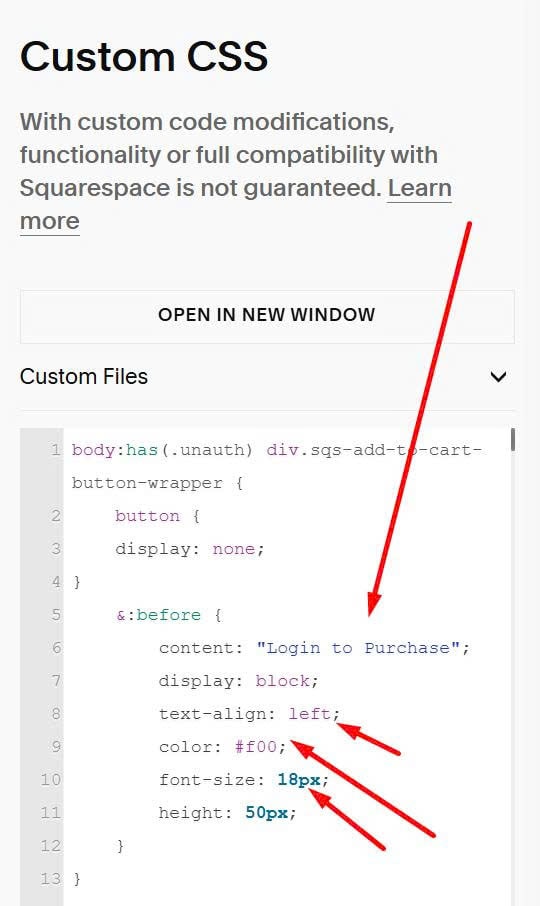
#4. If you want to apply this on specific products only, you can assign a tag with name: login purchase to these products.
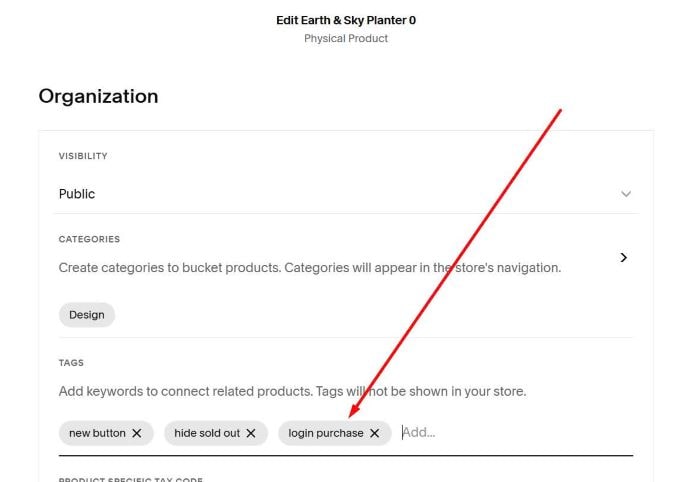
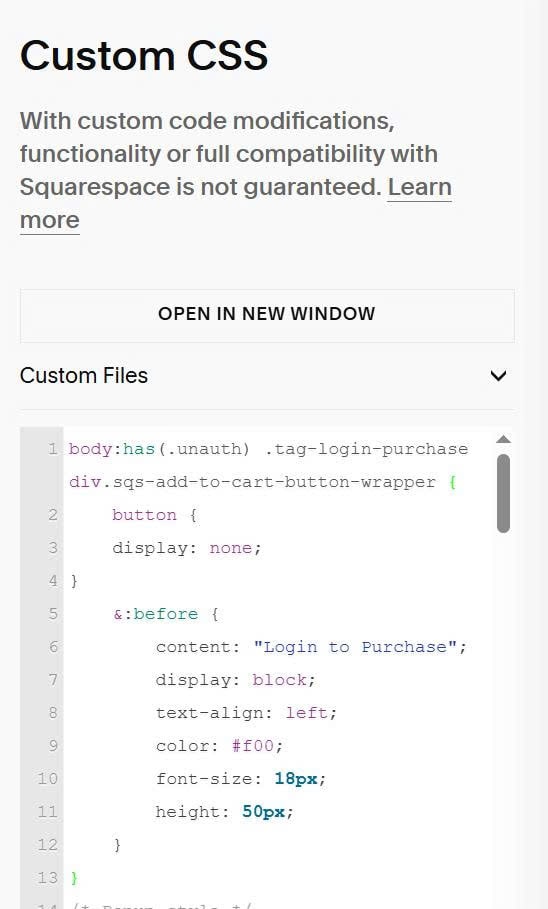
Then use this new CSS code.
body:has(.unauth) .tag-login-purchase div.sqs-add-to-cart-button-wrapper {
    button {
    display: none;
}
    &:before {
        content: "Login to Purchase";
        display: block;
        text-align: left;
        color: #f00;
        font-size: 18px;
        height: 50px;
    }
}
Result