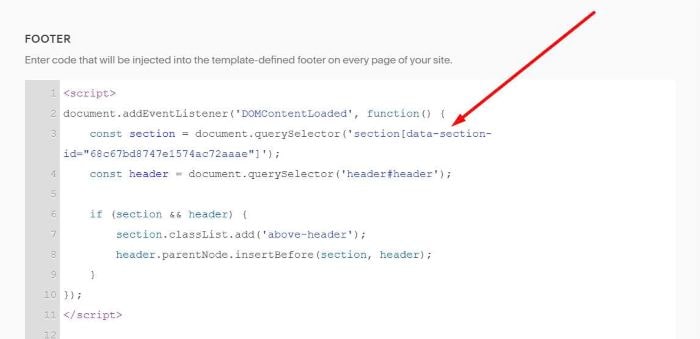
To move Header under Banner Image, you can do these.
If you want to do this on One Page, you can add a Section to Top of Page instead of Site Footer
#1. First, edit Site Footer

#2. Add a Section
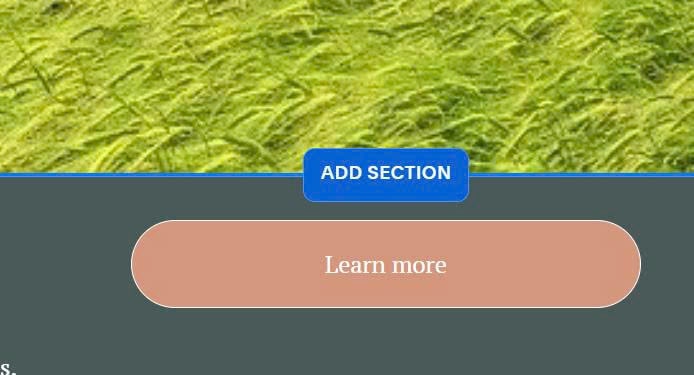
#3. Add a Section with Background Image, Text, like this.

#4. Find ID of Section

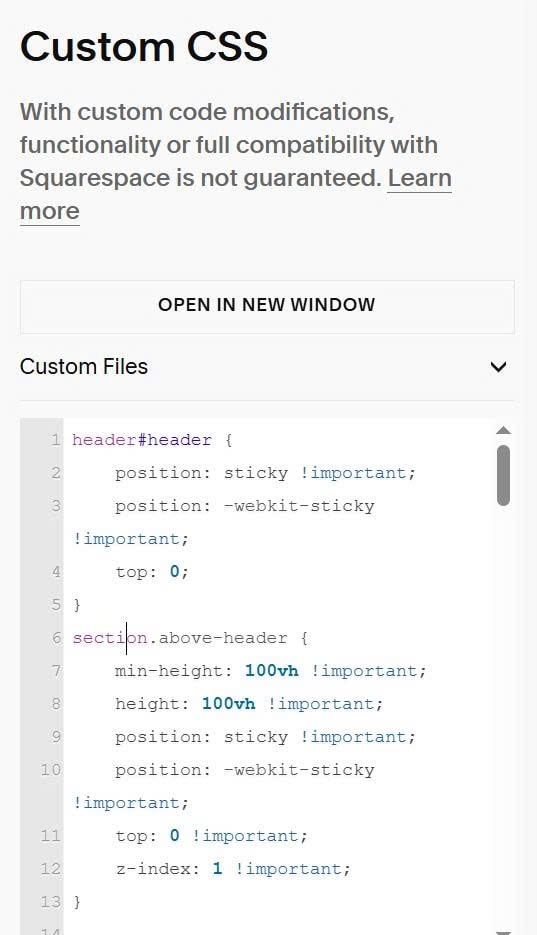
#5. Use this code to Custom CSS
header#header {
    position: sticky !important;
    position: -webkit-sticky !important;
    top: 0;
}
section.above-header {
    min-height: 100vh !important;
    height: 100vh !important;
    position: sticky !important;
    position: -webkit-sticky !important;
    top: 0 !important;
    z-index: 1 !important;
}
#6. Use this code to Code Injection > Footer. Remember to update ID in the code
<script>
document.addEventListener('DOMContentLoaded', function() {
    const section = document.querySelector('section[data-section-id="68c67bd8747e1574ac72aaae"]');
    const header = document.querySelector('header#header');

    if (section && header) {
        section.classList.add('above-header');
        header.parentNode.insertBefore(section, header);
    }
});
</script>