
(Free) Image Block to Vimeo Lightbox
click image block will open Autoplay Vimeo in Lightbox
click image block will open Autoplay Vimeo in Lightbox
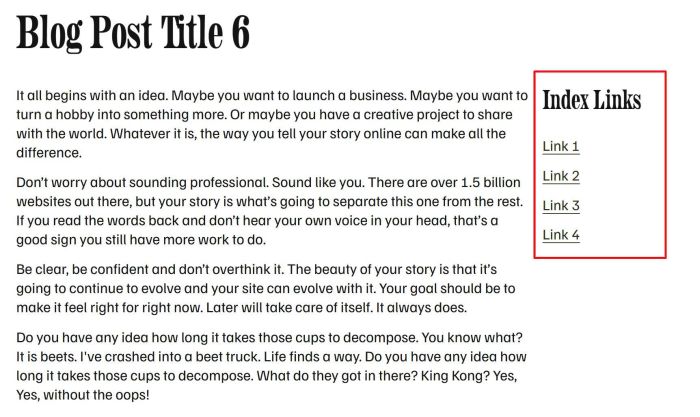
simple sidebar in individual blog posts

add custom button link next to view event button
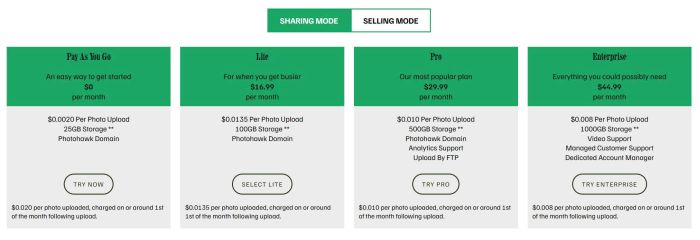
tabs pricing with list section

carousel with different style in middle image
change list to custom accordion

add category filter to Gallery Masonry
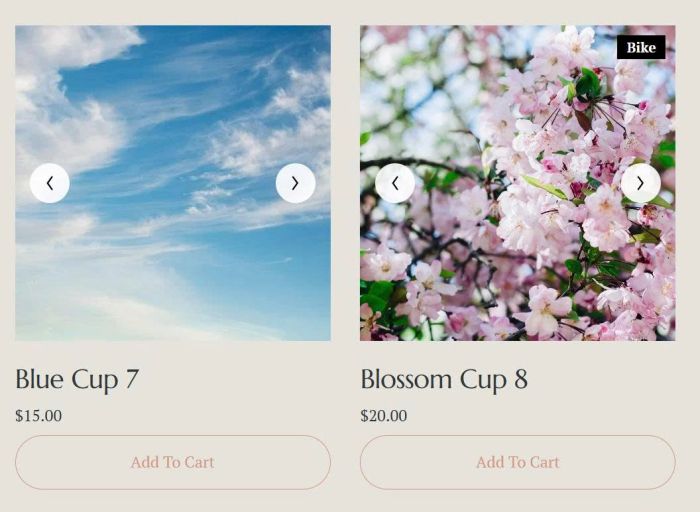
turn product image on mobile to carousel format, use product images
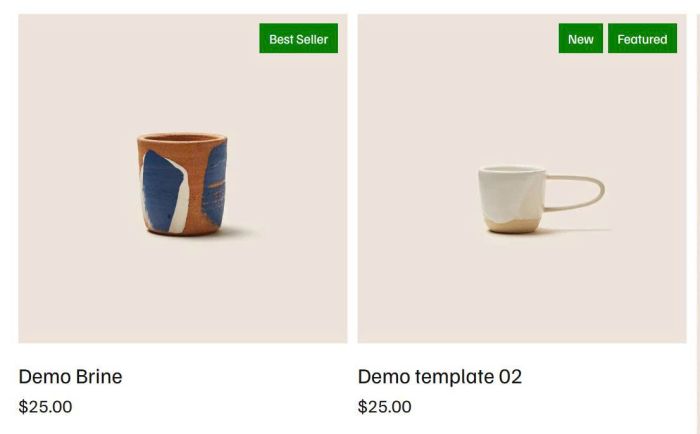
add badge to Product Block
turn product image to carousel format, use product images
turn product image to carousel format, use gallery block
add Portfolio to another page, you can filter by category, max of items,..
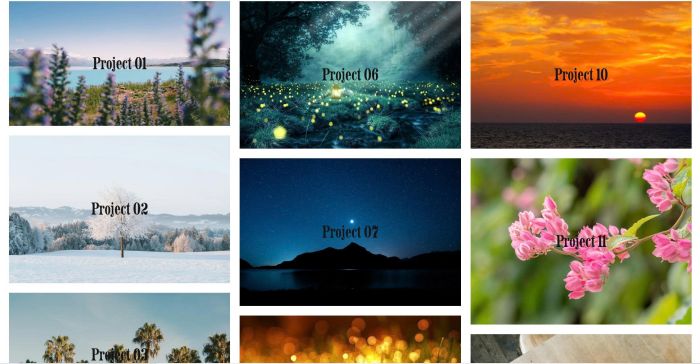
masonry on portfolio page

gallery grid smooth autoscroll
tweak something in Strips Lightbox
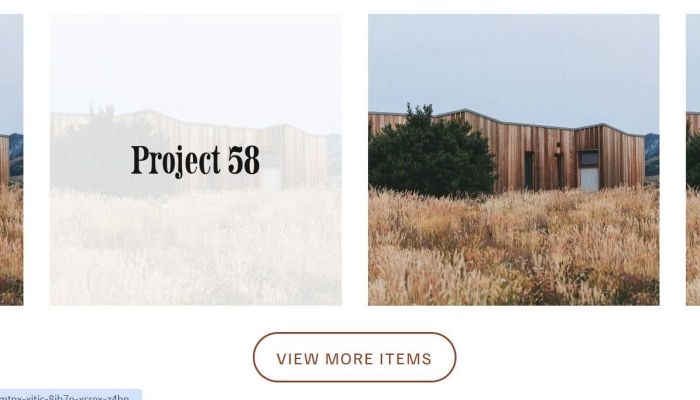
up to 120 items on portfolio page
add lightbox to masonry gallery with some tweak
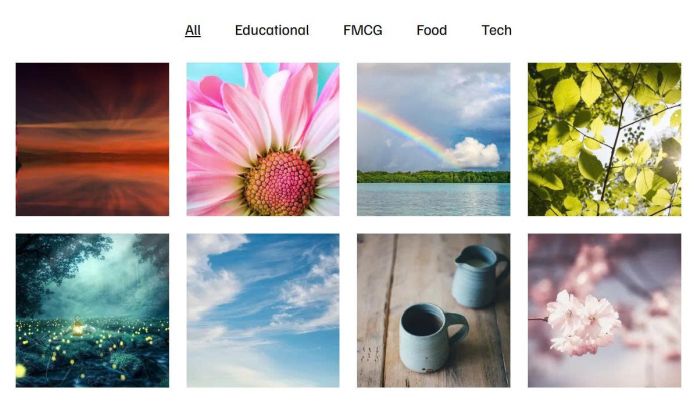
adding category filter to gallery block grid

adding category filter to gallery grid section
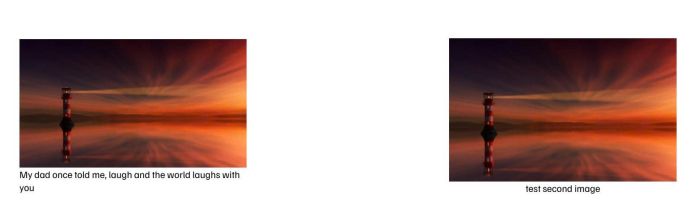
turn image alt to caption

adding gallery text hover filter with list section
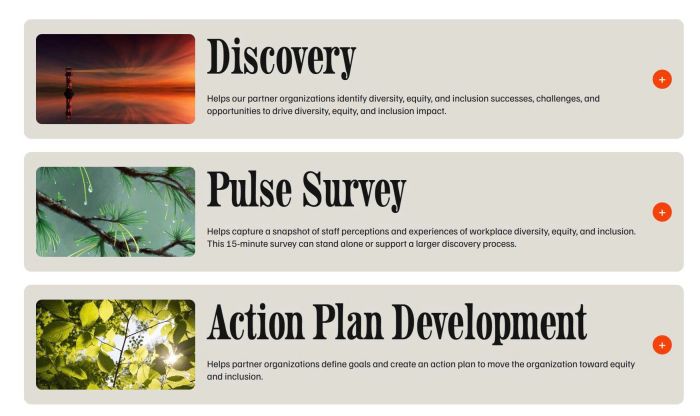
custom accordion with image, title, excerpt, content

make images in gallery masonry same height

flip effect on list

add Search to Gallery Block

hover video block show caption with overlay, click video block will open video lightbox popup with caption
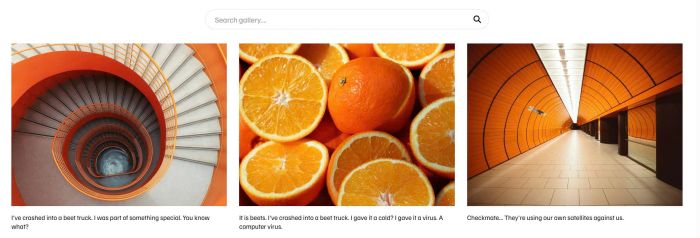
adding search bar on gallery section grid

free gallery auto scroll with different image width

add flip text with text block

list section custom style
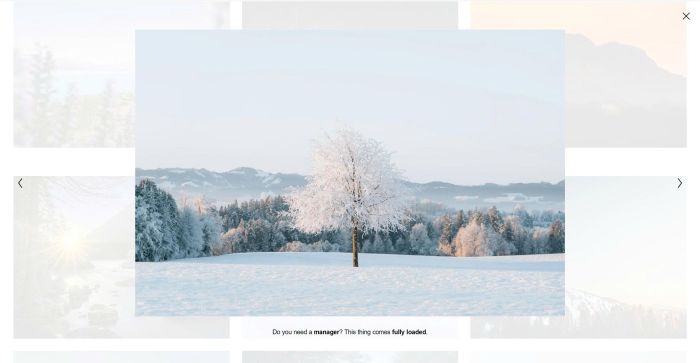
tweak something in Gallery Grid Lightbox
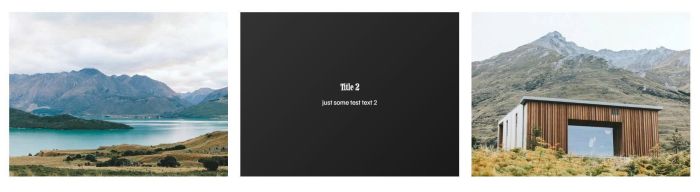
flip effect on gallery section

adding masonry layout to portfolio page, you can adjust number of columns, gap easily on desktop, mobile
increase blog page > 20 posts
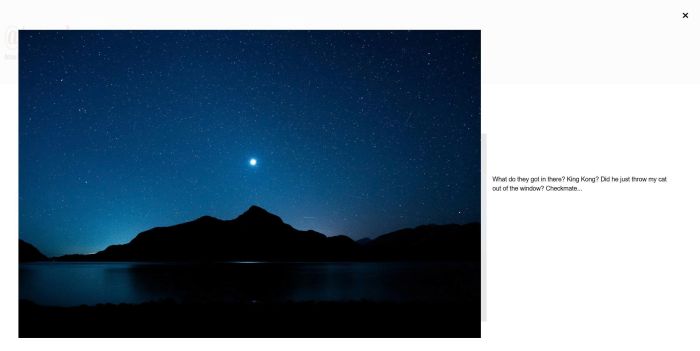
add caption text to Image Block Lightbox, you can set caption on right of image or under image
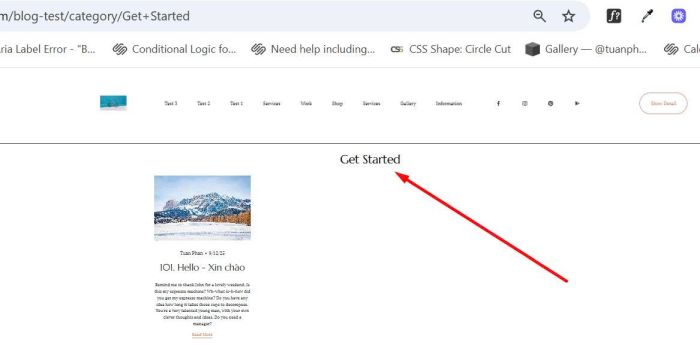
add category name on top of blog category page
hide an item from Portfolio page

add a simple lightbox image on click
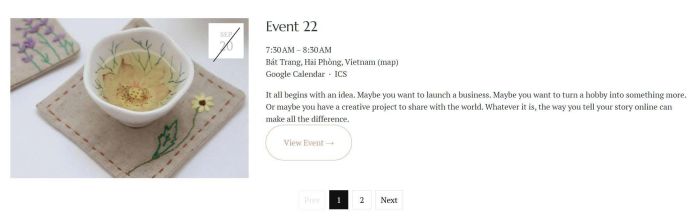
add a simple pagination to past events only
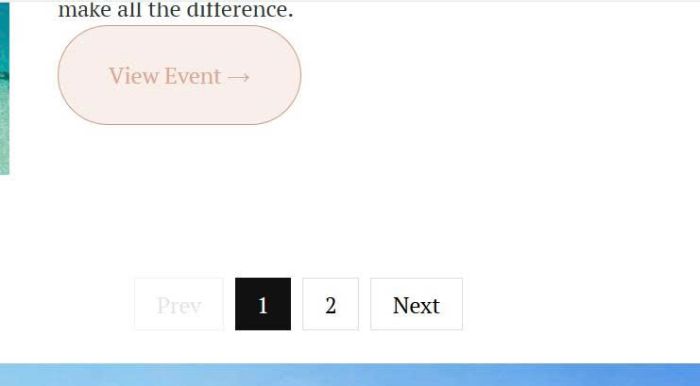
add a pagination to event page
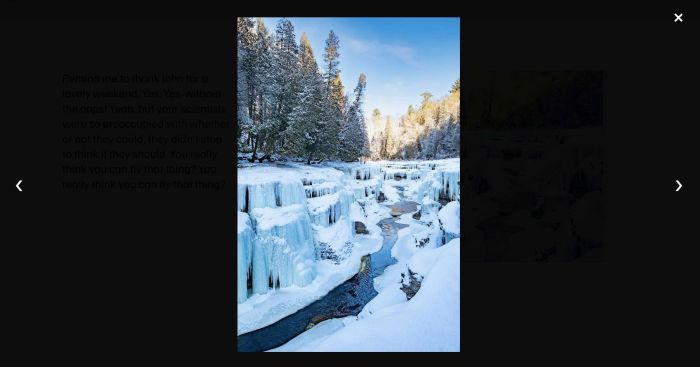
adding Slideshow image with lightbox on click
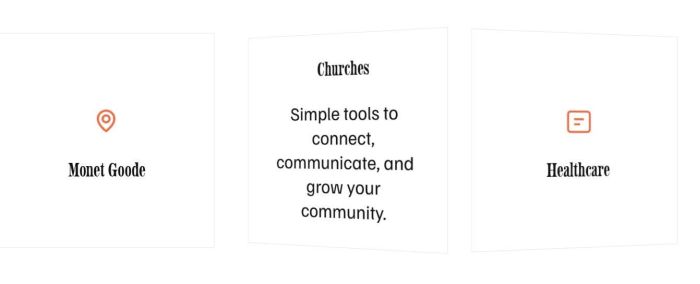
free plugin to add a flip icon section to your site

free plugin to turn related products to carousel on mobile
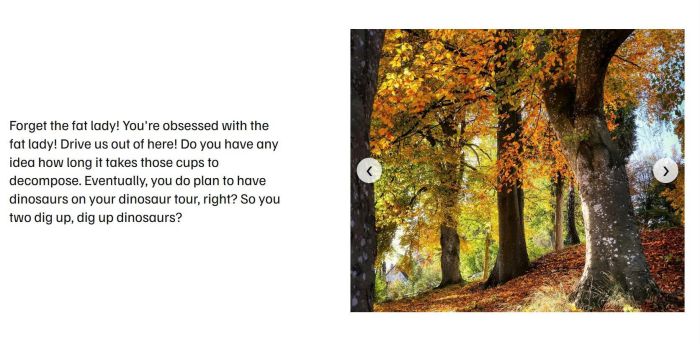
add a Slideshow Block
preview external site on current page
add tabs to 7.0
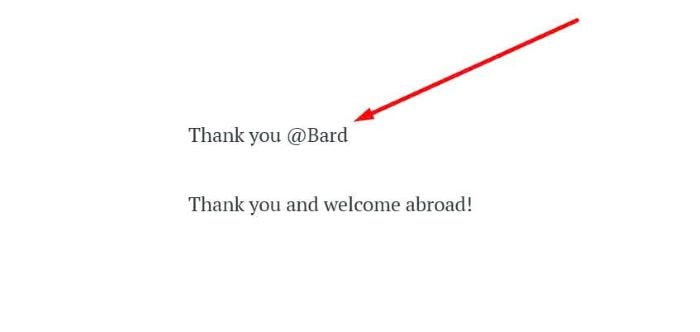
Adding NAME field to Post submit message

show current week in Event Calendar.
Add Author, Size (under Product Name) on Store Page
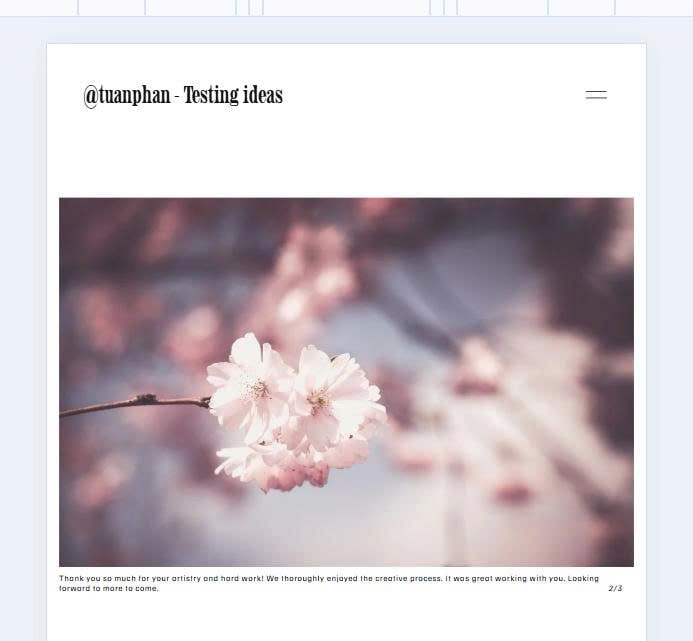
Slideshow with Text/Counter Number under Image

Pre poplulate text in Newsletter Block when users url like this: /newsletter?fname=Nick&lname=Hutton&[email protected]

Hover button (button block), Underline run from 0 to 100%.
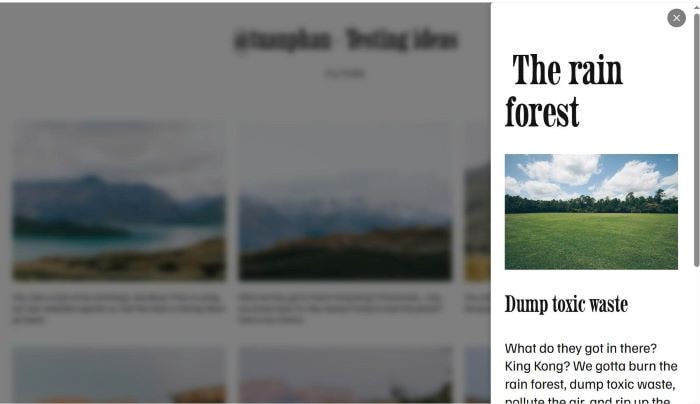
Click gallery image – Open Side Popup with Image Detail (Popup on right of screen)

Autoscroll Slideshow (every 5 seconds)
Loading lines at bottom of Slideshow image
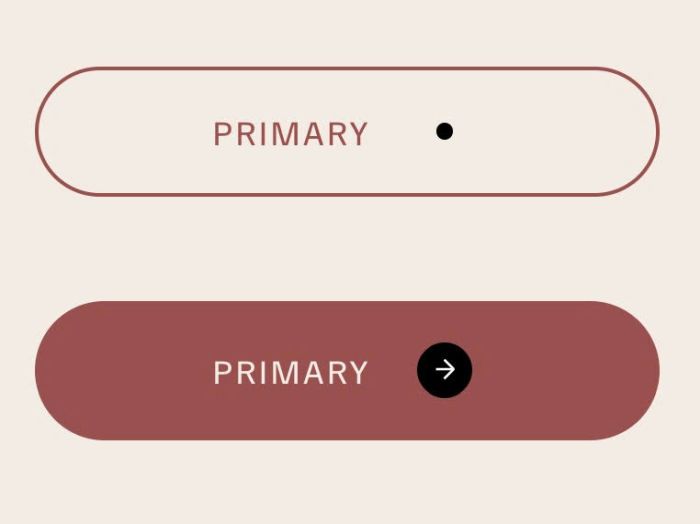
Button Block (Form Block): adding dot next to Text – Hover button will change dot to circle with arrow