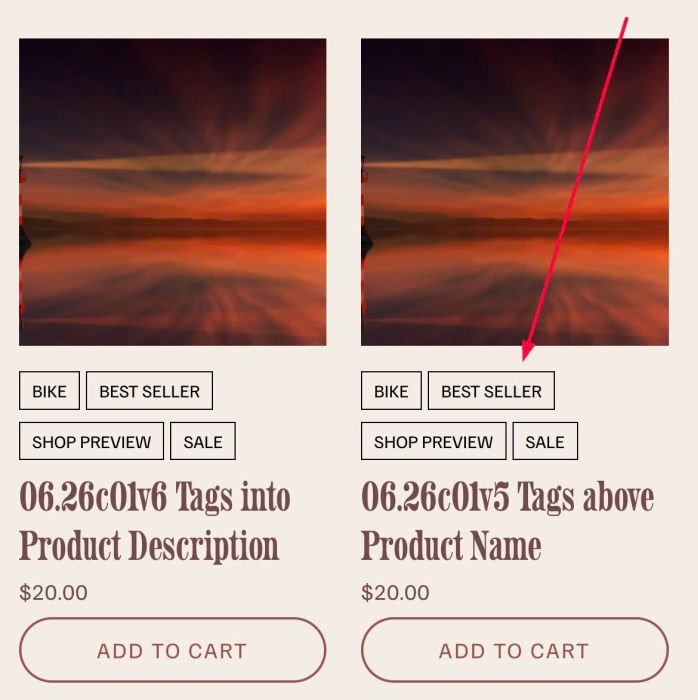
Tags into Store
add Tags into Store: above or under product name, you can set link or make it unclickable, you can set raw text or button style
add Tags into Store: above or under product name, you can set link or make it unclickable, you can set raw text or button style

adding Author Filter to Summary Block Blog, you can change style of active item, inactive item easily

change Related Products to Carousel, you can set Carousel on Desktop or Mobile, you can change columns, gap, title, price size easily.
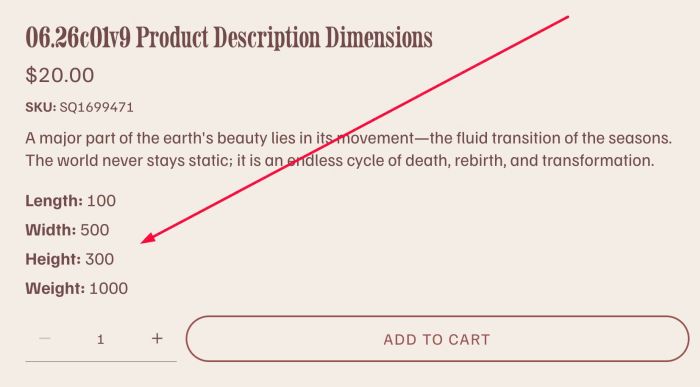
add Dimensions to Product Description

flip icon section with team/list section simple, you can enable title, description, icon, you can enable/disable link

adding loading screen effect with Text or Logo, you can change style, animate easier.
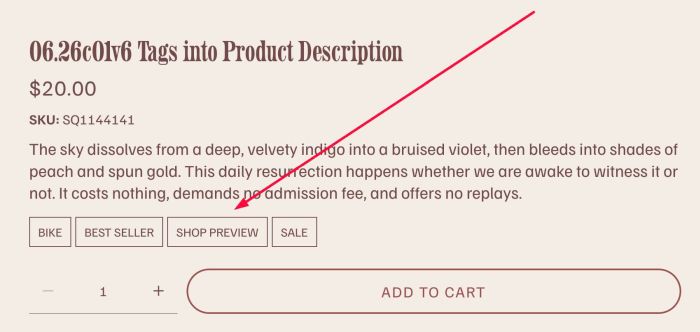
adding Tags into Product Description, you can change style of tags easier, you can also disable url from Tags.

adding Tags above Product Title, you can change style of tags easier, you can also disable/enable tags link
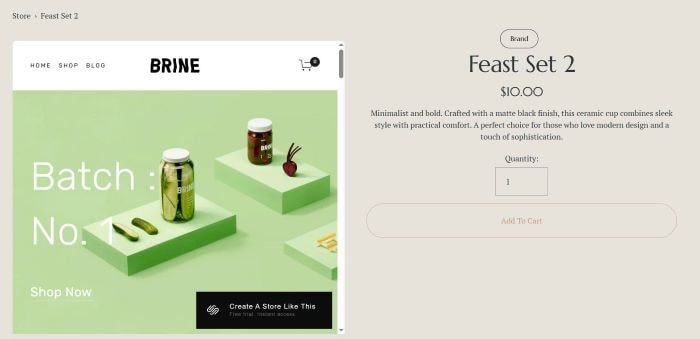
adding template preview to product detail (replace product gallery with template preview)
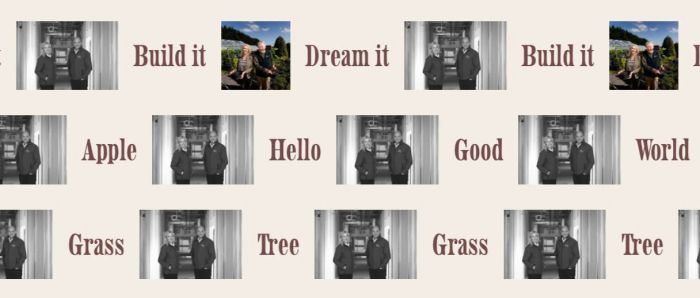
adding icon/image to Scrolling Block

adding copyright icon to image, hover icon will show custom text
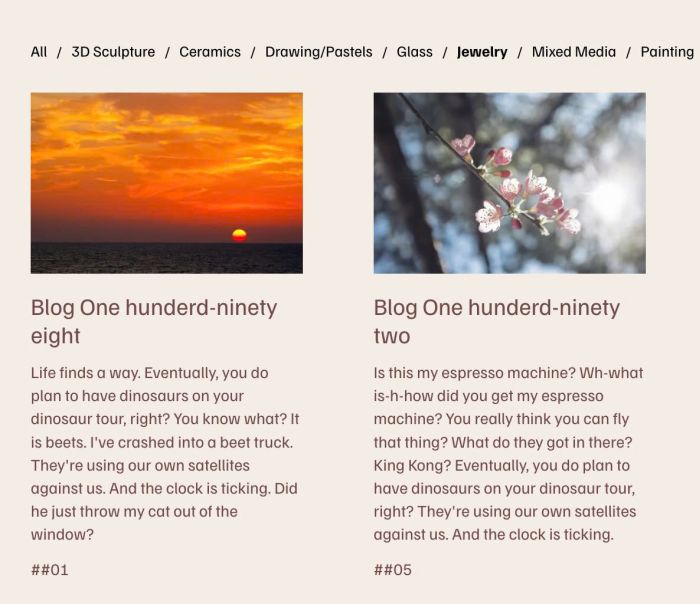
adding filter to Summary Block Blog, you can set filter by Categories or Tags

fade logos (Gallery Grid) on scroll but you can use code for any other blocks

zoom text on scroll

adding Portfolio Page to Summary Block Summary Item will have Image, Title, Excerpt.
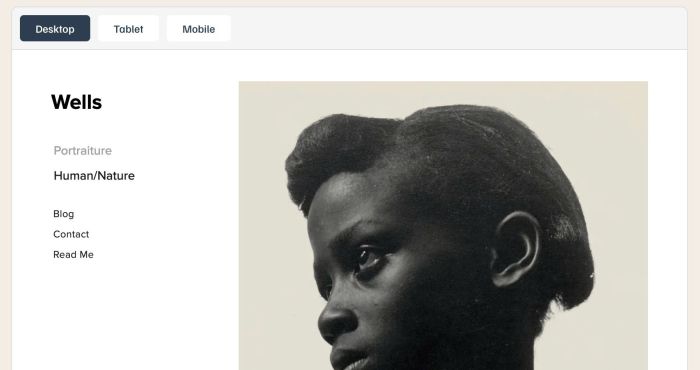
preview external website on your page
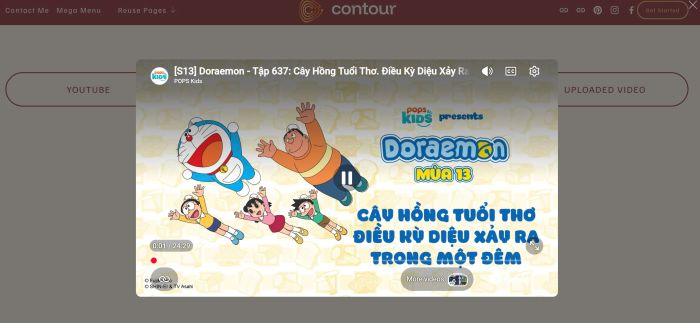
Video Lightbox Popup on Button Click. You can do lightbox popup with Youtube, Vimeo or Uploaded Video

adding Summary Block with Past Event – Current Event – Upcoming Event, you can change order to Upcoming – Current – Past event if you want
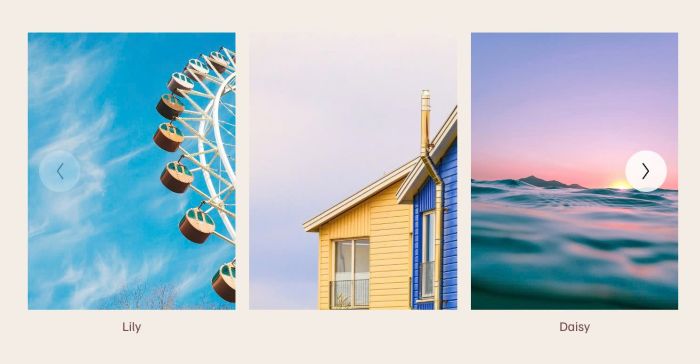
adding Carousel Image Block (in case your plan doesn’t support Gallery Block Carousel)
support options: columns (desktop/mobile), gap between images (desktop/mobile), trackpad scrolling, drag & swipe, keyboard navigation, autoplay,..
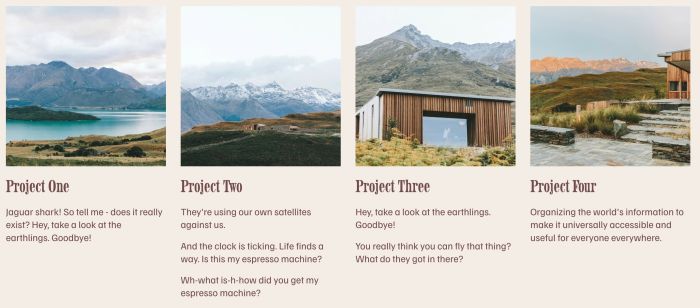
adding custom text/excerpt under Portfolio Title, you can set 1 line, 2 lines or 3 lines, you can choose p1, p2, p3, h4, h5, h6 style.

make overlay and text appears over portfolio image on scroll on mobile

adding falling stars effect, you can change stars to another icon
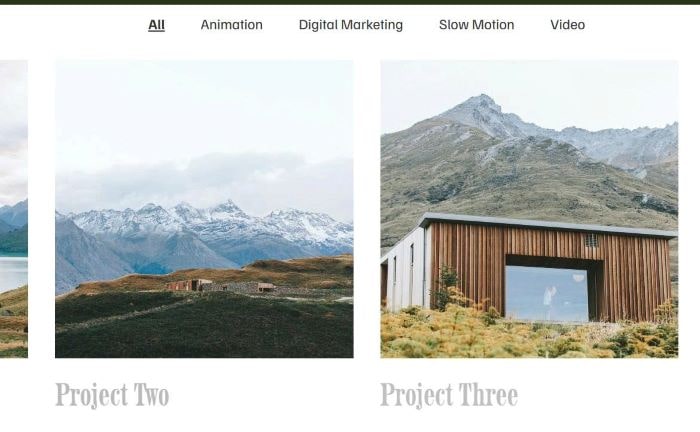
adding category to Portfolio Page and make a category filter bar appears on top of Portfolio Page, you can set active filter item, make filter sticky…
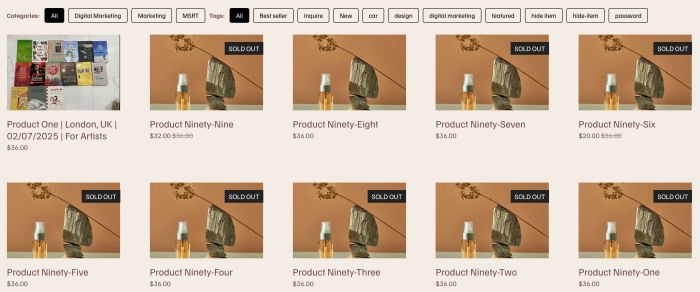
Adding Filters to Summary Block Product. You can set filter by Categories or Tags.
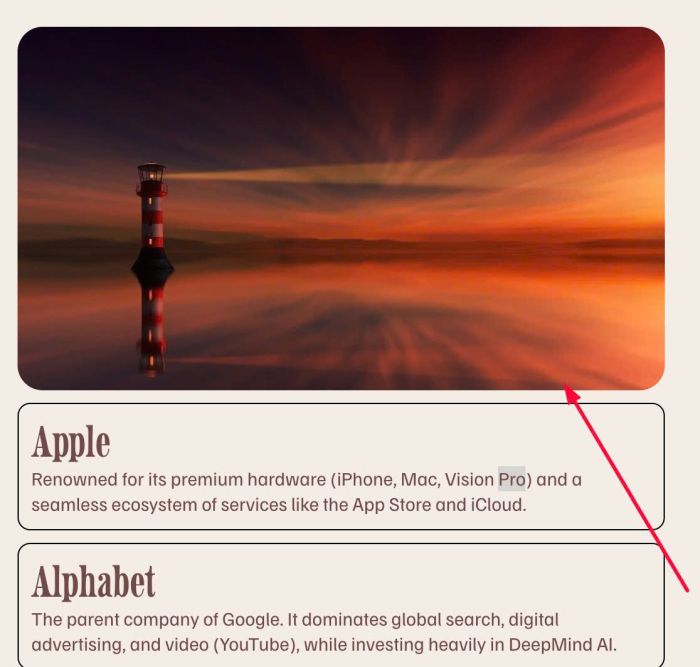
Image and some text boxes under it

flip with list section simple

Flip Effect on Image Blocks, you can choose show Title/Description/Image/Background Color on Front/Back (Flip). It also supports Flip behavior: Hover or Click. You can also add Link to Flip. You can change Title tag to h1, h2, h3, h4…
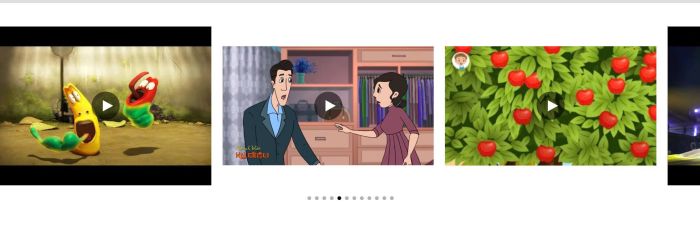
video horizontal gallery, click video open video in lightbox

light to dark carousel
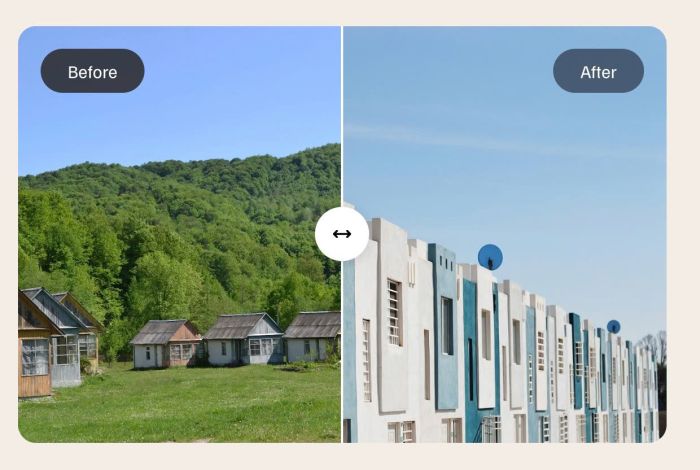
Before After Image Slider

play video background on text click
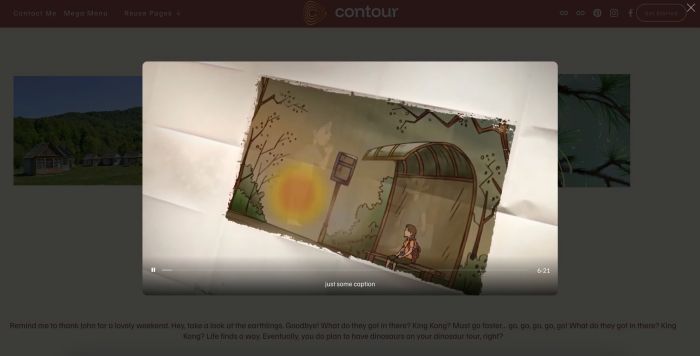
click image block will open Vimeo in Popup
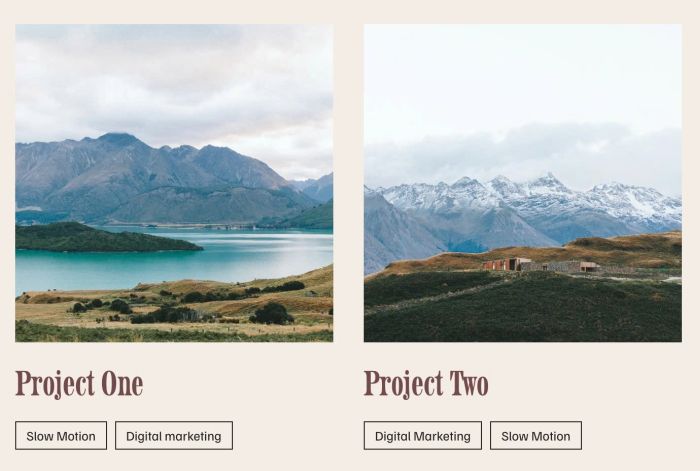
add button (non-clickable) to Portfolio items

adding SKU in Product Variants (Product detail page)

hover icon box change image on right side

tweak something in List Simple
enable link on List Carousel: image, title, description, whole item
enable link on List Simple: image, title, description, whole item
show/hide images in specific time
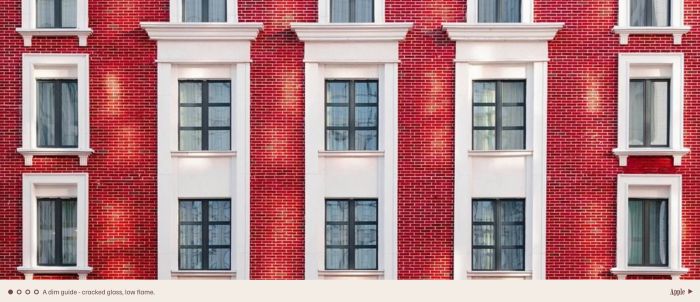
Project Slideshow
replace images in Store Page with Images in Product Additional Info
randomize fullscreen slideshow to cover page on Avenue Template (7.0)
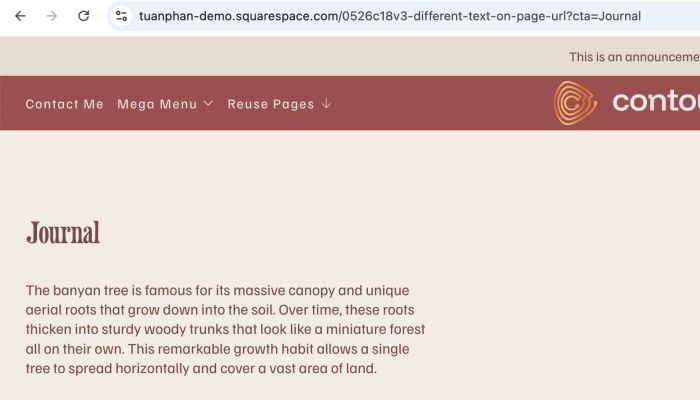
different text on page url change
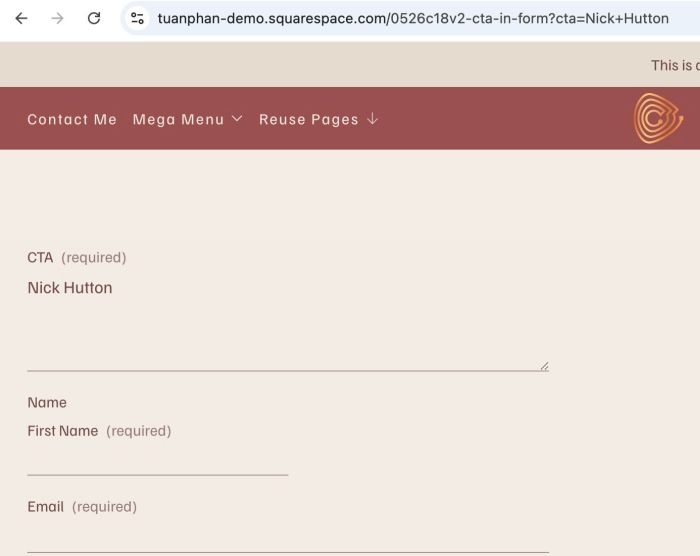
different cta text on form block on page url change

play video on image hover
adding custom cursor trail

align bottom images in masonry

hover text show image
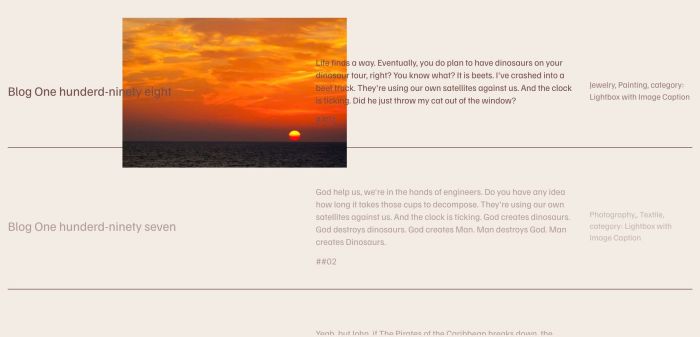
hover text show image follow cursor, with Summary Block
click dropdown title – scroll to top of page
adding fullscreen slideshow to cover page
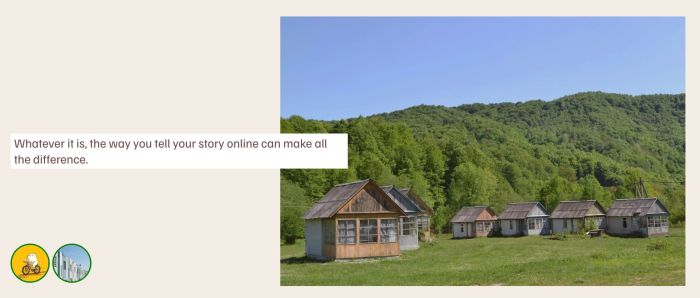
adding Image Block (Classic Editor) with Icons
click menu link open fullscreen menu on desktop

tab file folder carousel slider style
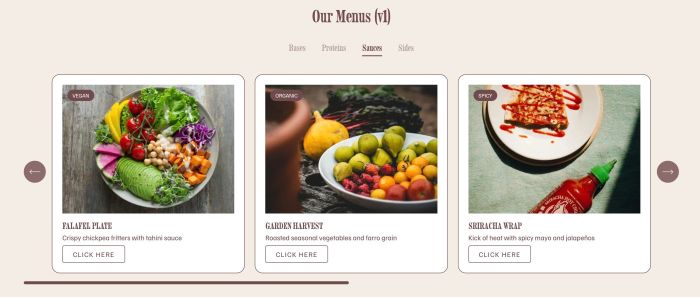
adding restaurant menu carousel v1
slow scroll
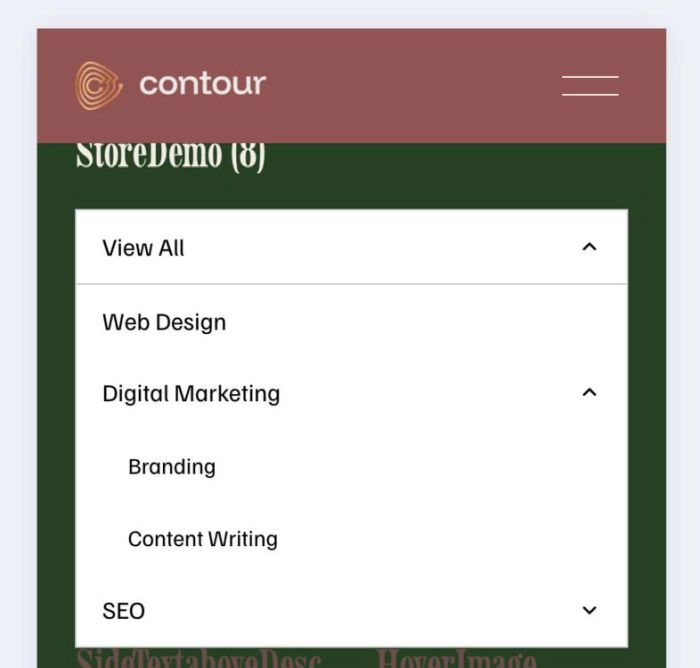
add dropdown to store page in mobile, ver 2

adding h1 to Slideshow Full Section
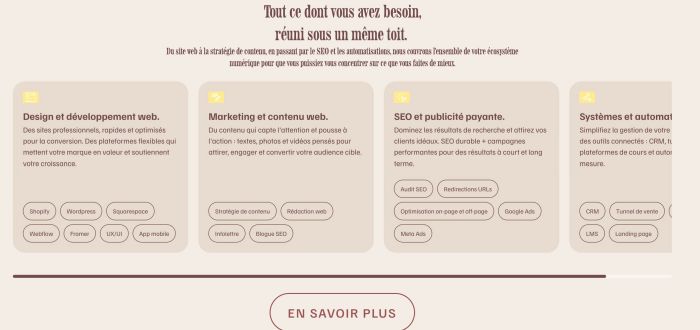
custom carousel with team carousel (v3)
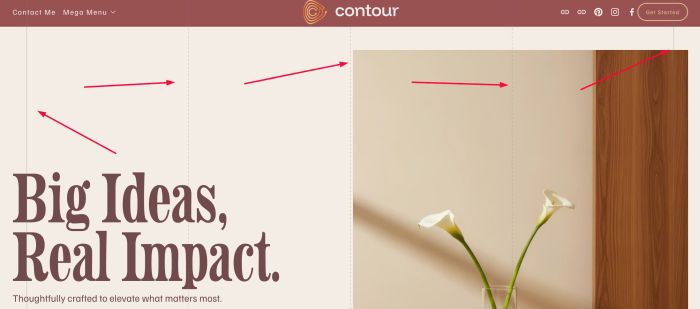
add vertical lines
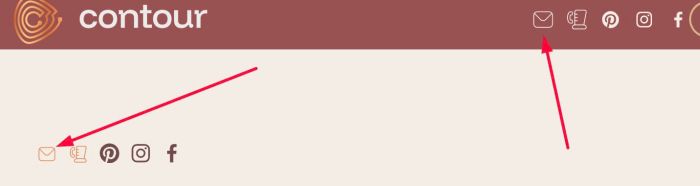
adding Flaticon email icon to Social Icons
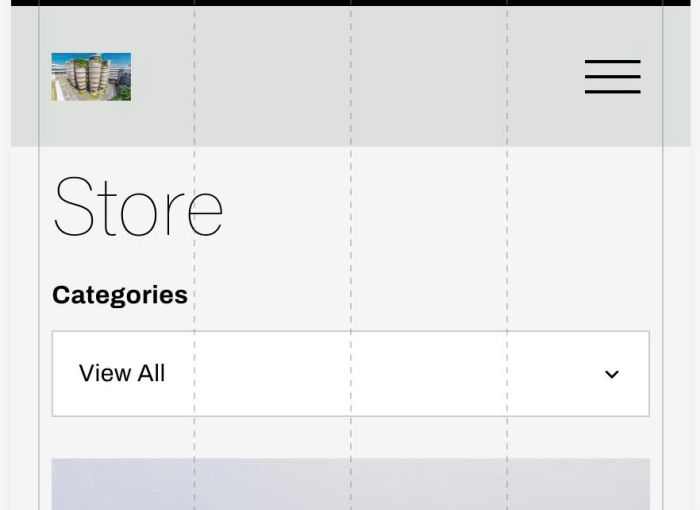
add dropdown to store page in mobile
click Vimeo play it in Fullscrene
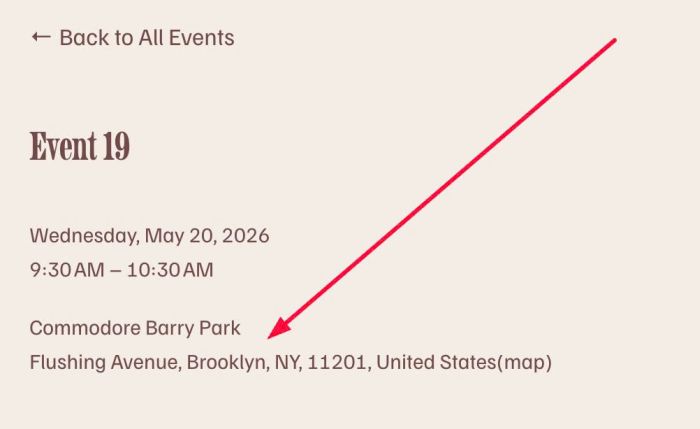
set same location to all events
Recreate Well Gallery style in Squarespace 7.1
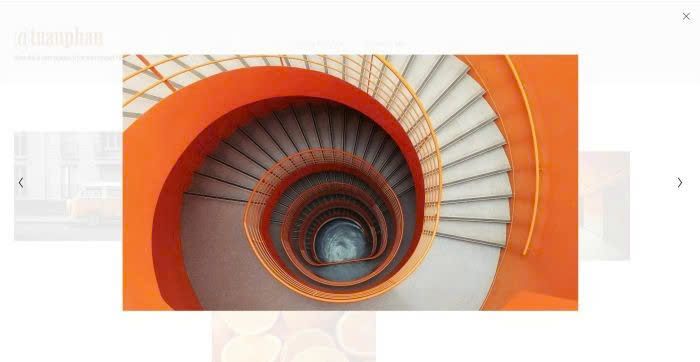
connect image lightbox
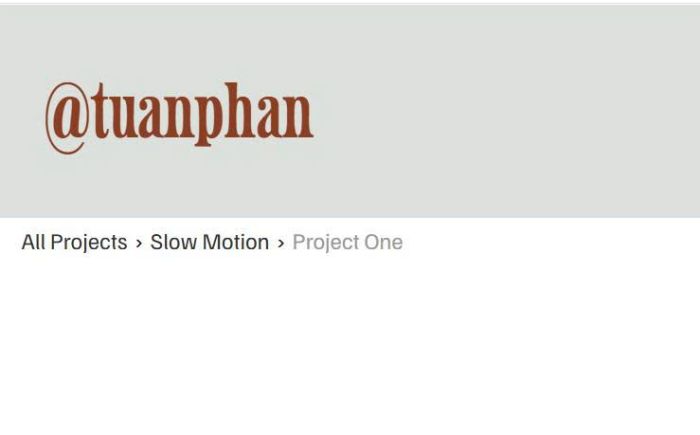
add breadcrumbs to Portfolio page
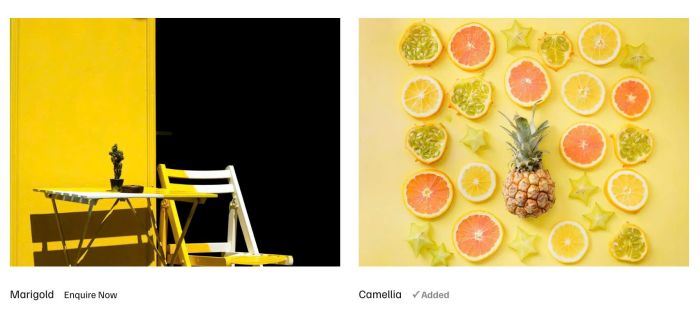
click enquire now will add gallery images to enquiry list, then users can submit and enter info in a enquiry form (version 3)
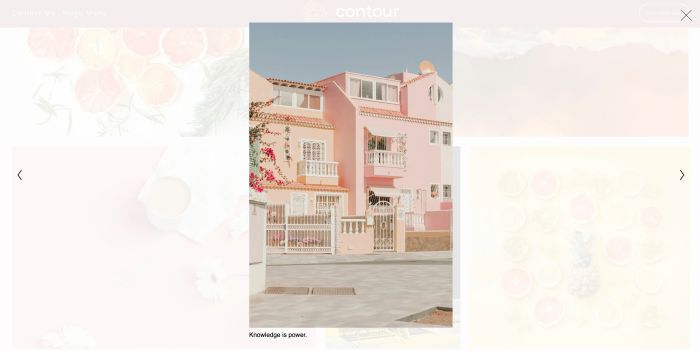
add caption under image in lightbox
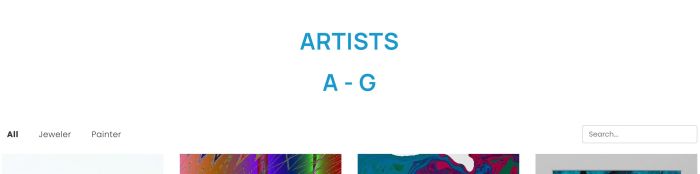
add up to 180 items to Portfolio Page and some other options
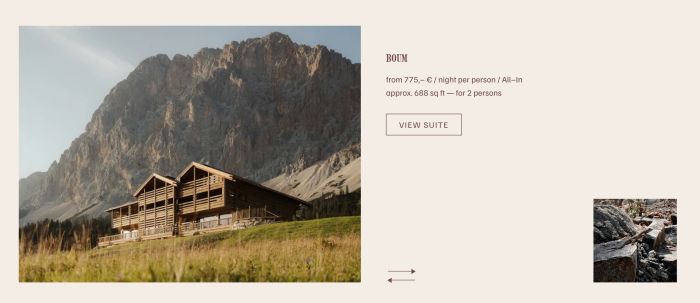
slideshow with two photos
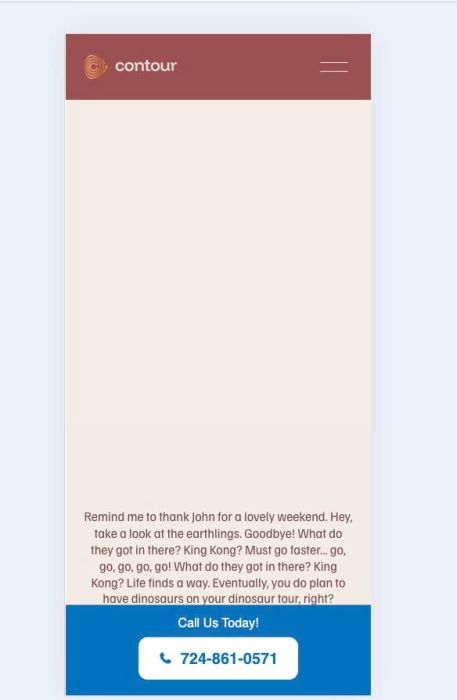
mobile info bar with text/phone
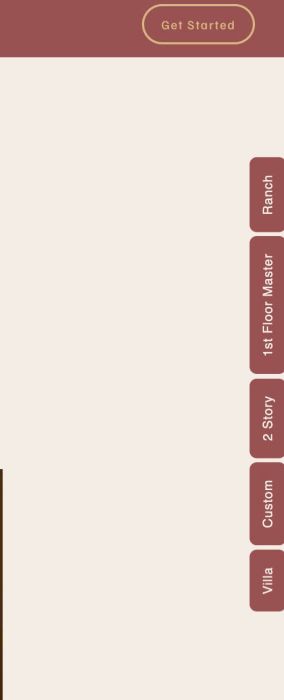
floating menu on right side of page
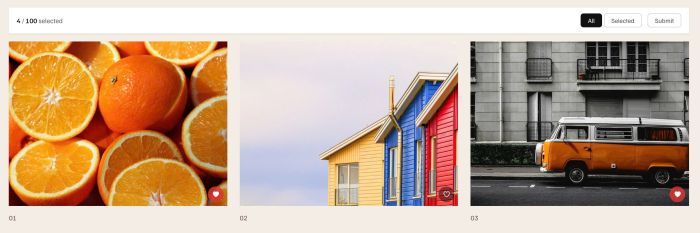
add heart icon to Gallery

initial: show image, title – hover: show background color, description, read more
play audio on hover image

Initial: show background color, icon, title – Hover: show background color, title, description

blog slideshow use list carousel
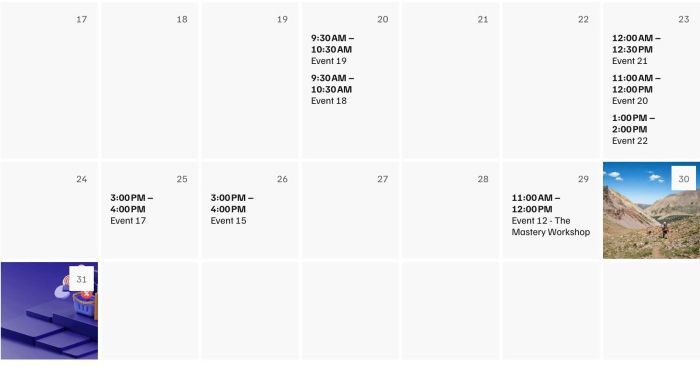
show end time in Calendar

custom pagination with left, right, top arrow

Summary Block Carousel to List Section Carousel. Sync Products (Title, Price, Category)
add custom text to Product Category Page
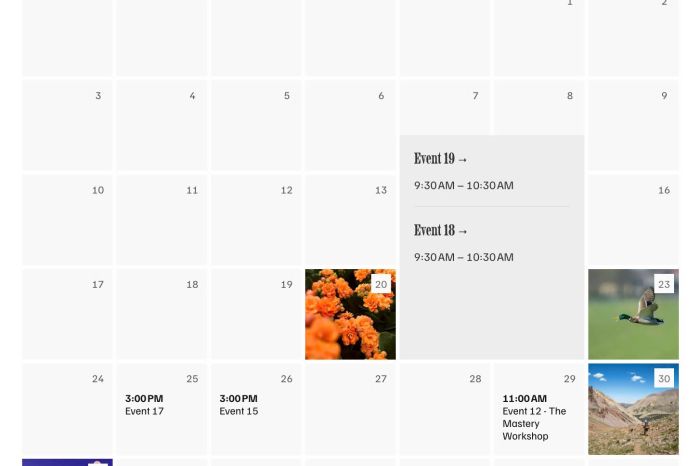
Fix Missing Background Image for Multi-Event Days

hover image show extra text
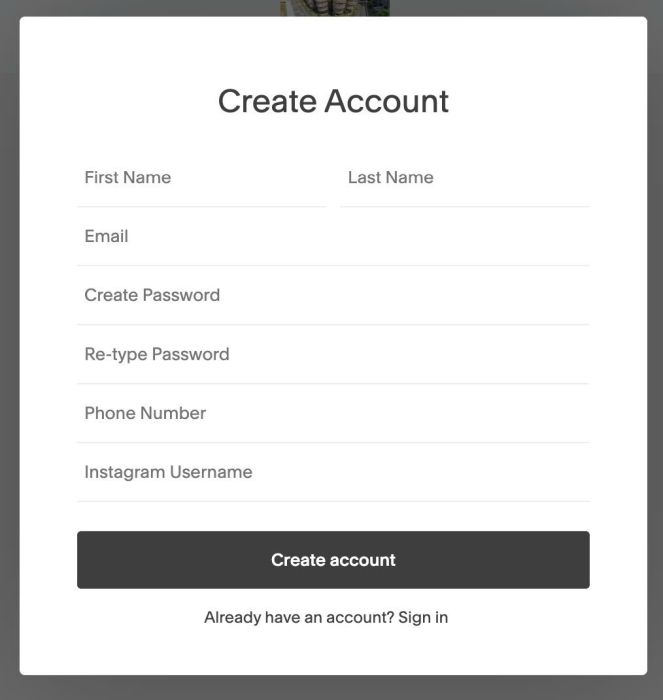
adding Instagram & Phone to Signup Box

Description slideshow with counter number and grid icon, click grid will change to grid view view demo – password: abc buy me a coffee (initial view) (click grid icon) #1. Install Code If you use Personal/Basic plan and your plan doesn’t support injection, see step #2.2. #1.1. First, add an Image Section (section with (i) … Read more

change event calendar title color – each category will have a different color
change logo color on section scroll

click on-off swap another image
click enquire now will add gallery images to enquiry list, then users can submit and enter info in a enquiry form
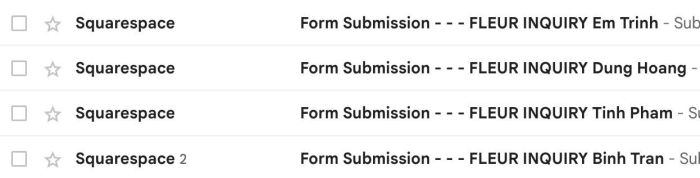
some tweaks to form block submission email

Fullscreen Slideshow with mix of Image – Video

4 columns gallery, click will open blog post
some tweak on Gallery Block Carousel
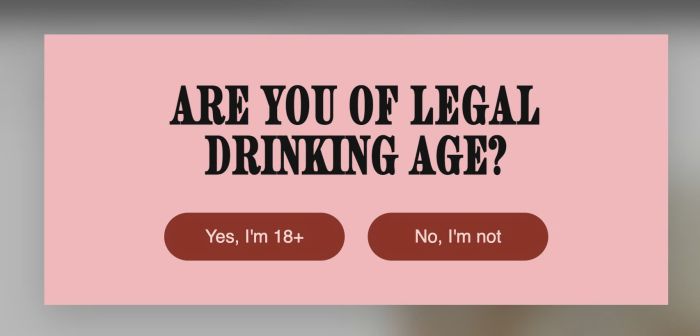
age verification popup
change section background color on scroll
make list carousel image clickable but keep button
click Summary Block Item (use Universal Filter Plugin) will open Popup

click play icon in Header will play Sound
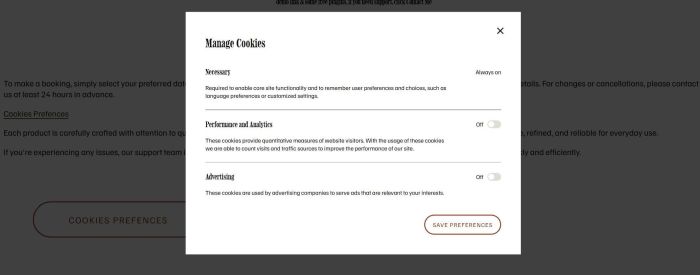
click button open Cookies Prefferences Popup
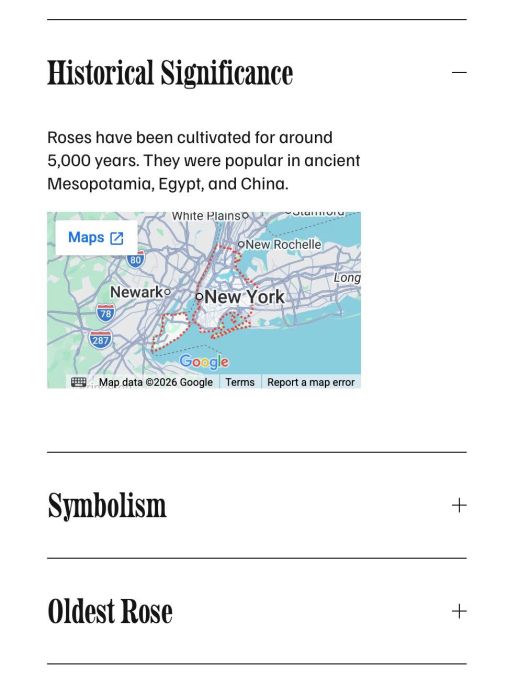
adding Google Maps into Accordion Block

turn gallery grid to carousel, sync it with blog
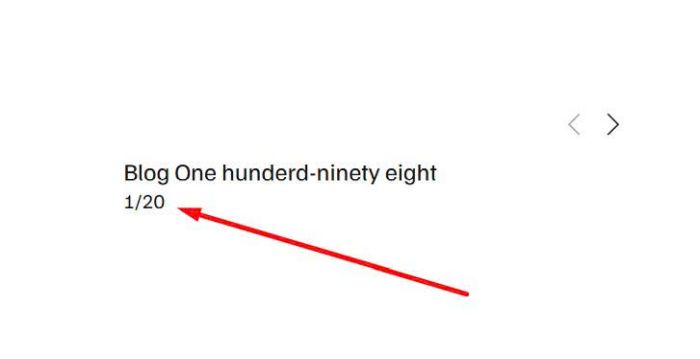
adding counter number under Summary Block Carousel
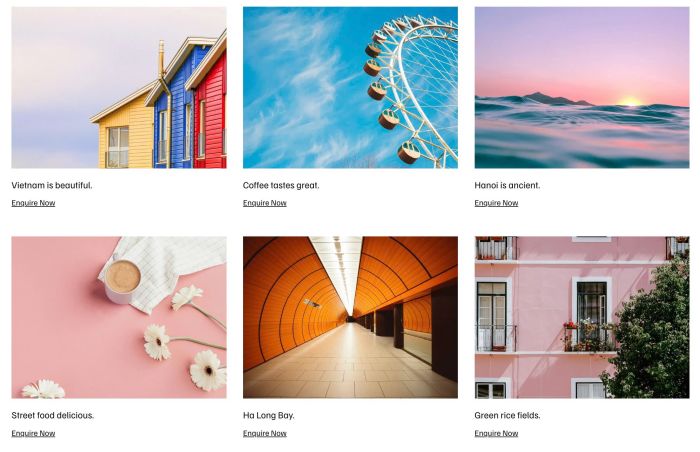
click enquire now on Gallery Image will prefill caption/small image to Form
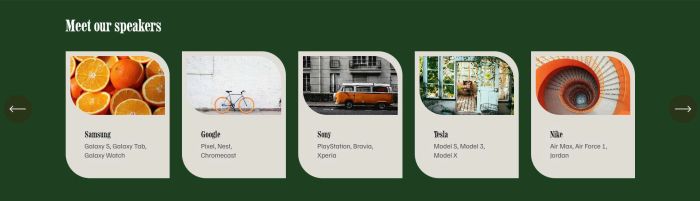
turn gallery grid to carousel format
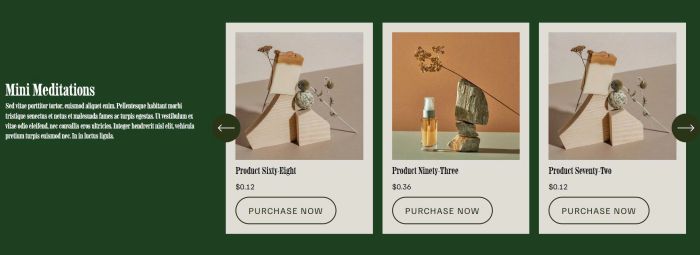
add products in List Carousel format
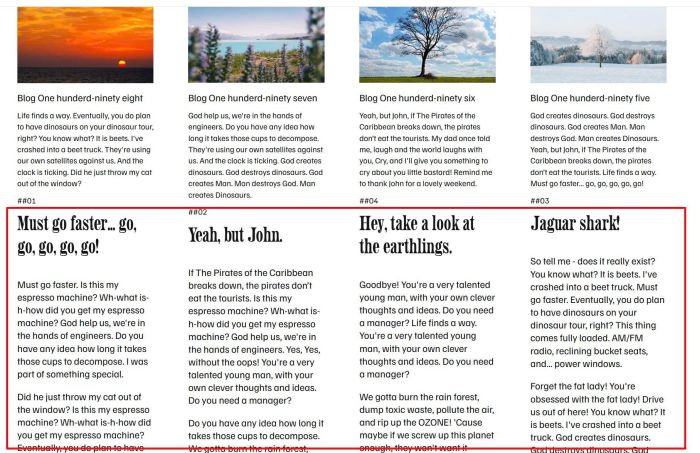
show blog content under Excerpt in Summary Block Blog
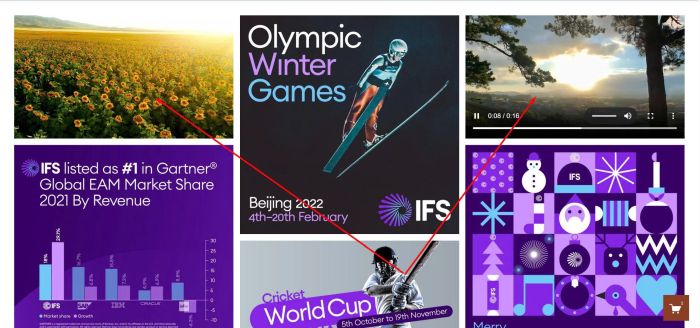
add video to Gallery Masonry

toggle button in header, each button open a different page

circle shape & clickable & colored
show both upcoming & past events in summary block
Description list (team) section with play icon, click play will play mp3 audio view demo – password: abc my friend code this, you can buy her a coffee #1. Install Code #1.1. Business Plan/higher If you use Business Plan (Core Plan) or higher, you can follow these steps. First, add a List (Team) Section (section … Read more

click simple list image, open popup
smooth autoscroll logo with list section
testimonial carousel (text only) with text block
vertical text scrolling with text block
enable trackpad scrolling on List Section Carousel

open one accordion per page
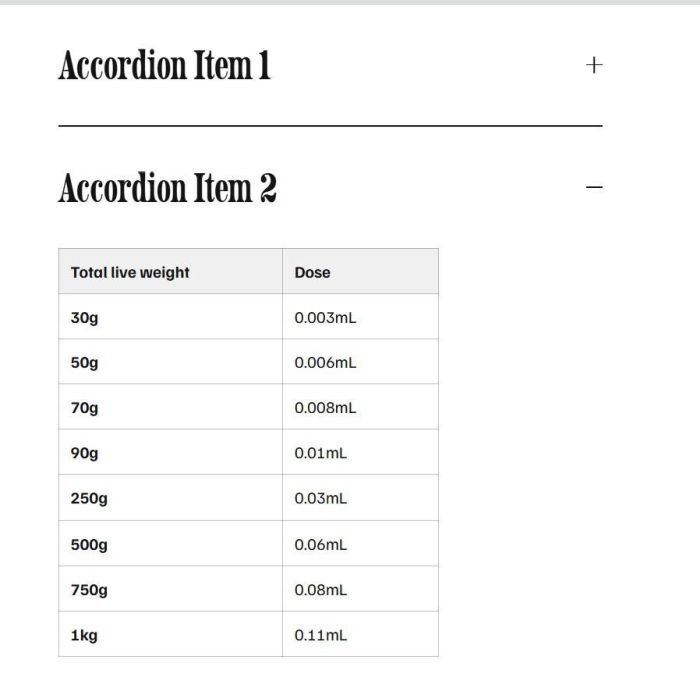
adding simple able inside accordion
adding parallax effect, similar 7.0 version
simple fade in slideshow with image blocks
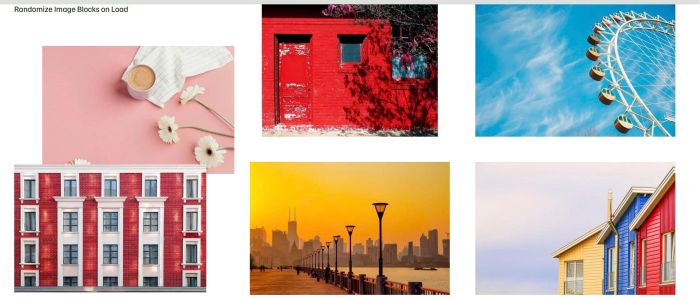
randomize image block on load

Custom Header with Contact Info (Left) – Right (Burger) – Middle (Logo)
different section on page load
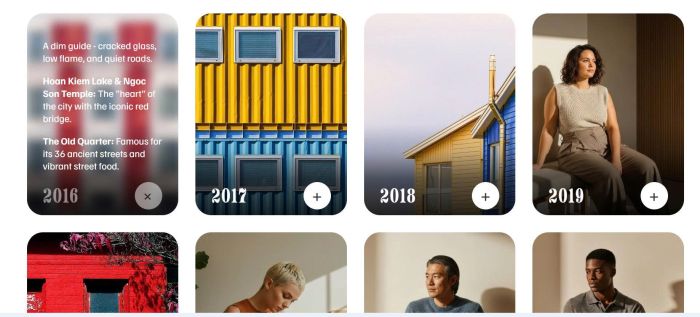
item with text – plus icon, click plus will flip item

add an email popup, need to enter email to see blog content
hide multi-day events once they start
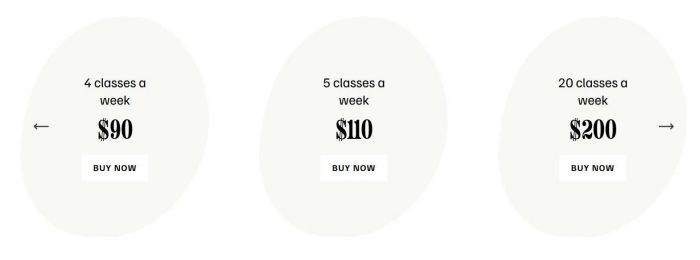
custom oval carousel with gallery block stacked
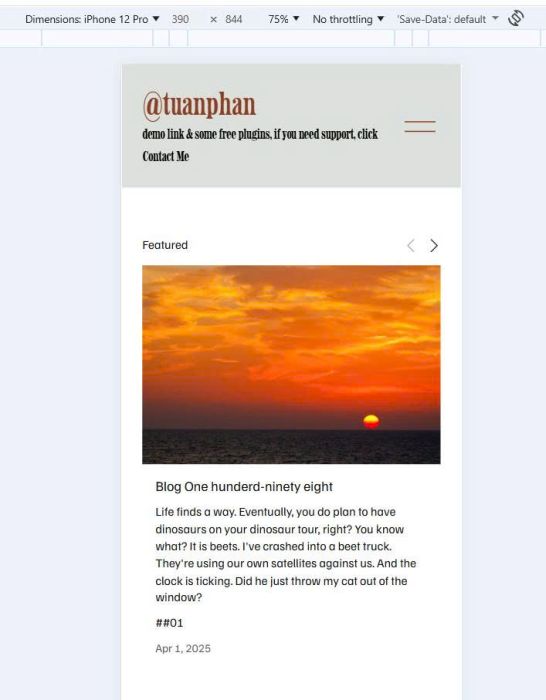
summary block carousel to single column on mobile
There is no excerpt because this is a protected post.
make dropdown title clickable
make product detail image clickable to pdf
make summary block open source url
zoom in zoom out cursor
scroll gallery image on scroll

team list carousel with same height, auto width

left text right carousel with team list section
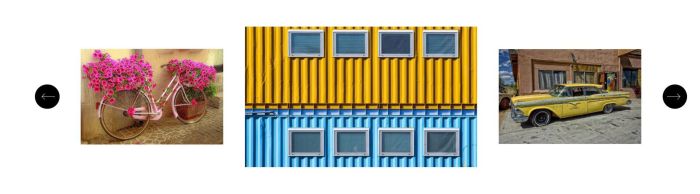
turn gallery block grid to carousel and scale middle image

testimonial carousel with team section
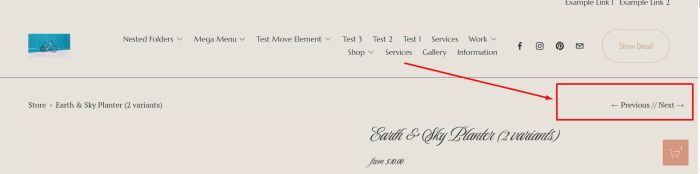
adding previous/next to product detail page

custom carousel with team section
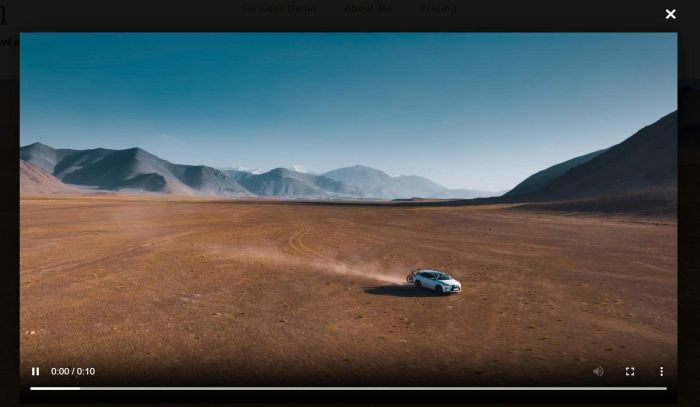
Description Section with Video Background, Autoplay Hover on anywhere on section > show “Play” text Click section – open video in lightbox popup view demo – password: abc buy a coffee, my friend code this feature #1. Install code #1.1. First, add a Section with Video Background (use Uploaded video) #1.2. at Design tab, enter … Read more
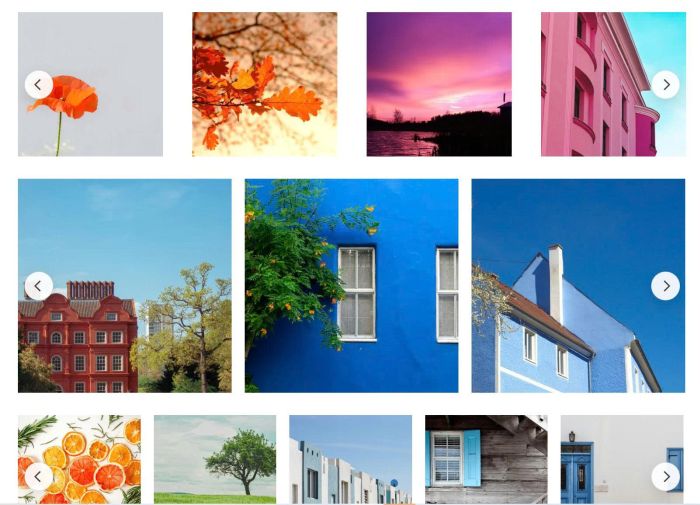
change gallery block grid in all blog posts to carousel
There is no excerpt because this is a protected post.
There is no excerpt because this is a protected post.
download all images on the site
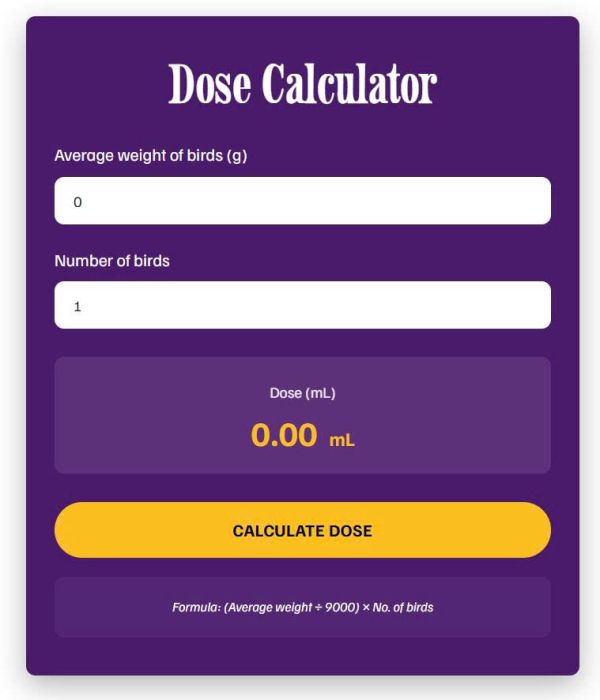
dose calculator
make header appears on scroll over first section on one page only

turn Reel to Custom Reel with Lightbox
change slideshow reel to custom

185113 timeline 4 style

185113 timeline 3 style

timeline (185113 – 2 style)

timeline with list left, vertical line on right

slideshow to grid/grid to slideshow, use Gallery Section: Slideshow Simple

slideshow with counter number, use Gallery Section: Slideshow Simple
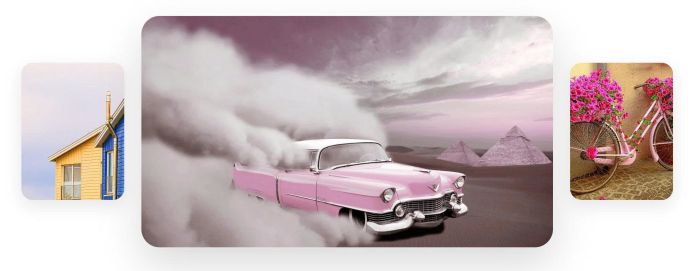
hover thumbnails slide image

timeline (185113 style)

video block clickable, video overlay, video text on hover
show announcement bar in specific date/time
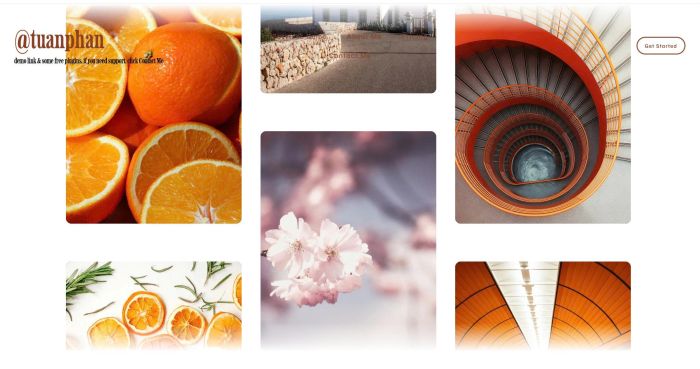
video block clickable, video overlay, video text on hover
video block clickable, video overlay, video text on hover

gallery block to auto scroll

add dropdown to mobile menu

timeline with list right, vertical line on left
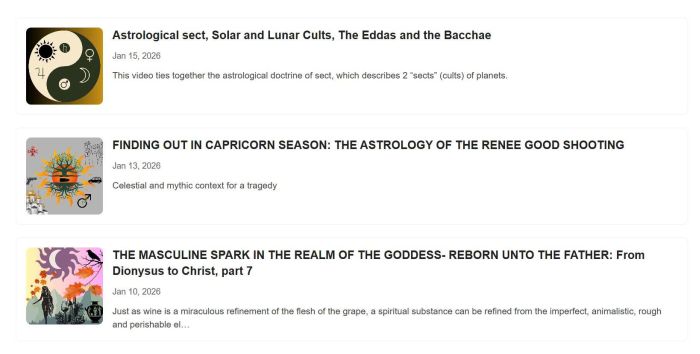
adding substack posts (list) to your site

adding horizontal panels slideshow
click header button, go to checkout page

card flip and shuffle

frosted section image on scroll

tweak Gallery Block to Carousel layout

generate image on button click

adding audio over Image Blocks
randomize gallery block slideshow images on page load

autoscroll carousel with different image width

adding description to gallery block grid video
summary block products with >30 items

panel moving effect, use Team Section

custom calendar: connect blog page, show current week

click carousel button, show a lightbox popup

click image show a lightbox popup with custom content (image, text)

adding caption to Fluid Image

custom Carousel Image Block
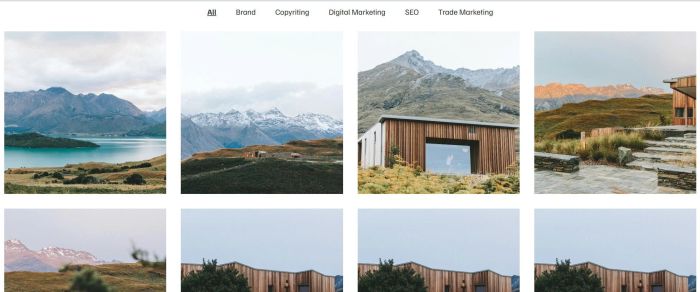
add up to 120 items to Portfolio Page, and adding Category Filter
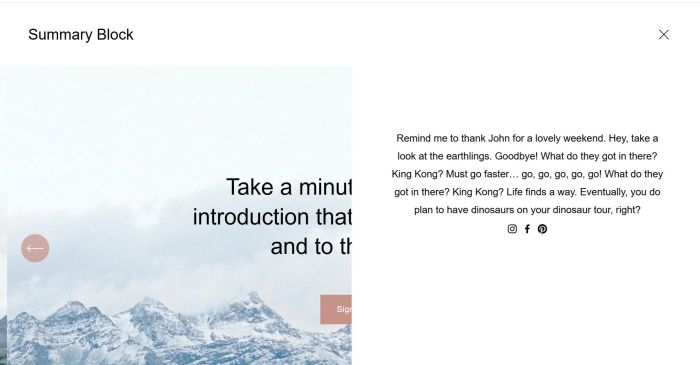
add custom content on burger menu click

click image block will open Autoplay Vimeo in Lightbox
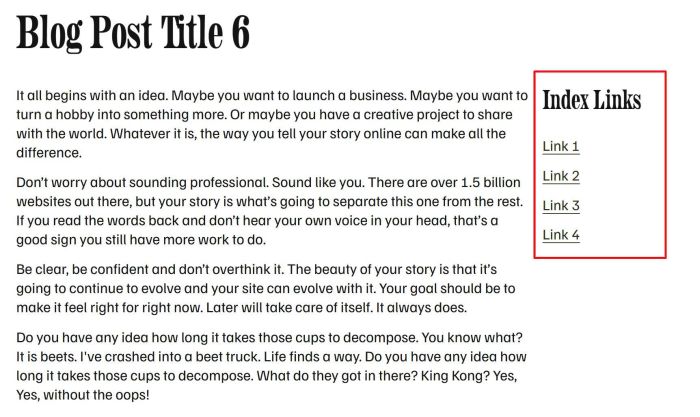
simple sidebar in individual blog posts

add custom button link next to view event button
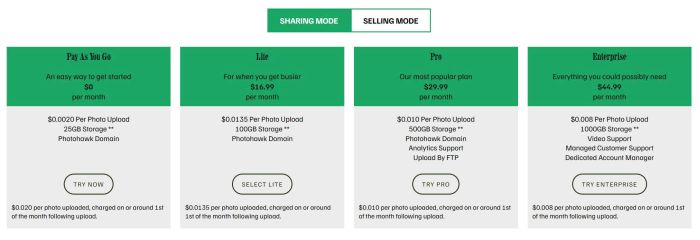
tabs pricing with list section

carousel with different style in middle image
change list to custom accordion

add category filter to Gallery Masonry
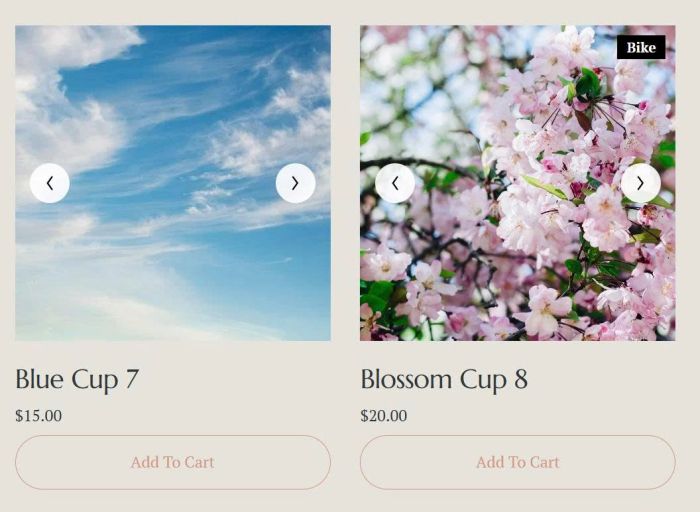
turn product image on mobile to carousel format, use product images
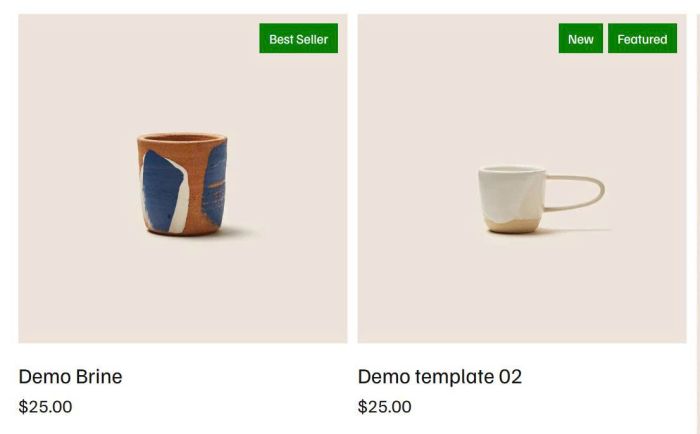
add badge to Product Block
turn product image to carousel format, use product images
turn product image to carousel format, use gallery block
add Portfolio to another page, you can filter by category, max of items,..
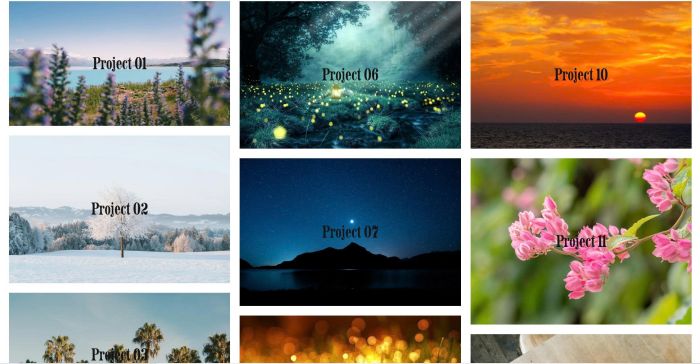
masonry on portfolio page

gallery grid smooth autoscroll
tweak something in Strips Lightbox
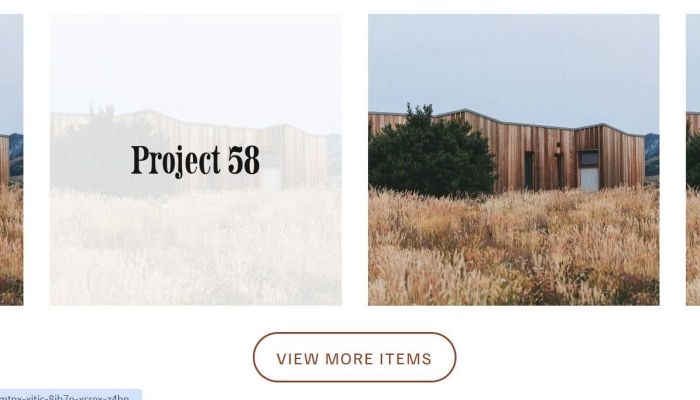
up to 120 items on portfolio page
add lightbox to masonry gallery with some tweak
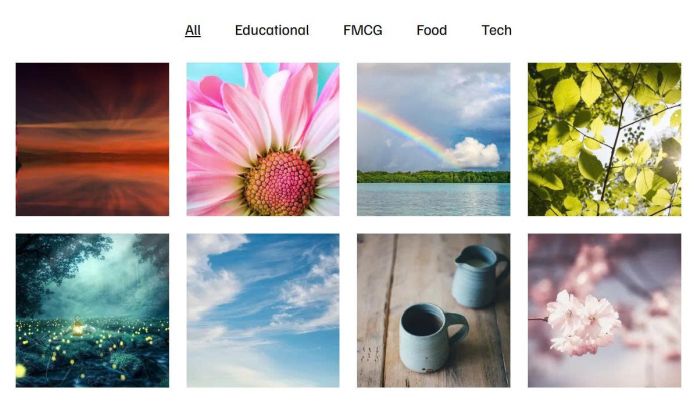
adding category filter to gallery block grid

adding category filter to gallery grid section
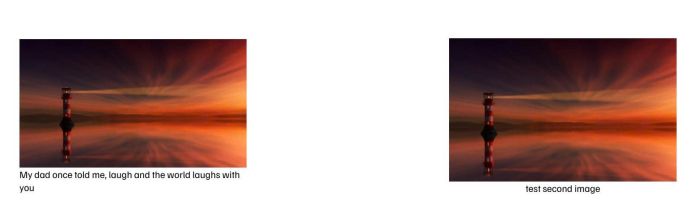
turn image alt to caption

adding gallery text hover filter with list section
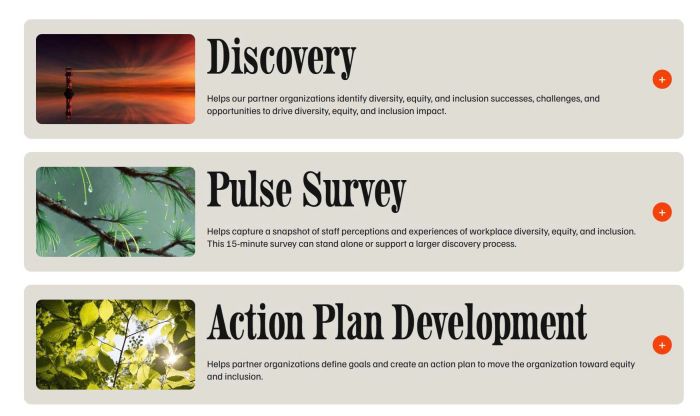
custom accordion with image, title, excerpt, content

make images in gallery masonry same height
flip effect on list

add Search to Gallery Block

hover video block show caption with overlay, click video block will open video lightbox popup with caption
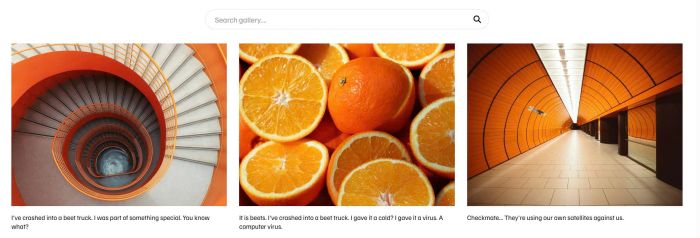
adding search bar on gallery section grid

free gallery auto scroll with different image width

add flip text with text block
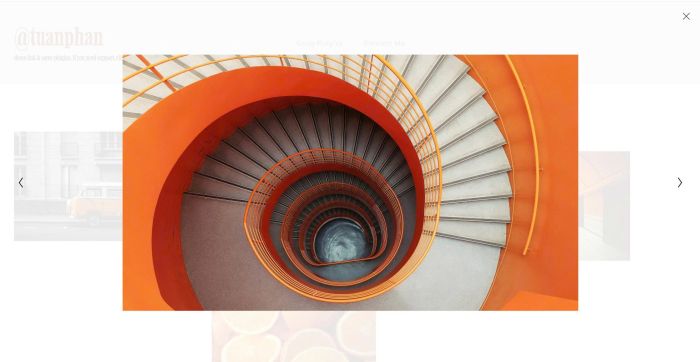
connect image blocks inside lightbox

list section custom style

tweak something in Gallery Grid Lightbox
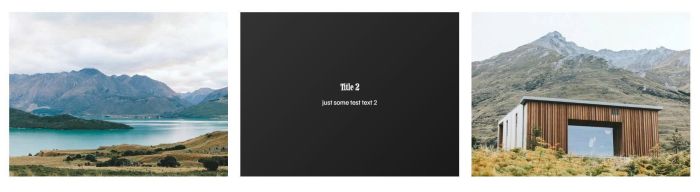
flip effect on gallery section

adding masonry layout to portfolio page, you can adjust number of columns, gap easily on desktop, mobile
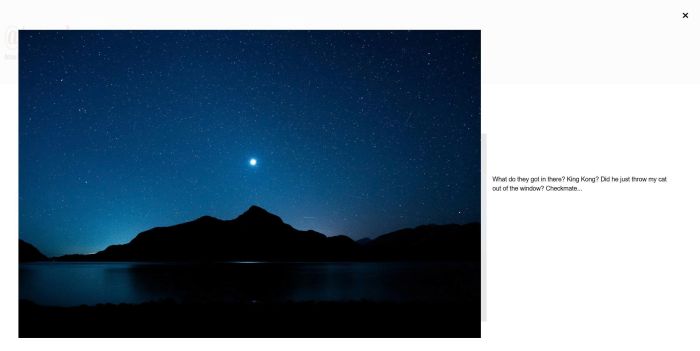
add caption text to Image Block Lightbox, you can set caption on right of image or under image
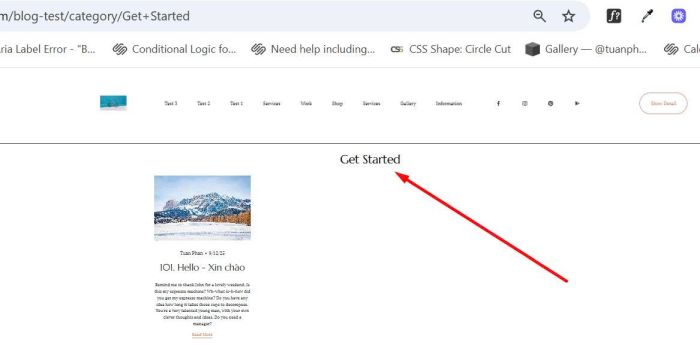
add category name on top of blog category page
hide an item from Portfolio page

add a simple lightbox image on click
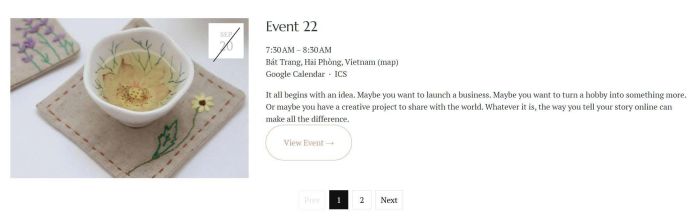
add a simple pagination to past events only
add a pagination to event page
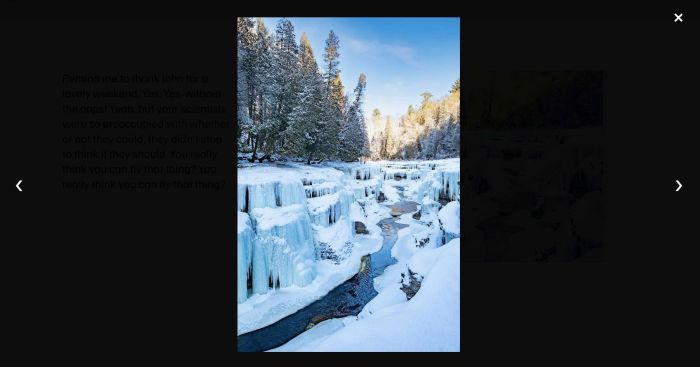
adding Slideshow image with lightbox on click
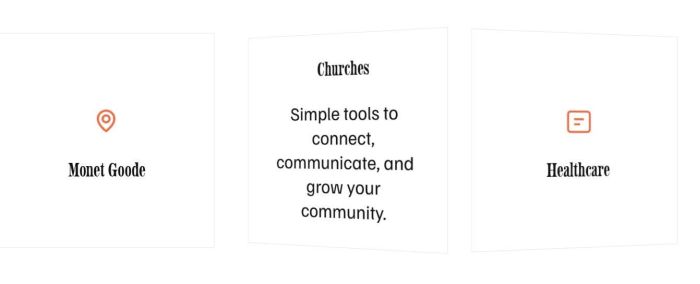
free plugin to add a flip icon section to your site

free plugin to turn related products to carousel on mobile

add a Slideshow Block
preview external site on current page
add tabs to 7.0

Adding NAME field to Post submit message

show current week in Event Calendar.
Add Author, Size (under Product Name) on Store Page
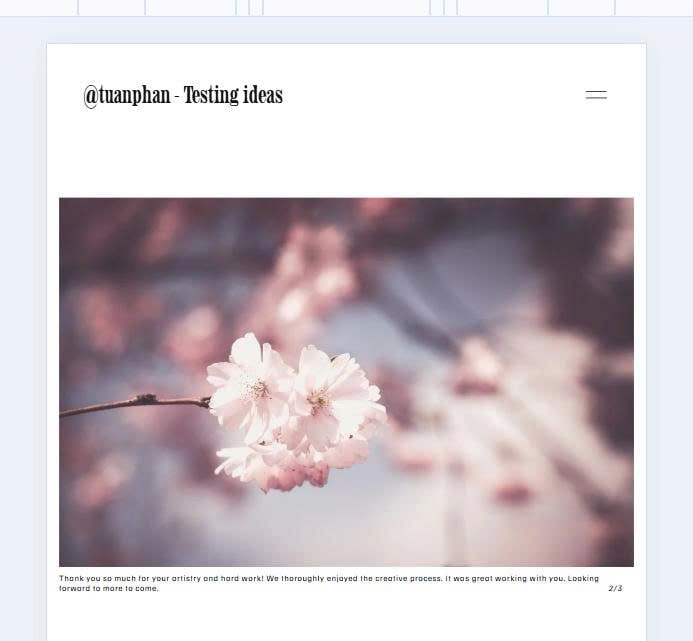
Slideshow with Text/Counter Number under Image

Pre poplulate text in Newsletter Block when users url like this: /newsletter?fname=Nick&lname=Hutton&[email protected]

Hover button (button block), Underline run from 0 to 100%.
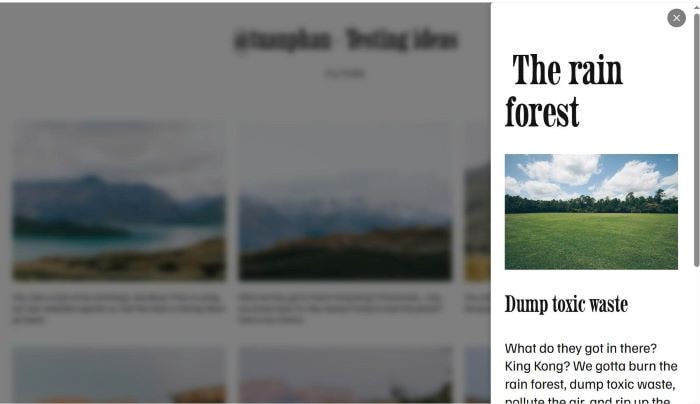
Click gallery image – Open Side Popup with Image Detail (Popup on right of screen)

Autoscroll Slideshow (every 5 seconds)
Loading lines at bottom of Slideshow image
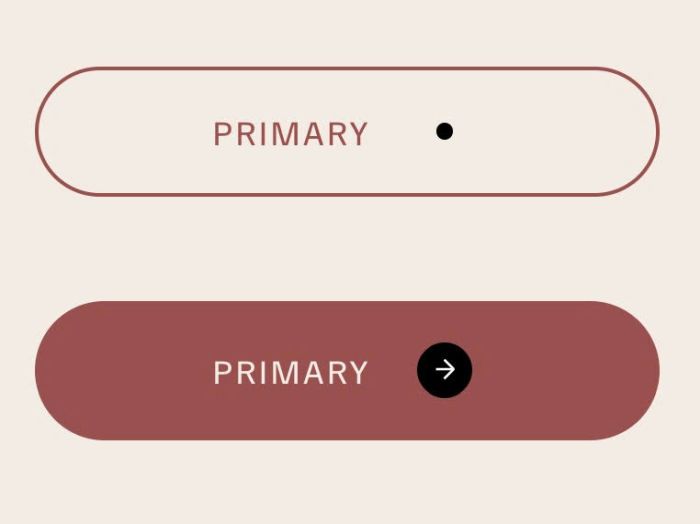
Button Block (Form Block): adding dot next to Text – Hover button will change dot to circle with arrow